



































































How to Use Power BI for Sales Forecasting (Guide for CTOs)
Sales Forecasting isn't optional anymore. Whether you are a startup or a mid-level enterprise, every decision you make today depends on how well you predict the future. Instead...


601 & 612, The Times square Arcade, Near Baghban party plot, Thaltej - Shilaj Road, Thaltej, Ahmedabad, Gujarat - 380059
Switch your Tableau dashboards to Power BI with our seamless BI migration services. From start to finish, we guarantee a smooth and secure transition. Hire our Power BI experts today and begin your journey. Our highlights:
 Azure Data & AI Certified Deep Industry Expertise Secure & Compliant Flexible Engagement Models Advanced Report Migration NDA Guaranteed Client-First Approach Trusted Globally


Years of Technology Experience
Success Ratio
Creative nerds under one Roof
Projects Delivered

Tableau excels at data visualisation, but its complexity and siloed dashboards slow down reporting cycles.
Executives are left waiting for days, while analysts spend hours fixing gaps.
Microsoft Power BI solves these challenges by integrating seamlessly with Microsoft 365, enabling real-time collaboration and faster decisions across the enterprise.
Embrace Power BI migration to turn insights into real results.

























See how we've transformed businesses with custom software solutions
Tableau looks great on the surface, but it struggles where it matters most. Here are the challenges of Tableau that holds you back:
Limited integration
Connecting Tableau with Microsoft 365 and Azure often feels complicated and time-consuming.
High licensing costs
Tableau’s pricing model is higher than usual which becomes a heavy strain on budgets.
User adoption hurdles
Non-technical users found Tableau difficult to use, limiting its value across the business.
Performance issues
Tableau often slows down or struggles when handling large volumes of data.
Real Time Reporting
Constant data changes and the lack of easy scheduling made timely reporting frustrating.
Make the shift with ease. Our Tableau to Power BI migration services ensure speed, accuracy, and zero downtime.
This Power BI eBook shows you how.

Turn your multi-channel data into powerful insights with the leading Power BI migration company
Tableau looks good, but Power BI drives results faster and at scale. Here’s why you should prefer it.
Simple to use
Power BI has intuitive interface that makes adoption easy across different departments.
Cost efficiency
Power BI has a lower cost of ownership than usual, with flexible licensing.
Microsoft ecosystem synergy
Unlike Tableau, Power BI supports native integration with Microsoft Excel, Teams, and Azure.
Enterprise scalability
Power BI has robust security, governance, and compliance features.

(Empowering industries with data-driven visuals)
If you are wondering why migrate from Tableau to Power BI, then you should look at these benefits.
Power BI offers a significantly more cost-effective licensing model compared to Tableau, especially for enterprise-scale deployments.
Power BI offers a significantly more cost-effective licensing model compared to Tableau, especially for enterprise-scale deployments.
Native integration with Microsoft 365, Teams, SharePoint, and Azure simplifies collaboration and governance - something Tableau cannot match at the same level.
Power BI includes AI-driven insights, predictive analytics, and Q&A in natural language without requiring additional tools or complex setup.
Power BI uses Azure Active Directory and Microsoft security standards, providing unified identity management and compliance that Tableau lacks natively.
Centralized governance with Microsoft Purview integration ensures better control over data lineage and compliance - harder to implement with Tableau.
Power BI scales effortlessly with Azure Synapse and Data Lake, enabling advanced analytics without heavy infrastructure investments.
Unlike Tableau, Power BI integrates reporting directly into Teams and Office apps, making collaboration frictionless for business users.
Recreate your traditional business intelligence dashboards using our Microsoft Power BI consulting services
We help you with a complete audit of your Tableau environment, covering BI dashboards, data sources, and user workflows – to identify gaps and opportunities before migration.
Our BI experts build a tailored roadmap that aligns with your enterprise goals, ensuring a smooth and strategic transition to Power BI.
We offer dashboard re engineering services where we optimize data models and rebuild dashboards to fully leverage Power BI’s strengths.
Our experts help you connect Power BI to all your existing databases, warehouses, and APIs, ensuring seamless access to data.
We help you validate migrated reports so they match Tableau outputs for accuracy and consistency, giving stakeholders complete trust in the new system.
We offer Power BI performance tuning by streamlining queries, improving refresh rates, and reducing load times to make your analytics faster and more reliable.
Our experts help you configure role-based access, compliance, and security in Power BI, so your data remains protected and well governed.
We help you embed reports into Teams, SharePoint, and Microsoft 365 workflows, enabling real-time collaboration and shared insights across departments.
We offer continuous support after migration - troubleshooting, enhancements, and monitoring - to keep your BI environment running smoothly.
Our experts help you unlock advanced analytics by utilizing AI, predictive modeling, and Power BI Premium features to drive smarter decisions.
Automate your Power BI reports using our Power Automate Consulting services
Our Tableau to Power BI migration approach is structured, secure, and designed to minimize business disruption. Here is how we make it:
✓ Review existing data models and optimize for Power BI architecture.
✓ Ensure data governance and security policies align with Microsoft standards.
✓ Configure Power BI environment (workspaces, gateways, permissions).
✓ Establish secure connections to all required data sources.
✓ Rebuild Tableau dashboards in Power BI with improved interactivity.
✓ Employ Power BI features like AI visuals and natural language Q&A.
✓ Validate data accuracy and performance against original Tableau reports.
✓ Conduct user acceptance testing with key stakeholders.
✓ Train business users and IT teams on Power BI capabilities.
✓ Provide self-service analytics guidelines to reduce IT dependency.
✓ Deploy migrated reports to production.
✓ Monitor usage, optimize performance, and implement feedback loops.
Simplify your migration from Tableau to Power BI with expert guidance and proven best practices. Connect with us today.
iFour Technolab is a Microsoft-certified Power BI consulting company with tremendous expertise in building industry-specific dashboards.
We have been offering Power BI migration services for over 12 years, and we have 4 global branches with 120+ certified experts.
Microsoft Solutions Partner
We follow the best practices so you get the best results.
#1 Data Analytics Company
Quality isn’t just a promise - it’s what we deliver every time.
Proven experience
We’ve successfully migrated enterprises across healthcare, finance, and tech.
Leader-led perspective
Our approach is informed by real business outcomes, not just technical migration.
Future-ready strategy
We don’t just migrate - we position you for AI-driven analytics.
Extensive Experience
We’ve handled all kinds of migration challenges, so you’re in safe hands.
End-to-End Support
From start to finish, we’ve got you covered.
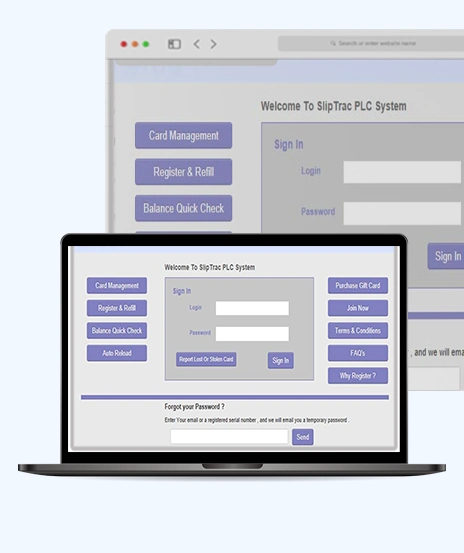
Take a look at our latest projects, where digital transformation comes to life.

























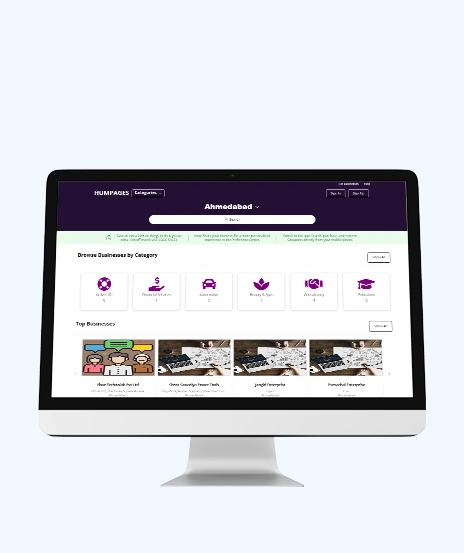
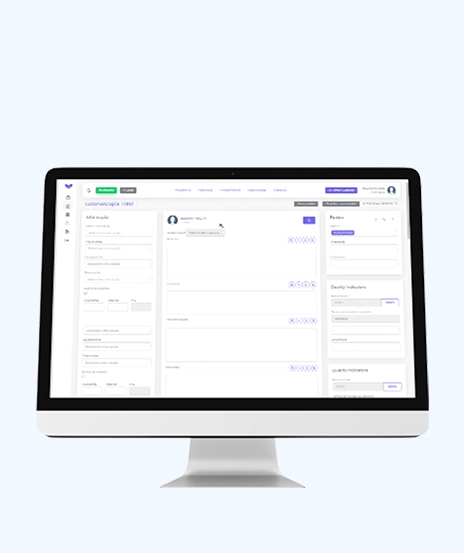
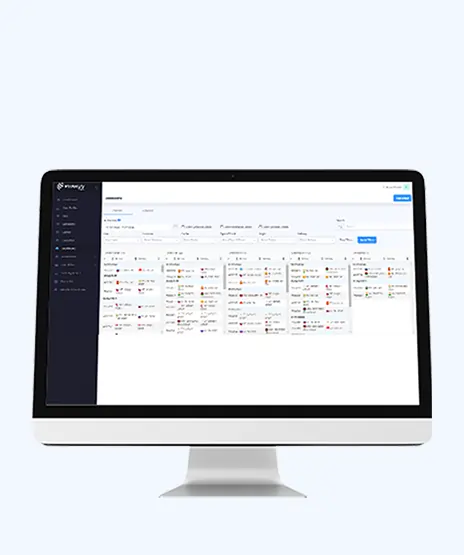
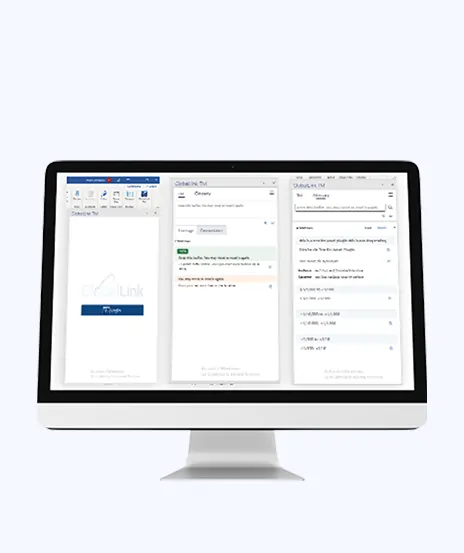

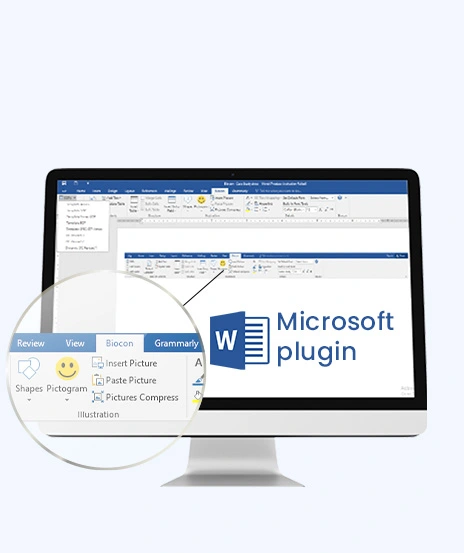
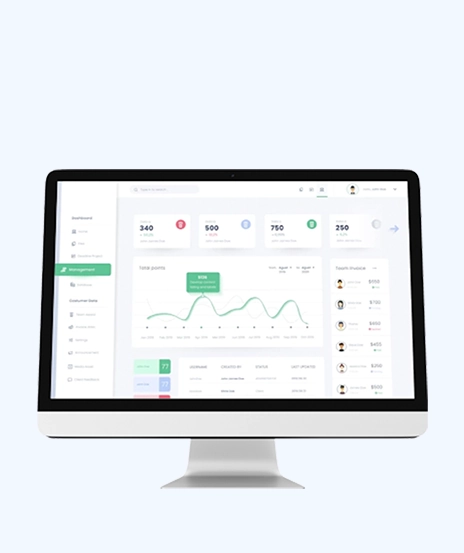
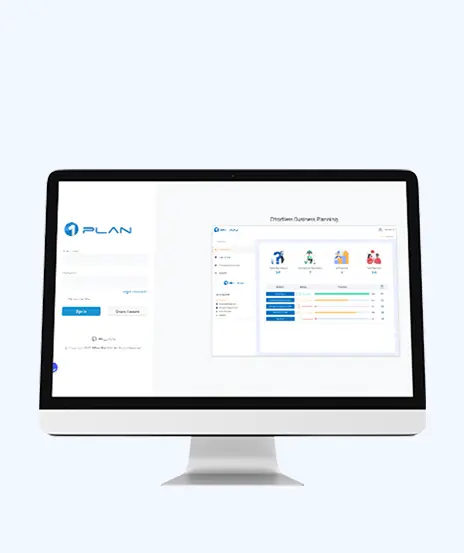
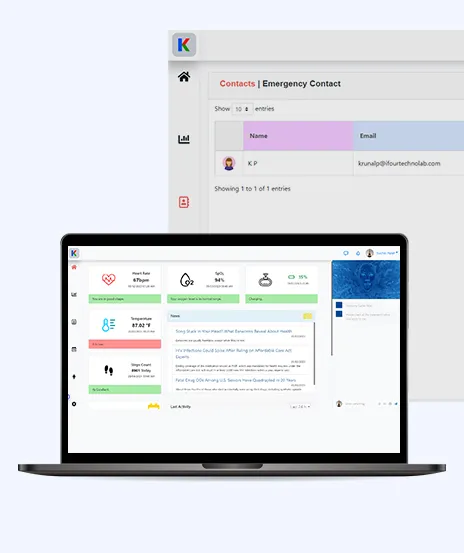




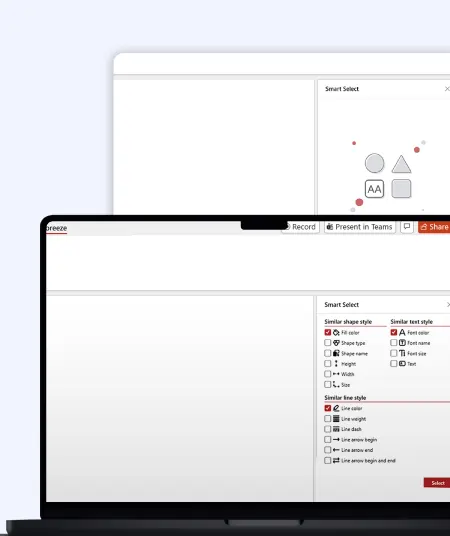
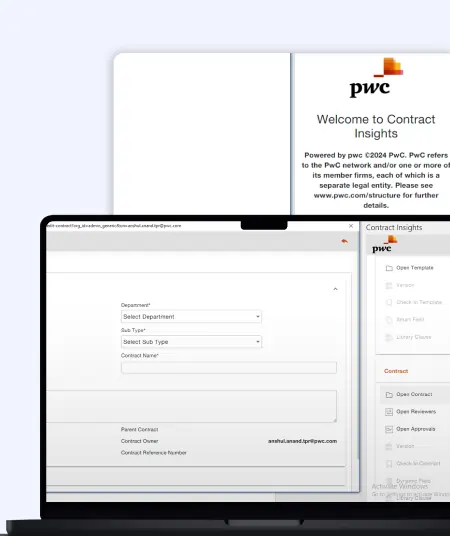
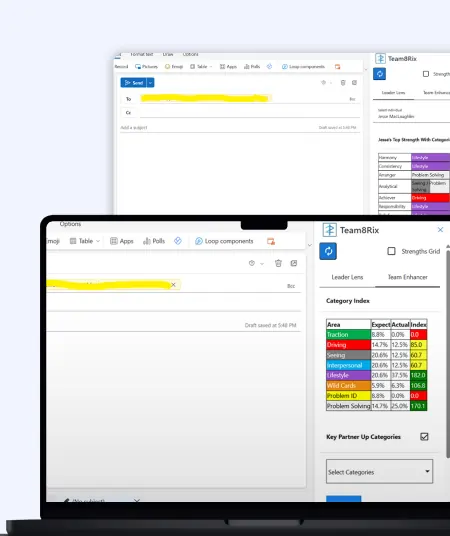

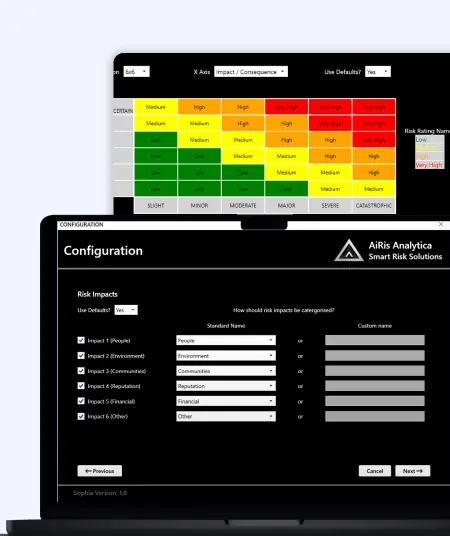


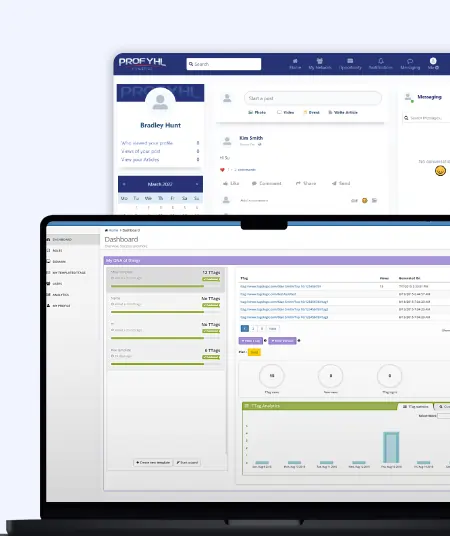
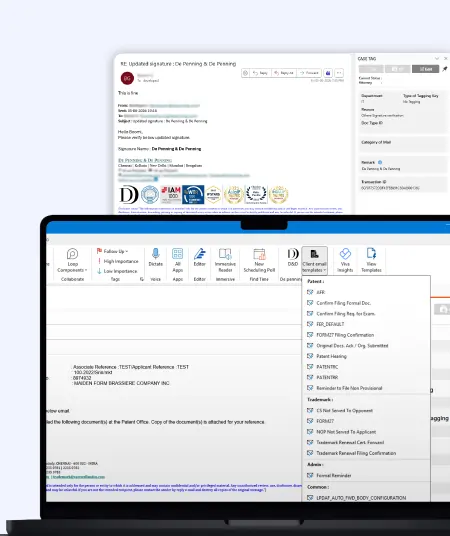

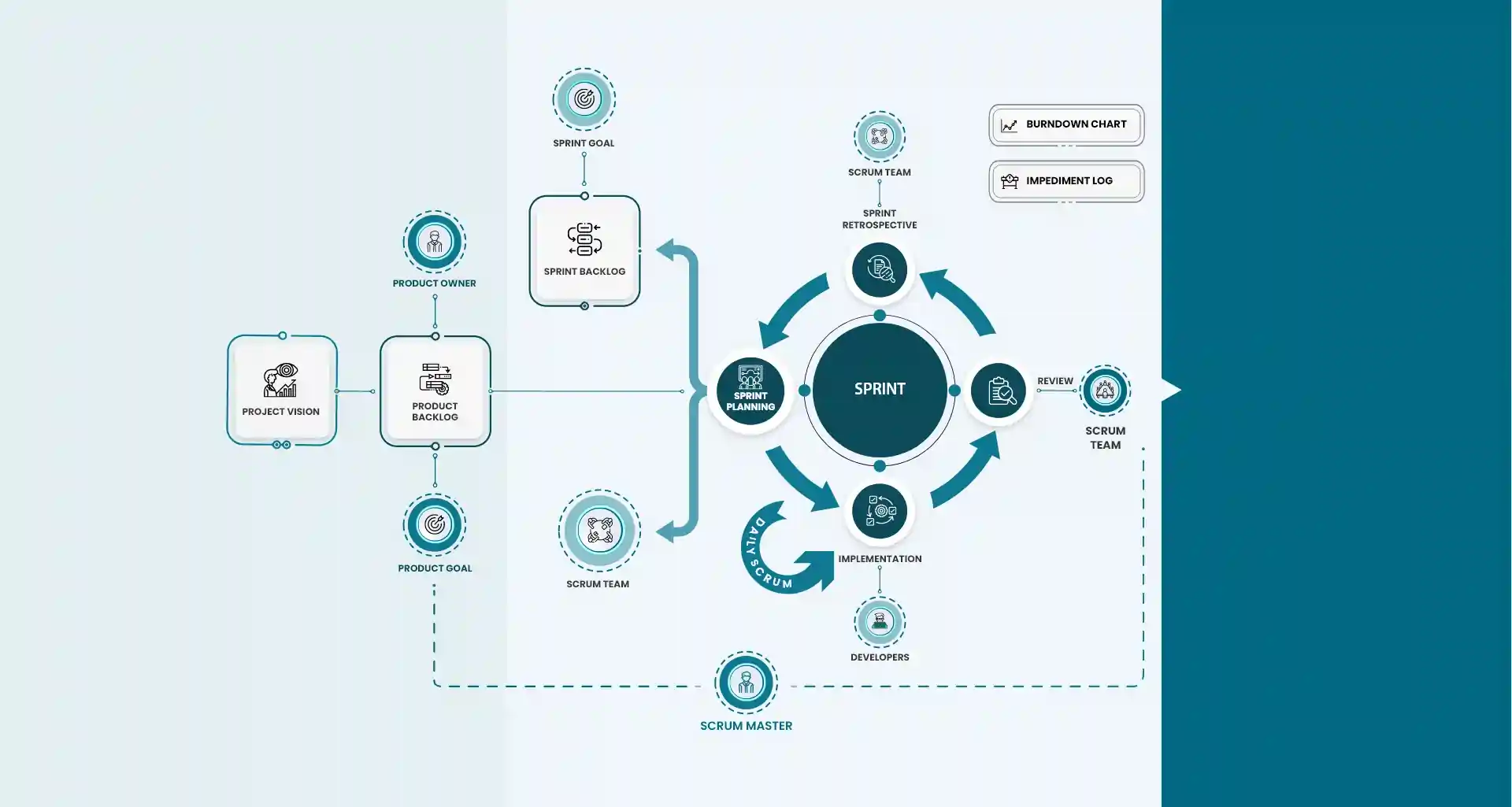
Project Sign-off
















You should migrate when you want tighter integration with Microsoft 365, improved collaboration, flexible pricing, and powerful AI-driven insights without increasing operational costs.
You can migrate dashboards, reports, calculated fields, data connections, data models, and scheduled refresh workflows while preserving business logic and visual accuracy.
Your migration timeline depends on the number of dashboards, data complexity, and custom logic, but most projects are completed within a few weeks using a structured migration framework.
Yes. You get visually equivalent or improved Power BI dashboards with optimized performance, enhanced interactivity, and advanced features such as AI visuals and natural language Q&A.
Absolutely. You can convert Tableau calculated fields into DAX formulas while maintaining accuracy, performance, and business rules.
Your data is handled securely using encrypted transfer, role-based access controls, and compliance-ready Microsoft Azure infrastructure to ensure zero data leakage.
Yes. You receive user training, documentation, dashboard optimization, and ongoing Power BI support so your team can adopt the platform smoothly.
You start with a free migration assessment where experts analyze your Tableau environment and provide a detailed migration roadmap tailored to your business goals.
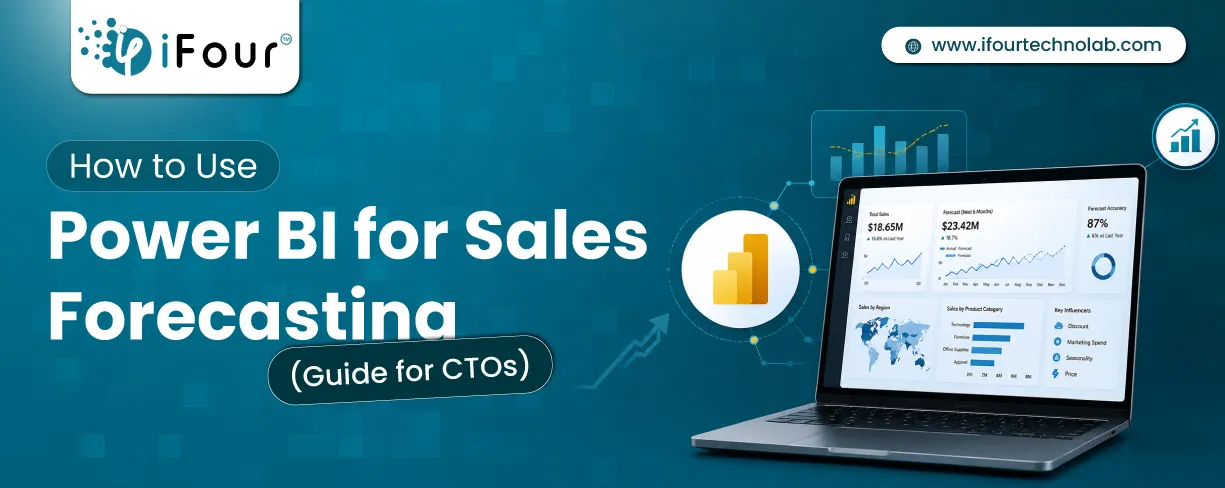
Sales Forecasting isn't optional anymore. Whether you are a startup or a mid-level enterprise, every decision you make today depends on how well you predict the future. Instead...

Quick Summary: Power BI uses AI to automatically point out patterns, identify anomalies, and create forecasts, providing analysts and executives with the insights necessary...
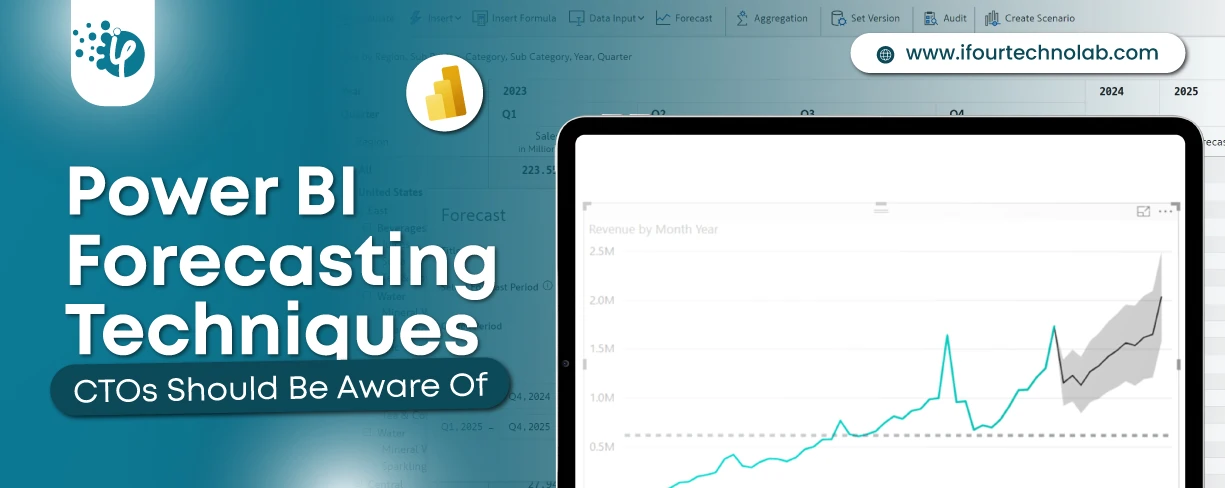
Remember our last guide - Power BI forecasting? It revealed things that truly blocks accuracy, both structural and situational. Now it's time to take the next step. Knowing Power...
