×

iFour Logo

Quick Summary

An AU-based Law firm struggled to manage client data and prepare customized legal documents. Legal professionals spent significant time manually updating client details, sender information, and document content, resulting in increased errors, repetitive work, and lower productivity.

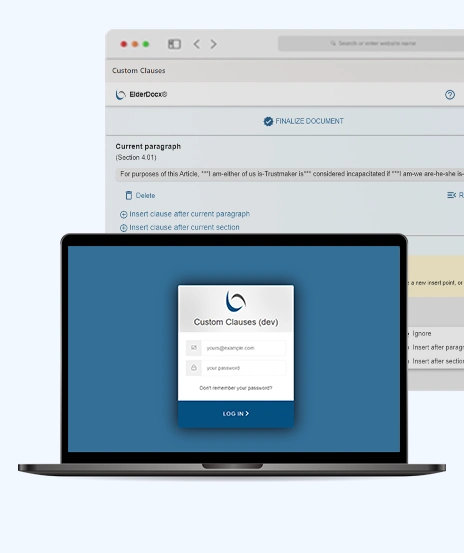
To resolve the issue, iFour developed a smart Legal Document Automation with Word Add-in solution that allows users to create, customize, and update legal documents directly within Microsoft Word.

By using predefined templates and automated data replacement, the solution simplified document preparation, improved accuracy, and reduced manual effort.

Impacts Observed:

 

85%

4X Documentation

80%

Less Manual Effort

75%

Boost Efficiency

90%

Better Accuracy

70%

Reduction in Error

About Customer

This Australian legal firm helps clients with personal injury, civil litigation, business and commercial litigation, and administrative law matters. As the firm works with a large number of clients, its team regularly prepares and manages legal documents that need to be customized with accurate client-specific information.

Industry: Legal Services

Country: Australia

Why They Came to Us:

The client needed an efficient Legal Document Automation Solution to simplify document creation and reduce time spent on the document process and their manual updates. Hence, the firm wanted a modern way to generate customized legal documents that would resolve the following issues, including:


  • Repetitive manual editing of legal documents
  • Time-consuming replacement of client and sender information
  • Increased risk of human errors in document preparation
  • Difficulty maintaining consistency across legal document templates
  • Delays in generating customized legal documents for clients
Client overview
call to action
Client Success Stories

See how we've transformed businesses with custom software solutions
Challenges

Before using the Word Add-in solution, legal practitioners at the firm faced the following challenges. They relied on manual document editing processes to prepare legal documents for clients.

1

Manually updating legal document information consumed valuable time.

2

Repetitive editing reduced overall team productivity.

3

Human errors occurred while replacing document details.

4

Managing multiple versions of legal documents became difficult.

5

Maintaining consistency across legal templates requires additional effort.

6

Preparing customized documents for different clients slowed legal operations.

The client required a smart Word Add-in for Legal Documents that could automate document customization and improve document management efficiency.

Our Solution

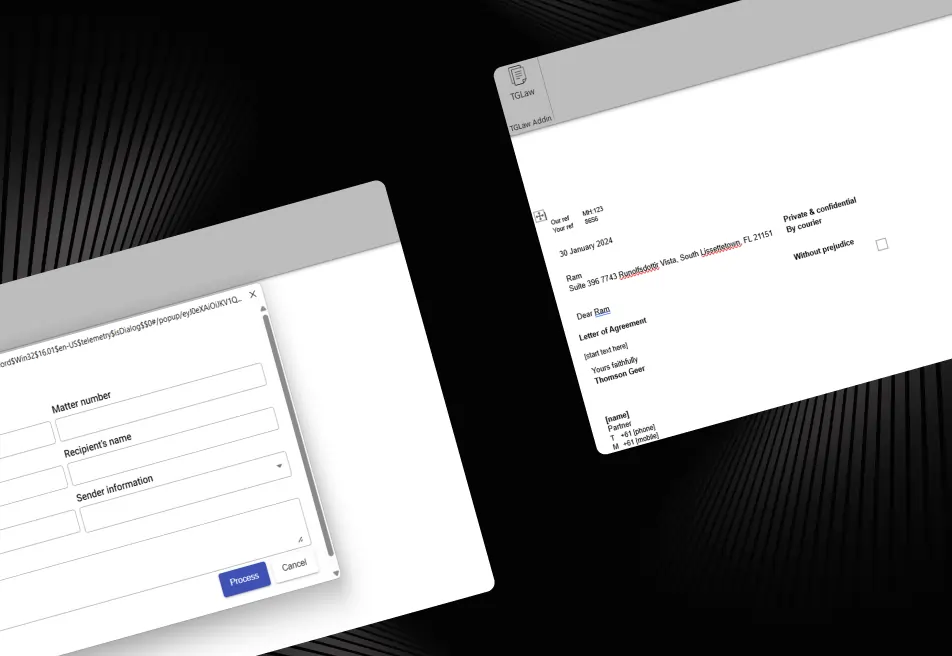
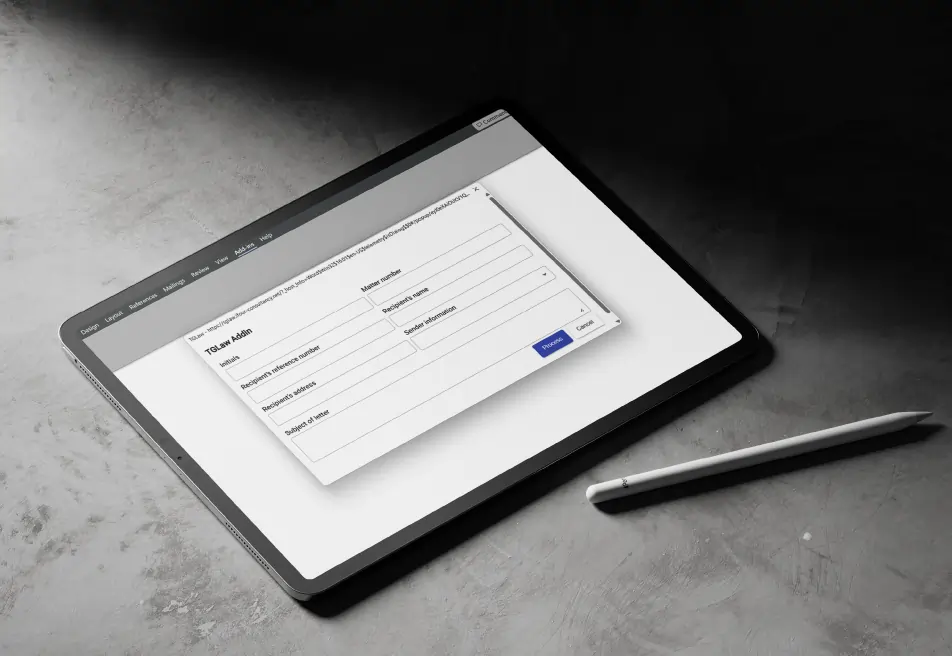
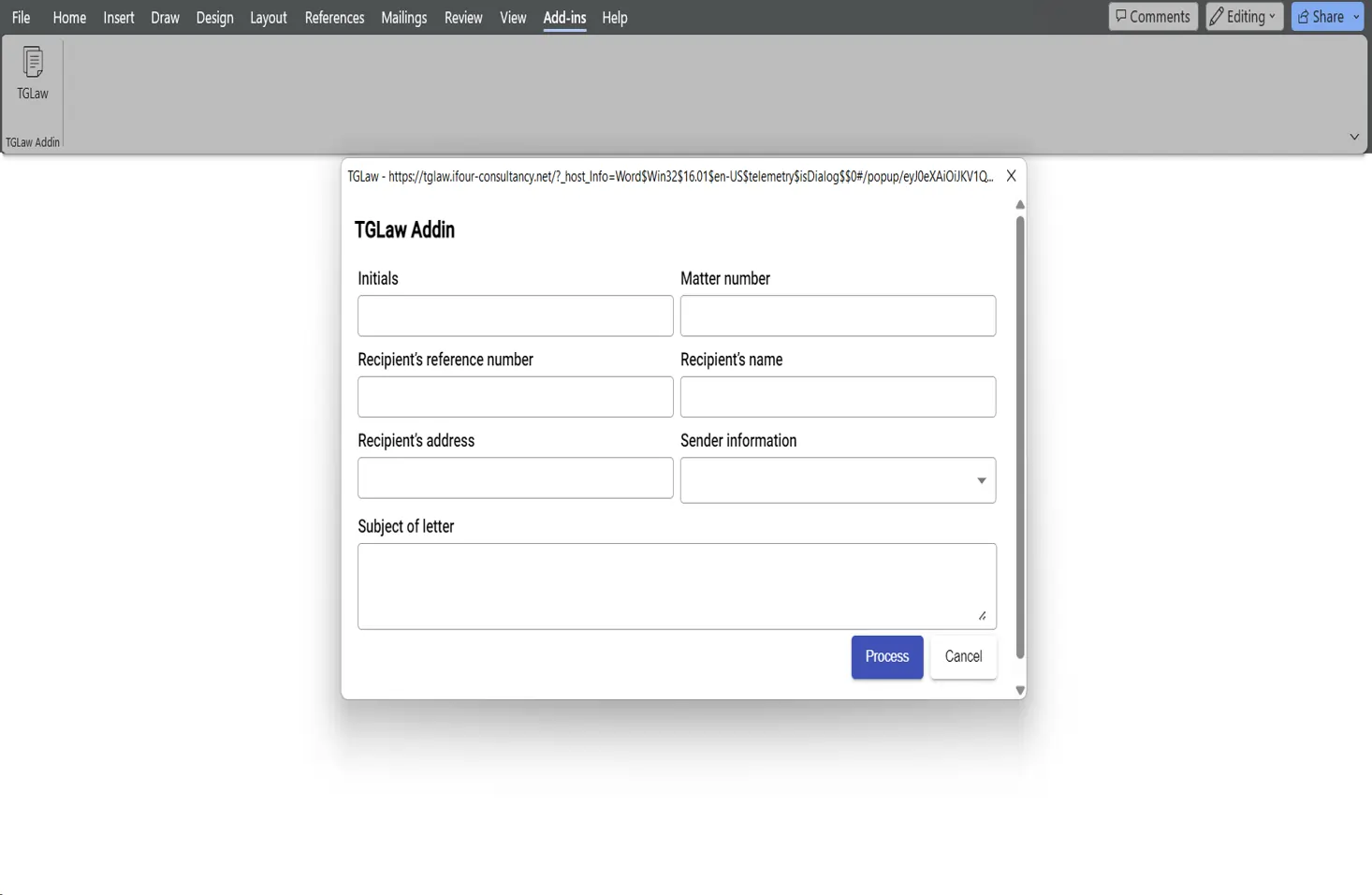
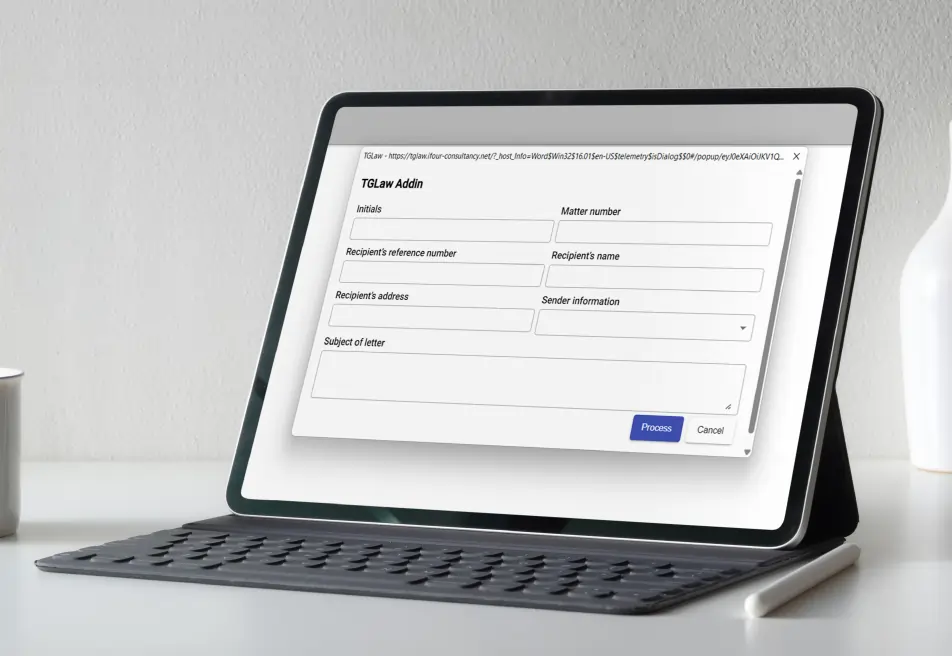
iFour developed an advanced Legal Document Automation with Word Add-in solution that allows legal practitioners to
generate and customize legal documents directly within the Microsoft Word add-in, and provides the key features included:

Legal Document Automation Word Add-in 08

Legal Document Customization


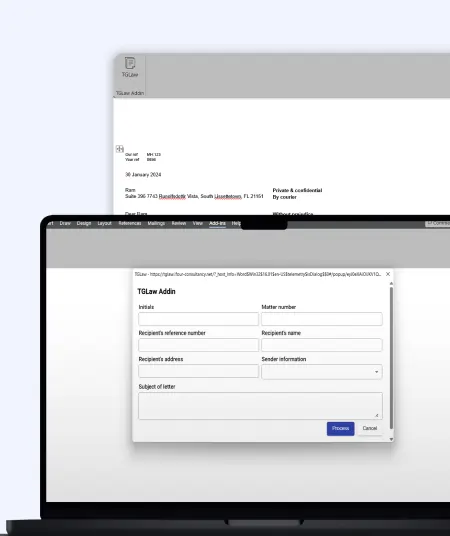
  • Update client-specific information directly within Word
  • Generate customized legal documents with minimal effort
  • Reduce repetitive editing and document preparation tasks
  • Improve consistency across legal document templates

Automated Template Management


  • Use predefined legal document templates for faster document generation
  • Replace required information automatically within templates
  • Maintain standardized legal document formats
  • Simplify document creation for different legal cases

Signature Image Integration


  • Add signature images automatically based on sender information
  • Eliminate manual signature insertion processes
  • Improve document professionalism and consistency
  • Speed up document finalization workflows

Dynamic Information Replacement


  • Replace client details, sender information, and legal content instantly
  • Reduce data entry errors in legal documents
  • Improve document accuracy and reliability
  • Support efficient legal document generation
Legal Document Automation Word Add-in 09
Smart Data Replacement Automation
Dynamic update of important information in legal document templates
Quickly replace signature blocks, matter IDs, and client details in just a few clicks
Update effective dates and termination dates without manually editing documents
Keep attorney information accurate and consistent across all legal documents
Reduce repetitive data entry and save valuable time for legal professionals
Improve document accuracy and maintain consistency throughout the documentation process

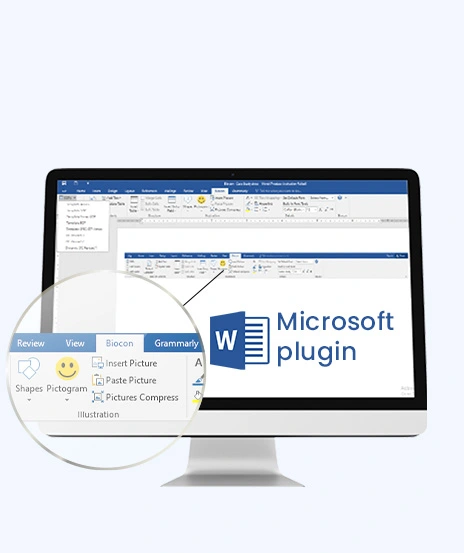
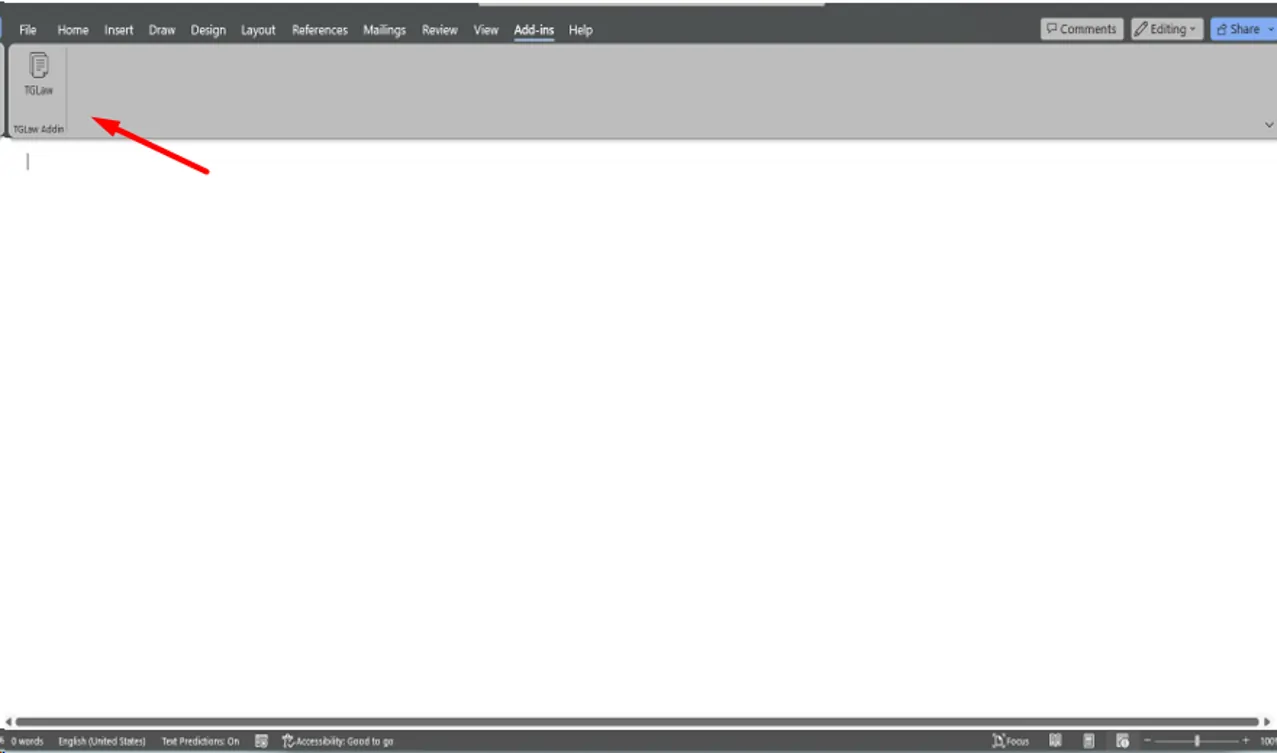
Microsoft Word Integration

  • Work directly within Microsoft Word without switching applications
  • Simplify document management workflows
  • Improve user experience with a familiar interface
  • Enable faster document processing and editing

Accuracy and Consistency Controls

Organizations can apply company logos, colors, and formatting standards to reports.

  • Maintain standardized legal document formatting
  • Reduce risks associated with manual document editing
  • Ensure consistent document output across legal teams
  • Improve compliance with internal document standards
Outcome
  • The Add-in solution changed the way the company creates and manages legal documents. The legal team can now prepare customized documents much faster while maintaining accuracy and consistency.
  • By automating repetitive document-related tasks, the solution reduced manual effort, improved team productivity, and made it easier to customize legal documents directly within Microsoft Word.
call to action

Looking to automate document-intensive business processes and improve business efficiency?

Security, Compliance & Governance

  1. Secure management of legal document templates
  2. Controlled document customization workflows
  3. Consistent handling of clients and sender information
  4. Reduced risk of document-related errors
  5. Standardized legal document generation processes
  6. Improved document accuracy and governance controls
  7. Reliable and scalable document automation architecture
How We Built It

(Technology Stack & Architecture)

Platform: Microsoft Word Add-in
Frontend: Angular, Version Control: Git
Backend: Node.js API
Architecture: Custom Office Add-in Framework
Document Processing: Template-Based Legal Document Automation
Integration Environment: Microsoft Word / Microsoft Office

Impacts That Mattered

The custom Microsoft Word Add-in Development solution helped our client simplify legal document management and improve overall operational efficiency. A few powerful impacts are listed below:

  • 85% faster legal document preparation and customization
  • Reduced manual editing and administrative workload
  • Improved document accuracy and consistency
  • Better management of legal document templates
  • Faster response times for client document requests
  • Smooth legal workflows inside Microsoft Word for better results
  • 4X increase in productivity for legal professionals
Key outcomes
"Preparing legal documents manually was taking valuable time away from our legal team. The Word Add-in developed by
iFour helped us automate document customization, improve accuracy, and generate legal documents much faster than before." — TG Law Team

iFour designed a smart Legal Document Automation with Word Add-in solution by understanding the needs of the client, which helped the client simplify document preparation, reduce manual work, and improve document accuracy.

With Custom Word Add-in Development, automated template management, dynamic information replacement, signature integration, and automated updates for matter IDs, client information, legal dates, and confidential attorney details, the solution made it easier for legal professionals to create customized legal documents quickly and accurately, with less effort.

  • Smooth deployment with minimal business disruption
  • Easy integration with Microsoft Word environments
  • Ongoing monitoring and performance optimization
  • Continuous maintenance and technical support
  • Scalable enhancements for future legal automation needs
  • User training and onboarding assistance

Improve your business workflow with our Office 365 add-in development services.

Get In Touch Now
contact team
talk with team

Get In Touch With Us

We encourage you to contact us with any questions or comments you may have.

image

Our Portfolio

Take a look at our latest projects, where digital transformation comes to life.

TG Law Word Add-in for Legal Document Automation

TG Law Word Add-in for Legal Document Automation

This Word add-in automates template management, dynamic data replacement, and improves accuracy for faster legal document preparation.

Impacts Achieved

85%
4X Documentation
75%
Boost Efficiency
70%
Reduction in Error
  View Case Study  
Simplifying Structured Documentation with Custom Word Add-in

Simplifying Structured Documentation with Custom Word Add-in

This solution focuses on document automation. It reduces manual work, ensures consistency, and saves time.

Impacts Achieved

70%
Faster Creation
3x
Improved Efficacy
100%
Compliance
  View Case Study  
Streamlining Document Creation with a Law Practice Management Add-in

Streamlining Document Creation with a Law Practice Management Add-in

This solution helps law firms manage operations. It tracks cases, manages tasks, and improves workflow visibility.

Impacts Achieved

80%
Faster Drafting
60%
Less Manual Work
100%
Data Security
  View Case Study  
Reducing Support Efforts with an Automated Help Generation System

Reducing Support Efforts with an Automated Help Generation System

This solution focuses on generating help content. It provides support, reduces workload, and improves user experience.

Impacts Achieved

85%
Better guidance
75%
Boost Onboarding
88%
Higher Productivity
  View Case Study  
 
Blog Our insights
AI in Legal Practice: Powerful Use Cases Every Lawyer Should Know

10 September 2026

Kapil Panchal

AI in Legal Practice: Powerful Use Cases Every Lawyer Should Know

Quick Summary Lawyers use AI to research faster, draft/review contracts, review large documents, track compliance, and automate legal workflows. However, they must verify...

How to Use Power BI for Sales Forecasting (Guide for CTOs)

06 August 2026

Kapil Panchal

How to Use Power BI for Sales Forecasting (Guide for CTOs)

Sales Forecasting isn't optional anymore. Whether you are a startup or a mid-level enterprise, every decision you make today depends on how well you predict the future. Instead...

AI in Power BI - Top Use cases and Best Practices

03 August 2026

Kapil Panchal

AI in Power BI - Top Use cases and Best Practices

Quick Summary: Power BI uses AI to automatically point out patterns, identify anomalies, and create forecasts, providing analysts and executives with the insights necessary...

Full Project Display
1 / 4