



























































What’s New in ASP.NET Core 10 – Key Features & Expert Insights
We tracked the evolution of .NET 9 on Reddit, and watched the heated debates on .NET 6 vs .NET 8. And just when we thought that things had finally settled, Microsoft drops another...


601 & 612, The Times square Arcade, Near Baghban party plot, Thaltej - Shilaj Road, Thaltej, Ahmedabad, Gujarat - 380059
Make your business's everyday tasks easier with custom Microsoft Office add-ins. iFour Technolab provides Office 365 add-in development service to help businesses automate repetitive work, connect existing applications, and improve productivity. As a Microsoft Office Add-in Development Company, we help businesses turn complex workflows into simple, connected, and scalable solutions. Here are key highlights:
 100% NDA Protected Experienced Developers Scalable Software Solutions Microsoft Certified Experts Customer-Centric Approach AI-powered Solutions Real-Time Data Analytics 100% Data Security


Years of Technology Experience
Success Ratio
Creative nerds under one Roof
Projects Delivered
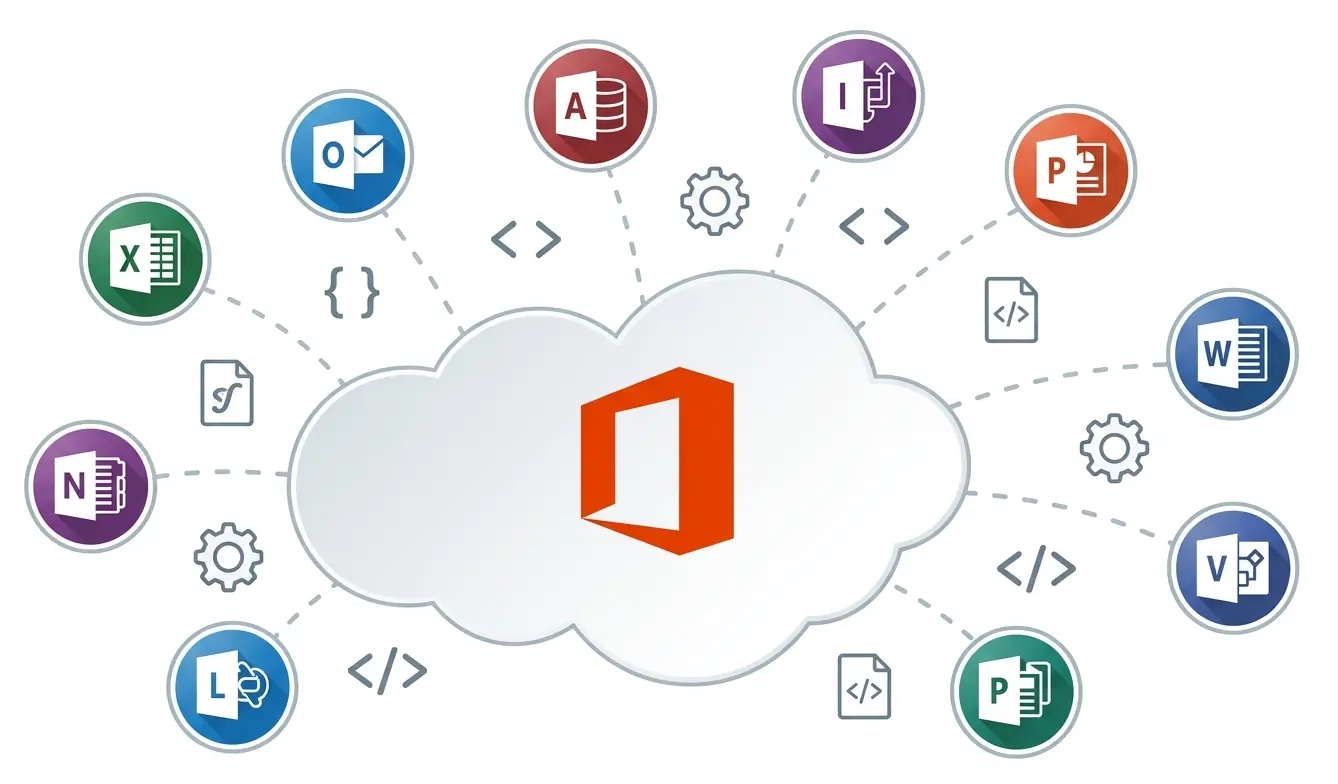
Businesses often use Microsoft Office applications for important daily operations. However, manual processes and disconnected systems can make these tasks time-consuming. Our Office Add-in Development Services help address common challenges.























See how we've transformed businesses with custom software solutions
We provide Microsoft Office Add-in Development Services to help businesses extend Office applications with features that support their workflows. From custom functionality to third-party integrations, our developers build add-ins based on your technical and business requirements.
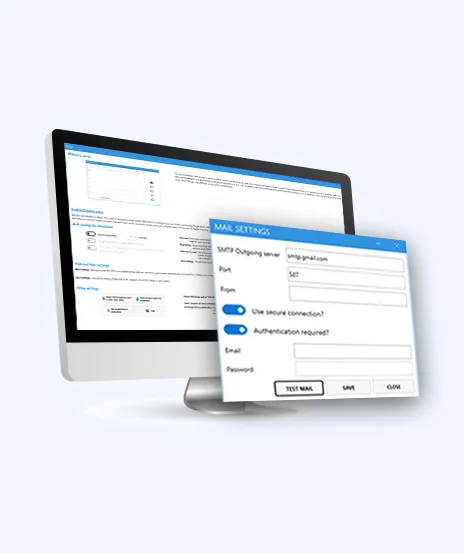
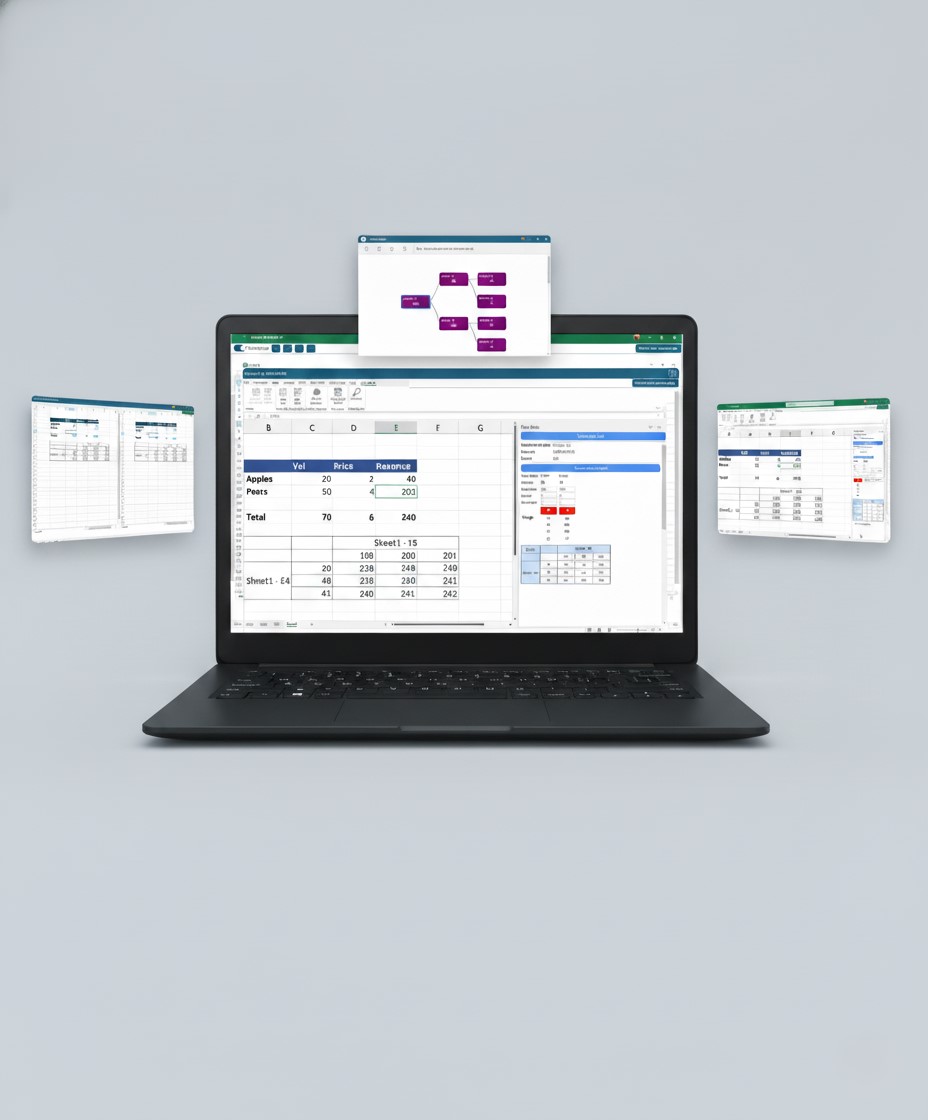
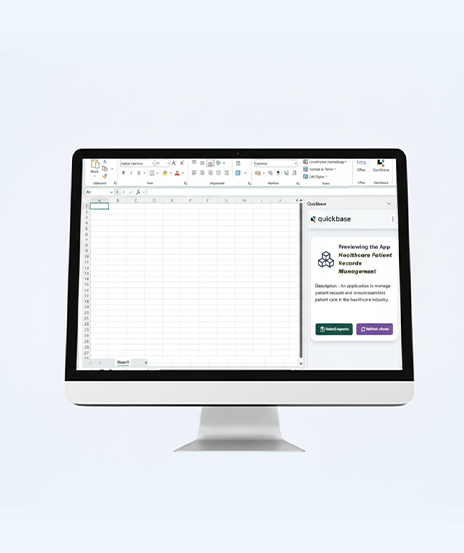
Our Excel Add-in Services automate calculations, validate data, generate reports, and simplify data analysis. We also integrate Excel with external databases and APIs, helping businesses reduce manual work, improve data accuracy, and make informed decisions.
These services simplify email management, dynamic CRM integration, meeting scheduling, and follow-ups. We develop custom features that help employees access customer information, manage communications, and automate repetitive email tasks, improving productivity and team coordination.
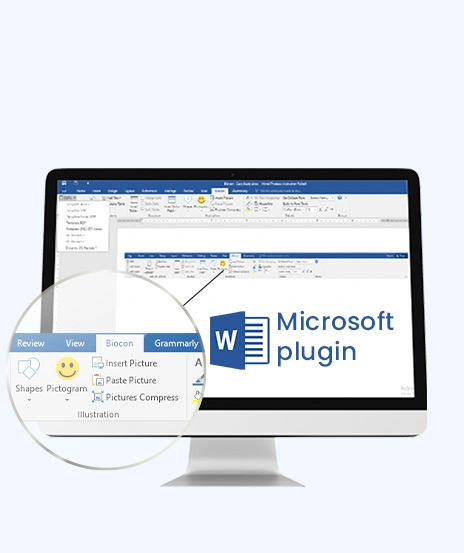
We streamline document creation through automated generation, custom templates, formatting, and content validation. We also support document translation and system integration, helping businesses create consistent contracts, reports, and proposals with less manual effort.
Our PowerPoint add-ins make presentation creation easy through custom templates, automated formatting, slide generation, and data visualization. We also help maintain brand consistency, reduce repetitive design work, and enable teams to prepare professional presentations faster.

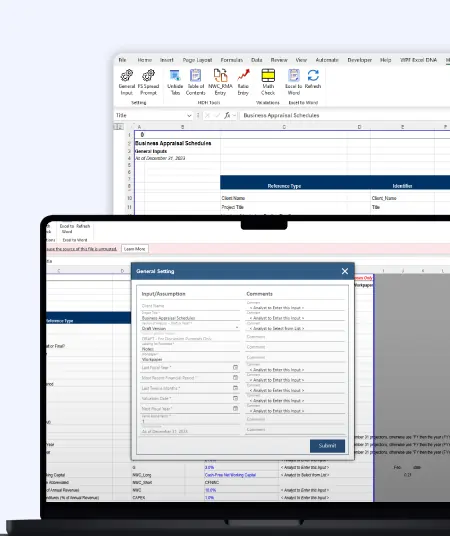
Automate reporting and data validation with our Excel Add-in Development Services
Your Office applications should work with your existing business systems instead of operating separately. Our Office Add-in Integration Services help connect Microsoft Office applications with business tools, databases, and external platforms. We provide integration solutions for:
Connect Outlook and other Office applications with CRM platforms to access customer information, manage communications, and simplify sales workflows.
Combine Office applications with ERP systems to access business data, simplify reporting, and reduce manual data transfers.
Build Office add-ins with SharePoint to support document management, file access, and team collaboration.
Use Microsoft Graph API to connect supported Microsoft 365 services and access organizational data based on the required permissions.
Utilize Office add-ins with external applications, cloud services, and business platforms to support data exchange and automated workflows.
Office.js provides JavaScript APIs that allow developers to extend supported Office applications and interact with document content. We use Office.js for web-based add-ins that need to work across supported Office environments.
Visual Studio Tools for Office (VSTO) supports the development of Office add-ins for supported Windows desktop applications. We use VSTO when project requirements involve desktop-specific functionality or existing VSTO-based solutions.
Custom add-ins help businesses extend the functionality of Microsoft Office applications without changing the tools their employees already use. Here are some important benefits of Custom Microsoft Office Add-ins.
Automate repetitive tasks and simplify everyday activities so employees can spend more time on important business work.
Use validation rules, automated calculations, and connected data sources to reduce manual errors.
Integrate Office applications with existing business systems to improve information access and reduce application switching.
Use predefined templates, standardized processes, and automated operations to maintain consistency across teams.
Add new features as your business requirements change without relying entirely on manual processes.
Bring important features directly into familiar Office applications, making everyday work easier for employees.
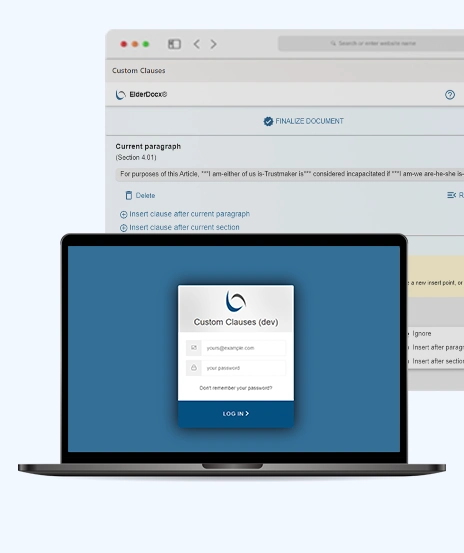
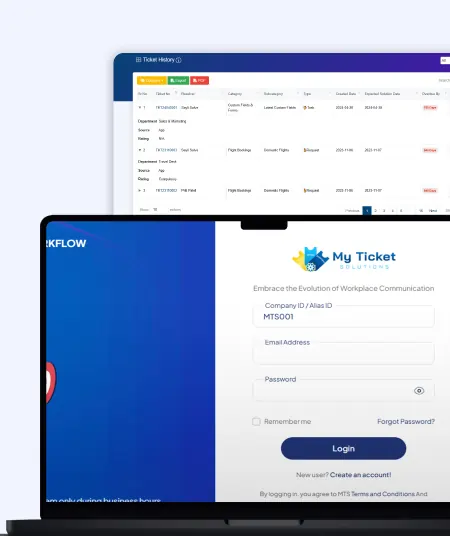
Connect your inbox with external tools and sources using Outlook Add-in Development Services
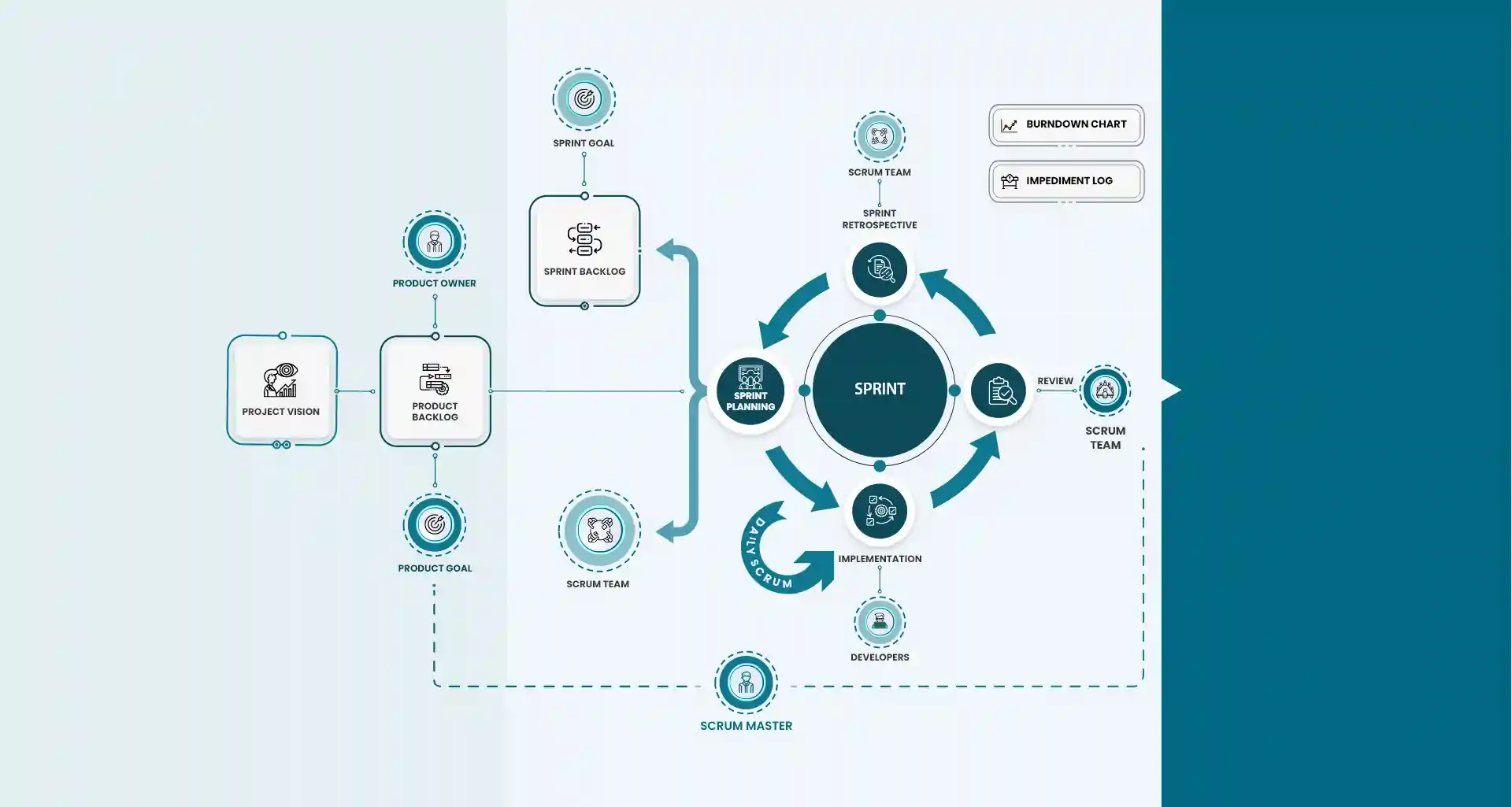
A clear development process helps ensure that the final solution meets your business and technical requirements. At iFour Technolab, we follow an Agile development approach to build, test, and improve custom add-ins.
We understand your business goals, existing workflows, technical environment, and add-in requirements.
Our team defines the development scope, selects suitable technologies, and prepares a development roadmap.
We design an intuitive interface that fits naturally within the selected Office application.
Our developers build the required functionality, connect APIs, and implement business logic.
We test functionality, compatibility, performance, and integration to identify and resolve issues.
We help configure and deploy the add-in based on your Microsoft 365 environment and distribution requirements.
We provide ongoing support to address issues, improve performance, and accommodate changing business requirements.
With 120+ professionals and 400+ add-ins delivered, iFour Technolab brings proven expertise in Microsoft Office add-in development. As a Microsoft Solutions Partner, we combine technical knowledge of Office.js, VSTO, and the Microsoft Graph API with a practical understanding of business workflows to build secure, scalable solutions tailored to your needs.
Our Microsoft-focused developers work with technologies such as JavaScript, Angular, C#, .NET, and VSTO to build custom solutions based on project requirements.
We do not follow a one-size-fits-all approach. We understand your existing processes and develop add-ins around your specific business needs.
As a Microsoft Solutions Partner, we bring experience with Microsoft technologies to Office add-in development and integration projects.
We follow an Agile development approach to support collaboration, review progress, and accommodate changing requirements.
Our quality assurance team tests the add-in to identify functional issues and help ensure that it meets the agreed requirements.
We follow project-specific security practices, including access control, appropriate permissions, and confidentiality measures.
Our team can help maintain your add-ins, resolve technical issues, and update functionality as your business needs evolve.

Looking to extend your Microsoft Office applications with custom functionality? Hire Microsoft Office Add-in Developers from iFour Technolab to build solutions that fit your business workflows. Whether you need a dedicated developer, a development team, or project-based assistance, we can discuss your requirements and suggest a suitable engagement model.
Let's discuss your requirements and build an add-in that helps your business work more efficiently.
Take a look at our latest projects, where digital transformation comes to life.
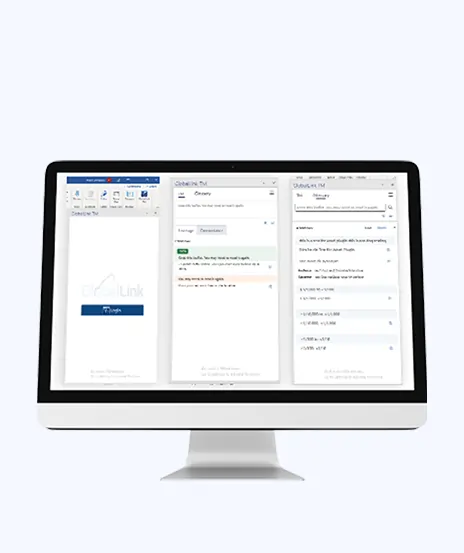
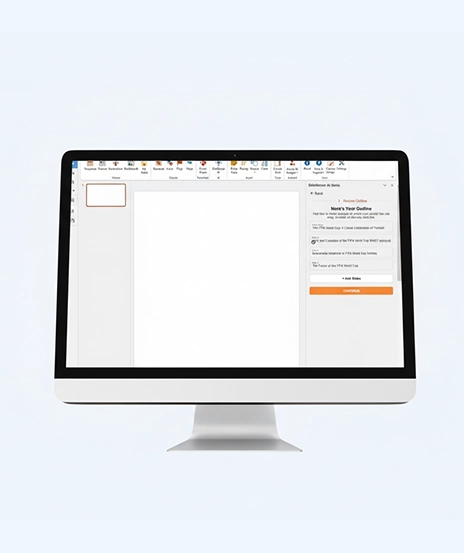
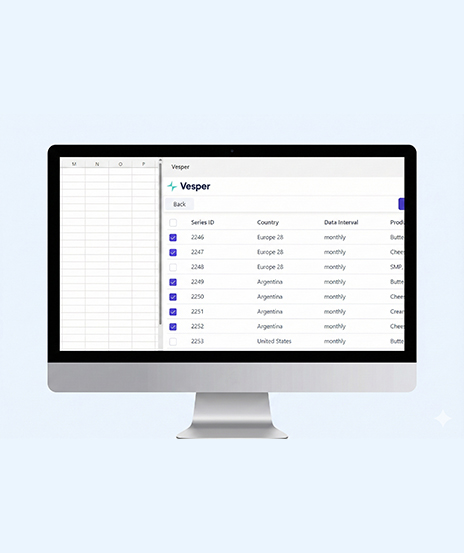
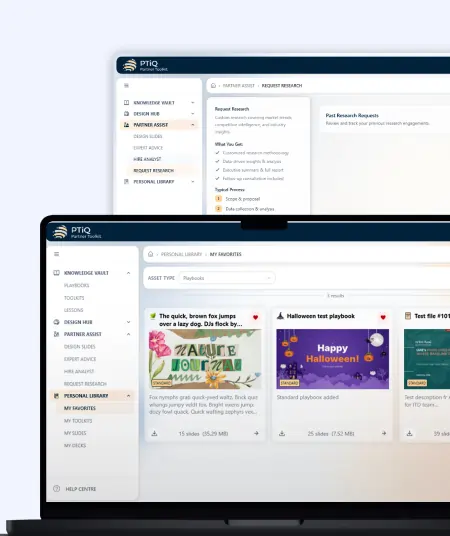
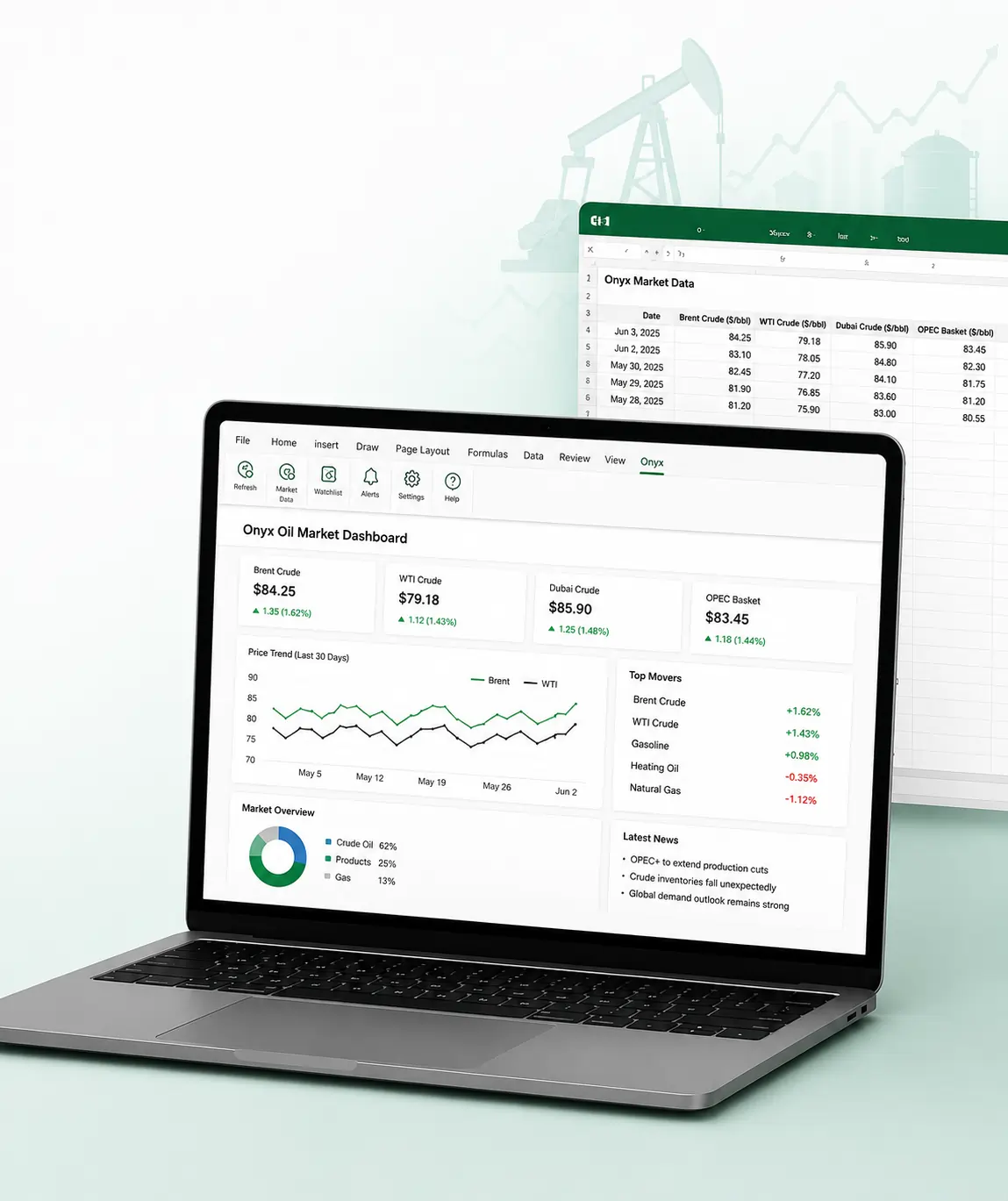
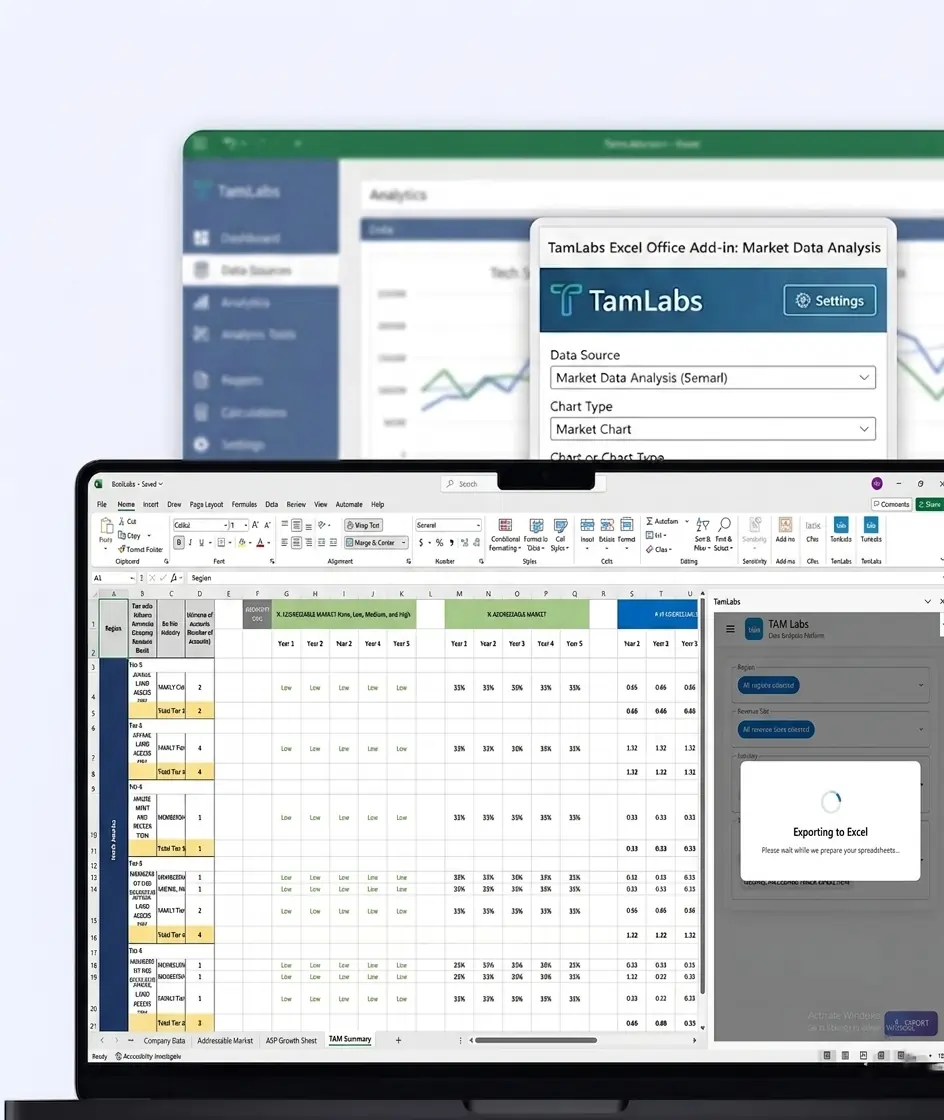
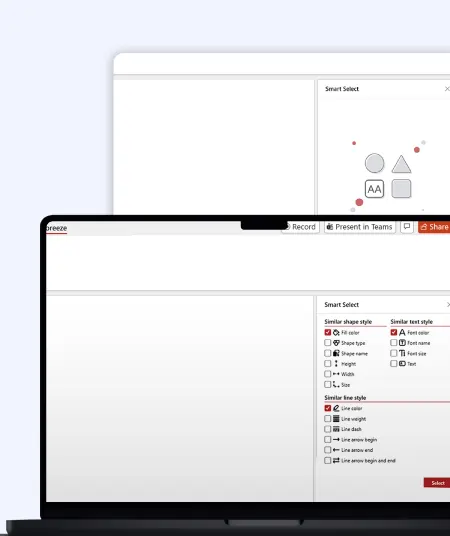
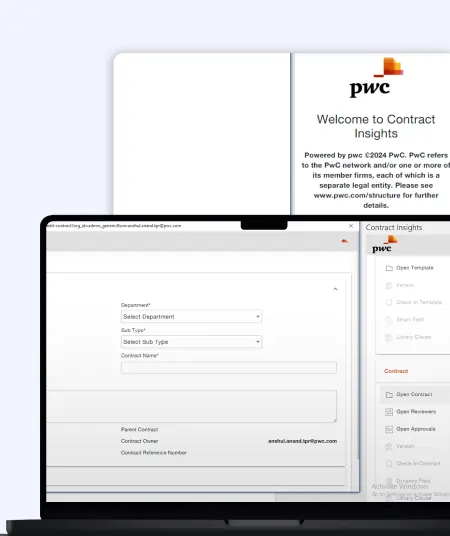
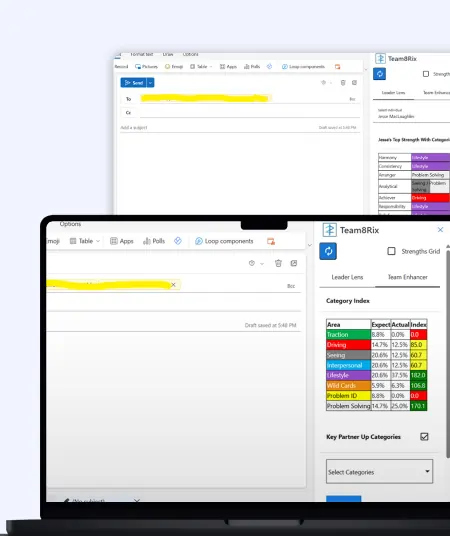
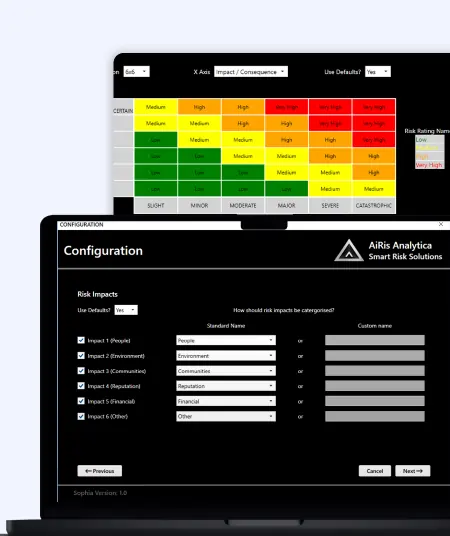
Accelerate slide creation and maintain brand consistency with our PowerPoint Add-in Development Services.
Hire our team

Project Sign-off
















We develop custom add-ins for Excel, Outlook, Word, and PowerPoint. These solutions can support reporting, document generation, email management, data validation, presentation automation, and third-party integrations.
Office add-ins commonly use HTML, CSS, JavaScript, and Office.js. Depending on the project, developers may also use Angular, C#, .NET, VSTO, Microsoft Graph API, and REST APIs.
Yes. Custom Office add-ins can integrate with supported CRM, ERP, SharePoint, database, and third-party applications through APIs and suitable integration methods.
Office.js uses web technologies to build add-ins that work across supported Office platforms. VSTO uses .NET technologies for supported Windows desktop Office applications. The right choice depends on your compatibility and functionality requirements.
Development time depends on the add-in's complexity, required features, integrations, and testing needs. A simple add-in may take less time than a solution involving multiple systems and advanced functionality.
The cost depends on the project scope, selected technology, features, integrations, development time, and maintenance requirements. We evaluate your requirements before providing an estimate.
Yes. We provide maintenance and support to help resolve issues, improve performance, update features, and maintain compatibility with supported Office environments.
Yes. We can assist with add-in configuration and deployment based on your Microsoft 365 environment, organizational requirements, and selected distribution method.
iFour Technolab combines Microsoft technology experience, custom software development capabilities, and an Agile approach. We focus on understanding your business requirements and developing add-ins that simplify workflows and support business growth.

We tracked the evolution of .NET 9 on Reddit, and watched the heated debates on .NET 6 vs .NET 8. And just when we thought that things had finally settled, Microsoft drops another...

Several experts, particularly those just starting out, often find themselves confused about WPF and UWP, wondering if they are the same. Since they are used to create great UIs for...

Many companies rely on advanced technologies to make informed decisions in their business. For instance, some Chief Technology Officers (CTOs) turn to Power BI consulting services,...