
































































Top AI Frameworks Recommended on Reddit For Enterprise Use
Quick Summary: Choosing the right AI framework depends on your goals. TensorFlow and PyTorch are ideal for deep learning, while LangChain, LlamaIndex, AutoGen,...


601 & 612, The Times square Arcade, Near Baghban party plot, Thaltej - Shilaj Road, Thaltej, Ahmedabad, Gujarat - 380059
At iFour, we help industry executives with end-to-end WOPI development, from architecture consulting and WOPI host development to implementation, testing, and ongoing support. Here are our key highlights:
 Certified MS solutions partner Microsoft ecosystem expertise Secure WOPI implementation Custom integration approach End-to-end development support NDA-protected engagement Domain-centric experience Process Automation Specialist


Years of Technology Experience
Success Ratio
Creative nerds under one Roof
Projects Delivered
Making users download a document, edit and upload it again creates unnecessary friction.
WOPI, or Web Application Open Platform Interface, allows Microsoft 365 for the web to access and modify files stored within compatible cloud services.
It can enable users to view and edit supported Office files through an integrated experience.
Our WOPI consultants help you plan and build the integration around your application, storage architecture, document workflows, and access requirements.

























Copilot is powerful - but are you making the most out of it?
Get a quick assessment and unlock what's missing.
See how we've transformed businesses with custom software solutions
We primarily employ Microsoft technology for our solutions, which covers Office Add-in development , custom software, and dashboard development . Our expertise also extends to WOPI, and here’s how we can support you in this area:
At iFour, we help you define the right WOPI integration strategy by evaluating your application architecture, storage environment, security model, and document workflows.
What you gain:
We build secure and scalable WOPI hosts that connect your file storage platform with Microsoft 365 services for the web, ensuring seamless document access and collaboration.
What we deliver:
We integrate Microsoft 365 for the web into your application, allowing users to view, edit, and collaborate on Office documents without leaving your platform.
Integration support:
Our experts configure WOPI discovery, application actions, and file mappings to ensure smooth communication between your platform and Microsoft 365.
Our expertise includes:
At iFour, security is at the core of every WOPI implementation. We design document access around your authentication and authorization framework.
Security capabilities:
Before deployment, we thoroughly test your WOPI integration to ensure reliable performance across real-world document operations.
Validation areas:
We provide ongoing support and optimization services to keep your WOPI integration secure, stable, and ready to scale with your business.
Our support includes:

Connect your applications effortlessly with iFour's WOPI consulting services
Reduce the friction caused by repeatedly downloading, editing, and uploading Office files.
Enable Microsoft Office document editing and viewing directly within your application.
Get expert support for WOPI endpoints, discovery, host pages, access tokens, file operations, and lock management.
Deliver a familiar Microsoft Office experience that users can adopt instantly.
Align document access with your existing user roles, permissions, and authorization rules.

Let users view and edit Office documents without leaving your application.
Add built-in document collaboration and Office integration to your platform.
Use Microsoft 365 for the web instead of building document editing capabilities from scratch.
Store files in your environment while enabling secure access through WOPI.
Build a flexible integration that supports your growing business and evolving product needs.
Stop struggling with fragmented document workflows; Get our flawless WOPI integration services.

Enable users to open, view, and edit Office documents directly from your cloud storage platform.
Add built-in document viewing, editing, and collaboration to your product.
Streamline document workflows without constant file downloads and uploads.
Simplify contract reviews, case file management, and document collaboration.
Support secure document access and collaboration across healthcare workflows.
Connect document repositories with familiar Microsoft 365 editing experiences.

WOPI may be relevant if your application:
Microsoft 365 for the web integration through WOPI is currently available only to organizations that qualify for Microsoft's Cloud Storage Partner Program. This program is designed for independent software vendors (ISVs) that provide cloud storage solutions.
Our WOPI consultants can evaluate your use case and recommend the most suitable implementation approach.
We are a Microsoft-certified company, and we build custom solutions across the Microsoft ecosystem, helping enterprises spanning healthcare, fintech, and legal connect platforms, documents, data, and workflows.
We offer strategic guidance and hands-on implementation from one technology partner. Internal planning confirms WOPI development and consulting as an active iFour service offering.
We design the integration around your application's storage model, security needs, users, and document workflows.
Authentication, authorization, token handling, permissions, and controlled file access remain central to the design.
From feasibility assessment to development and maintenance, our team supports the full WOPI integration lifecycle.
We connect technical decisions with practical outcomes such as better product usability, smoother document workflows, and reduced development complexity.
Do not let complicated document workflows limit your product experience. Partner with iFour for reliable WOPI development and consulting services that align your goals.
Disconnected processes causing delays?
Automate critical Healthcare processes with our 2-Hour Power Automate consulting services
Take a look at our latest projects, where digital transformation comes to life.


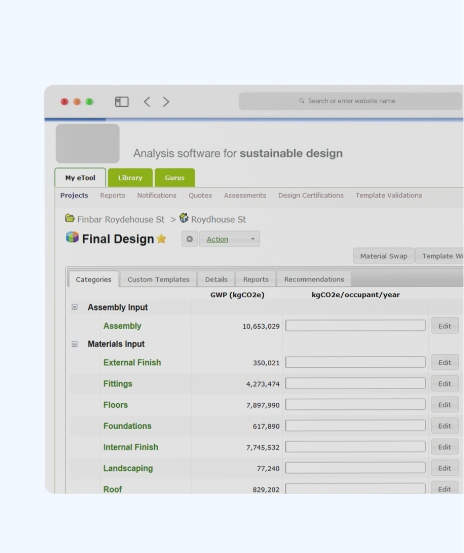
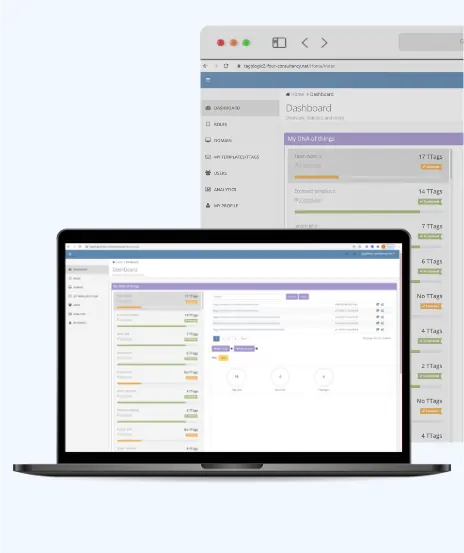



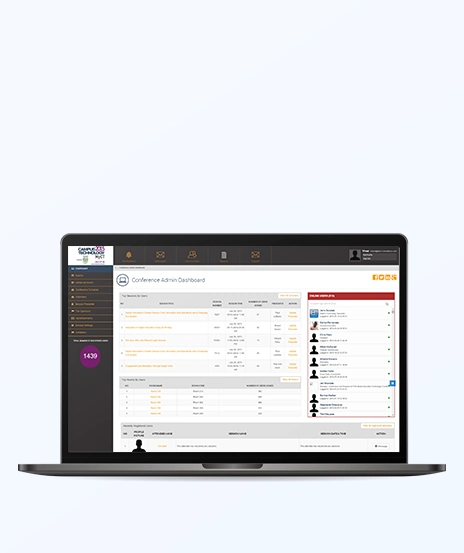

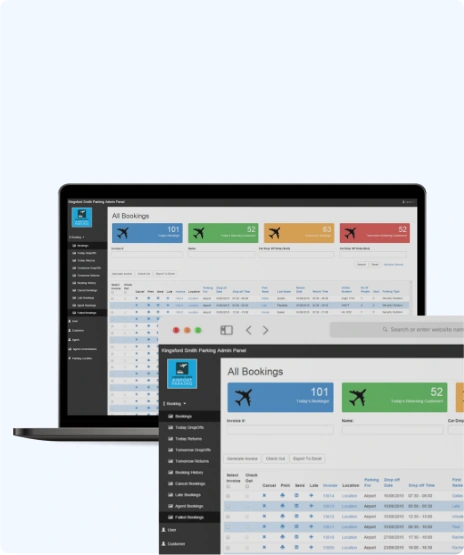





















Let our skilled M365 experts handle WOPI complexities, so your team can focus on growth.
Contact Us Now

Project Sign-off
















WOPI stands for Web Application Open Platform Interface. It is a protocol used to integrate Microsoft 365 for the web with an application that stores files. It allows Microsoft 365 for the web to access and modify files stored in that service.
A WOPI host is the application or cloud storage service that stores files and provides the REST endpoints used by Microsoft 365 for the web to access them.
The requirements depend on the intended actions. Microsoft lists CheckFileInfo and GetFile for viewing. Editing requires further operations, including file updates and lock management.
Yes. A WOPI host can support document editing by implementing the operations Microsoft specifies for the editing scenario, including PutFile and relevant lock operations.
No. Microsoft states that a WOPI host does not need to implement every operation. The required operations depend on the capabilities and actions the host intends to support.
WOPI discovery is the process of reading XML from a Microsoft 365 for the web URL to identify application capabilities and determine how those capabilities should be invoked.
Yes, subject to technical feasibility and Microsoft's applicable program requirements. We can assess your application's file storage, access controls, and document workflows before recommending an integration approach.
For integration with the Microsoft 365 for the web cloud service, Microsoft states that the organization must be a member of the Microsoft 365 Cloud Storage Partner Program. The program is currently intended for independent software vendors whose business is cloud storage.
Yes. Our consulting engagement can cover use-case validation, architecture assessment, operation mapping, security planning, and implementation recommendations.
Yes. We offer troubleshooting, maintenance, optimization, and enhancement support based on your application requirements.

Quick Summary: Choosing the right AI framework depends on your goals. TensorFlow and PyTorch are ideal for deep learning, while LangChain, LlamaIndex, AutoGen,...
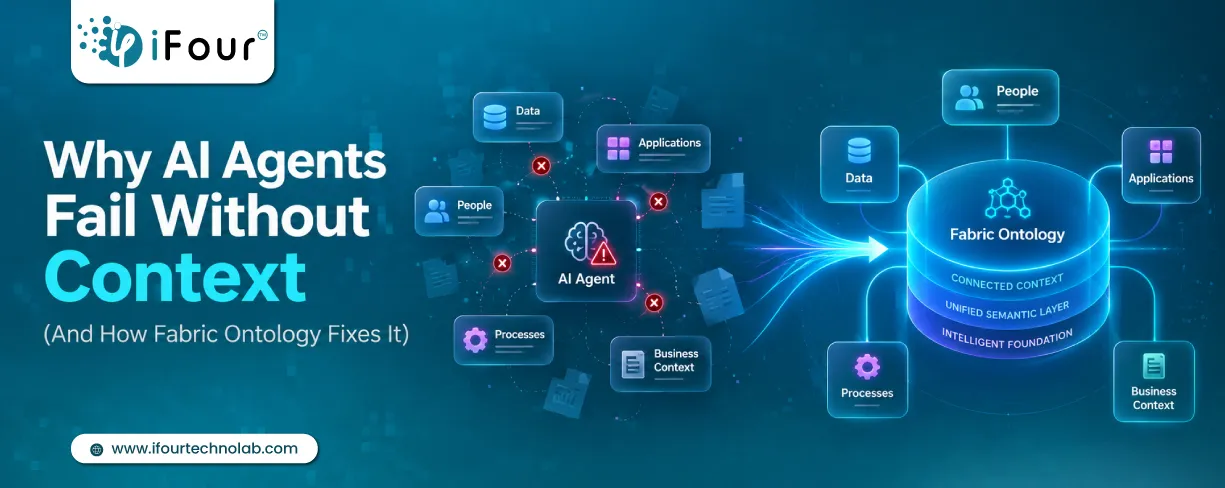
Quick Summary: AI agents don't fail because they lack intelligence. They fail because they lack business context. Enterprise data often contains information but not meaning. Fabric...

AI agents are everywhere these days. The world's biggest tech players - Microsoft, Alphabet, Amazon, and Meta are investing heavily in AI infrastructure, with spending expected...