4 Types of Healthcare Analytics with Examples & Success Stories
You already know how healthcare creates tons of clinical data every day. Patient visits… Labs… EMRs… doctor portals… scheduling systems… everything is generating numbers nonstop. But...
Orca Labs faced challenges managing market analysis and reporting manually in spreadsheets, which slowed workflow productivity. Therefore, teams struggled to access real-time market insights, organize TAM (Total Addressable Market) and ASP (Average Selling Price) data, and generate structured reports efficiently.
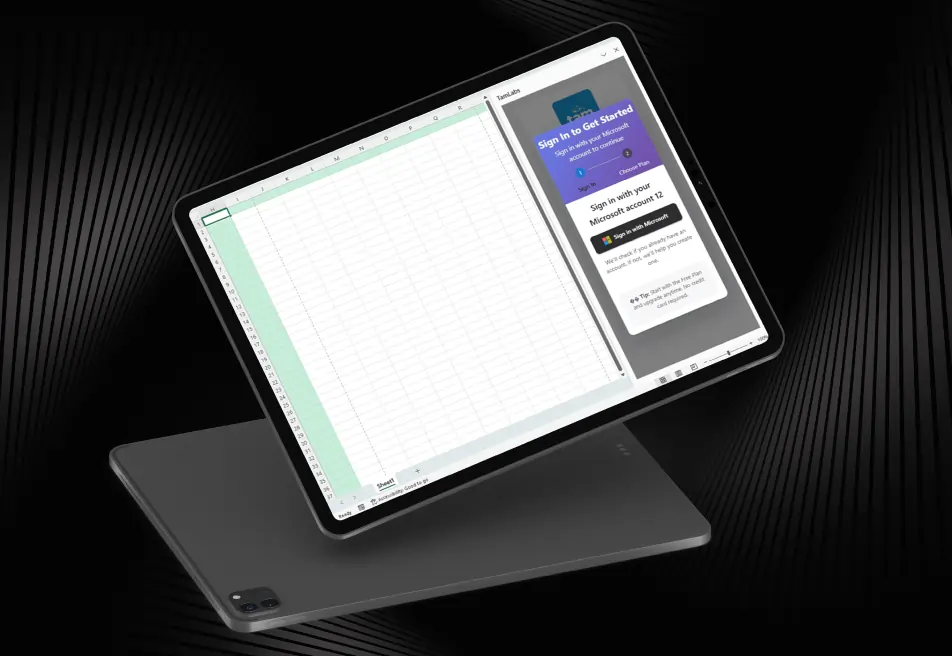
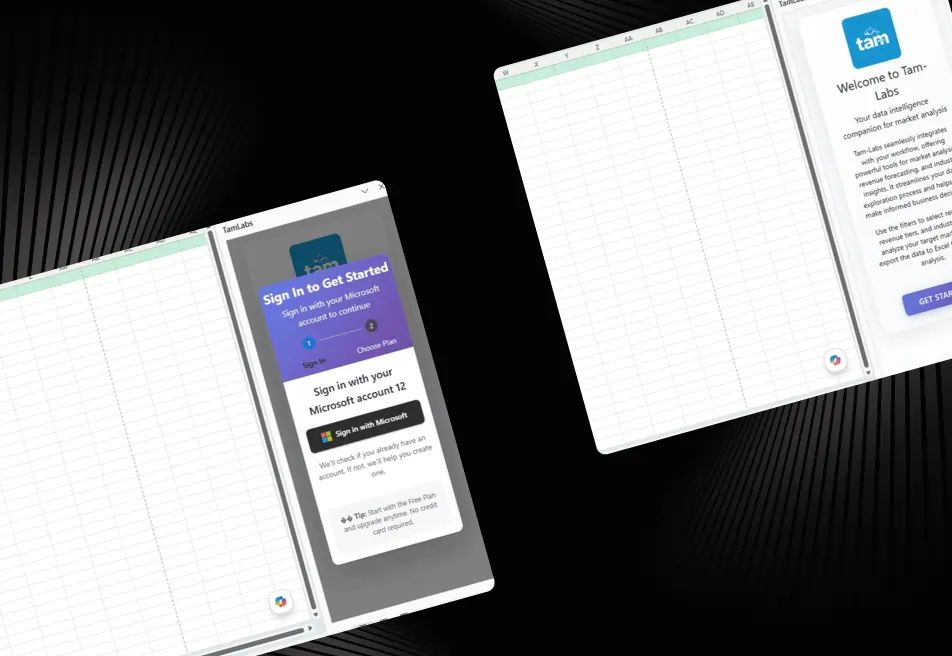
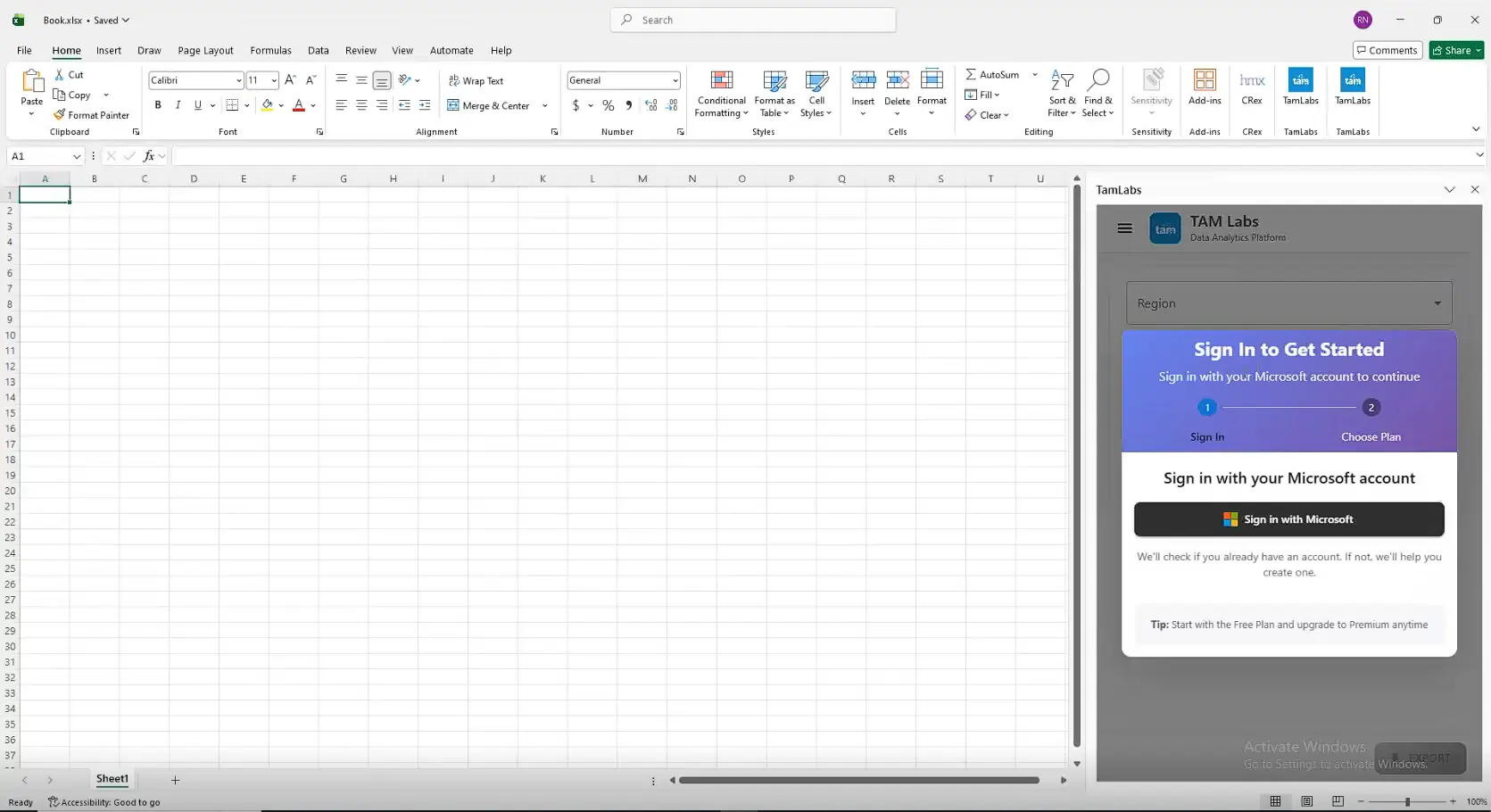
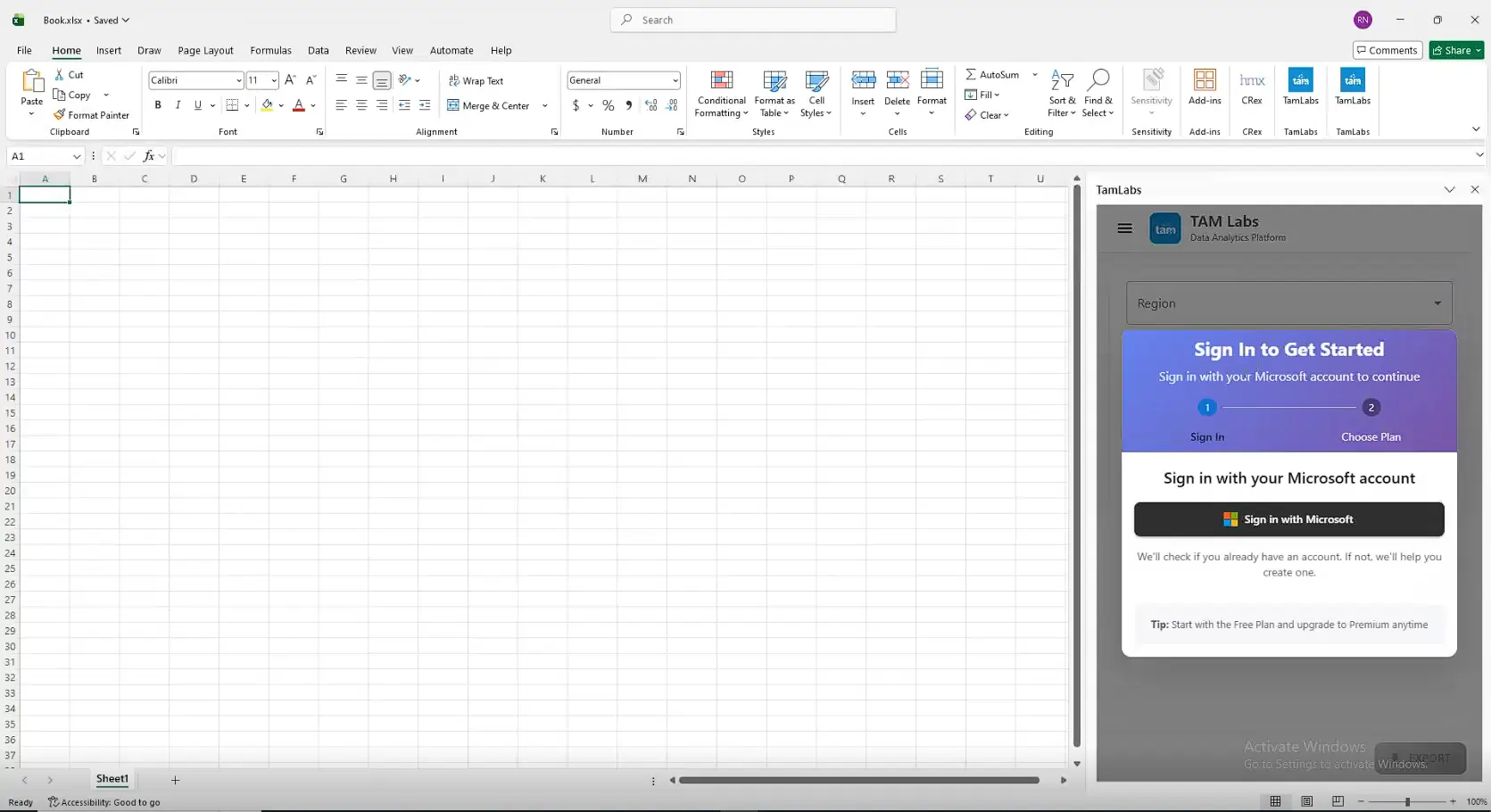
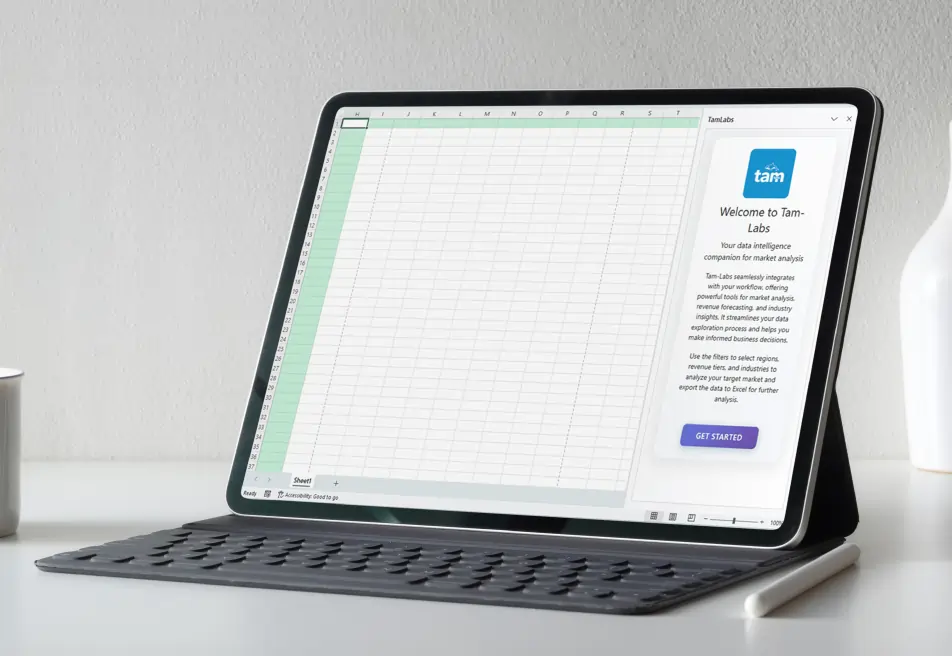
To solve these challenges, iFour developed an intelligent Excel add-in solution named TamLabs. It helps users access market data of multiple companies in real time and improve decision-making.
This Add-in simplified data analysis workflows and powered reporting speed.
Impacts Observed:


Faster Accessibility
Boost Engagement
Better Collab
Faster Insights
Higher Accuracy
Orca Labs is a leading market intelligence and business analytics services provider, helping enterprises with data solutions to access valuable market insights and create analytical reporting for better business decision-making.
Industry: Market Intelligence & Data Analytics
Geography: USA
Why They Came to Us:
The client needed an advanced Excel Add-in for market data analysis that could resolve the following barriers for a smooth workflow:

See how we've transformed businesses with Azure cloud solutions


Before implementing the Excel Add-in, Orca Labs struggled with manual data management, delayed reporting, and limited visibility into market insights, which affected productivity and decision-making. The client faced the following challenges:
Slow and manual market data analysis workflows
Difficulty generating structured TAM and ASP reports
Limited integration between Excel and backend systems
Challenges in managing subscription-based user access
Lack of centralized reporting and analytics workflows
Difficulty exporting and formatting business intelligence data
The client required a reliable market intelligence Excel Add-in that could improve reporting efficiency and simplify market analysis directly inside Excel.
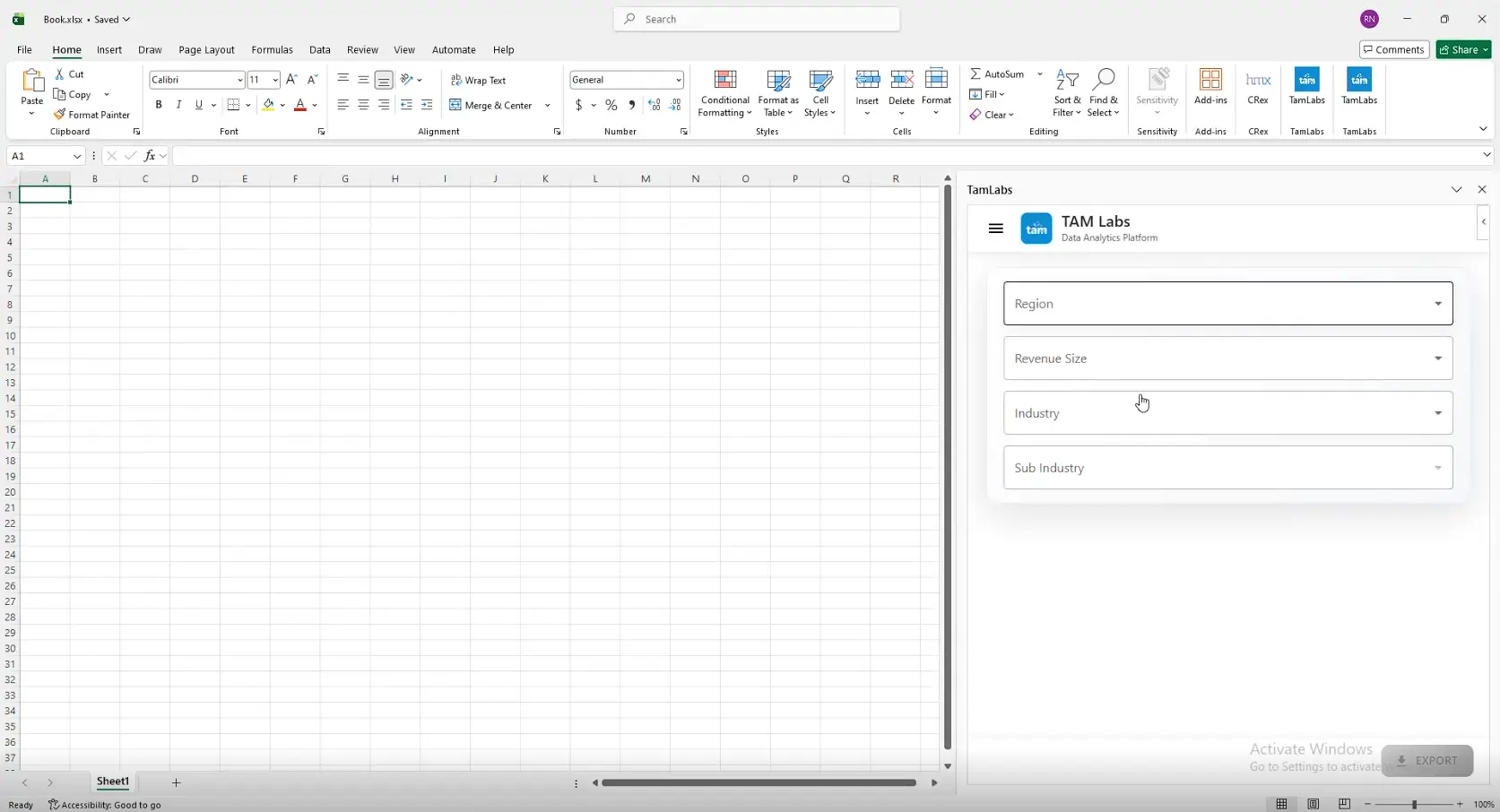
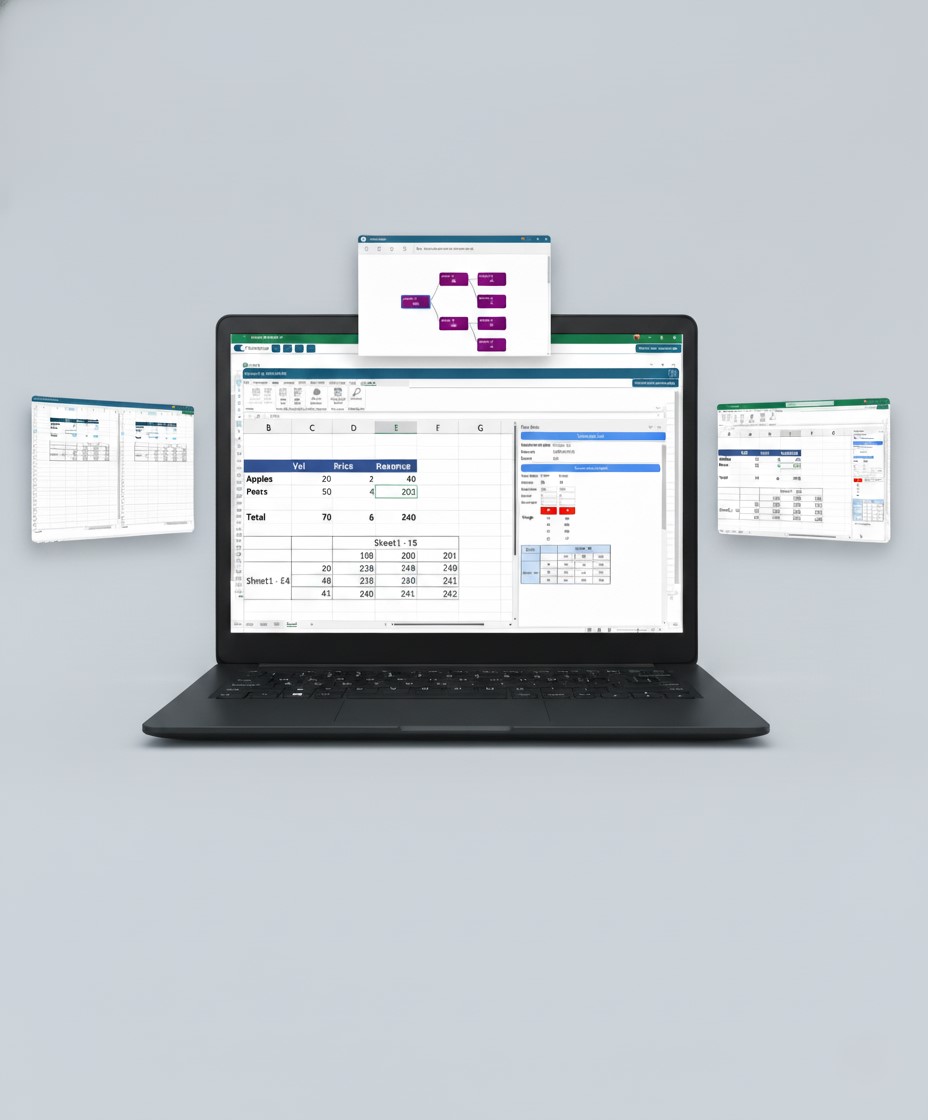
iFour developed TamLabs, a smart and scalable Excel Add-in that works directly inside Microsoft Excel and connects seamlessly
with the backend platform.

TamLabs Task Pane Integration
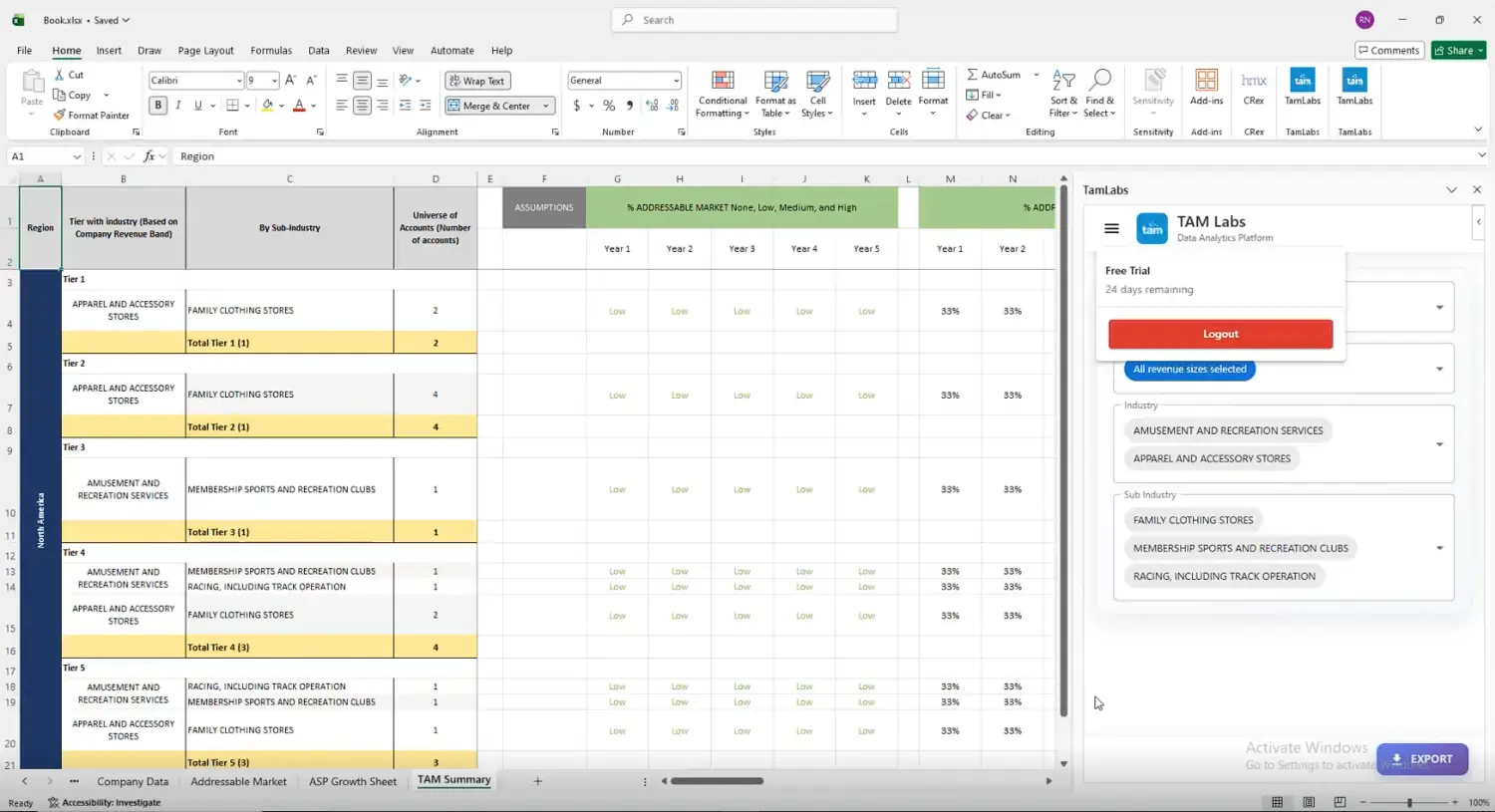
TAM & ASP Reporting Solution
Dynamic Report Formatting
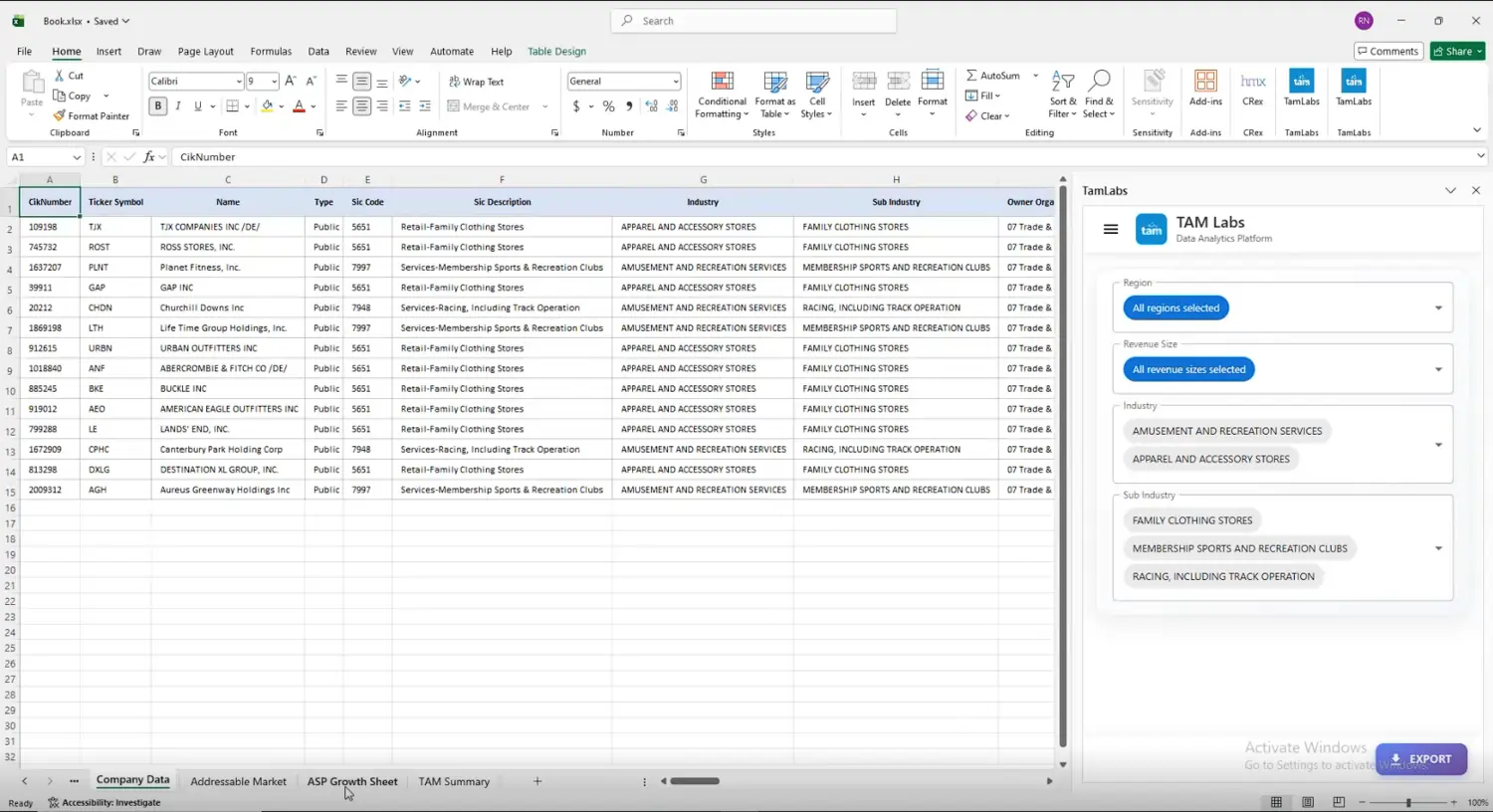
Company & Marketplace Insights
Real-Time Data Analysis
Subscription & Account Management

The solution helped teams access and managed market intelligence data directly inside Microsoft Excel. Users could generate TAM and ASP reports faster, access real-time insights, and reduce manual reporting efforts.
With the smart Excel Add-in, Orca Labs improved reporting accuracy, simplified workflows, and created faster analytical experience for enterprise users.
Looking to simplify market intelligence reporting and automate analytical workflows inside Excel?
(Technology Stack & Architecture)
The Excel Add-in for market data analysis helped improve reporting efficiency, simplify data workflows,
and create a smarter analytics experience inside Excel.

iFour Technolab developed a scalable market intelligence Excel Add-in that helped Orca Labs simplify reporting, improve data accessibility, and automate workflows inside Microsoft Excel.
By combining secure authentication, API integrations, automated TAM & ASP reporting, and real-time analytics, TamLabs created a smarter Excel-based market intelligence platform for enterprise users.
The solution now helps teams access market insights faster, improve reporting accuracy, and make confident business decisions.

iFour ensured a smooth rollout with:


We encourage you to contact us with any questions or comments you may have.

Quick Summary Many U.S. businesses face a common challenge: data being stuck in core systems, making analysis slow and frustrating. Exporting and matching versions takes time and often causes mistakes. This case study shows how iFour...


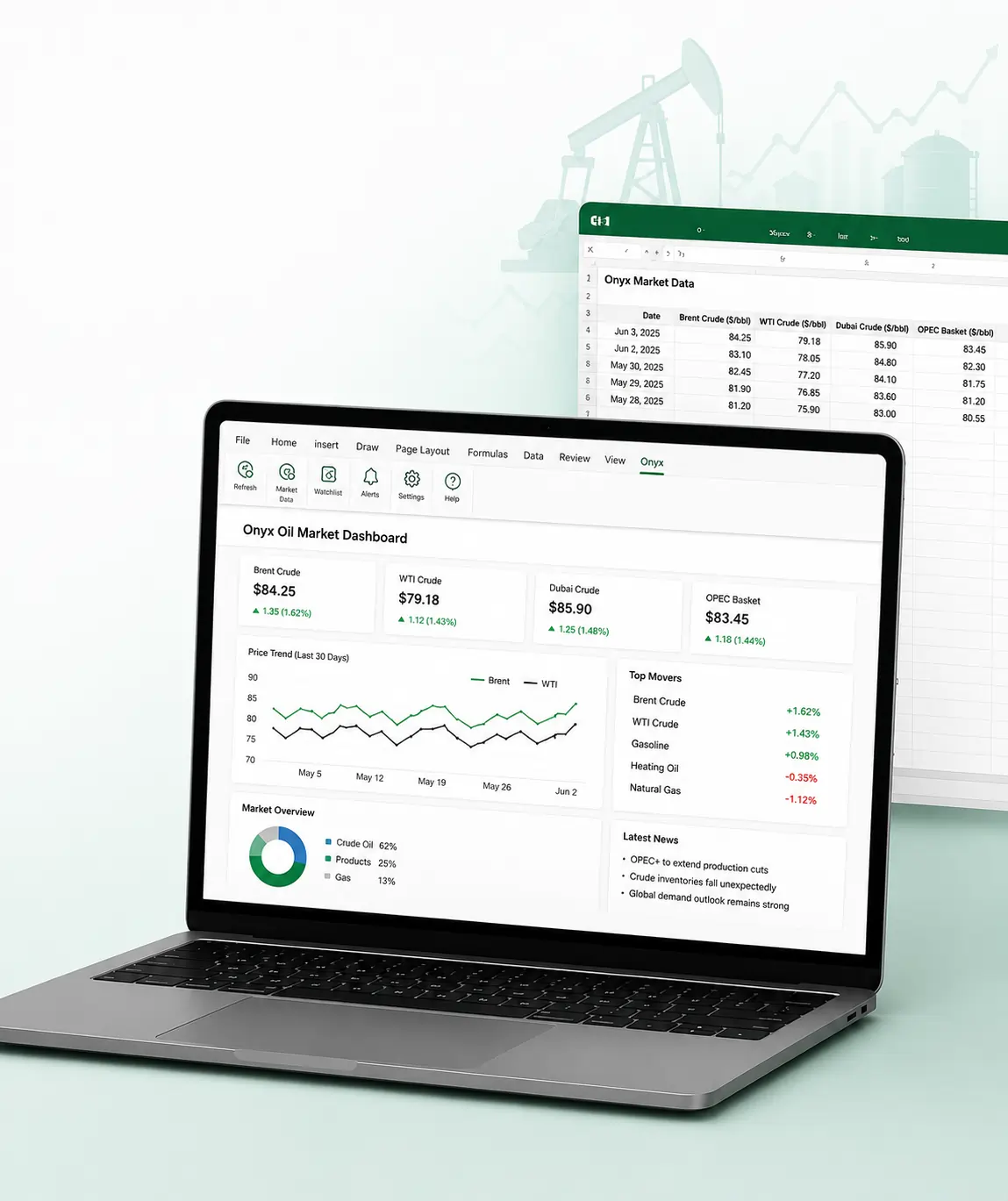
Quick Summary Onyx Capital Group struggled to efficiently manage live oil trading data, track market prices, and organize trading workflows inside Excel. Manual processes and limited system flexibility slowed down operations and affected...
Quick Summary Managing support tickets through a separate website was time-consuming for users. They had to remember the ticketing portal link, log in every time through a browser, and switch between Outlook and the ticketing system whenever...
Quick Summary Orca Labs faced challenges managing market analysis and reporting manually in spreadsheets, which slowed workflow productivity. Therefore, teams struggled to access real-time market insights, organize TAM (Total Addressable...
Quick Summary HDH Advisors is a business valuation and financial advisory firm that relies on complex Excel spreadsheets for financial analysis and reporting. Managing large workbooks, validating formulas, and updating documents manually...
Quick Summary AiRis Analytica is a leading risk analytics company. Managing risk data, reports, and dashboards across multiple Excel sheets was becoming increasingly difficult for the firm. Manual reporting processes, scattered data, and...
You already know how healthcare creates tons of clinical data every day. Patient visits… Labs… EMRs… doctor portals… scheduling systems… everything is generating numbers nonstop. But...
Implementing quick apps with the right strategies is essential for CTOs as it helps them deal with problems instantly and effectively. This is feasible by using a low-code technology, like Microsoft Power Apps. Check this comprehensive guide to learn more about Power Apps.
Automation is non-negotiable today. You cannot expect your team to do boring tasks such as data entries, email attachments, sending reminders, and more. And when it comes to automating...