



























































AI in Legal Practice: Powerful Use Cases Every Lawyer Should Know
Quick Summary Lawyers use AI to research faster, draft/review contracts, review large documents, track compliance, and automate legal workflows. However, they must verify...


601 & 612, The Times square Arcade, Near Baghban party plot, Thaltej - Shilaj Road, Thaltej, Ahmedabad, Gujarat - 380059
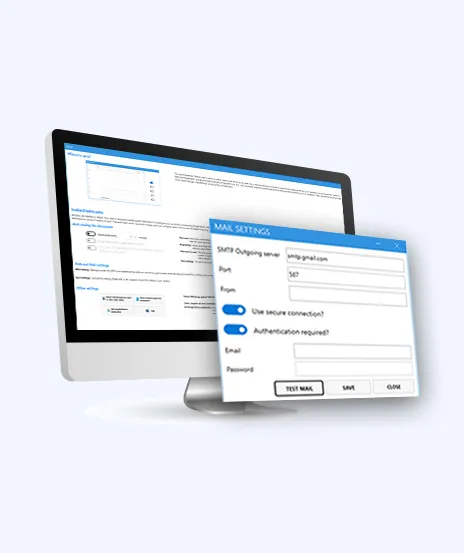
HDH Advisors is a business valuation and financial advisory firm that relies on complex Excel spreadsheets for financial analysis and reporting. Managing large workbooks, validating formulas, and updating documents manually created challenges that impacted productivity.
To solve these issues, iFour developed HDH, a custom Excel Add-in Development solution that automated workflows, improved data accuracy, simplified navigation, and streamlined reporting through Excel to Word Integration.
As a result, HDH Advisors reduced manual effort, improved spreadsheet accuracy, and enhanced overall workflow efficiency.
Impacts Observed:
Faster Data Entry
Boost Accuracy
Faster Navigation
Less Manual Effort
Better UX
Corley, a US-based accountant, manages large volumes of financial and operational data through Excel-based workflows. Their teams depend on accurate spreadsheets for reporting, forecasting, and decision-making.
Industry: Finance and Operations
Country: USA
Why They Came to Us:
Corley needed an automation solution that could simplify spreadsheet management while improving accuracy and efficiency. The company wanted a smarter way to handle large workbooks that would resolve the issues below:


See how we've transformed businesses with custom software solutions
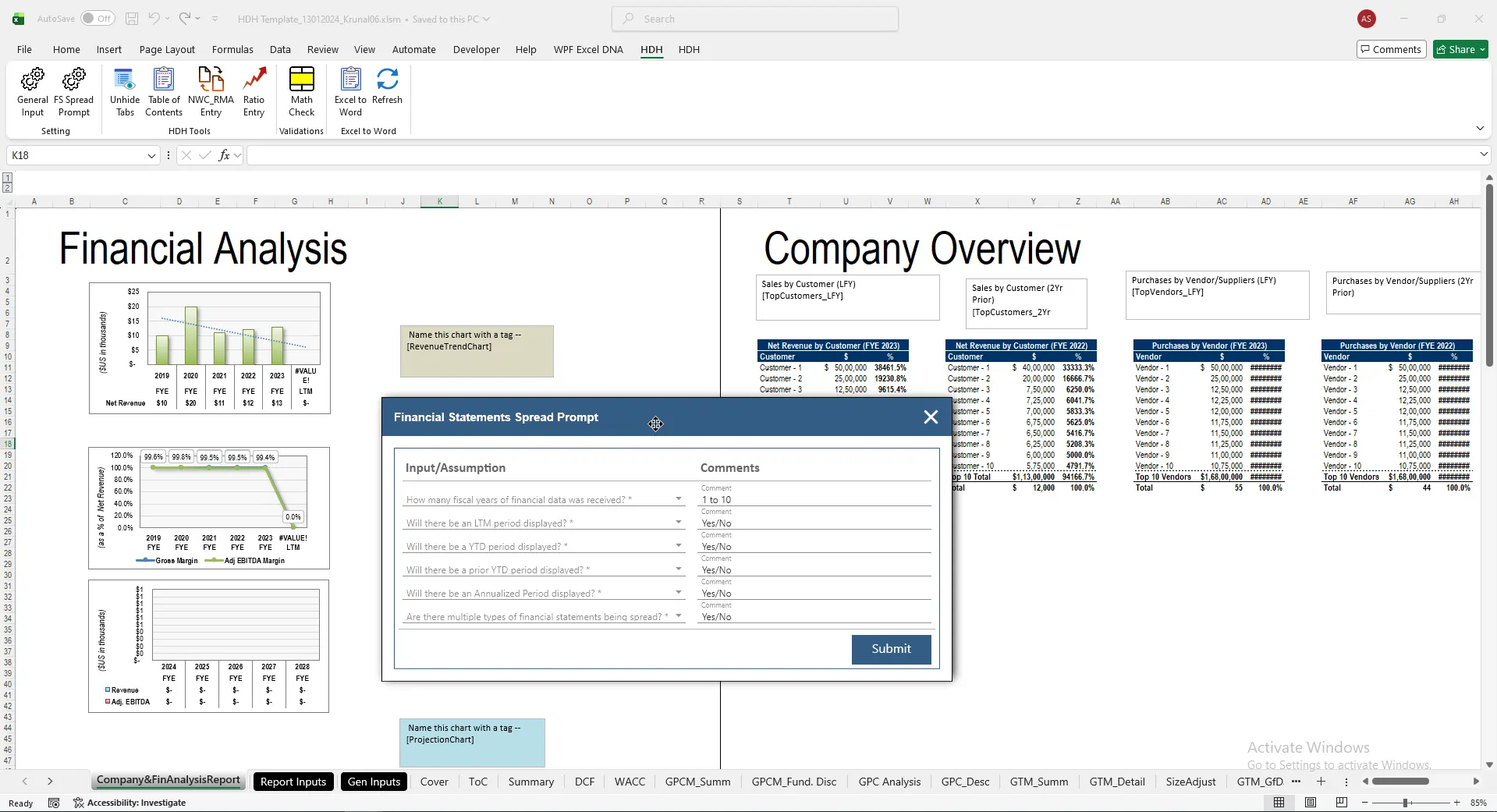
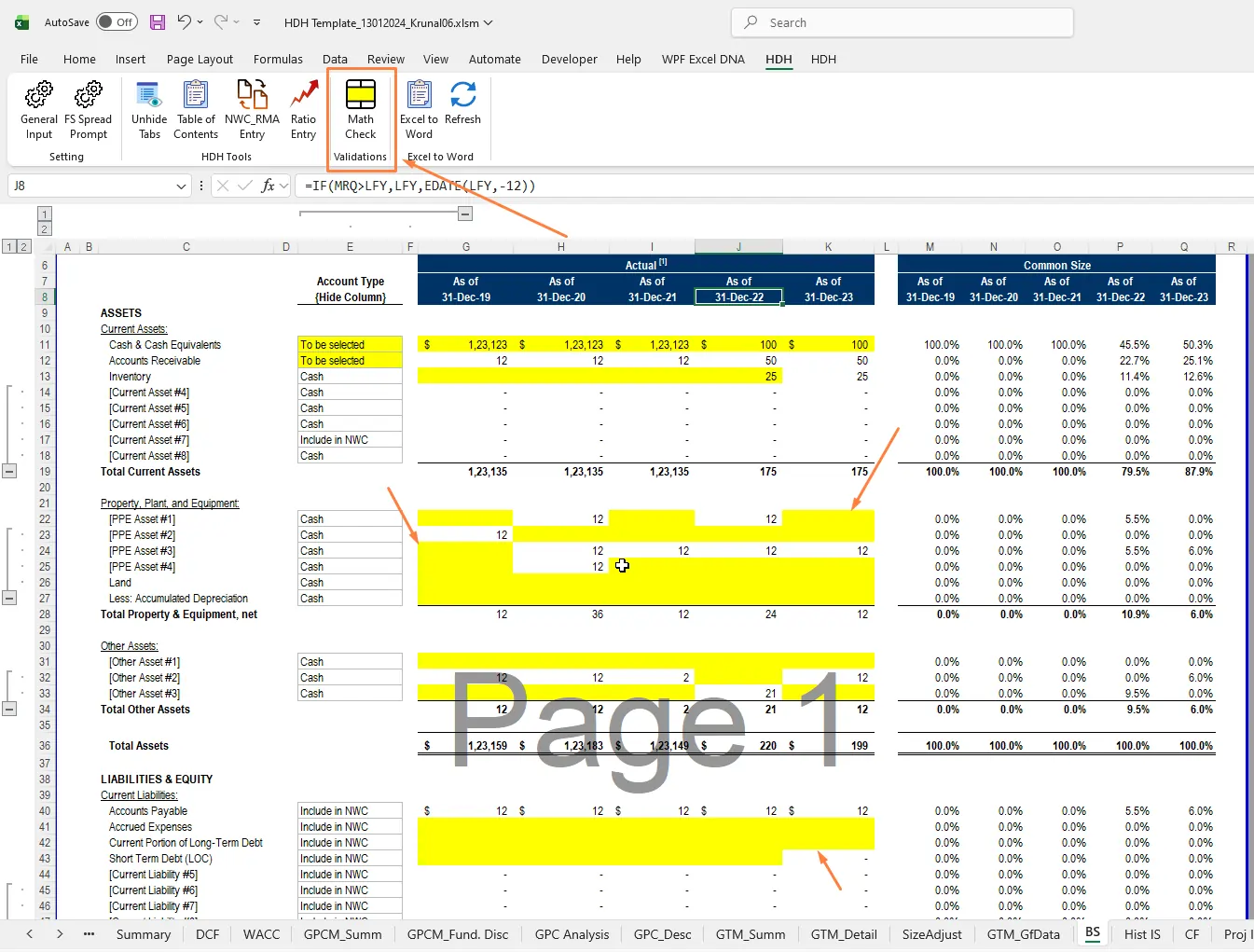
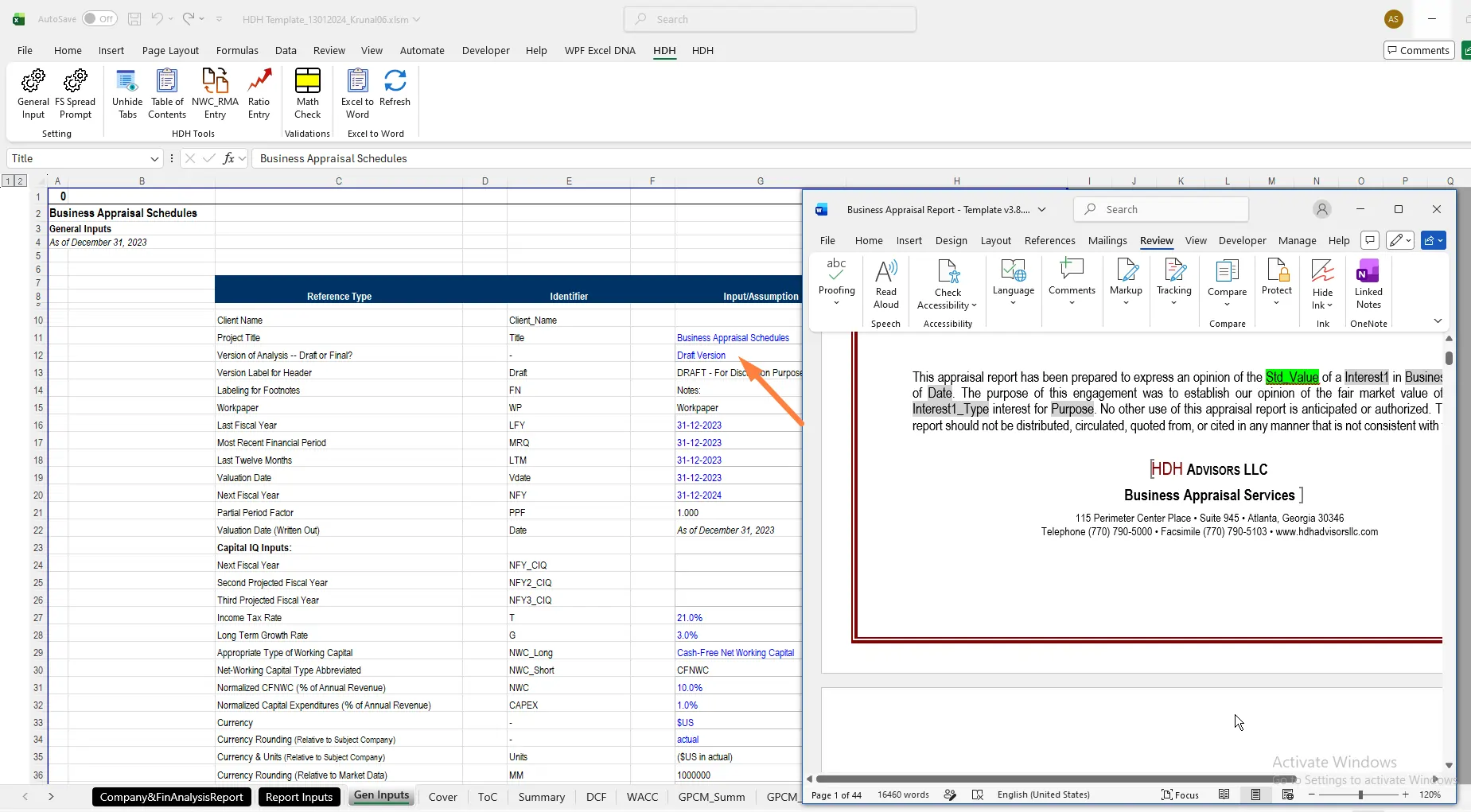
Before implementing the HDH solution, Corley faced several challenges that impacted productivity, reporting accuracy, and overall operational efficiency. These challenges included:
Manual updates increased the risk of mistakes in input values.
Finding information across multiple sheets and tabs was time-consuming.
Errors from empty or invalid cell references were difficult to identify.
Word documents required frequent manual updates when Excel data changed.
Difficult navigation and a lack of guidance made spreadsheets hard to use.
The company needed a custom Excel add-in solution to simplify data entry, enhance user experience, and streamline workflows for improved efficiency and data accuracy.
iFour Technolab developed HDH, an advanced Excel Add-in Development solution designed to improve spreadsheet usability,
increase data accuracy, and automate repetitive tasks.
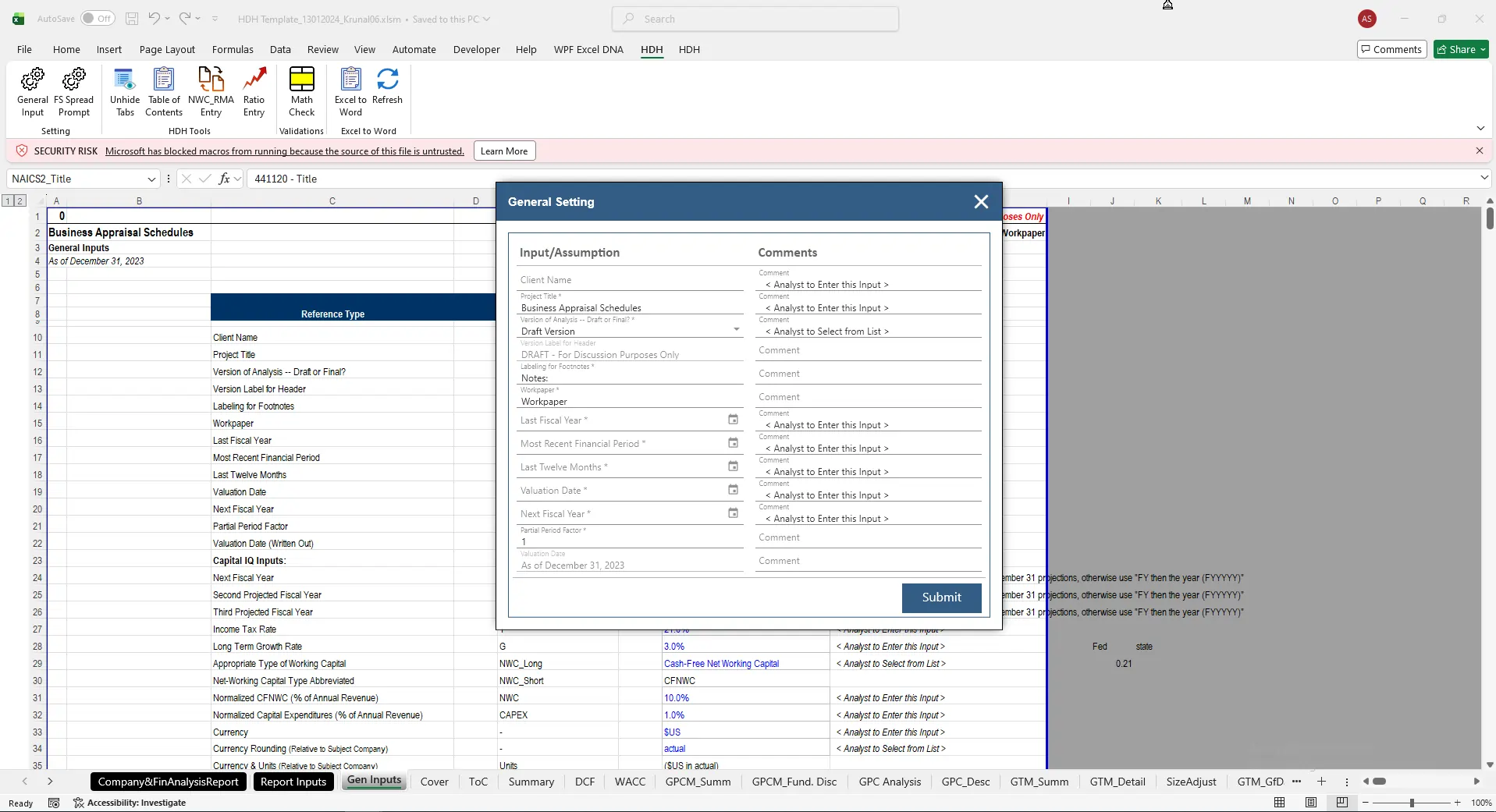
General Input Management
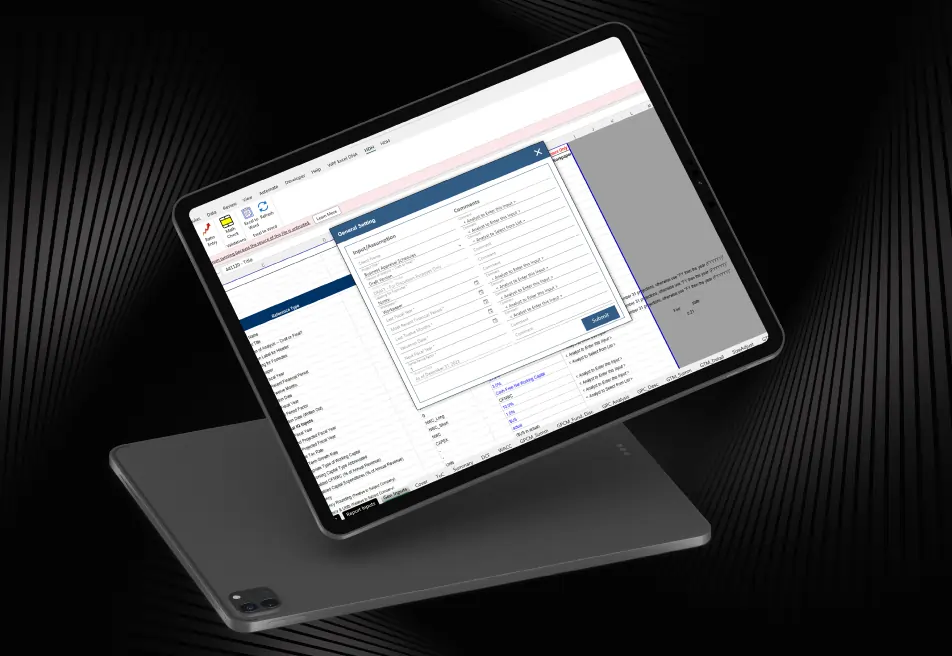
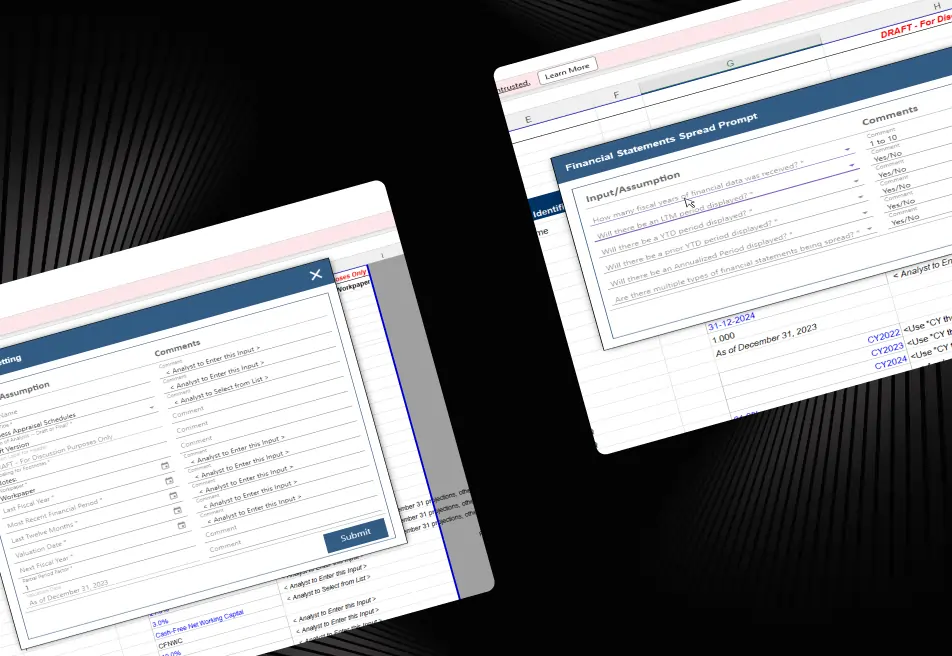
The General Input feature allows users to edit and submit values directly from the Input and Assumption sections while adding comments when needed.
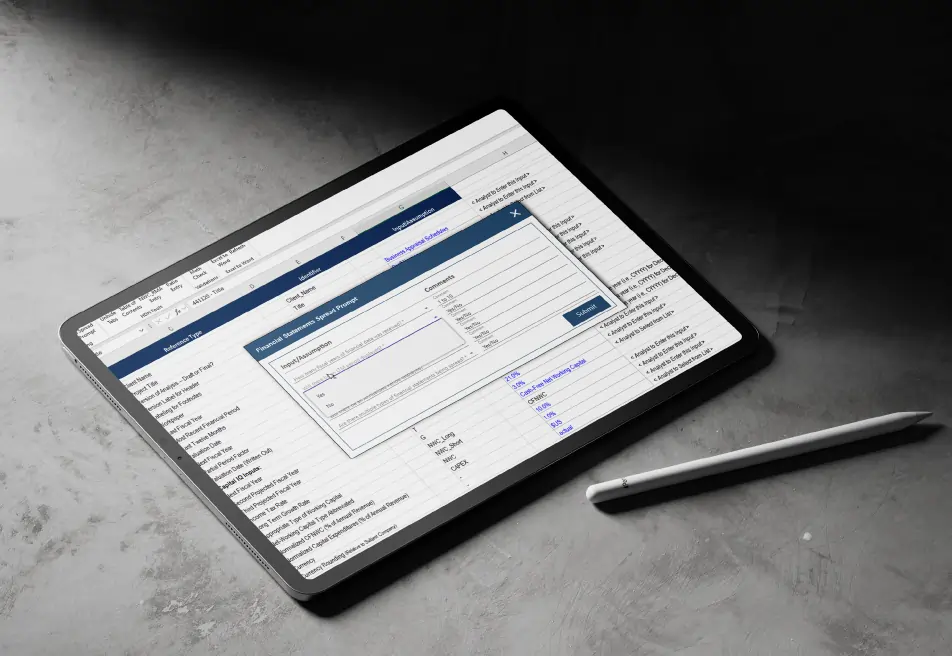
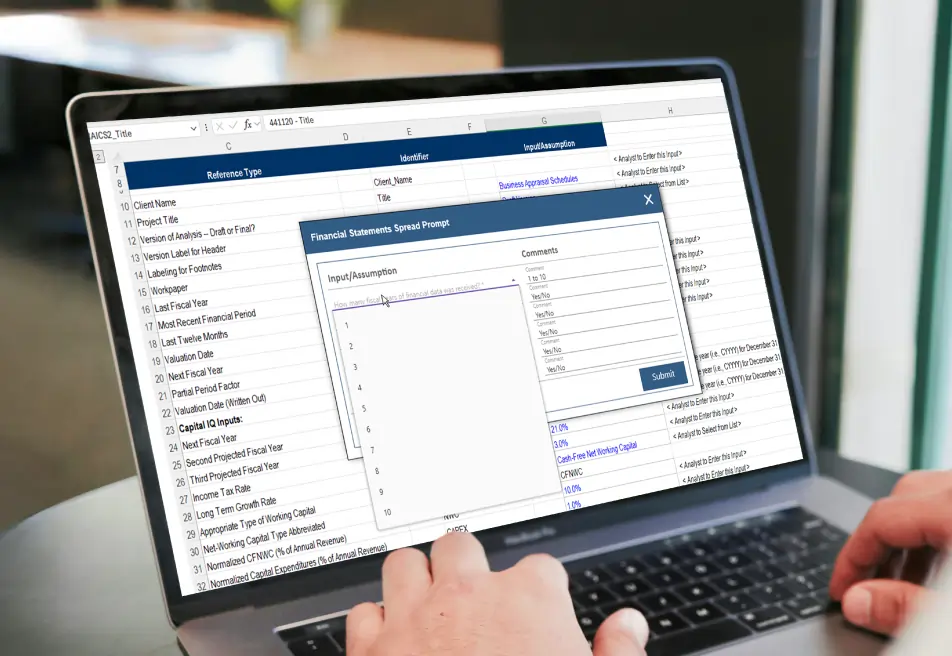
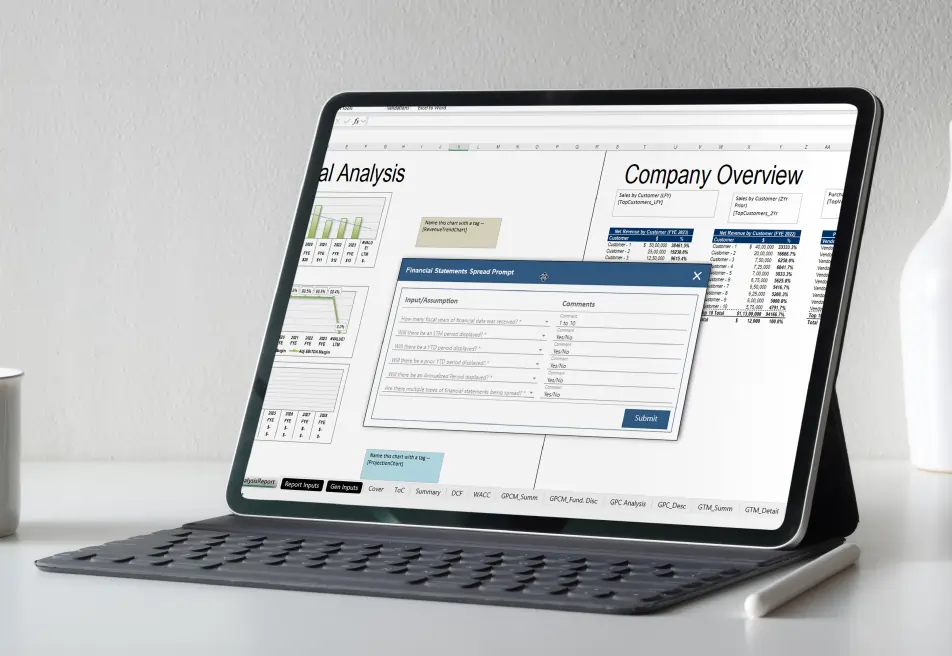
FS Spread Prompt
The FS Spread Prompt feature displays dropdown-based questions linked to spreadsheet inputs and dynamically adjusts visible columns based on selected responses.
Worksheet Visibility Control
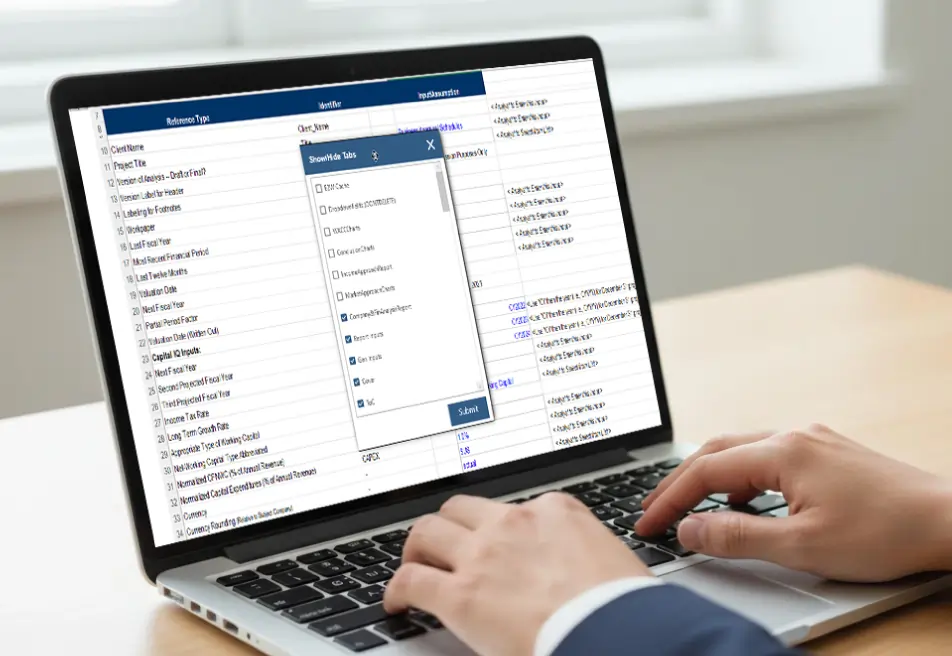
The Unhide Tabs functionality gives users complete control over worksheet visibility using simple checkbox selections.
Automate Table of Contents
The add-in automatically generates a Table of Contents worksheet that lists workbook sections for quick navigation.
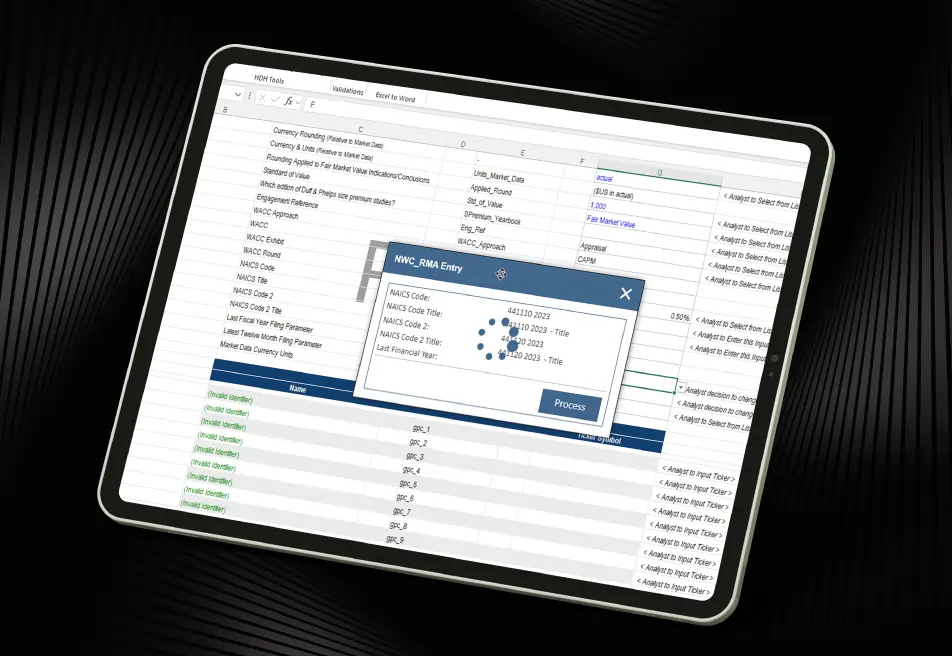
This feature automatically synchronizes worksheet values using corresponding RMA files to maintain data consistency.
The Math Check functionality identifies formulas that reference empty cells and highlights potential calculation issues.
The built-in Excel-to-Word Integration feature automatically updates linked Word documents based on Excel input values.
(Technology Stack & Architecture)
The Spreadsheet Workflow Automation solution helped Corley improve operational efficiency while reducing manual effort across financial and reporting processes.
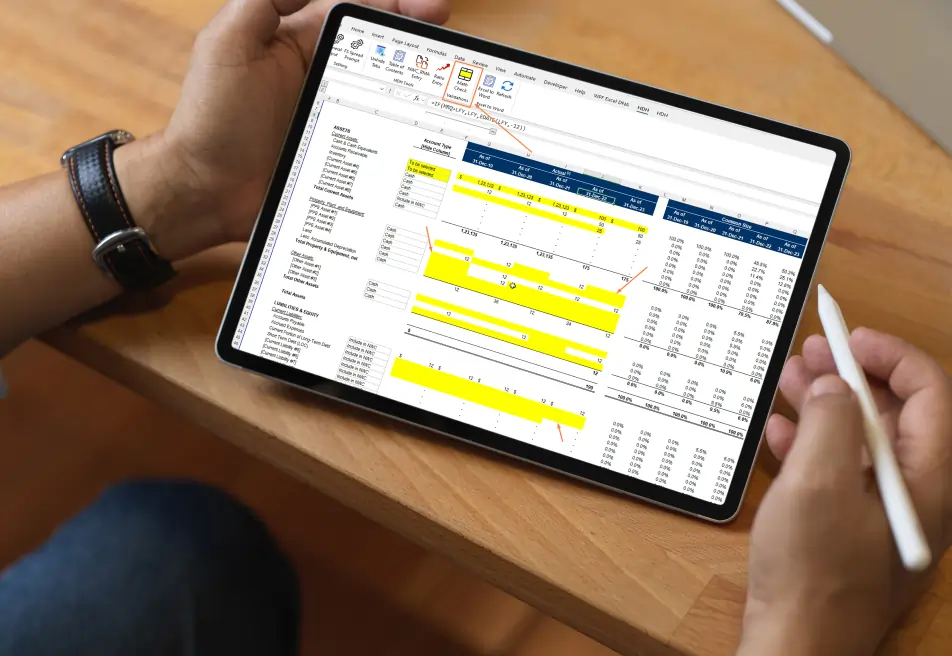
iFour developed HDH, a powerful Excel Add-in Development solution that simplifies spreadsheet management through automation, validation, and intelligent workflow controls.
By combining Custom Excel Add-in Development, Excel Workflow Automation, and seamless Excel-to-Word Integration, the solution helped Corley improve accuracy, increase efficiency, and deliver better user experience for teams managing complex financial and operational spreadsheets.


We encourage you to contact us with any questions or comments you may have.

Take a look at our latest projects, where digital transformation comes to life.


Quick Summary Lawyers use AI to research faster, draft/review contracts, review large documents, track compliance, and automate legal workflows. However, they must verify...
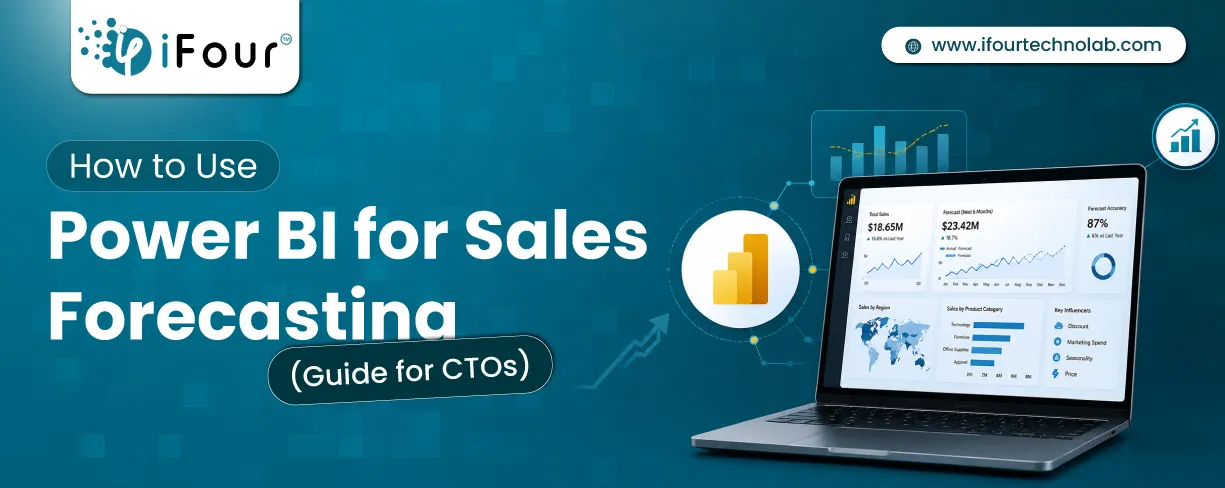
Sales Forecasting isn't optional anymore. Whether you are a startup or a mid-level enterprise, every decision you make today depends on how well you predict the future. Instead...

Quick Summary: Power BI uses AI to automatically point out patterns, identify anomalies, and create forecasts, providing analysts and executives with the insights necessary...