







×

iFour Logo

Quick Summary

Onyx Capital Group struggled to efficiently manage live oil trading data, track market prices, and organize trading workflows inside Excel. Manual processes and limited system flexibility slowed down operations and affected productivity.

To solve these challenges, iFour developed a smart Excel Add-in for financial data management.

It helped users access live oil market prices, create custom watchlists, refresh real-time data instantly, and improve trading efficiency directly inside Microsoft Excel.

Impacts Observed:


100%

Live Data Access

80%

Less Manual Efforts

75%

Improved Trading

70%

Faster Decision

90%

Better Management

About Customer

The Onyx Capital Group operates in the financial domain, focusing on digital liquidity and oil futures trading.

Industry: Finance / Trading

Geography: UK

Why They Came to Us:

Onyx Capital Group needed a custom Excel Add-In development solution that could:

  • Simplify live oil market data tracking
  • Make trading operations faster and easier
  • Improve flexibility & real-time monitoring
  • Save time from manual efforts
  • Manage large volumes of market data inside Excel
  • Offer data security & scalability
Client overview
call to action

Looking to modernize legacy software into scalable business applications? Explore our Custom Software Development Services.

Client Success Stories

See how we've transformed businesses with Azure cloud solutions

Challenges

Before using the real-time market data Excel Add-in, Onyx Capital Group faced several challenges in managing live oil trading data and market updates. The major issues included:

1

Difficulty tracking real-time oil market prices

2

Manual data tracking consumed too much time and effort

3

Managing multiple datasets inside Excel was difficult

4

Lack of secure user authentication created data security concerns

5

Refreshing and updating live market data was slow and inefficient

Our Solution

iFour Technolab, an experienced Microsoft Excel Add-in development company, redeveloped the existing solution into a
scalable and user-friendly Excel Add-in for oil trading and financial data management.
The solution works smoothly across Microsoft Office versions and enables users to effectively manage
live oil market data directly inside Excel.

Core features overview

Explore the Key Features Included:


  • Safe user authentication
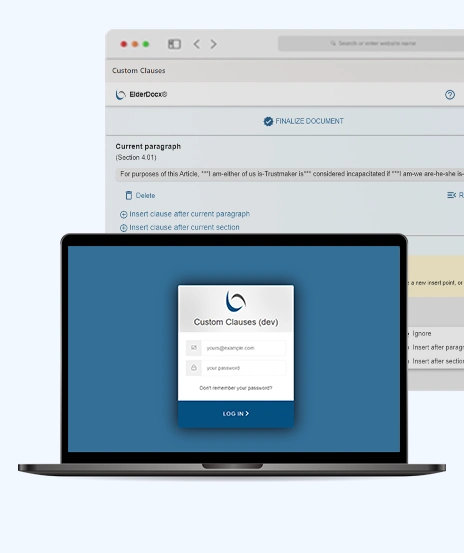
    The Add-in has OAuth login functionality for safe and reliable user authentication.
  • Live Price Tracking
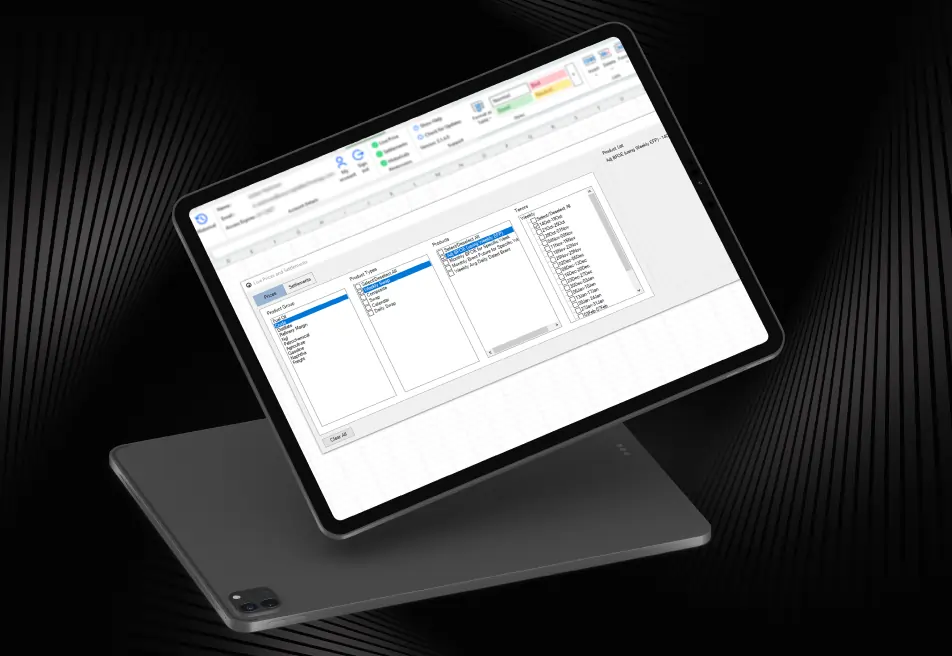
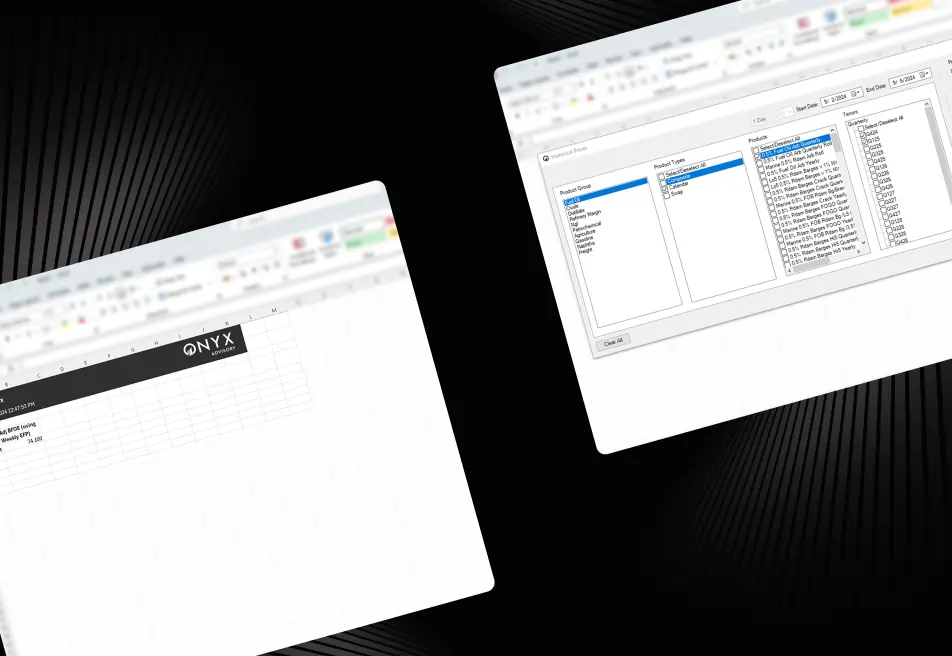
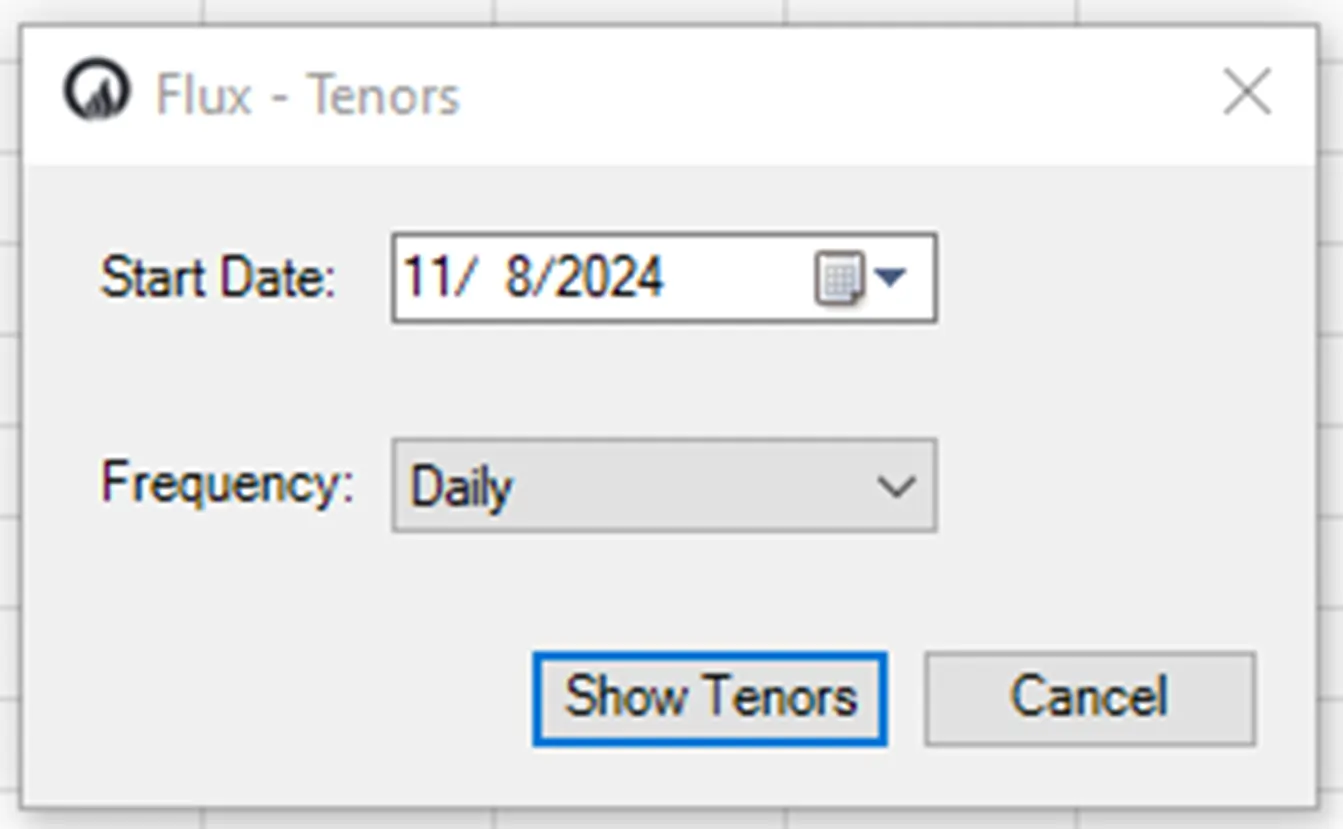
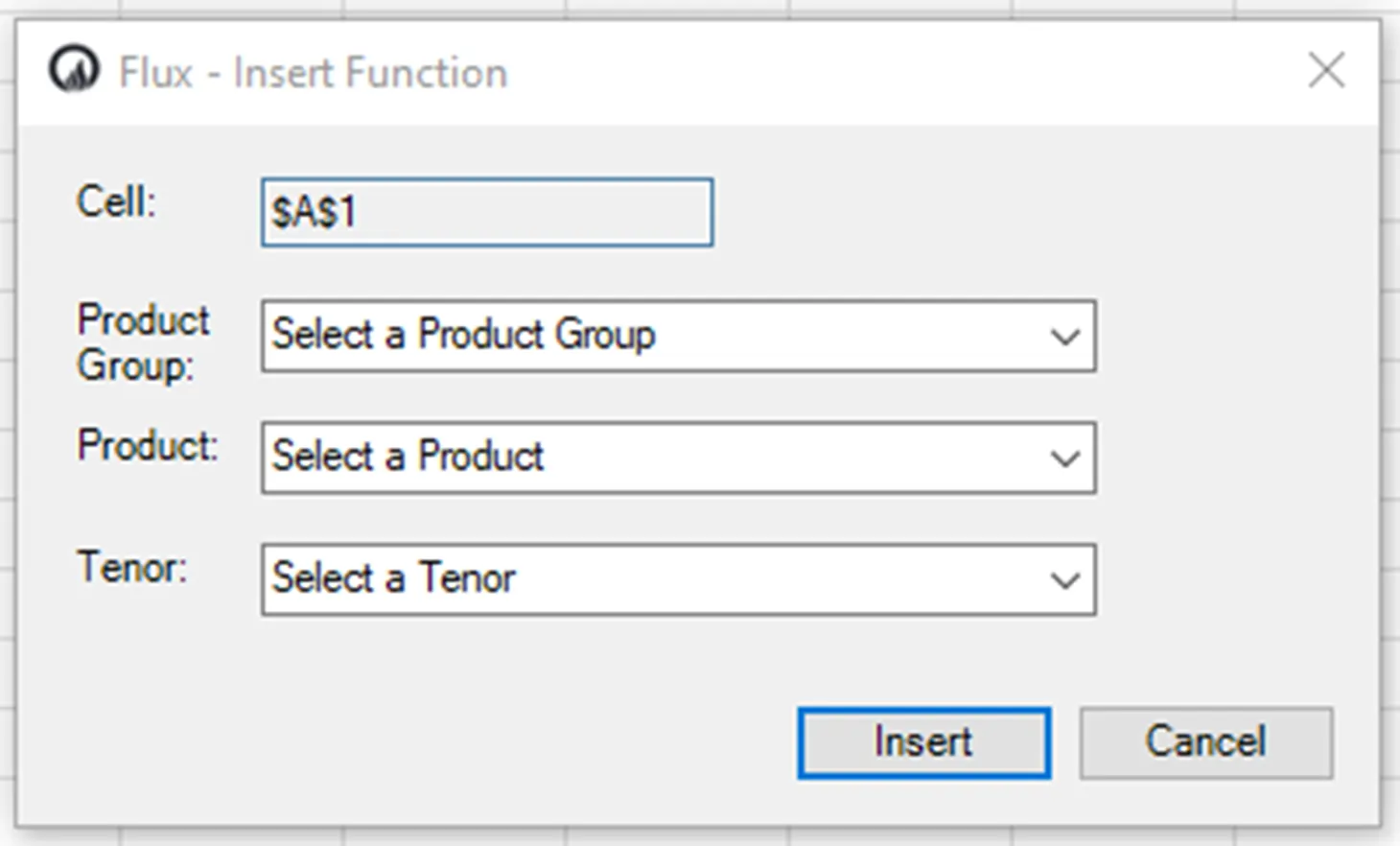
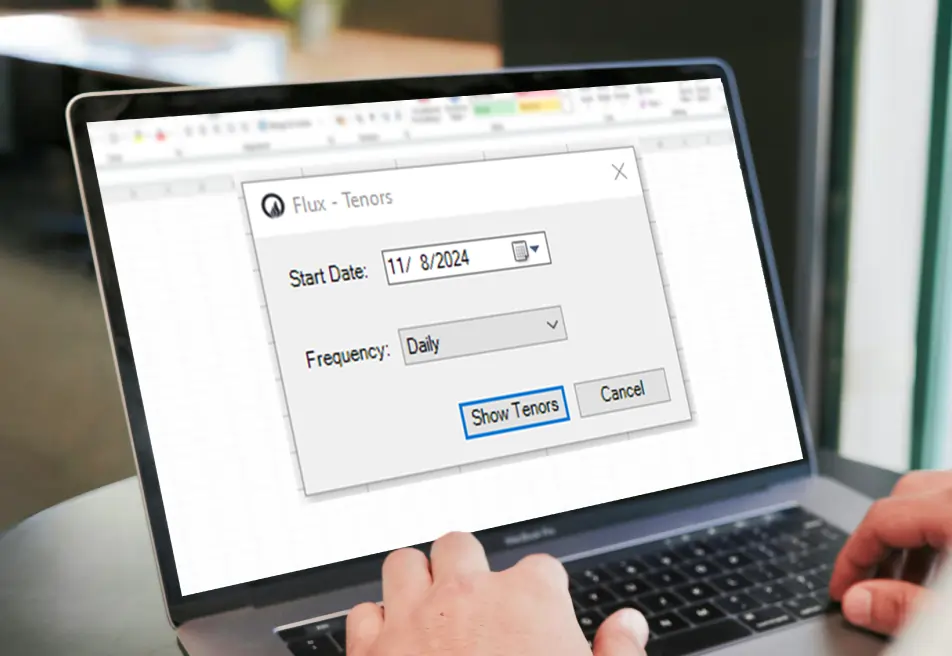
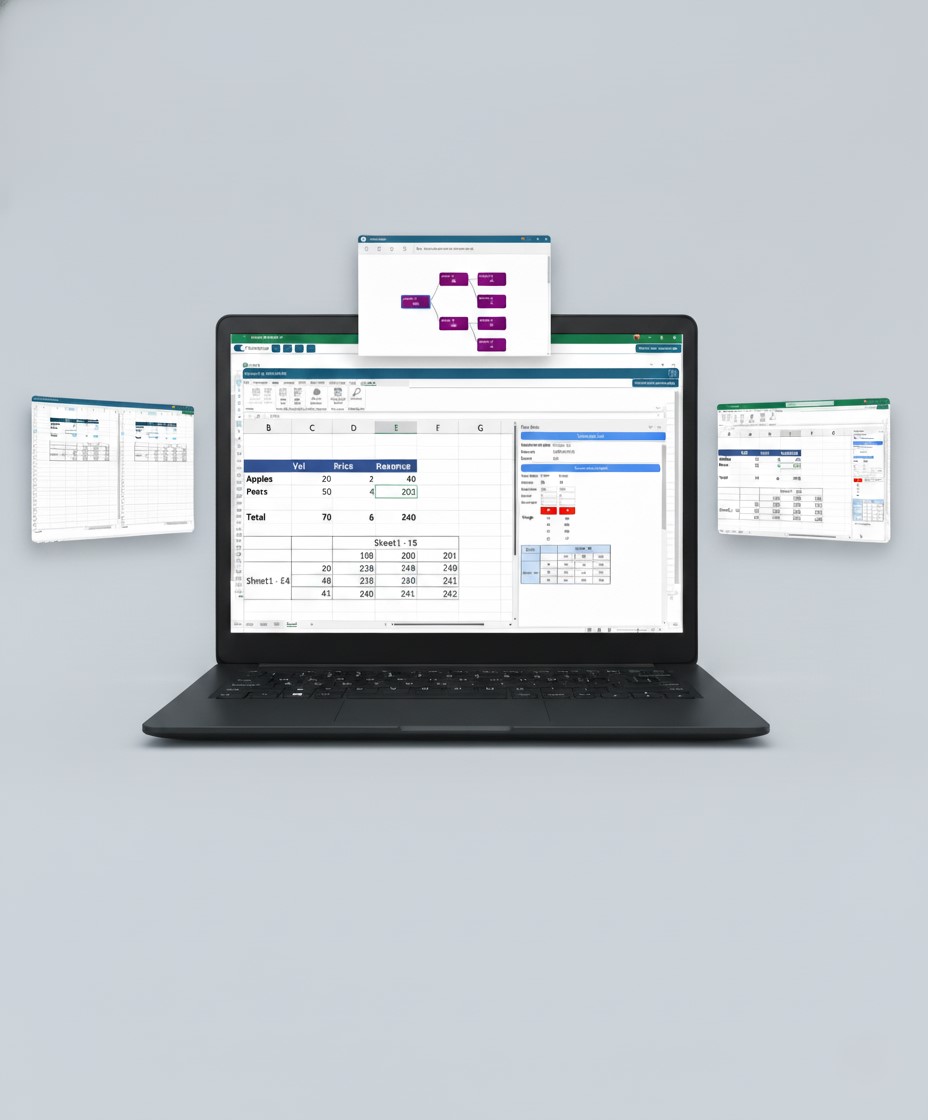
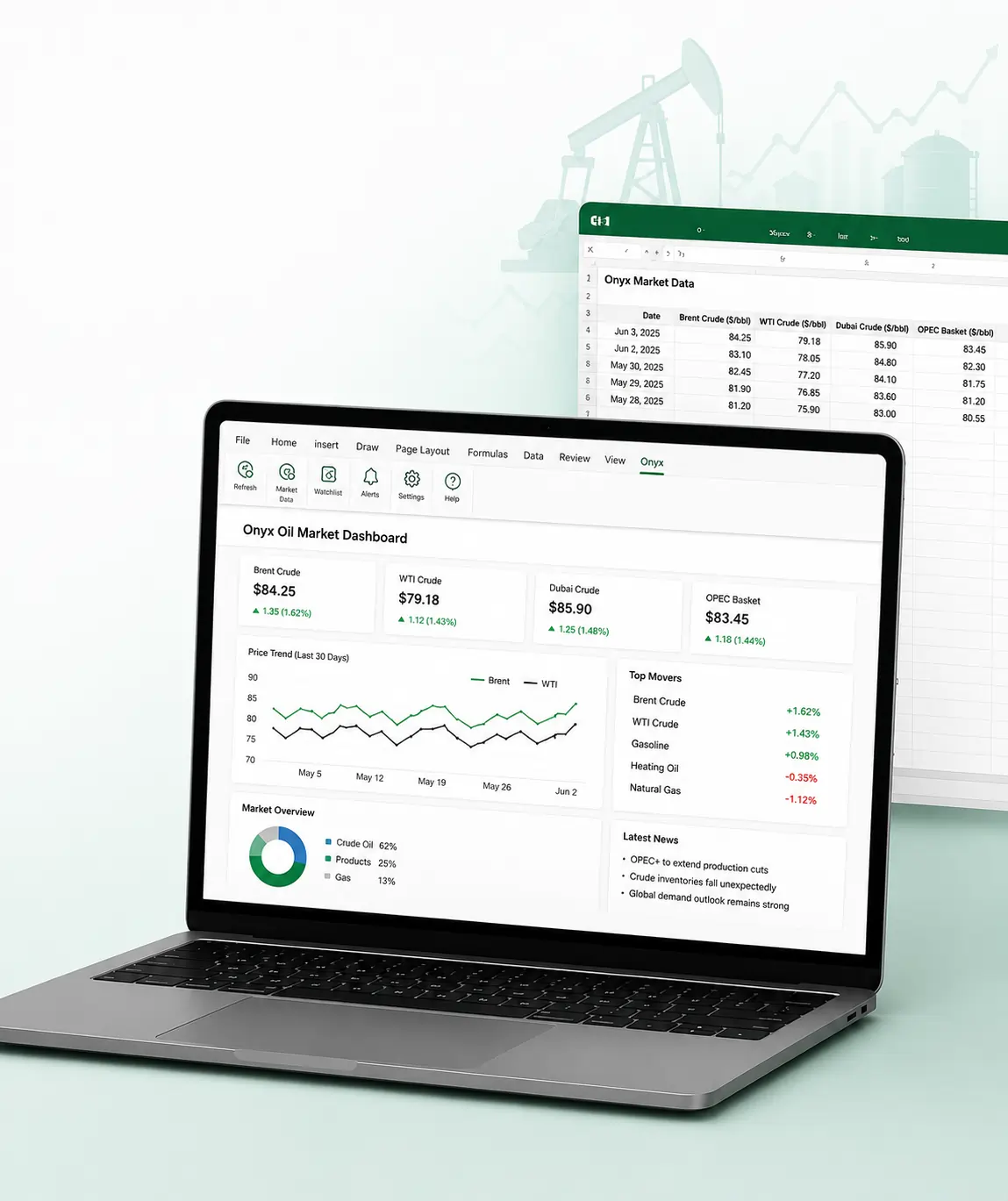
    We provided fields for users to select product groups, product types, products, and tenors, and after these selections, we generated live price data directly in the sheet.
  • Settlement Management
    View settlement data for different dates and settlement types directly inside Excel.
  • Refresh Sheet Functionality
    Refresh sheets instantly to update live market prices and trading information.
  • Custom Watchlists
    Users can create multiple watchlists as separate worksheets for better tracking and organization.
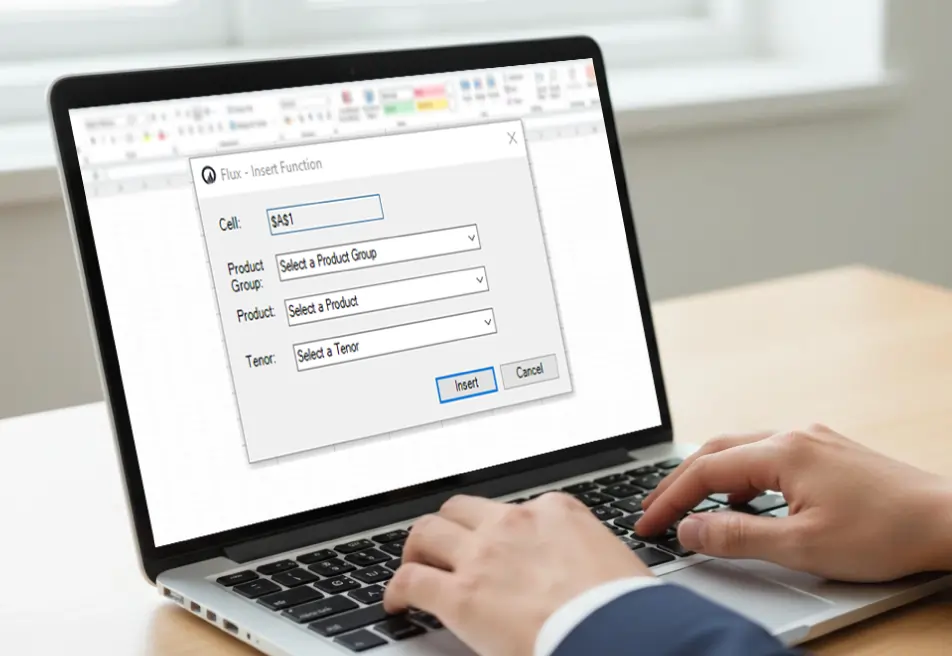
  • Custom Function Support
    Generate and print separate custom functions for selected stock groups and market data.
Project highlights

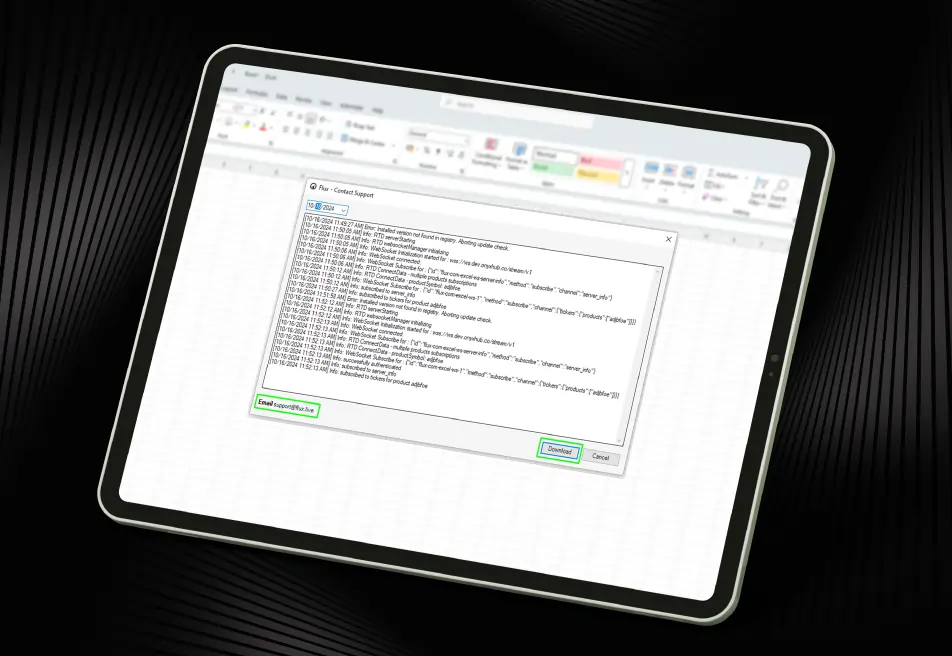
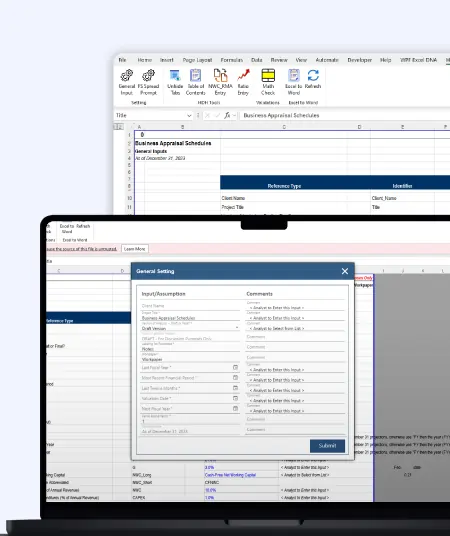
User-Friendly Task Pane

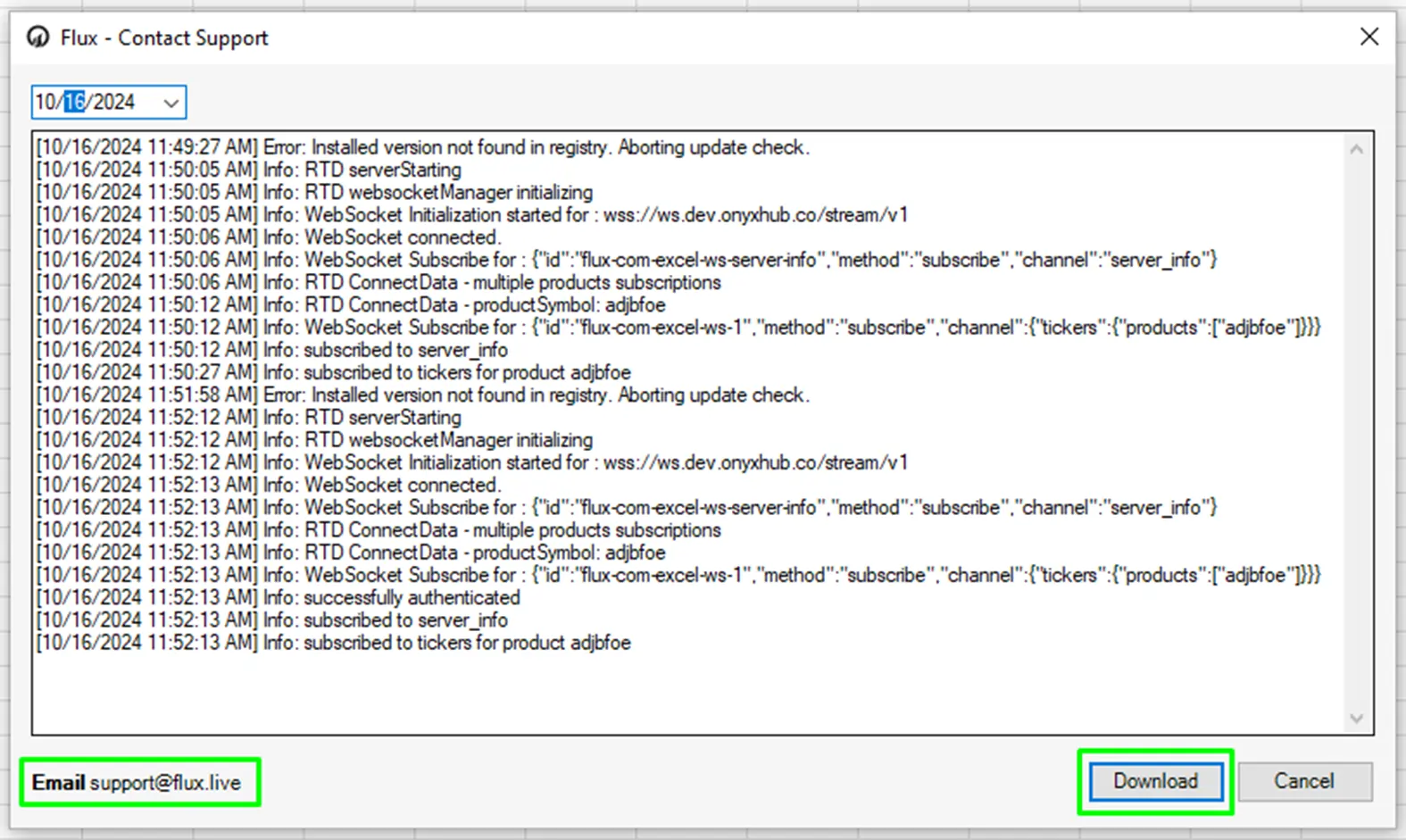
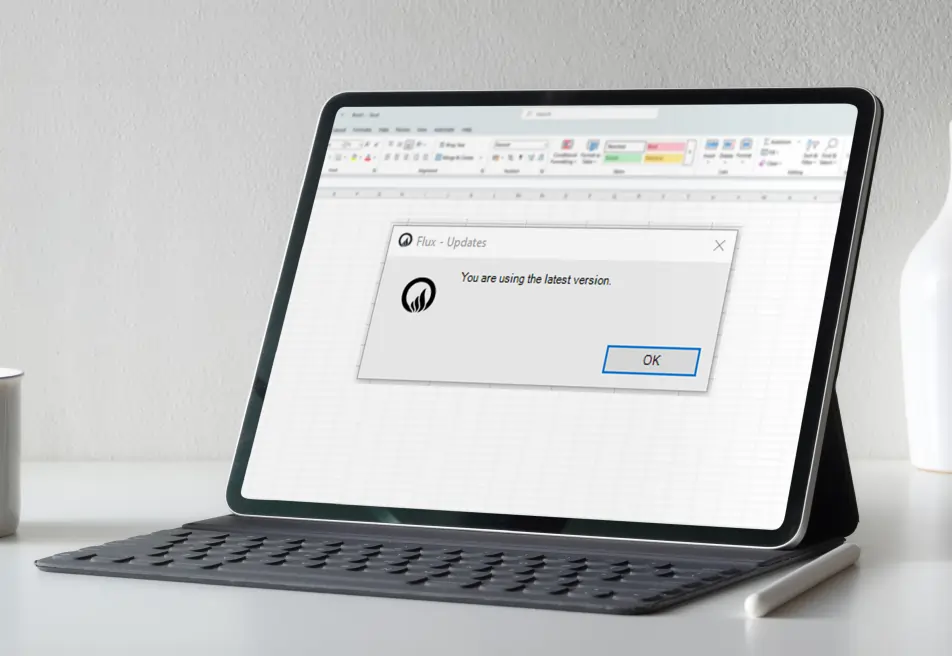
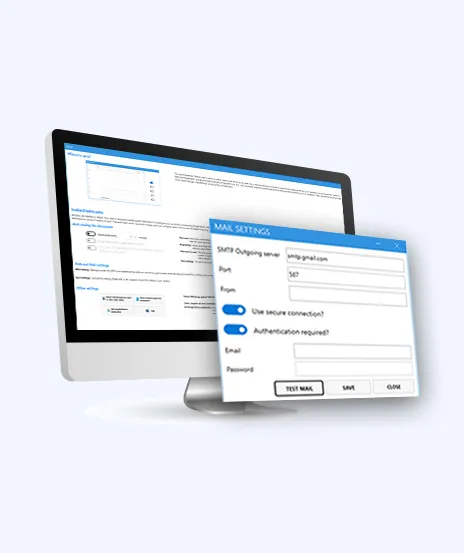
  • Simplified account management and easy navigation through interactive task panes and popups.
Outcome
  • The solution improved how users manage and track oil market trading data inside Excel. Teams could access live prices faster, organize watchlists more efficiently, and reduce manual effort in managing financial data.
  • With the smart Excel Add-in, Onyx Capital Group improved operational efficiency, simplified live data tracking, and created a smoother trading experience for users.
call to action

Build secure and high-performance business applications with our Node.js Development Services

Security, Compliance & Governance

  1. Secure OAuth-based user authentication
  2. Controlled and secure access to trading data
  3. Reliable handling of live market and settlement data
  4. Secure storage and management of user watchlists
  5. Scalable architecture for growing trading operations
  6. Safe and stable integration within Microsoft Excel
  7. Improved data visibility with controlled user access
How We Built It

(Technology Stack & Architecture)

Frontend: AngularJS
Backend: Node.js
Database: SQL
Type: Excel Add-in
Version Control: Git, Excel Add-In

Impact That Mattered

The smart Excel Add-in helped Onyx Capital Group improve live market tracking,
simplify financial data management, and create a better trading experience for users.

  • Faster access to real-time oil market prices
  • Reduced manual effort in managing trading data
  • Improved visibility into live market movements
  • Simplified watchlist creation and data organization
  • Better user experience with smooth Excel integration
  • Faster data refresh and settlement tracking
  • Secure and scalable authentication for users
  • Improved productivity and operational efficiency across trading workflows
Key outcomes
“Managing live oil market data manually was time-consuming for our teams. With iFour's custom Excel Add-in solution,
we can now track market prices faster, manage data easily, and make quicker trading decisions with confidence.” — Trading Operations Team, Onyx Capital Group

iFour Technolab developed a smart and scalable Excel Add-in for financial data management that helped Onyx Capital Group simplify real-time oil market tracking and improve trading operations.

With live price tracking, secure authentication, custom watchlists, and faster data updates, the solution improved productivity, reduced manual effort, and created a smoother trading experience directly inside Excel.

  • Smooth deployment with minimal disruption to trading workflows
  • Easy Excel Add-in installation across Microsoft Office versions
  • User onboarding and technical assistance for faster adoption
  • Continuous monitoring, maintenance, and performance improvements
  • Scalable support for future feature enhancements and integrations

Boost your business workflows and improve operational efficiency with our custom Microsoft 365 Development Services .

Talk To Our Experts
contact team
talk with team

Get In Touch With Us

We encourage you to contact us with any questions or comments you may have.

image
 

Related case studies

 
Blog Our insights
Best Project Management Software for Small Teams, Medium Businesses, and Large Enterprises

01 May 2026

Kapil Panchal

Best Project Management Software for Small Teams, Medium Businesses, and Large Enterprises

Selecting the right project management software helps you complete tasks on time with accuracy. Whether your team has five people or five hundred, choosing the right solution is essential...

How to Build AI Agents: Strategic Guide for CTOs

31 March 2026

Kapil Panchal

How to Build AI Agents: Strategic Guide for CTOs

AI agents are everywhere these days. The world's biggest tech players - Microsoft, Alphabet, Amazon, and Meta are investing heavily in AI infrastructure, with spending expected...

4 Types of Healthcare Analytics with Examples & Success Stories

12 February 2026

Kapil Panchal

4 Types of Healthcare Analytics with Examples & Success Stories

You already know how healthcare creates tons of clinical data every day. Patient visits… Labs… EMRs… doctor portals… scheduling systems… everything is generating numbers nonstop. But...

Full Project Display
1 / 4