
































































Top AI Frameworks Recommended on Reddit For Enterprise Use
Quick Summary: Choosing the right AI framework depends on your goals. TensorFlow and PyTorch are ideal for deep learning, while LangChain, LlamaIndex, AutoGen,...


601 & 612, The Times square Arcade, Near Baghban party plot, Thaltej - Shilaj Road, Thaltej, Ahmedabad, Gujarat - 380059




























3 sessions (1 hour each)
Free (Limited-Time Offer)
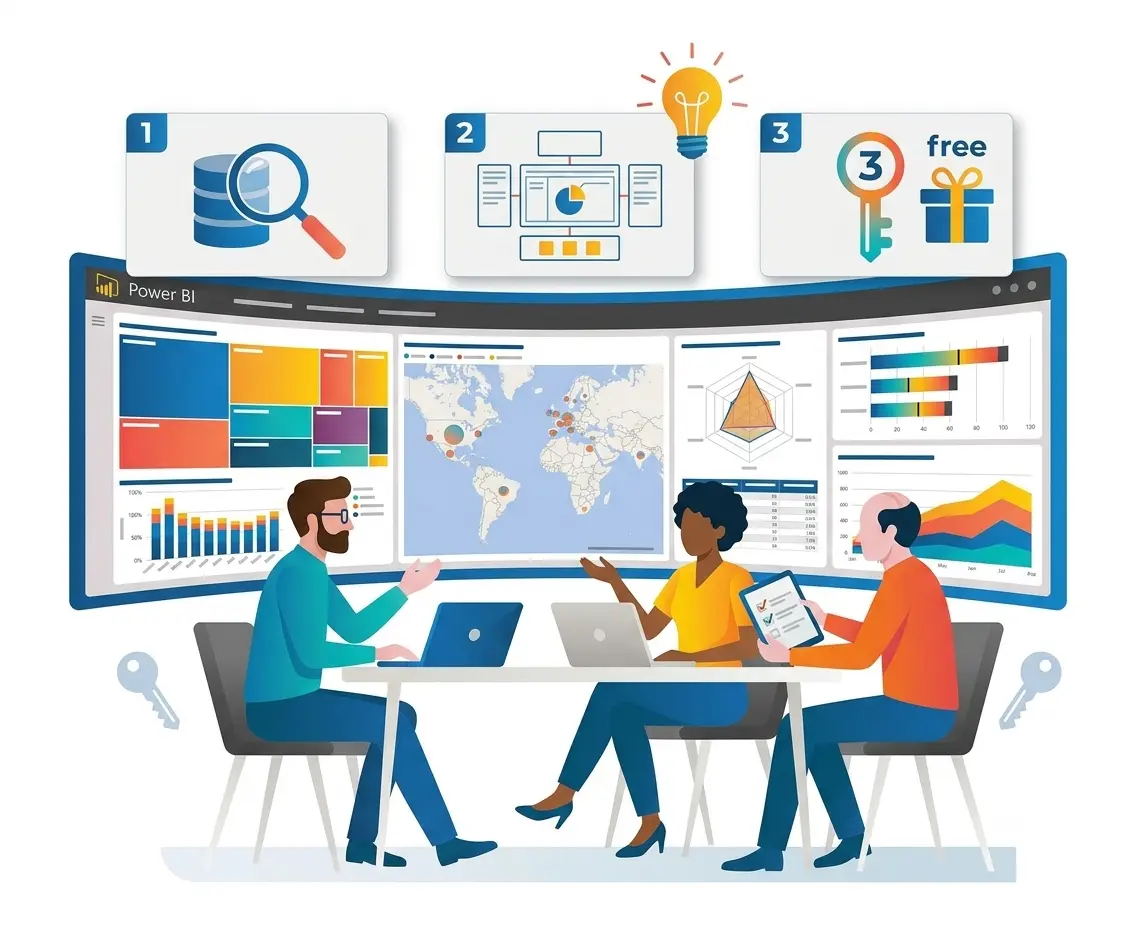
This free 3-session discovery support helps organizations understand how to turn their business data into meaningful insights using Microsoft Power BI. Using mixed discussions, our experts measure your data sources, identify the right KPIs, and show how interactive dashboards can support better business decisions.
Based on the end of the engagement, you will have a clear roadmap for building an effective reporting solution, including a KPI framework, dashboard concept, and strategic plan, all without any upfront investment.
✓Understand your business objectives.
✓Review your current data sources and systems.
✓Identify reporting challenges and improvement new ideas.
✓See the metrics that matter most.
✓Refine KPIs based on business goals.
✓Aligning reporting with making decisions needs.
✓Review a customized dashboard concept.
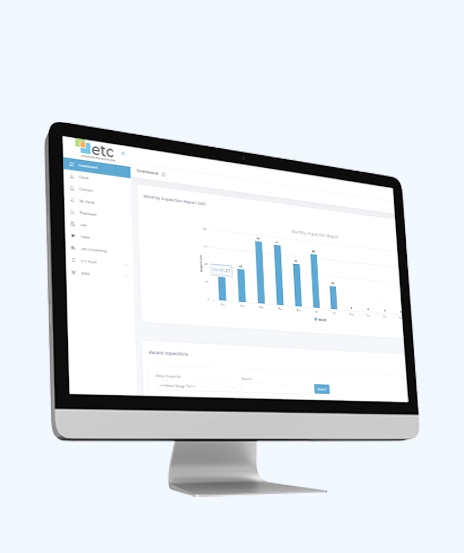
✓Explore charts, filters, and interactive reporting features.
✓Discuss dashboard design best practices.
Scope & Strategy document with recommendations.
Business-specific KPI framework.
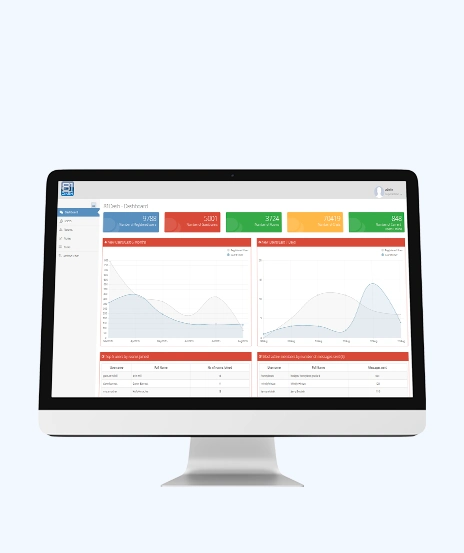
Customized Power BI dashboard concept.
Summary of existing data sources and reporting opportunities.
Recommendations for future dashboard implementation.
Expert guidance on Power BI reporting best practices.
Bring it together with our expert Power BI consulting services
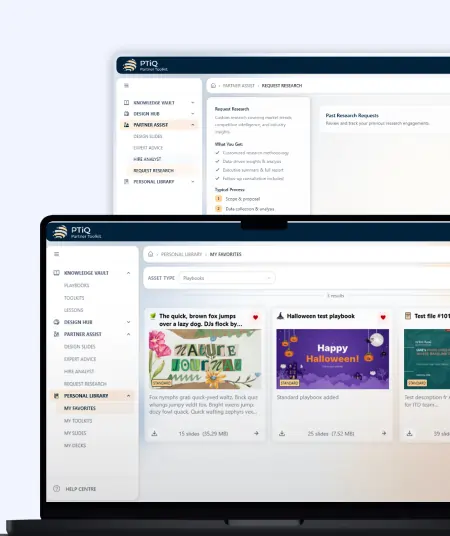
Automate critical Healthcare processes with our 2-Hour Power Automate consulting services
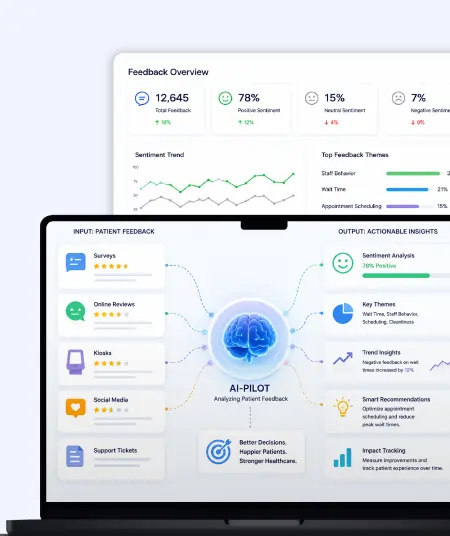
Catch patient feedback & sentiments early with our 2-Week Healthcare AI Pilot
Get a quick assessment and unlock what's missing.
Your customers expect instant answers — are you ready to deliver? Book your FREE automation session
Let’s design your first high-impact app in just 2 hours.
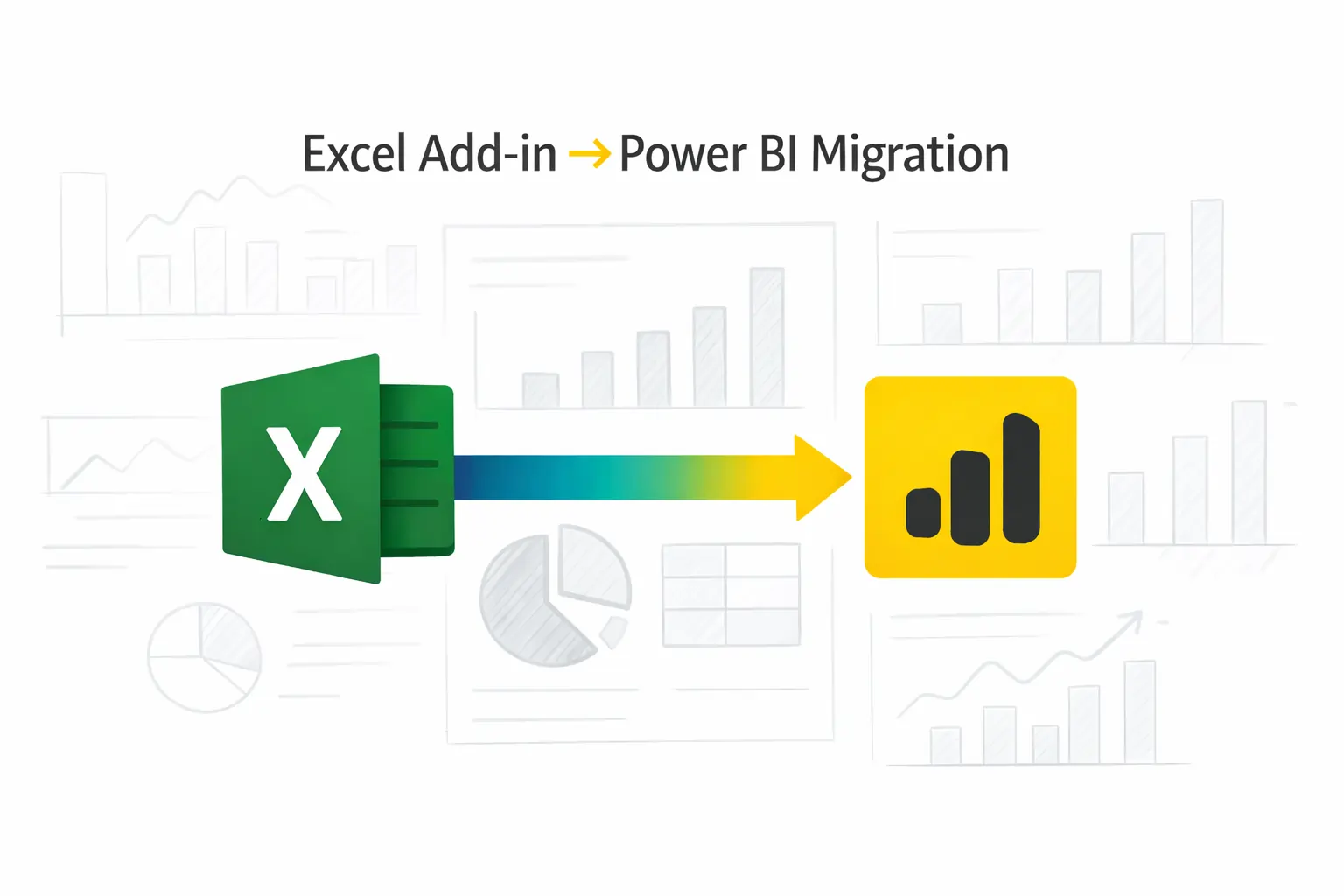
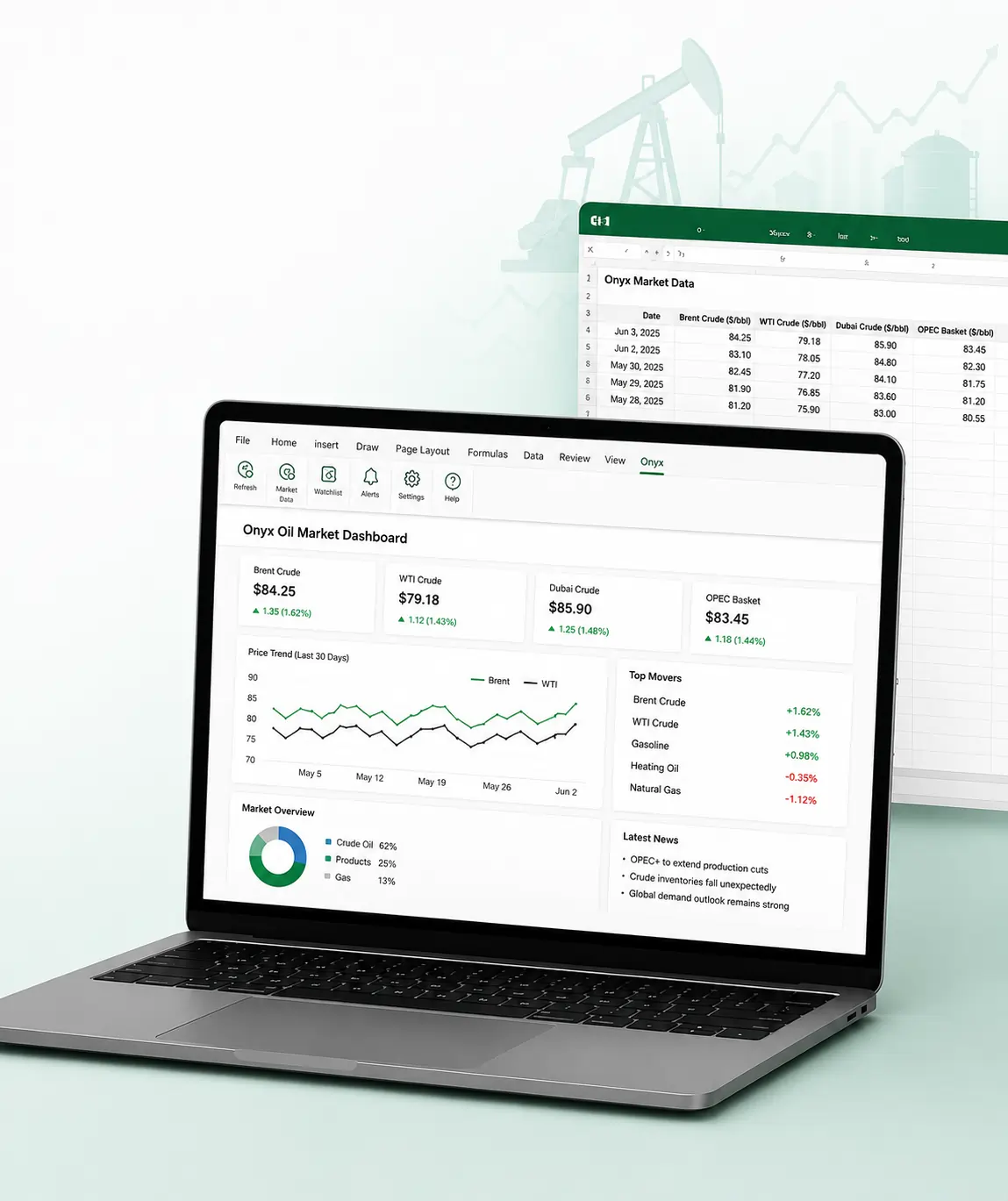
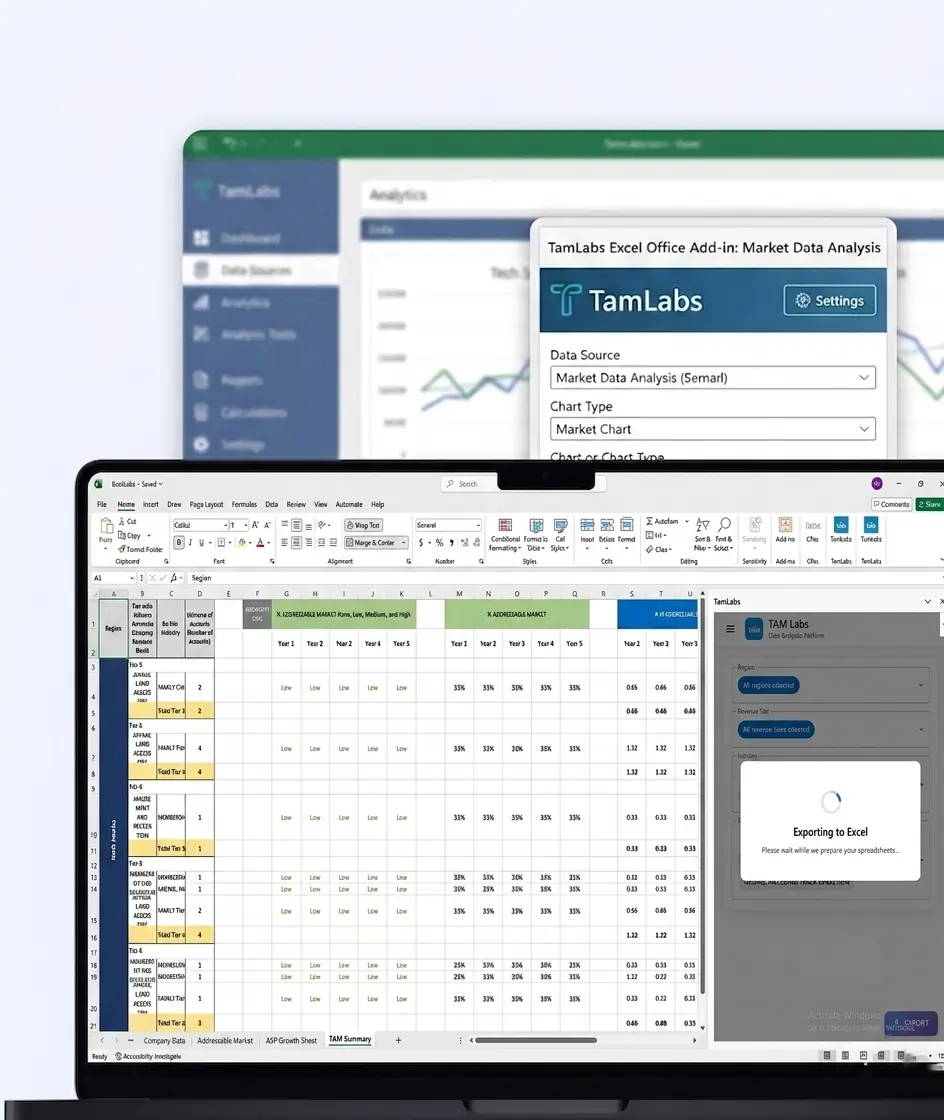
Migrate your Excel Add-in to Power BI with our 2-hour expert support.
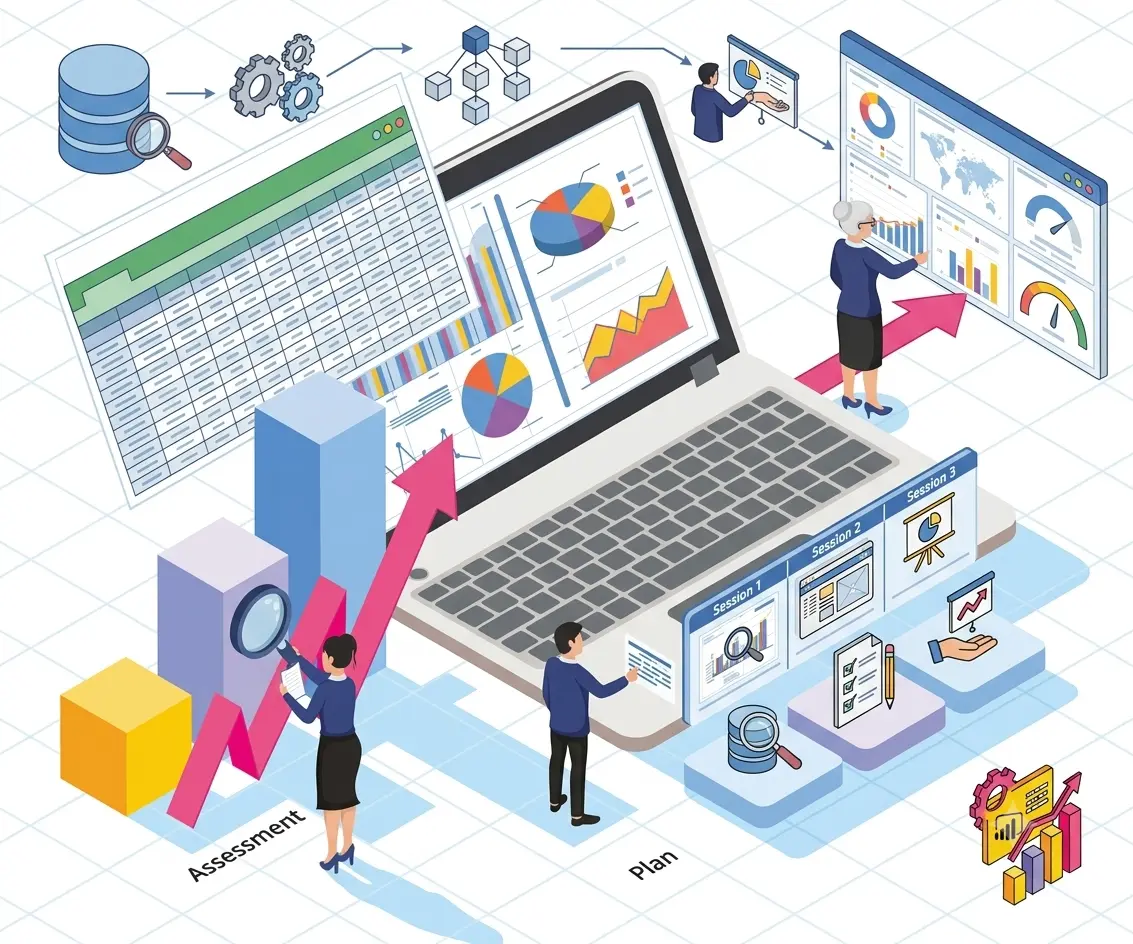

Unlock insights with 3 free sessions — transform your data into powerful dashboards today
Business owners are looking to make better use of their data.
Organizations are planning to implement Power BI dashboards.
Companies relying on spreadsheets or manual reporting.
Business leaders seeking meaningful performance insights.
Operations, finance, sales, and management teams.
Organizations beginning their data analytics journey.

+1 410 892 1119 / +91 95375 81301
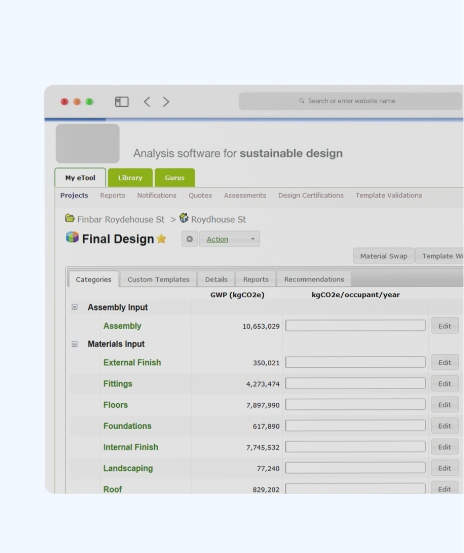
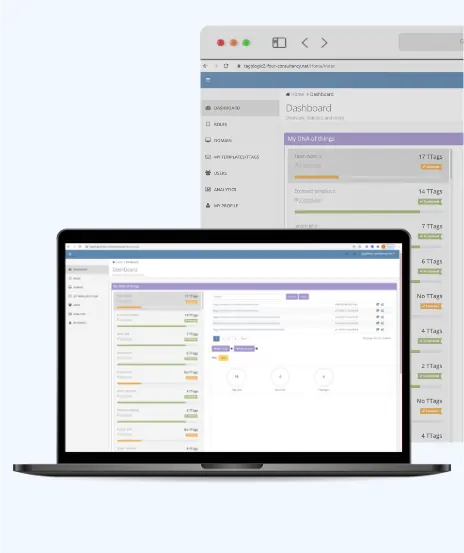
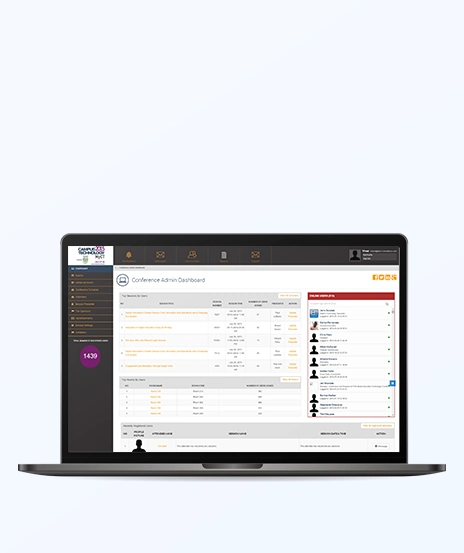
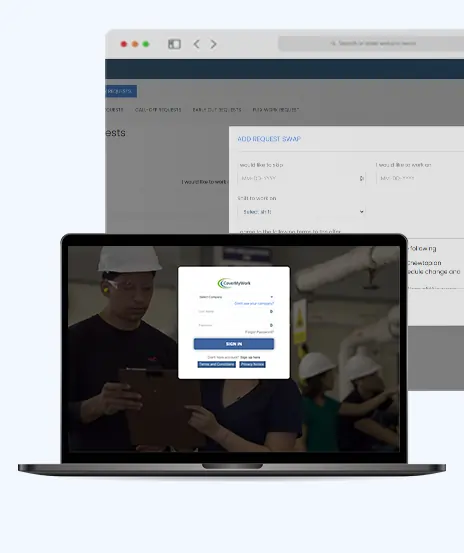
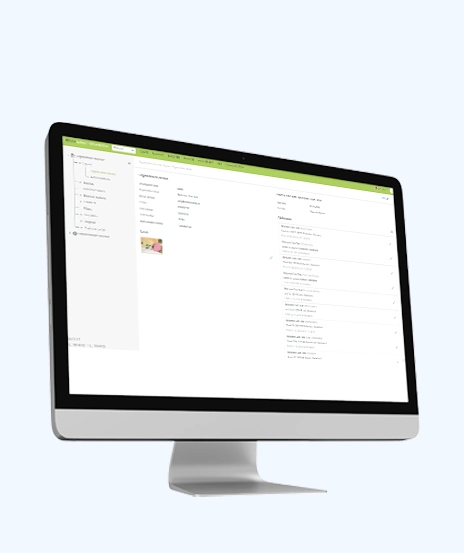
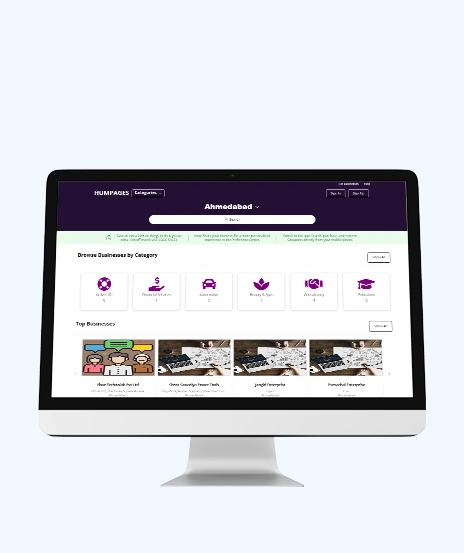
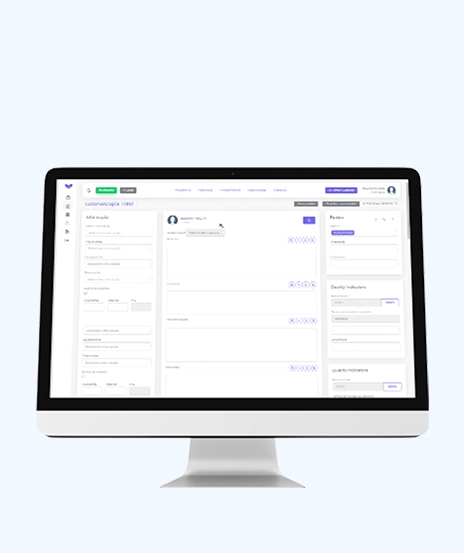
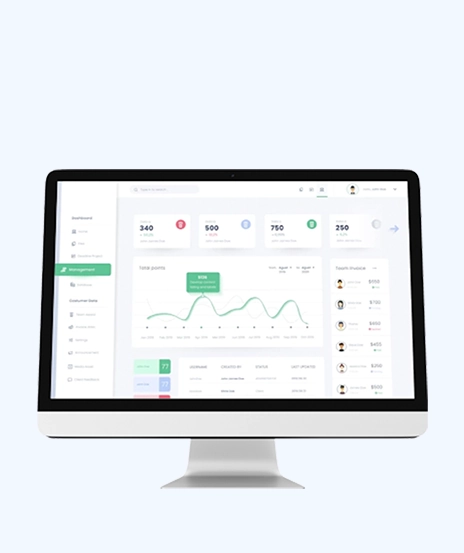
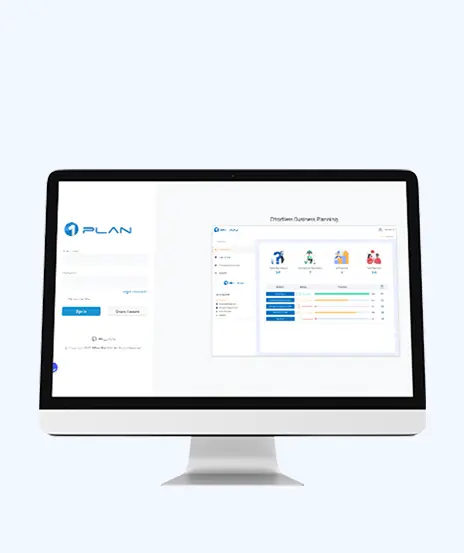
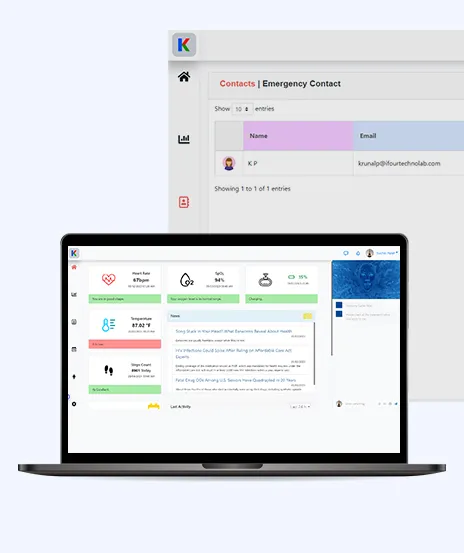
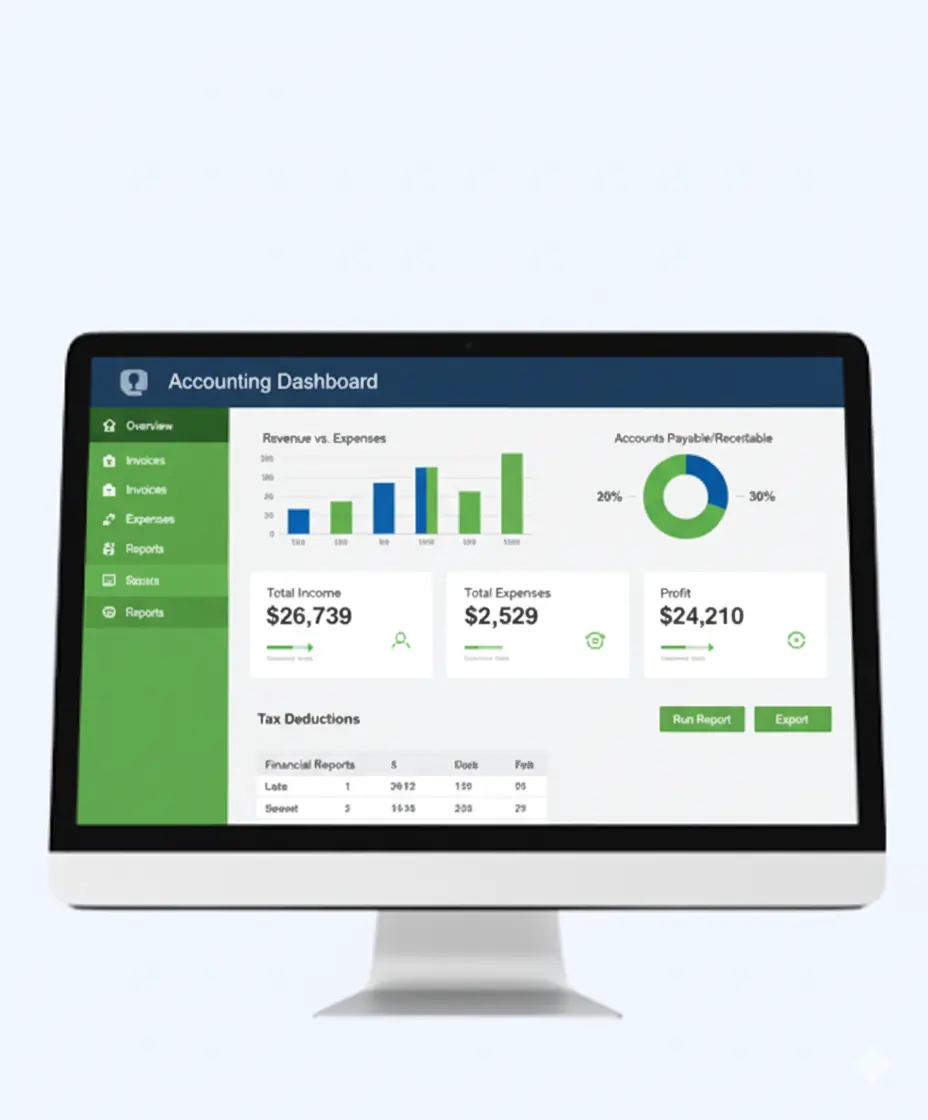
See how we've transformed businesses with custom software solutions
Take a look at our latest projects, where digital transformation comes to life.




















Yes, the complete 3-session discovery engagement is offered free for a limited time.
No, we will assess your current environment and explain how Power BI can support your reporting needs.
Yes, we will evaluate your data sources, reporting processes, and business objectives during the sessions.
You will receive a customized dashboard concept and prototype, with full development available as a separate engagement.
Yes, it is ideal for both beginners and organizations looking to improve their reporting strategy.
Businesses across all industries can benefit from this discovery engagement.
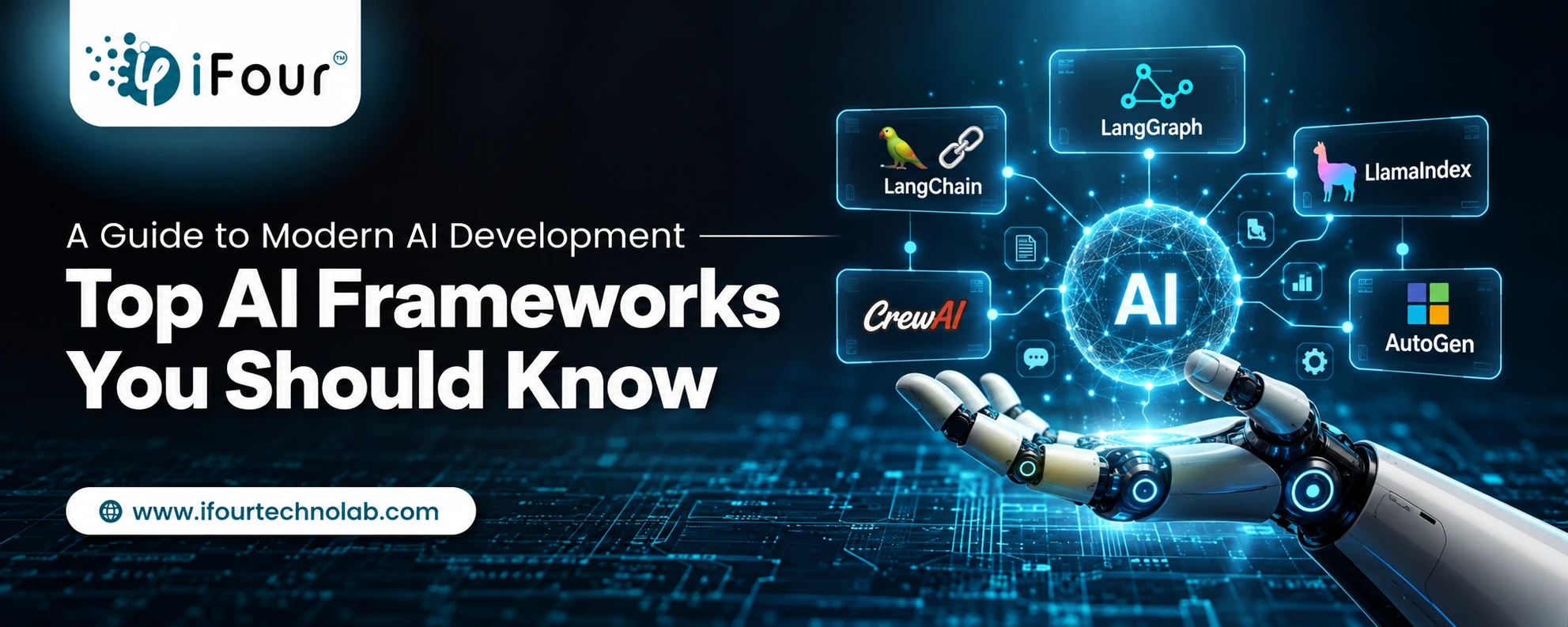
Quick Summary: Choosing the right AI framework depends on your goals. TensorFlow and PyTorch are ideal for deep learning, while LangChain, LlamaIndex, AutoGen,...
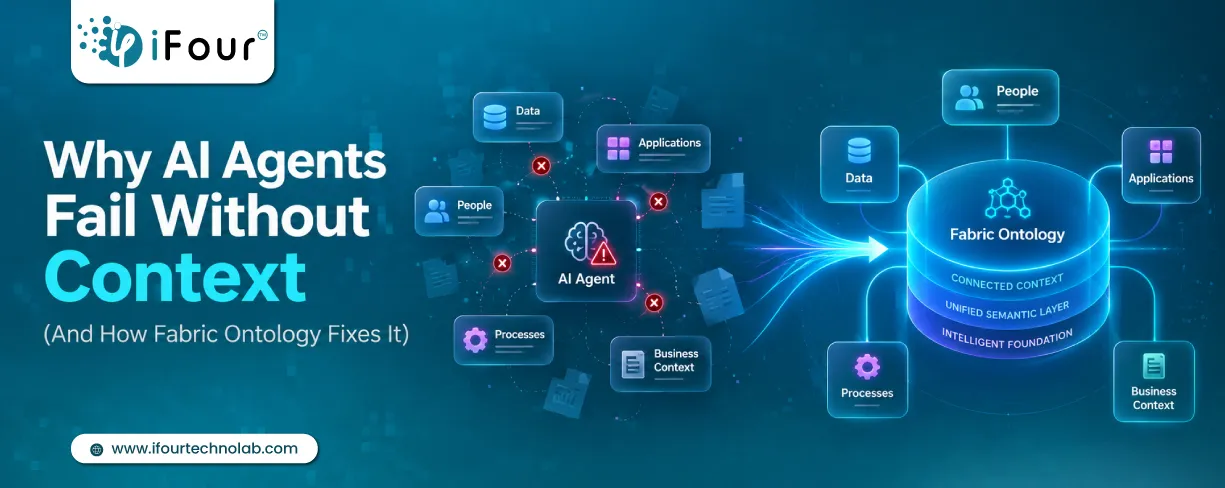
Quick Summary: AI agents don't fail because they lack intelligence. They fail because they lack business context. Enterprise data often contains information but not meaning. Fabric...

AI agents are everywhere these days. The world's biggest tech players - Microsoft, Alphabet, Amazon, and Meta are investing heavily in AI infrastructure, with spending expected...