






























































Top AI Frameworks Recommended on Reddit For Enterprise Use
Quick Summary: Choosing the right AI framework depends on your goals. TensorFlow and PyTorch are ideal for deep learning, while LangChain, LlamaIndex, AutoGen,...


601 & 612, The Times square Arcade, Near Baghban party plot, Thaltej - Shilaj Road, Thaltej, Ahmedabad, Gujarat - 380059




























2-Hour Expert-Led Modernization Consultation
Free Consultation
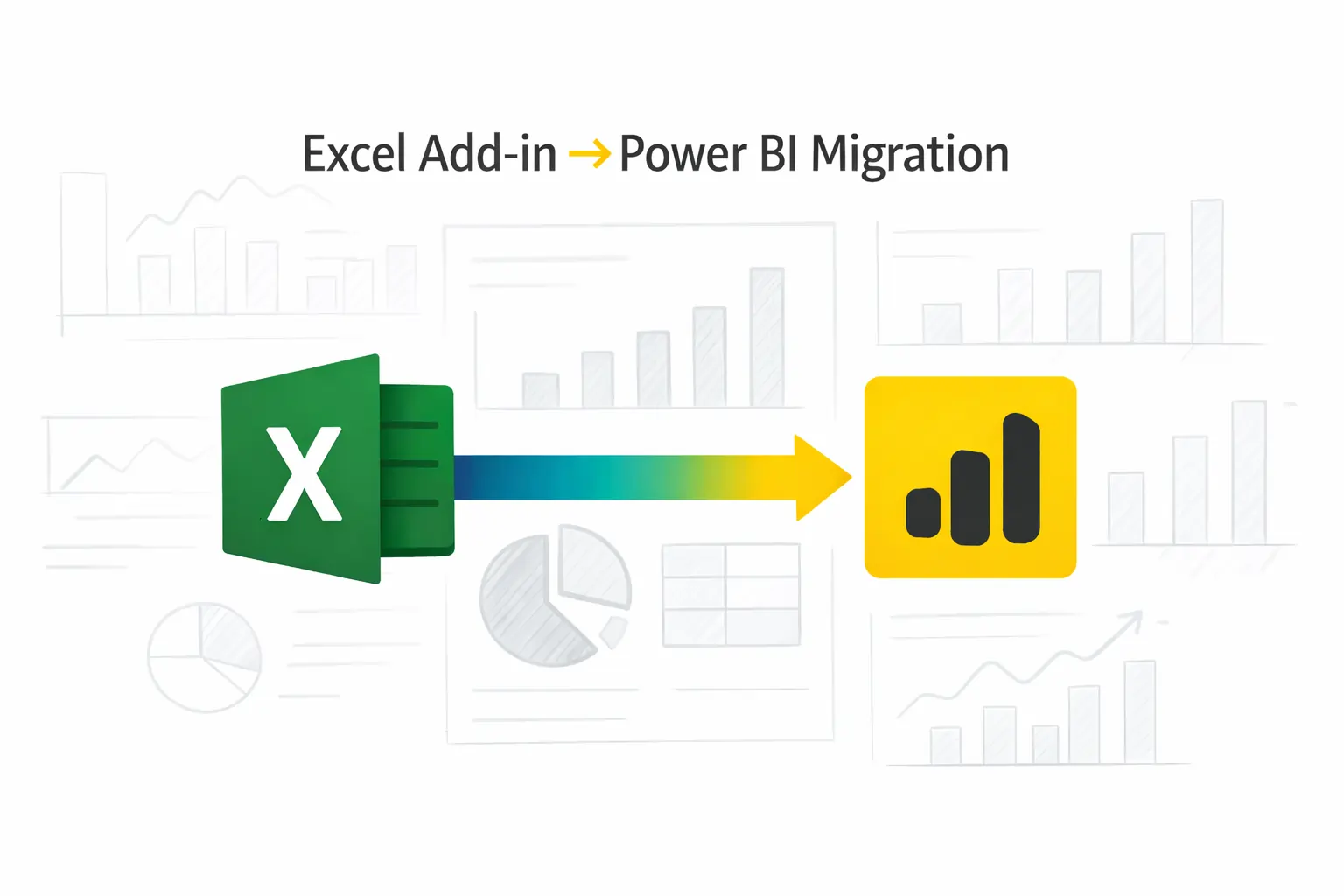
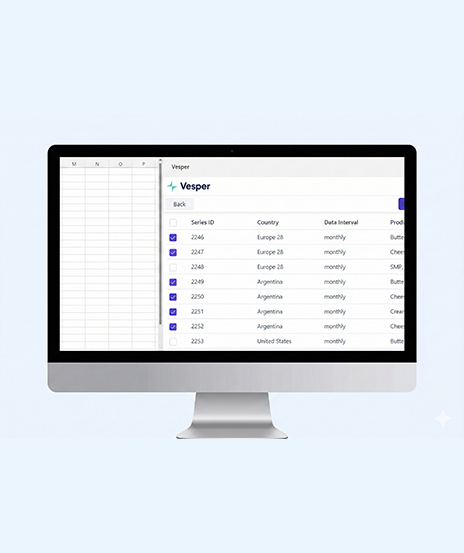
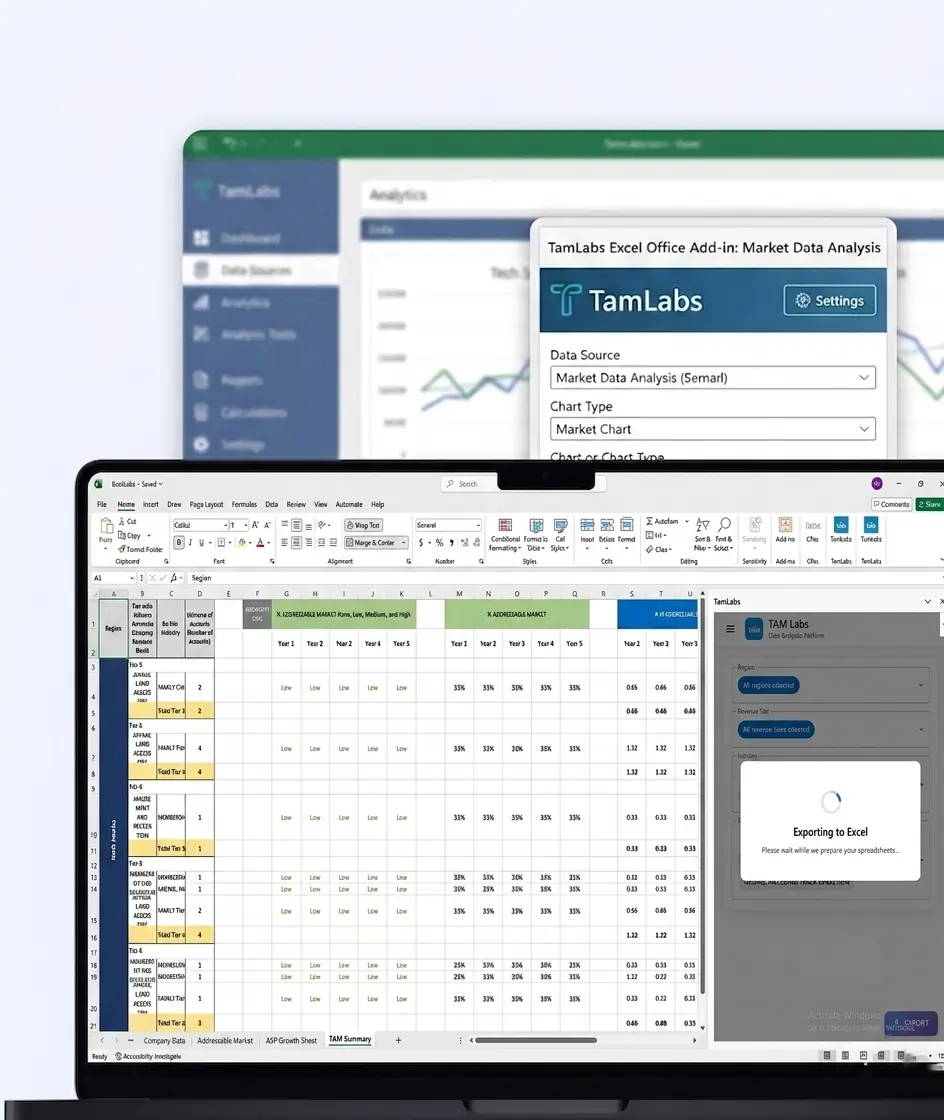
Many Businesses continue to rely on Excel Add-ins for reporting, data analysis, and business processes. While effective in the past, these solutions often become difficult to range, maintain, and collaborate around as business needs grow.
This free consultation helps you understand how your existing Excel Add-in can be refreshed into a Power BI-powered solution.
Our experienced team assess your current setup, identify a better way of doing things and future possibilities, and create a practical shift roadmap that helps you change to helpful dashboards, real-time insights, and cloud-based reporting.
Evaluate your Microsoft 365 environment, licensing, and usage patterns to assess technical and organizational readiness.
Conduct an interactive workshop to identify practical Copilot use cases such as document automation, meeting summaries, and report generation.
Design a structured pilot rollout plan covering user enablement, security readiness, and success metrics
After the consultation, you will receive:
A clear review of your current Excel Add-in environment
Recommendations for improving reporting, analytics, and collaboration
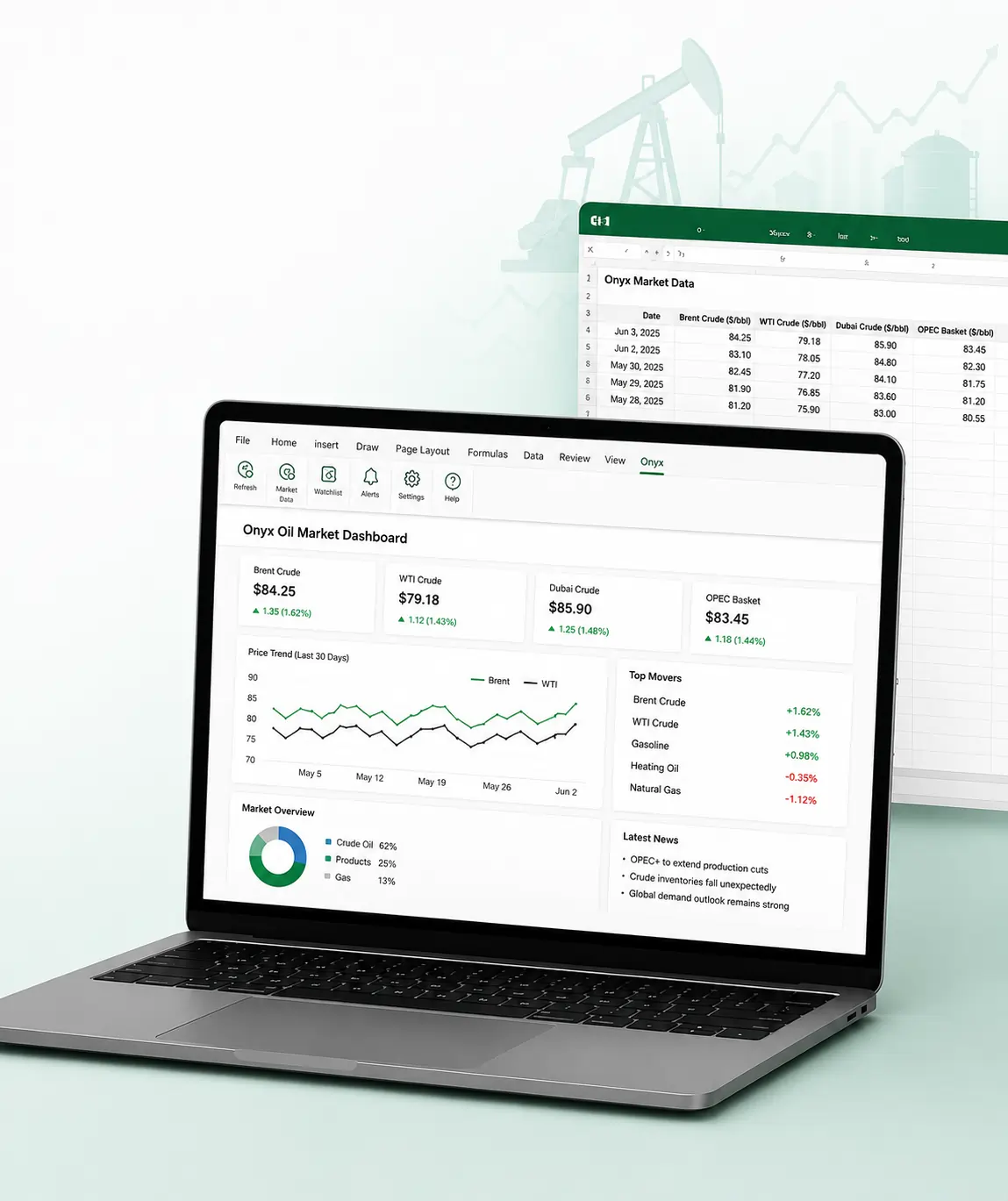
A Power BI Add-in feature roadmap tailored to your requirements
A migration strategy with suggested implementation phases
Guidance on benefit from Power BI AI features and advanced visualizations
Recommendations for maintaining compatibility with existing Excel workflows when required
Bring it together with our expert Power BI consulting services
Automate critical Healthcare processes with our 2-Hour Power Automate consulting services
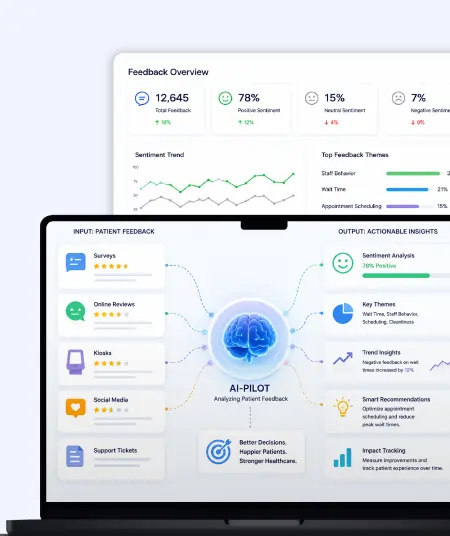
Catch patient feedback & sentiments early with our 2-Week Healthcare AI Pilot
Get a quick assessment and unlock what's missing.
Your customers expect instant answers — are you ready to deliver? Book your FREE automation session

Let’s design your first high-impact app in just 2 hours.
Migrate your Excel Add-in to Power BI with our 2-hour expert support.

Modernizing your Excel Add-ins with Power BI can help your organization:

Stop Excel chaos, start BI clarity � Book your free 2 hour modernization session with iFour today.
This consultation is ideal for organizations that:
Currently use Excel Add-ins for reporting, analysis, or automation
Want to modernize legacy reporting solutions
Need better visibility into business data through dashboards and visual analytics
Are looking to improve collaboration and access to reports across teams
Want to use AI-driven insights within their reporting environment
Need a clear roadmap before investing in a Power BI migration project
Also read this: Excel to Power BI migration


+1 410 892 1119 / +91 95375 81301
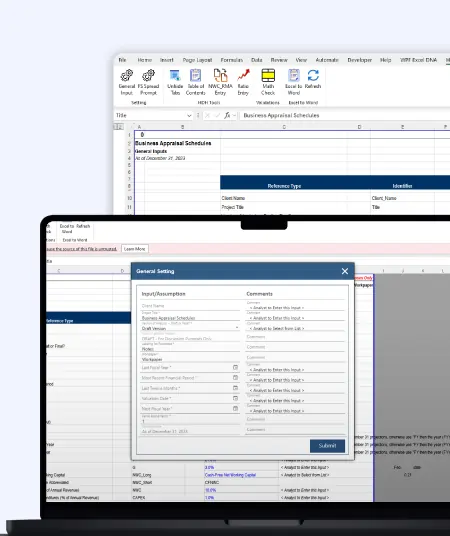
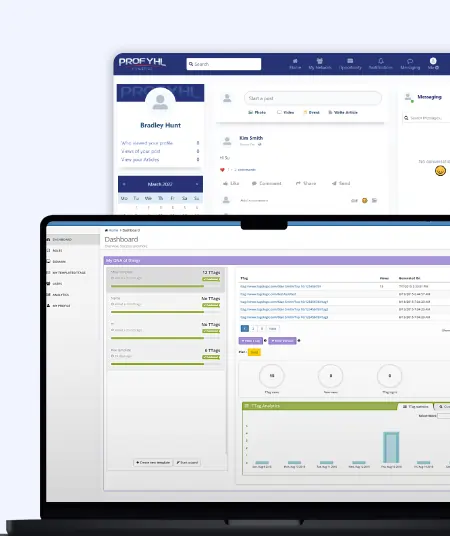
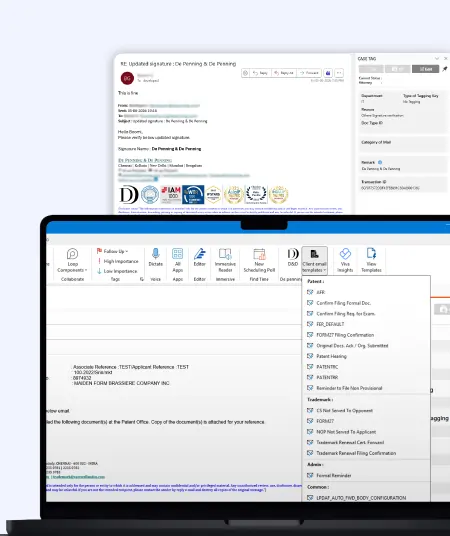
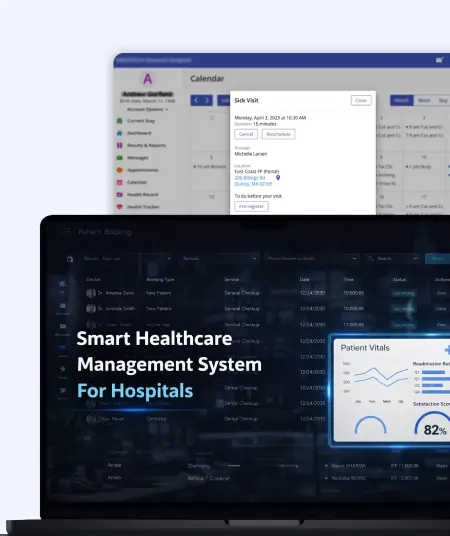
See how we've transformed businesses with custom software solutions
Take a look at our latest projects, where digital transformation comes to life.





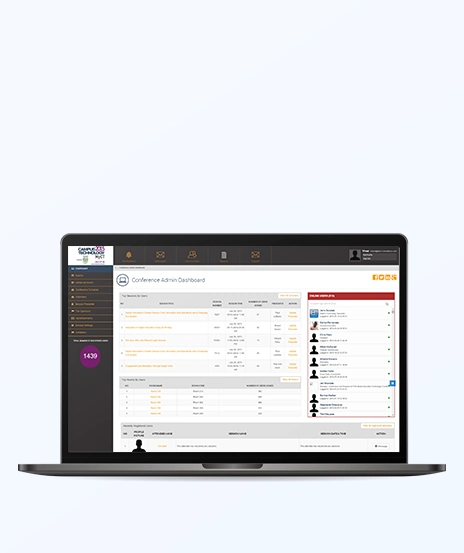

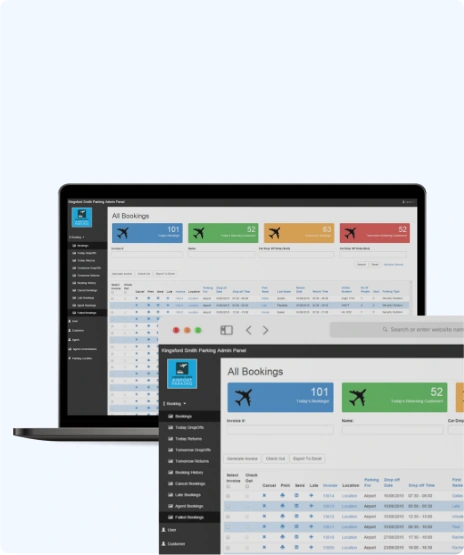

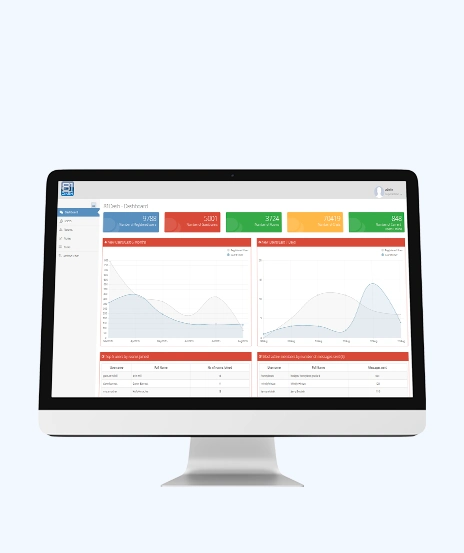



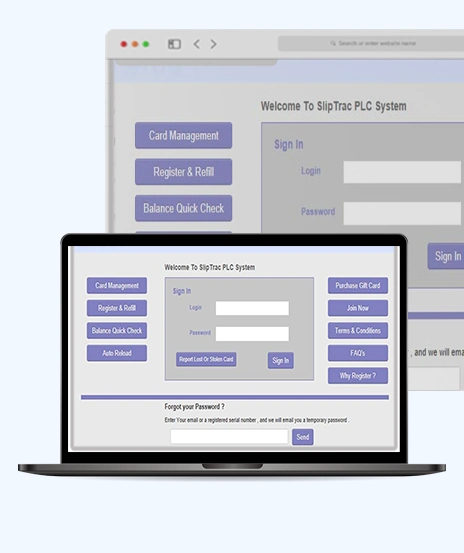





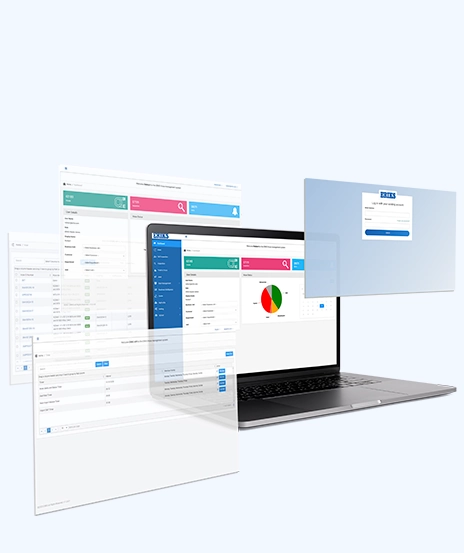


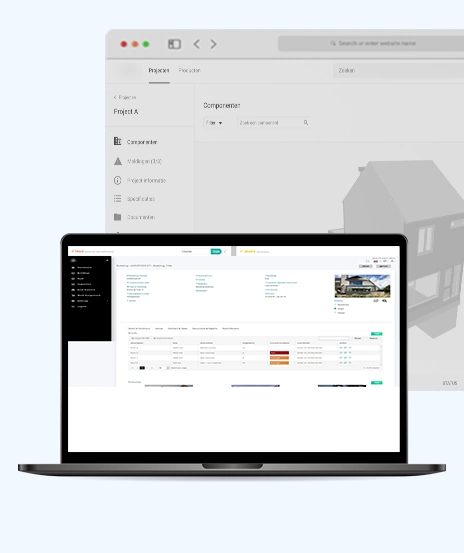






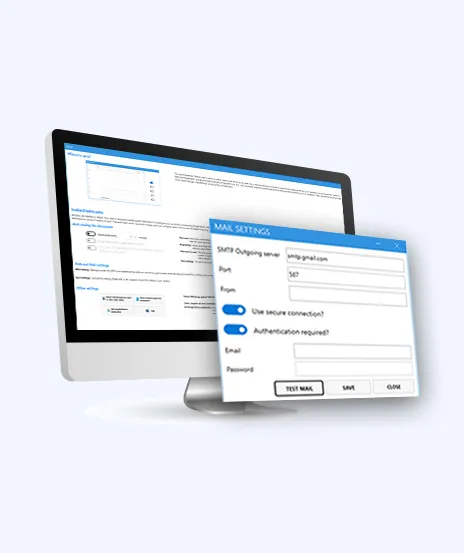



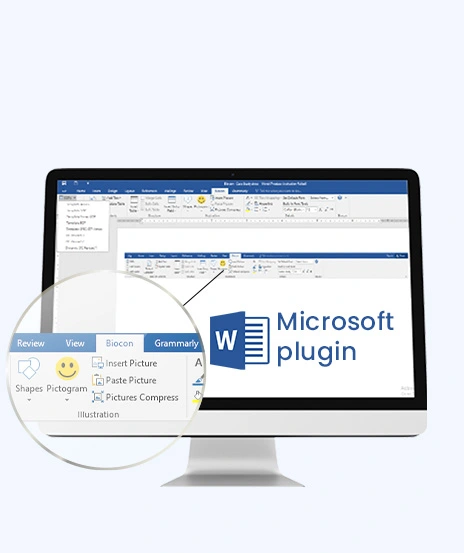

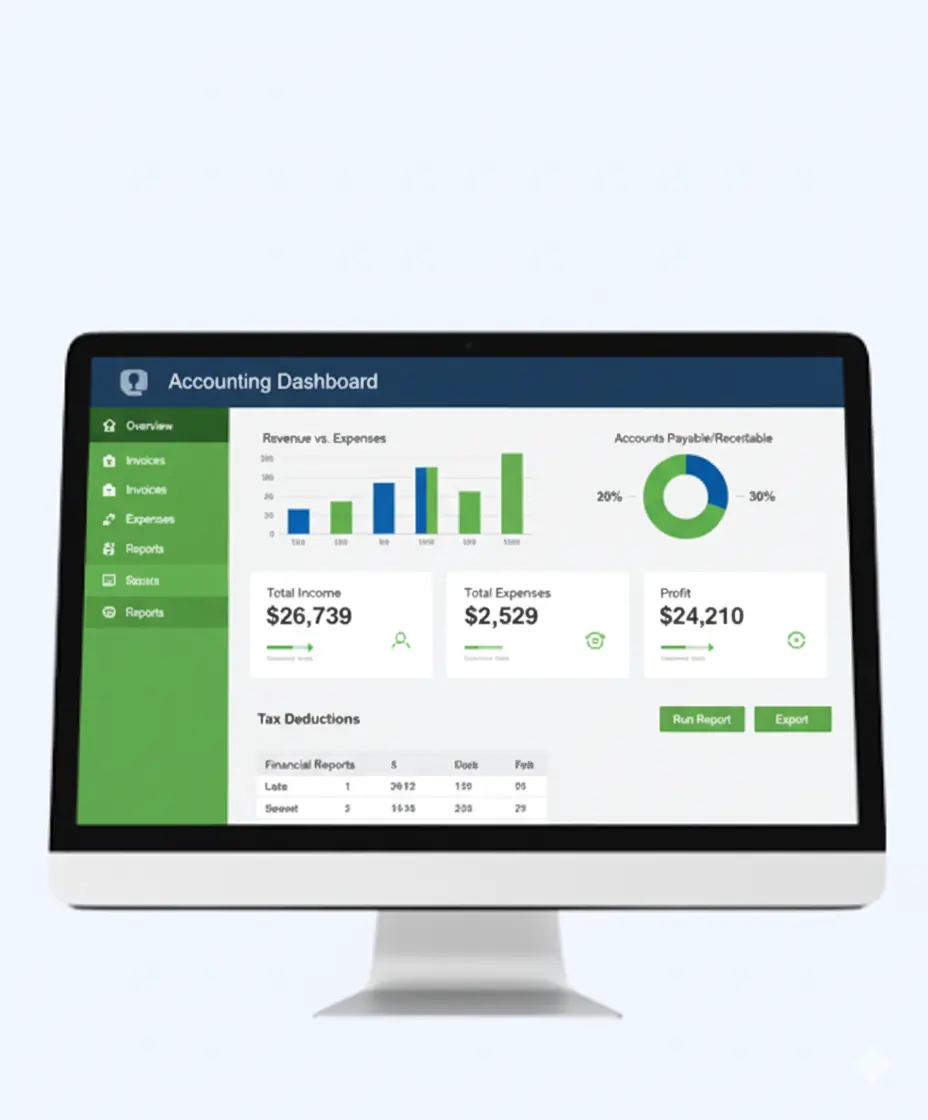

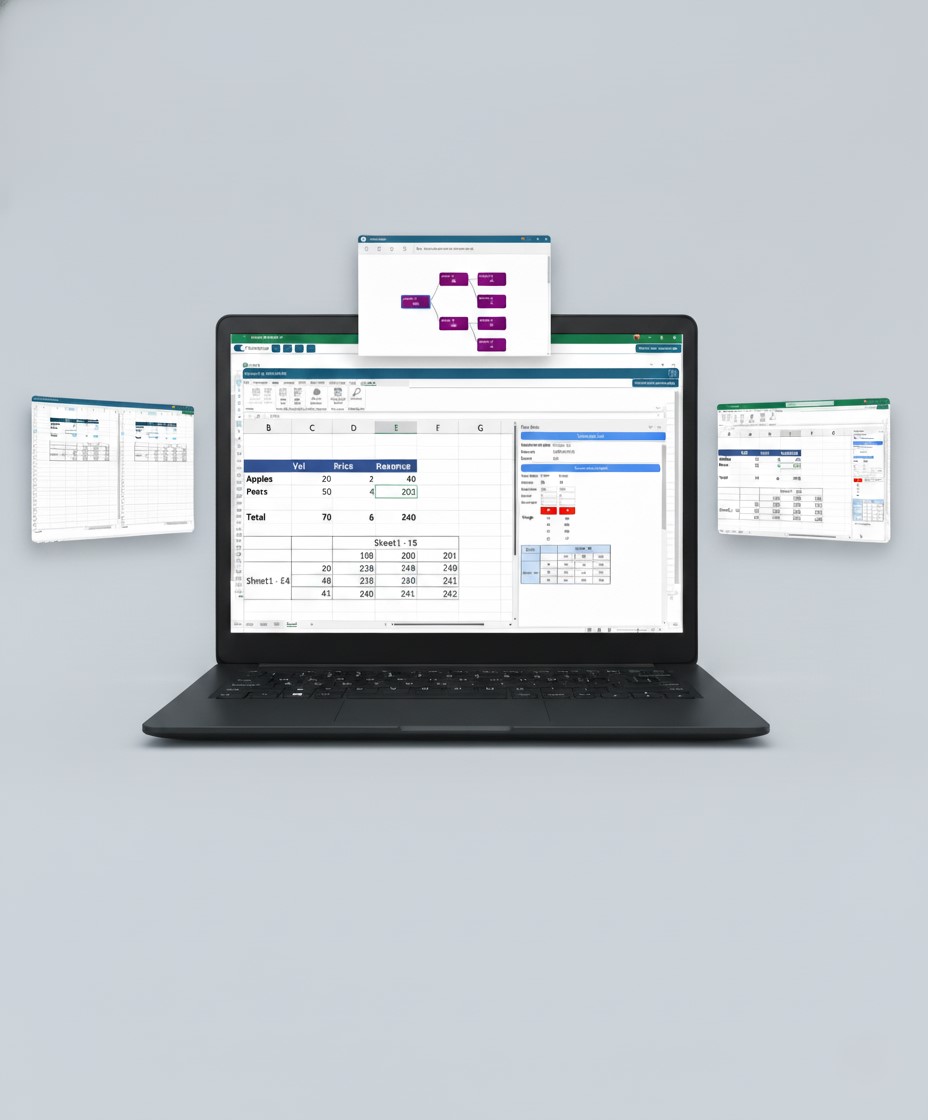


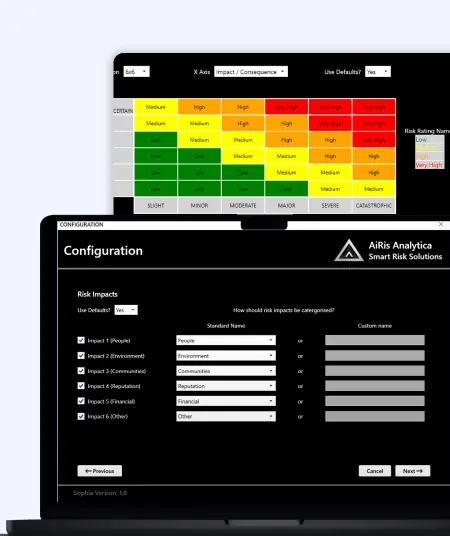
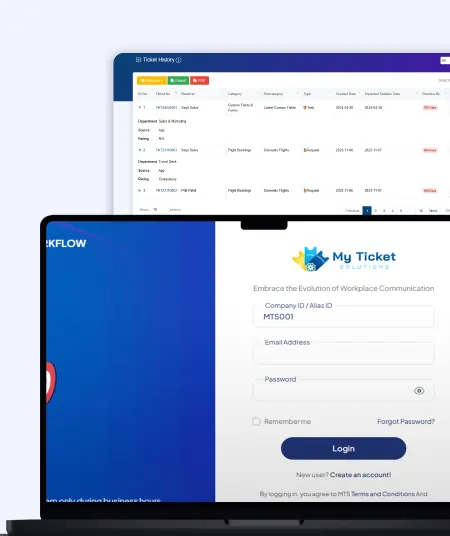
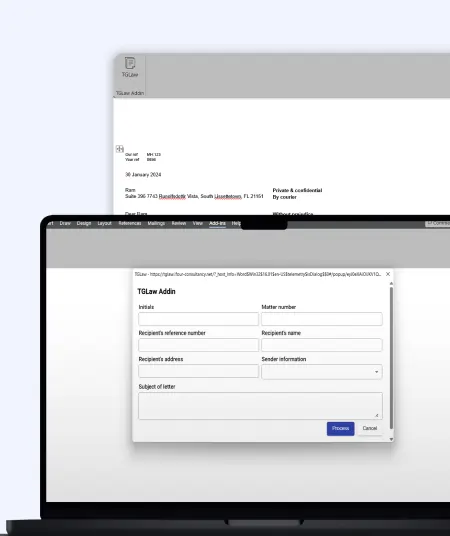
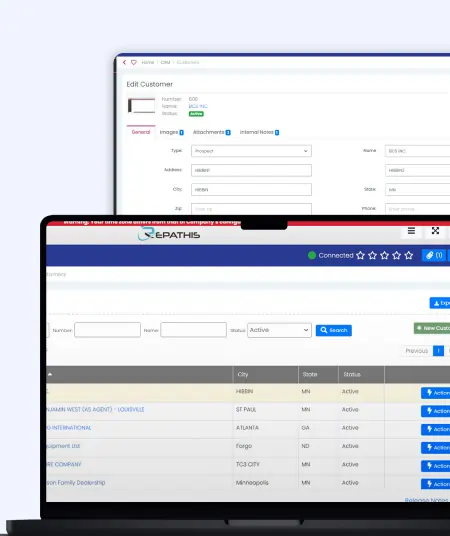


Yes. The 2-hour consultation is completely free. Our team will review your Excel Add-in and discuss how Power BI could help make better you are reporting and analytics.
No. Whether you are new to Power BI or are already looking at a move, we will help you understand your choices and next steps.
In many cases, yes. Power BI can create again many of the features of your Excel Add-in while giving dashboards, visualizations and data insights.
We aim to make the step as smooth as possible. During the consultation, we will explain how Power BI can be integrated without problems into your day-to-day work.
No problem. Our team will review your current setup and discuss how your calculations, workflows, and business processes can be moved to Power BI.
Because Excel Add-ins have limitations. Power BI helps you create interactive dashboards, access real-time data, support each other more easily, and gain better insights from your business database on a modern, able to grow platform.

Quick Summary: Choosing the right AI framework depends on your goals. TensorFlow and PyTorch are ideal for deep learning, while LangChain, LlamaIndex, AutoGen,...

Quick Summary: AI agents don't fail because they lack intelligence. They fail because they lack business context. Enterprise data often contains information but not meaning. Fabric...

Quick Summary Lawyers use AI to research faster, draft/review contracts, review large documents, track compliance, and automate legal workflows. However, they must verify...