
































































Top AI Frameworks Recommended on Reddit For Enterprise Use
Quick Summary: Choosing the right AI framework depends on your goals. TensorFlow and PyTorch are ideal for deep learning, while LangChain, LlamaIndex, AutoGen,...


601 & 612, The Times square Arcade, Near Baghban party plot, Thaltej - Shilaj Road, Thaltej, Ahmedabad, Gujarat - 380059
























1 Week (5 Business Days)
Contact us for a customized quote based on your organization's size and requirements.
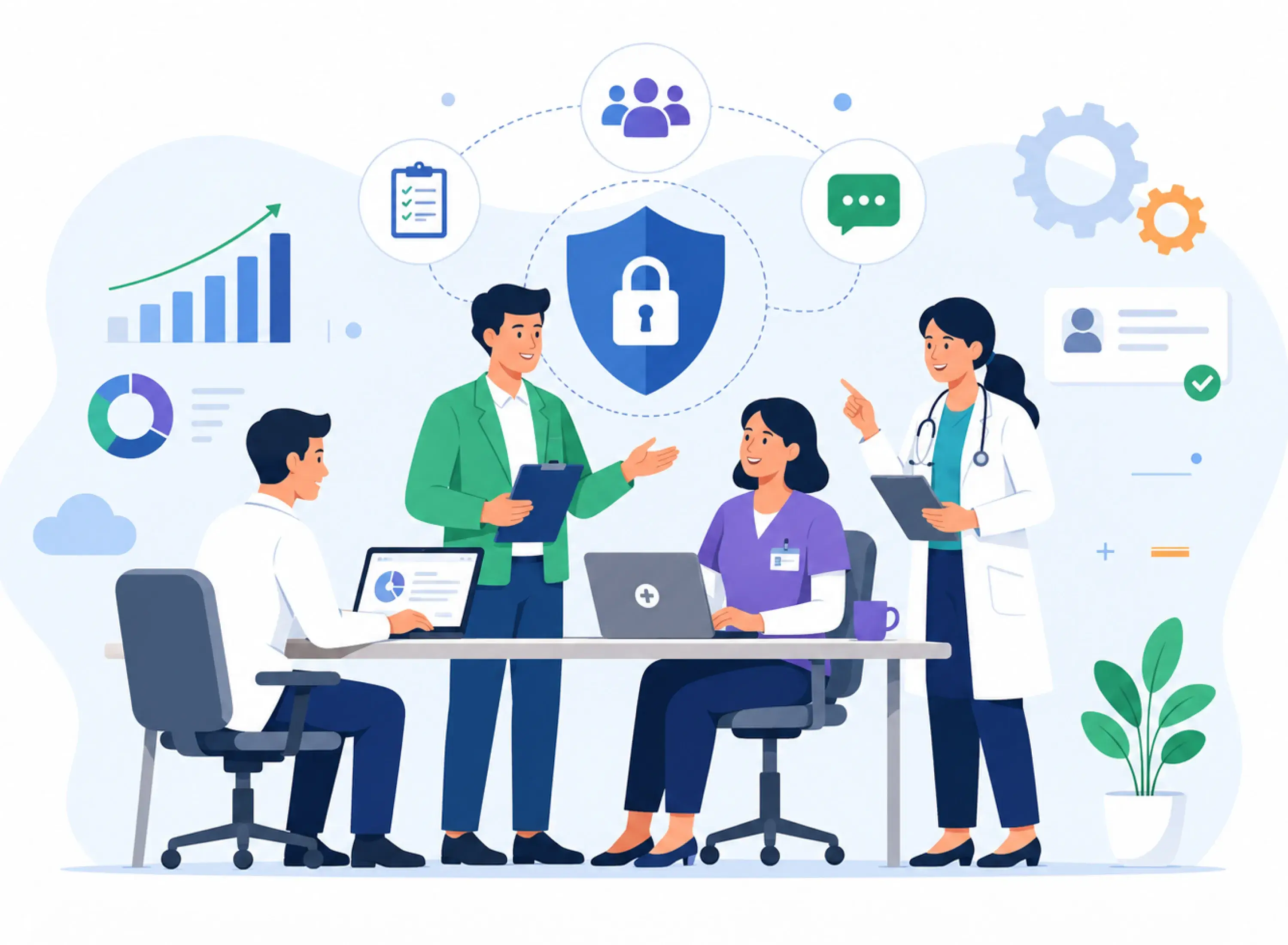
Healthcare teams depend on fast communication, but speed should never come at the expense of patient privacy or regulatory compliance.
Our team transforms Microsoft Teams into a secure, HIPAA-ready collaboration platform designed specifically for healthcare organizations.
In just five days, we configure Microsoft Teams to support secure communication, improve care coordination and help your organization meet compliance requirements.
Our implementation follows a structured three-step approach to deliver a secure clinical collaboration environment quickly.
We begin by understanding your current Microsoft Teams and Microsoft 365 setup. During this phase, we:
✓ Assess your existing Teams environment
✓ Review current security and compliance settings
✓ Identify HIPAA compliance gaps
✓ Understand your clinical communication and collaboration workflows
✓ Create an implementation plan tailored to your organization
Next, we configure Microsoft Teams to support secure healthcare collaboration. This includes:
✓ Creating dedicated Teams and channels for clinical departments and administrative staff
✓ Configuring HIPAA-aligned security settings
✓ Providing Multi-Factor Authentication (MFA)
✓ Applying for Data Loss Prevention (DLP) policies
✓ Configuring encryption and secure access controls
✓ Integrating Teams with scheduling tools, telehealth applications, and Electronic Health Record (EHR) systems where applicable
Once the environment is ready, we ensure your team can use it effectively. This includes:
✓ Live staff training session
✓ Best practices for secure collaboration
✓ Compliance guidance
✓ Complete documentation
✓ Recorded training session for future onboarding
At the end of the implementation, you'll receive:
A HIPAA-ready Microsoft Teams environment
Secure Teams channels for clinical collaboration
Configured security and compliance policies
Security and compliance configuration report
Integration with supported healthcare applications
Staff training materials
Recorded training session
Implementation, documentation and compliance guidelines
Bring it together with our expert Power BI consulting services
Automate critical Healthcare processes with our 2-Hour Power Automate consulting services
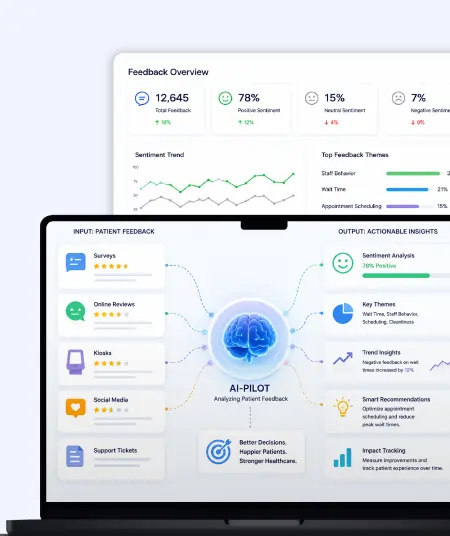
Catch patient feedback & sentiments early with our 2-Week Healthcare AI Pilot
Get a quick assessment and unlock what's missing.
Your customers expect instant answers — are you ready to deliver? Book your FREE automation session
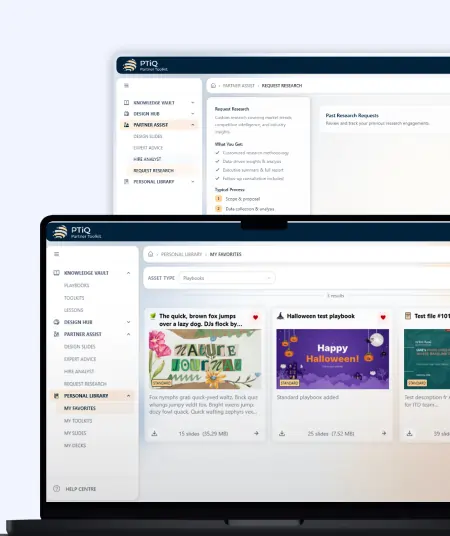
Let’s design your first high-impact app in just 2 hours.
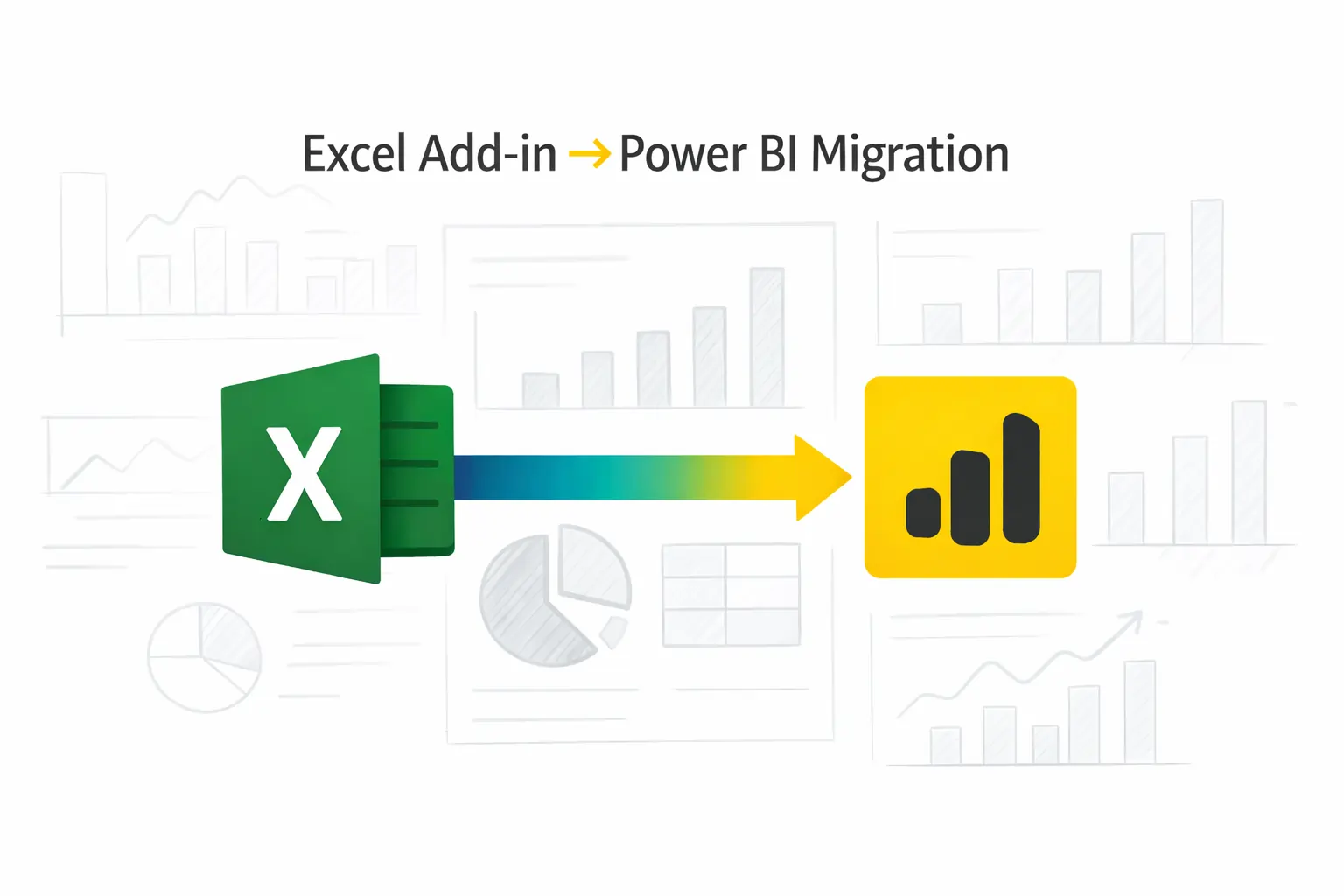
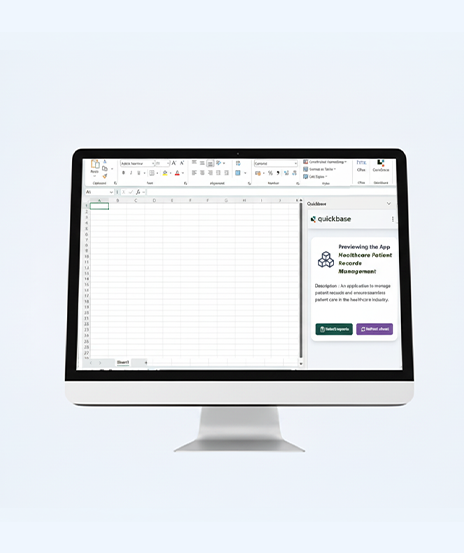
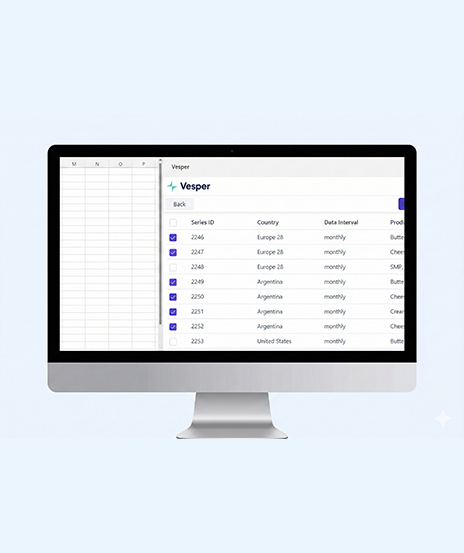
Migrate your Excel Add-in to Power BI with our 2-hour expert support.
This implementation helps healthcare organizations create a secure and efficient communication environment without lengthy deployment projects.
Key benefits include:

Achieve secure clinical collaboration with iFour’s 1 week Microsoft Teams implementation service.
This implementation is ideal for:
Hospitals looking to improve secure clinical communication
Clinics coordinating patient care across multiple teams
Healthcare organizations requiring HIPAA-compliant collaboration tools
Medical practices adopting Microsoft Teams for daily operations
Healthcare IT leaders seeking a fast and secure Teams deployment
Organizations integrating Teams with telehealth and EHR platforms

+1 410 892 1119 / +91 95375 81301
See how we've transformed businesses with custom software solutions
Take a look at our latest projects, where digital transformation comes to life.























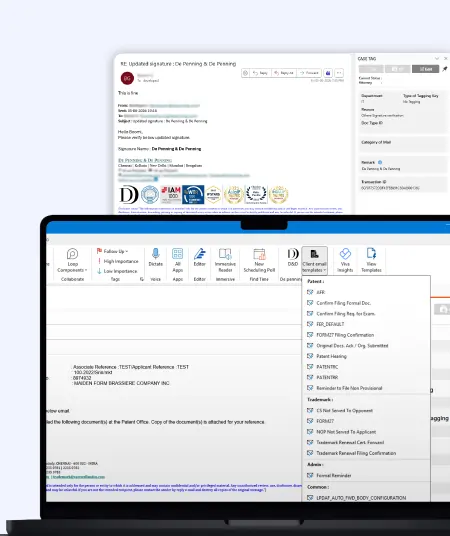
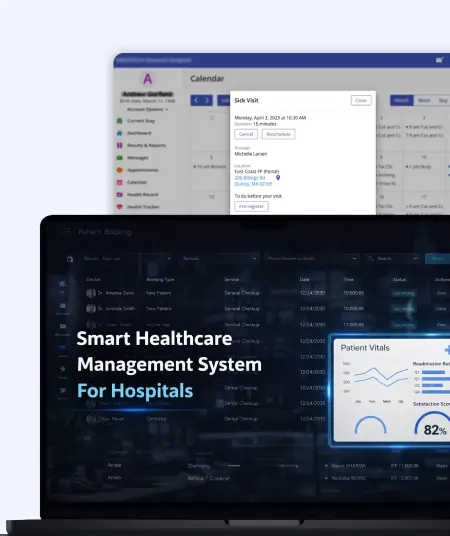
The complete implementation is delivered within 5 business days, and it depends on your organization's readiness and access requirements.
Microsoft Teams provides security capabilities, but proper configuration is essential. We configure Teams with HIPAA-aligned security settings, access controls, and compliance policies to help support your compliance objectives.
Yes. We can integrate Microsoft Teams with supported scheduling platforms, telehealth solutions, and Electronic Health Record (EHR) systems where applicable.
Yes. We provide a live training session, supporting documentation, and a recorded session so your staff can confidently use the new environment.
Yes. You'll receive implementation documentation, a security and compliance configuration report, training materials, and guidance for maintaining your Teams environment.
Yes, the implementation can be for hospitals, clinics, and healthcare organizations with multiple departments, locations, or care teams.

Quick Summary: Choosing the right AI framework depends on your goals. TensorFlow and PyTorch are ideal for deep learning, while LangChain, LlamaIndex, AutoGen,...
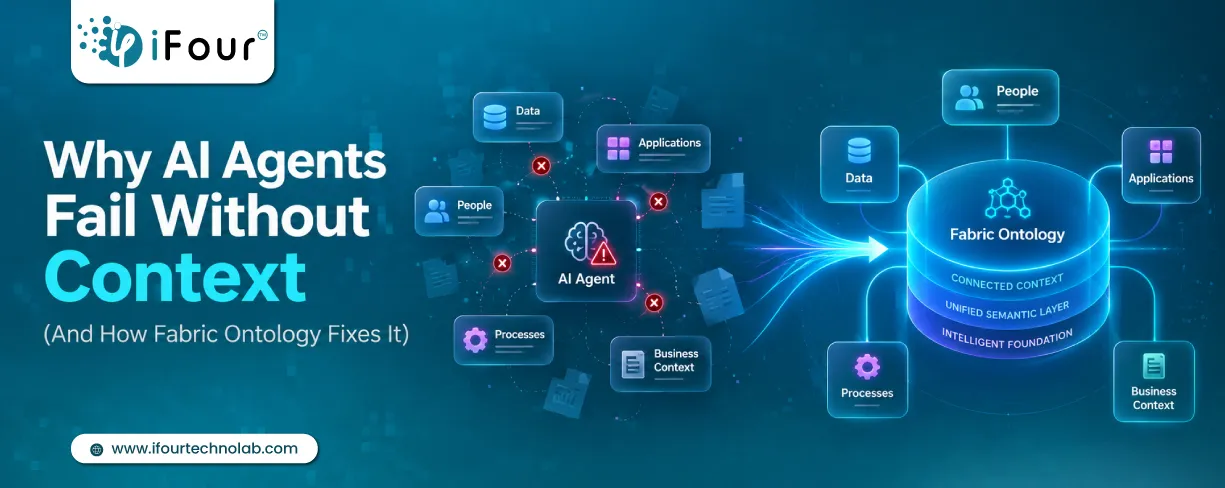
Quick Summary: AI agents don't fail because they lack intelligence. They fail because they lack business context. Enterprise data often contains information but not meaning. Fabric...
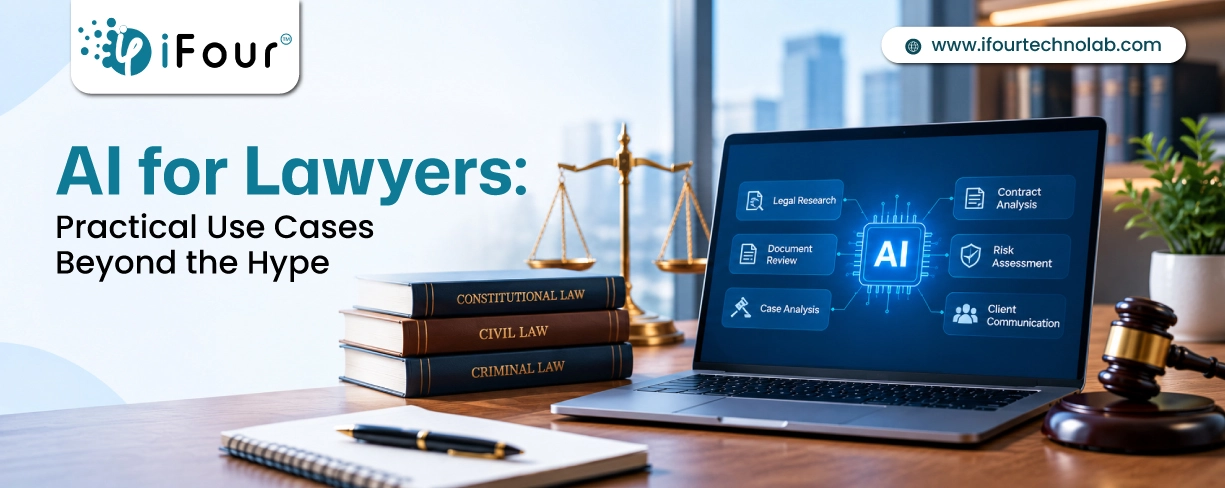
Quick Summary Lawyers use AI to research faster, draft/review contracts, review large documents, track compliance, and automate legal workflows. However, they must verify...