

























































Top AI Frameworks Recommended on Reddit For Enterprise Use
Quick Summary: Choosing the right AI framework depends on your goals. TensorFlow and PyTorch are ideal for deep learning, while LangChain, LlamaIndex, AutoGen,...


601 & 612, The Times square Arcade, Near Baghban party plot, Thaltej - Shilaj Road, Thaltej, Ahmedabad, Gujarat - 380059






















2-Hour Interactive Virtual Workshop
Free Workshop Offer
Many Associations have Microsoft 365 services in place, but fail to take the full advantage of the tools available to them. As a result, teams continue to rely on multiple email exchanges, disconnected files, and manual processes that slow work down.
This free workshop helps business users understand how to use Microsoft 365 more effectively in their daily work. Through practical demos and real-life examples, we will show your team how to collaborate better, stay organised, and get more value from the Microsoft 365 licenses you already own.
No advanced background is required; this session is designed more importantly for normal business users.
Over the course of two hours, our Microsoft 365 specialists will walk your team through the tools and features that can make the biggest difference in daily making good progress and collaboration.
Learn how to use channels, chats, meetings, and team workspaces to keep communication organized and reduce heavy use of email.
Look into how OneDrive and SharePoint make it easier to store, reach and work together on documents while also maintaining proper security and version control.
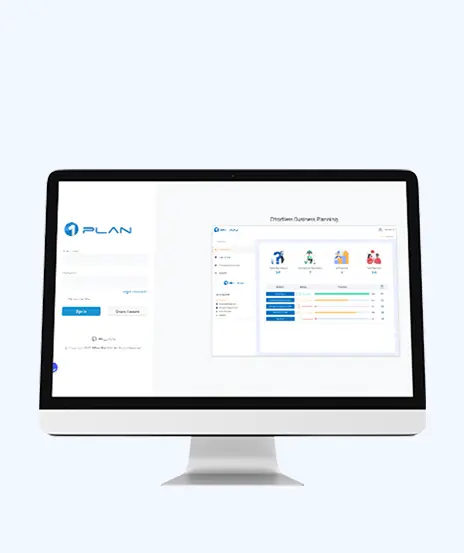
See how Microsoft Planner can help teams assign tasks, track progress and keep projects moving forward without overly complex project management tools.
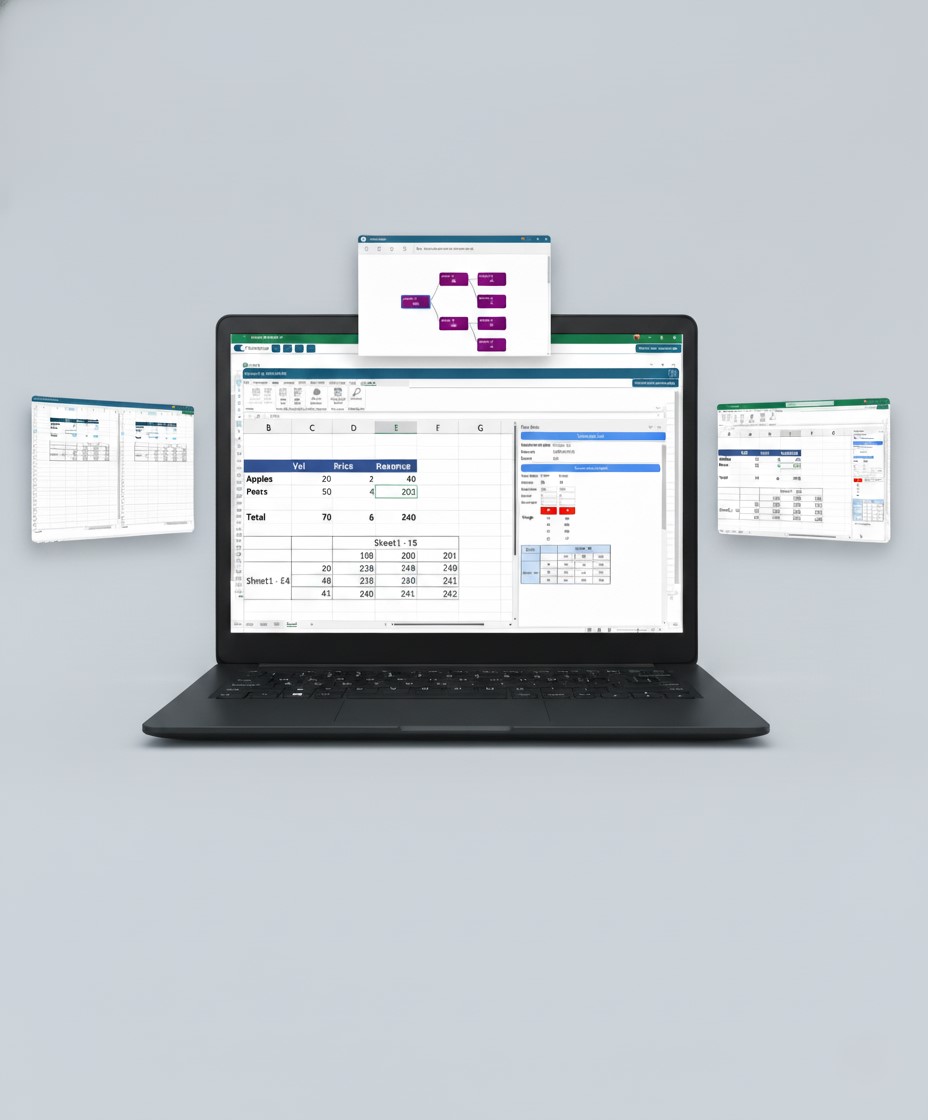
Explore useful features and time-saving tips across Outlook, Word and Excel, along with best practices for supporting flexible and remote work.
Workshop presentation deck in PPT or PDF format
Microsoft 365 Adoption Readiness Checklist
Access to workshop recordings upon request
Microsoft 365 Productivity Toolkit with practical tips, shortcuts, and how-to guidance
Practical recommendations to help your team improve collaboration and productivity
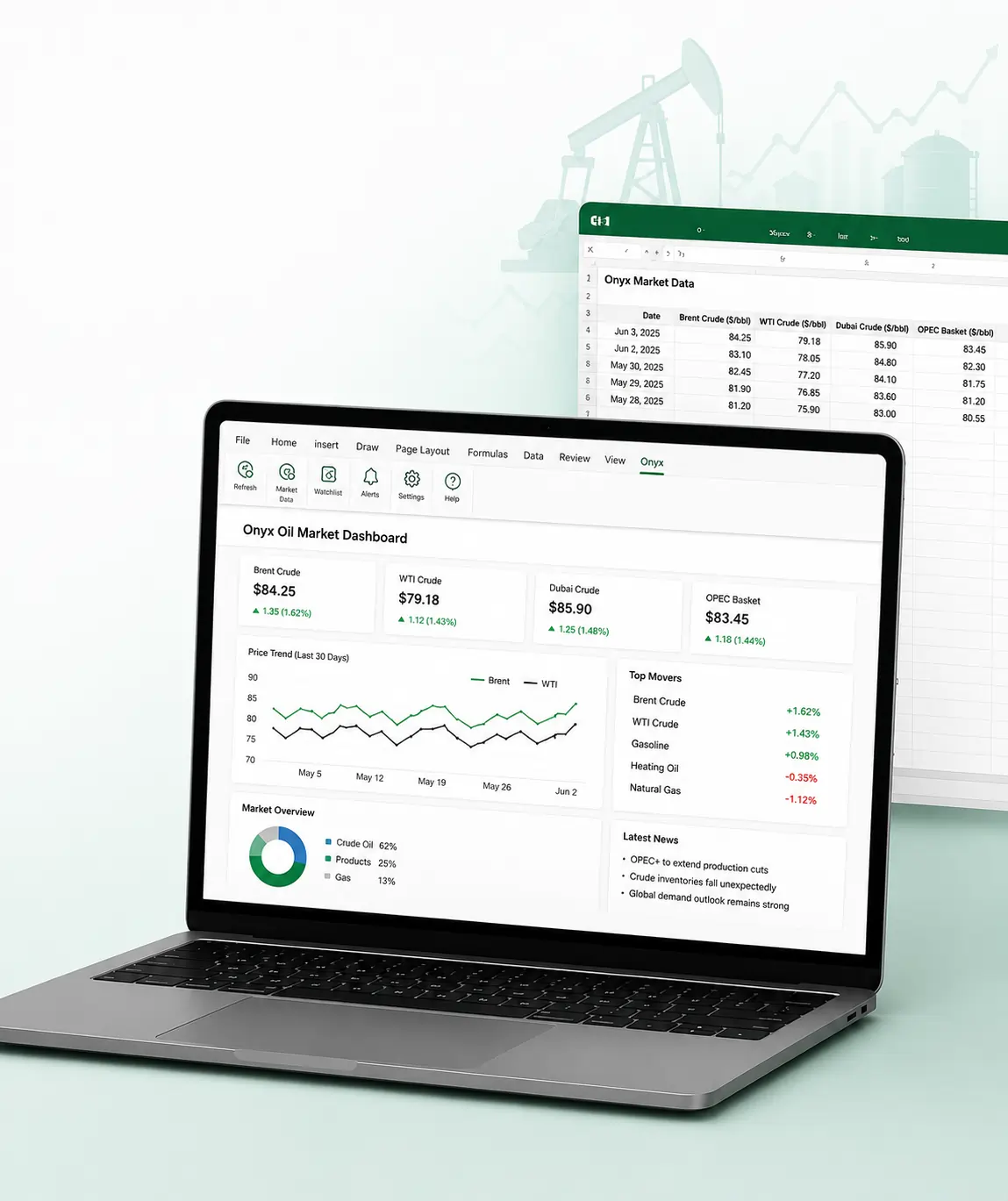
Bring it together with our expert Power BI consulting services
Automate critical Healthcare processes with our 2-Hour Power Automate consulting services
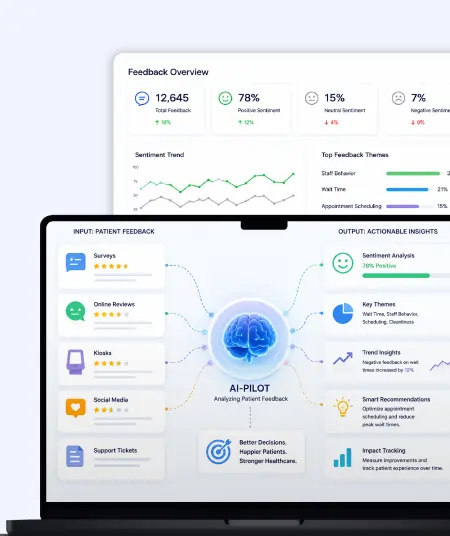
Catch patient feedback & sentiments early with our 2-Week Healthcare AI Pilot
Get a quick assessment and unlock what's missing.
Your customers expect instant answers — are you ready to deliver? Book your FREE automation session
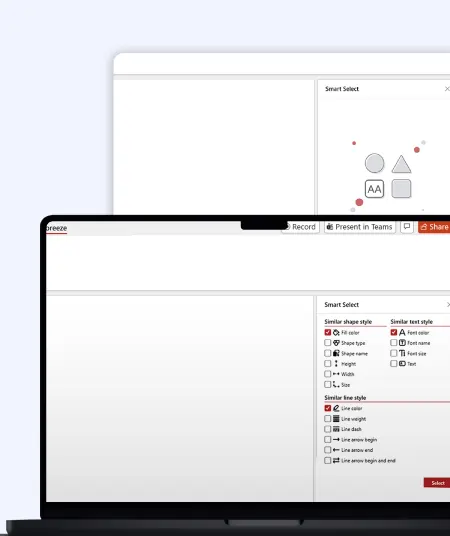
Let’s design your first high-impact app in just 2 hours.
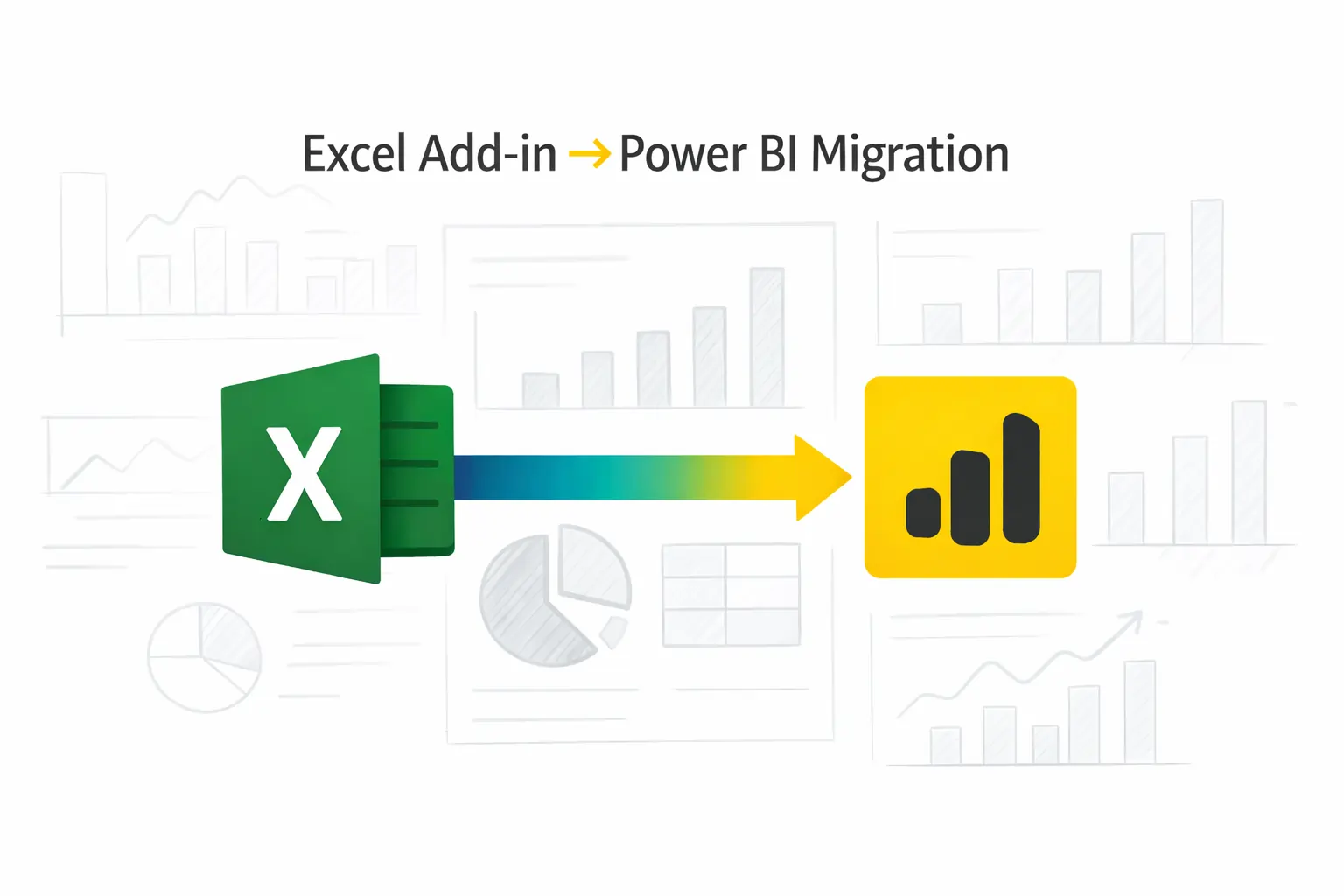
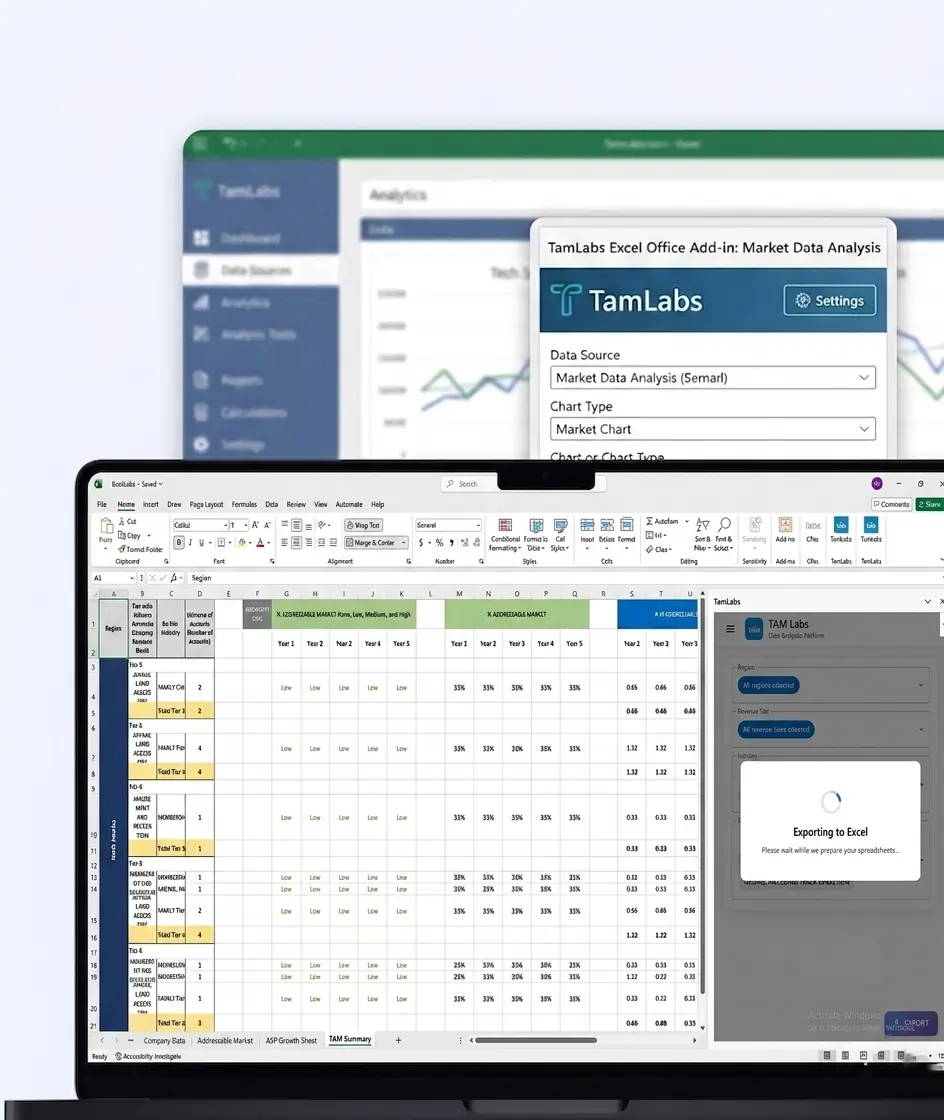
Migrate your Excel Add-in to Power BI with our 2-hour expert support.

This workshop helps companies get more benefits from their Microsoft 365 support by showing employees how to use the platform more effectively.
Benefits cover:

Drive your team's productivity with our tailored Microsoft 365 solutions.
This workshop is ideal for:
Business users who want to work more efficiently with Microsoft 365
HR, Operations, Finance, and administrative teams
Team leaders and department managers
Organizations planning a Microsoft 365 rollout
Firms that have recently adopted Microsoft 365
Businesses looking to improve collaboration and user acceptance
Organizations wanting to boost the value of their Microsoft 365 licenses


+1 410 892 1119 / +91 95375 81301
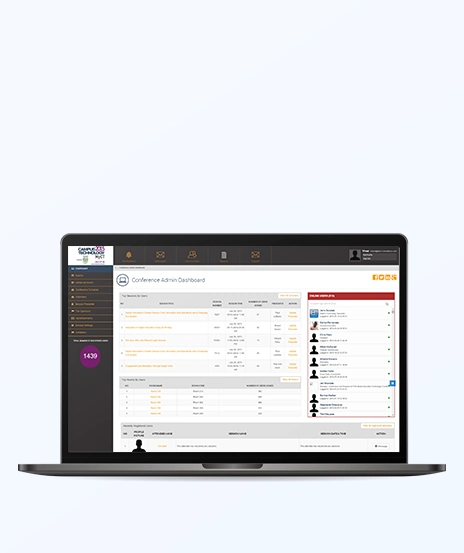
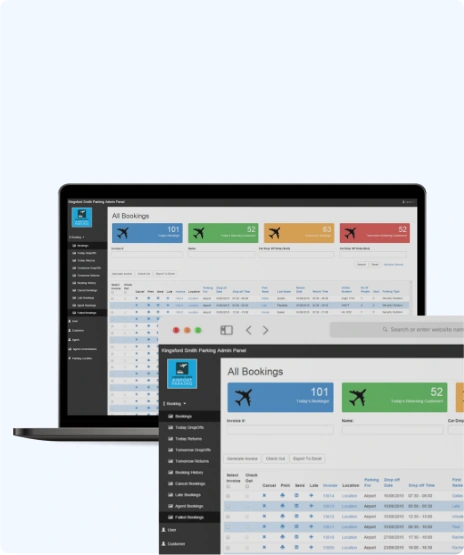
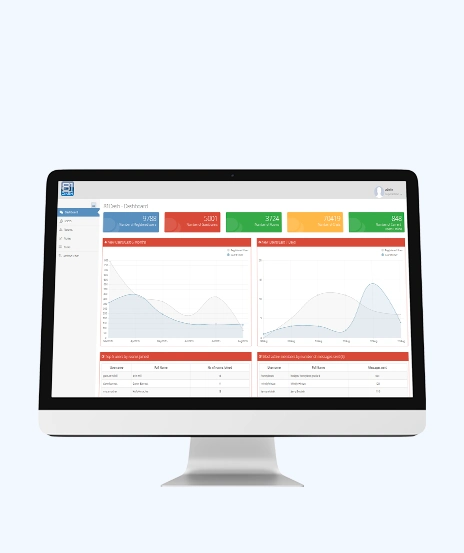
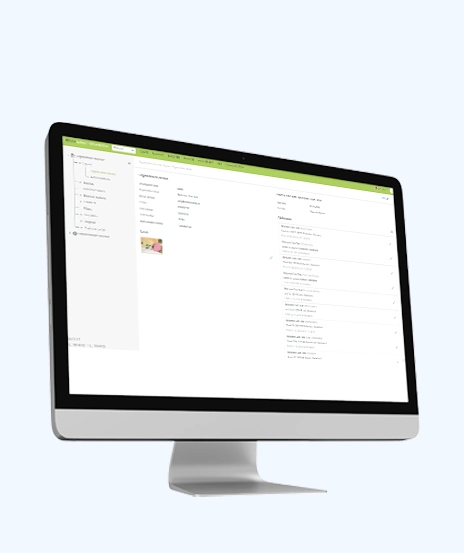
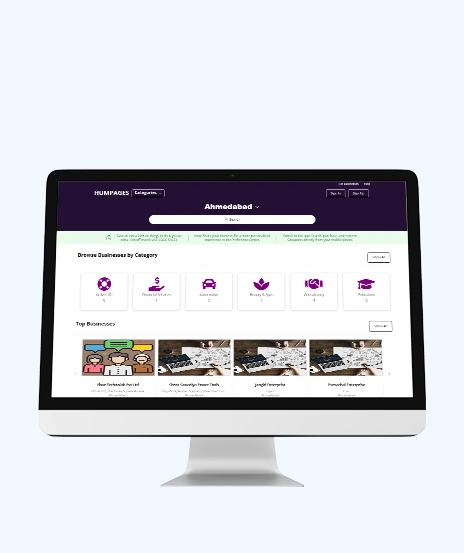
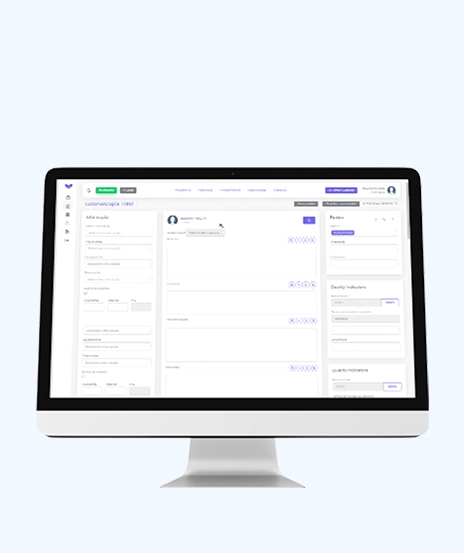
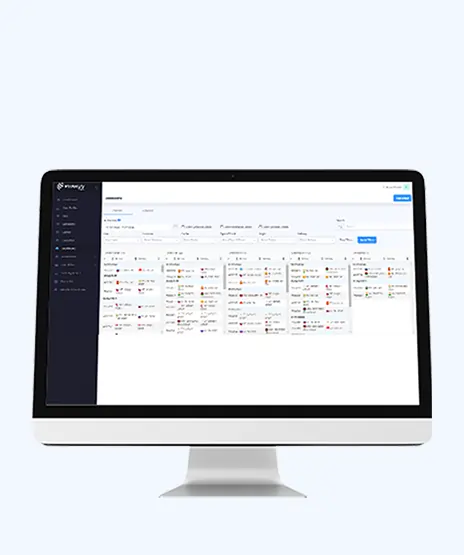
See how we've transformed businesses with custom software solutions
Take a look at our latest projects, where digital transformation comes to life.

























No. The workshop is completely free with unnoticed costs.
No. It is designed for business users and looks at on practical, everyday use.
Teams, OneDrive, SharePoint, Planner, Outlook, Word, and Excel.
Yes. It helps users become more confident and get things done with Microsoft 365 tools.
Absolutely. It is ideal for teams that are planning or setting out their Microsoft 365 journey.
Yes. You will receive the Productivity Toolkit, workshop slides, checklist, and record access upon request.
Yes. The workshop includes practical collaboration and productivity tips for shared teams.

Quick Summary: Choosing the right AI framework depends on your goals. TensorFlow and PyTorch are ideal for deep learning, while LangChain, LlamaIndex, AutoGen,...
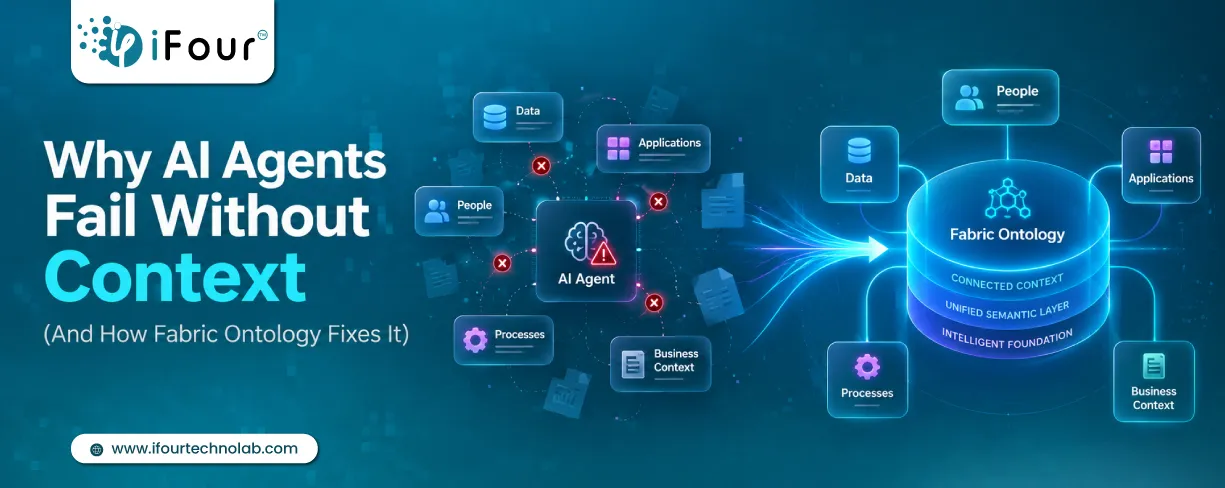
Quick Summary: AI agents don't fail because they lack intelligence. They fail because they lack business context. Enterprise data often contains information but not meaning. Fabric...

Quick Summary Lawyers use AI to research faster, draft/review contracts, review large documents, track compliance, and automate legal workflows. However, they must verify...