
































































ETL vs ELT: Key Differences, Benefits & Use Cases Explained
It's amazing to see how Data teams today are racing ahead - moving from traditional warehouses to cloud-native platforms, lakehouses, and real-time architectures. But in this rush,...


601 & 612, The Times square Arcade, Near Baghban party plot, Thaltej - Shilaj Road, Thaltej, Ahmedabad, Gujarat - 380059



























2 Hours
Consultation-Based Services
Many businesses still use older IMAP-based email systems like cPanel, Zimbra, Webmail, or Rediff. These platforms provide basic email functionality, but they may not include collaboration, security, and productivity features that are used by modern organizations.
This session is specially created to help firms understand how to move from an existing IMAP setup to Microsoft 365. Our experts will review your current setup, identify migration requirements, and provide a clear roadmap.
After the end of the session, you will get the practical plan for improving your business communication and making the most of Microsoft 365.
We start by understanding how your organization currently manages email.
Together we review:
✓Existing setup of the IMAP mailboxes
✓Current email hosting platform
✓Identify mailbox sizes and storage requirements
✓User access methods and devices
✓Ongoing challenges and limitations
These steps help our team to build a migration plan that fits your business needs.
Next, our team creates a migration roadmap that helps to your organization.
Topics we covered in this session:
✓Recommended migration approach
✓Full migration against phased migration
✓Use onboarding considerations
✓Timeline expectations
✓Risk Analysis and planning
This gives you a clear understanding of how the migration process can help your organization.
Our Experts discuss the available migration options and identify the best fit for your organisation.
This includes:
✓Microsoft migration tools
✓Third-party migration solutions
✓Data transfer considerations
✓Email, contacts, and calendar migration strategies
✓Security and data protection recommendations
Our goal is to make sure your organization get a smooth and secure migration experience.
We help you to identify the common migration challenges before they become major problems.
Areas covered include:
✓DNS and MX record preparation
✓User communication planning
✓Security configuration considerations
✓Downtime reduction strategies
✓Validation and testing recommendations
Proper planning to reduce migration risks and disruptions.
Migration is only the beginning. We also discuss how to help your users adapt to Microsoft 365.
Topics include:
✓Outlook setup and configuration
✓Mobile device access
✓Microsoft Teams introduction
✓OneDrive and SharePoint opportunities
✓Basic security and retention policies
A fully customized Microsoft 365 migration roadmap
Recommended migration method and timeline
Technical readiness assessment
Risk and dependency checklist
Security and compliance guidance
User adoption recommendations
Clear next steps for moving forward
A better understanding of your migration plan
Bring it together with our expert Power BI consulting services
Automate critical Healthcare processes with our 2-Hour Power Automate consulting services
Catch patient feedback & sentiments early with our 2-Week Healthcare AI Pilot
Get a quick assessment and unlock what's missing.
Your customers expect instant answers — are you ready to deliver? Book your FREE automation session

Let’s design your first high-impact app in just 2 hours.
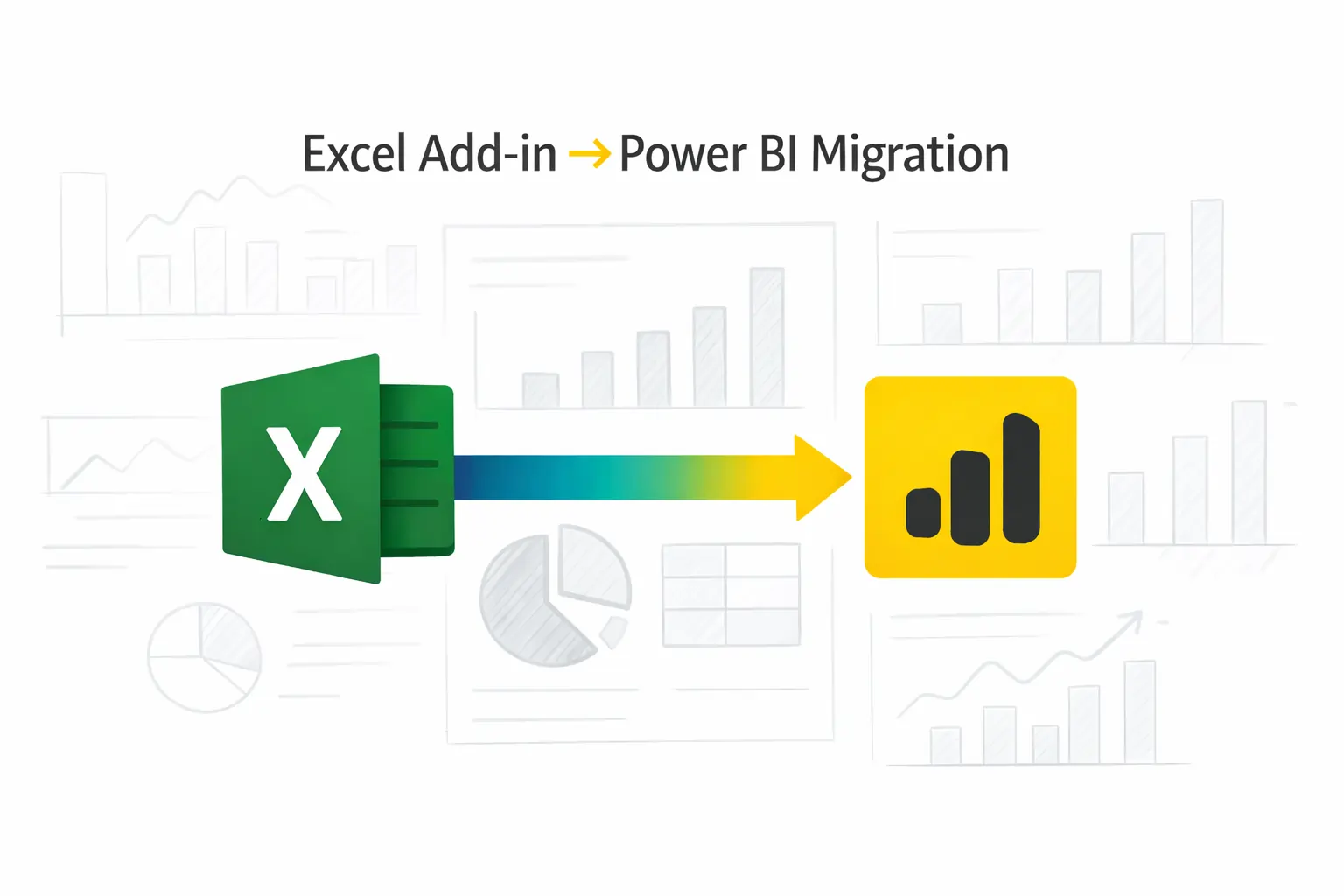
Migrate your Excel Add-in to Power BI with our 2-hour expert support.
Microsoft 365 can change the way your firm communicates and collaborates.
This consultation helps your firm:
Instead of guessing your way through migration, you will have a clear plan built around your specific business requirements.

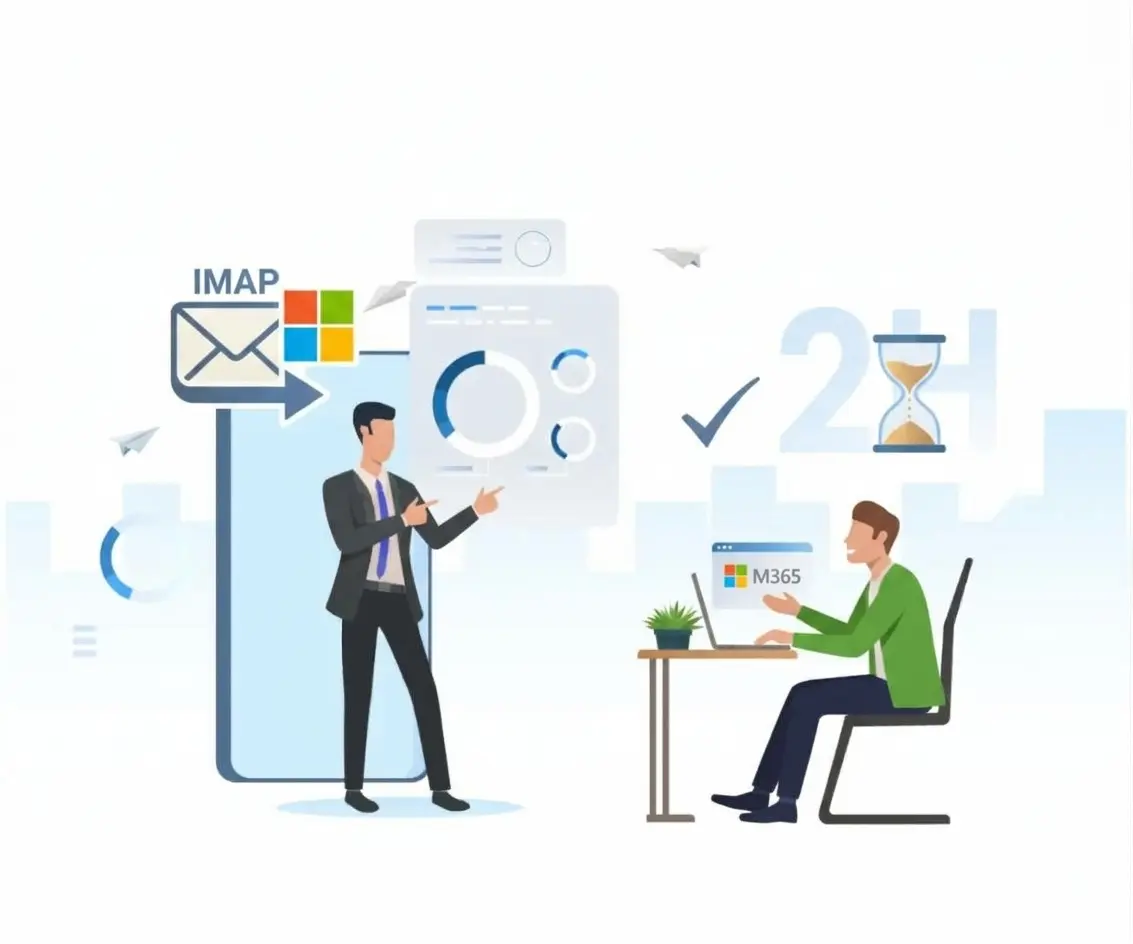
Unlock secure, seamless email migration for your business with our 2-hour Free IMAP to Microsoft 365 consultation.
This consultation is ideal for:
Businesses using cPanel email hosting
Enterprises running Zimbra mail servers
Companies using traditional IMAP email platforms
Small and medium-sized businesses planning cloud adoption
IT managers evaluating Microsoft 365 migration options
Firms looking to improve email security
Teams preparing for remote or hybrid work environments
Businesses seeking expert migration guidance before making the move


+1 410 892 1119 / +91 95375 81301
See how we've transformed businesses with custom software solutions
Take a look at our latest projects, where digital transformation comes to life.


























No. Everything is explained in plain business language. If your IT team has specific questions, those get addressed too.
Yes, with the right planning. Email and mailbox data can be moved safely — the process matters a lot here, which is why we walk through it carefully.
Yes. We go through your options for migrating emails, contacts, calendars, and other mailbox data based on what applies to your setup.
It actually depends on the numbers of users, mailbox sizes.
Downtime can usually be kept low with the right planning. We walk through strategies to reduce disruption and keep things running through the transition.
Yes it works for small teams and large organizations alike — the features scale with your needs.
You get a clear roadmap and next steps so your team can actually use.
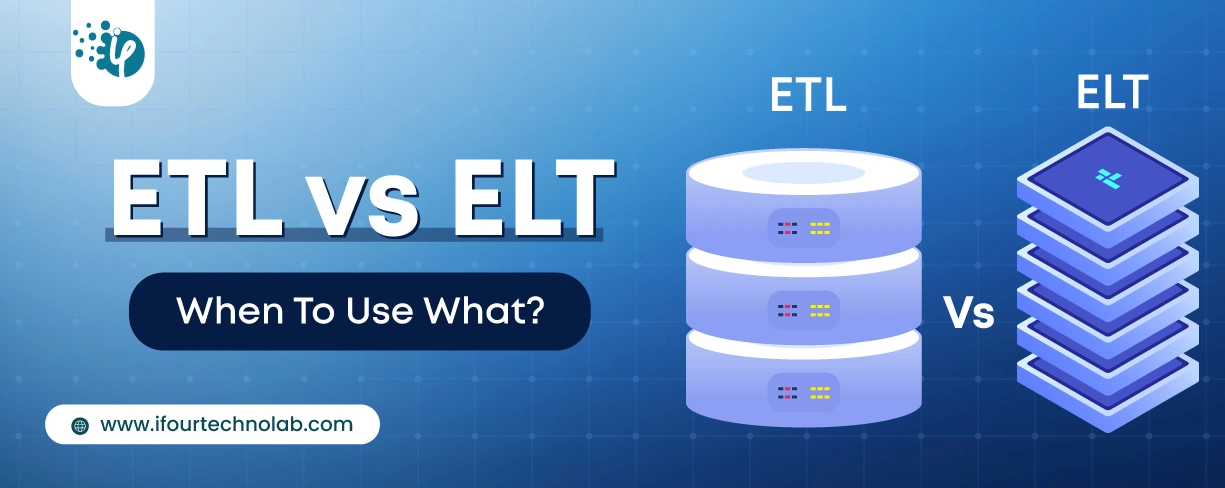
It's amazing to see how Data teams today are racing ahead - moving from traditional warehouses to cloud-native platforms, lakehouses, and real-time architectures. But in this rush,...
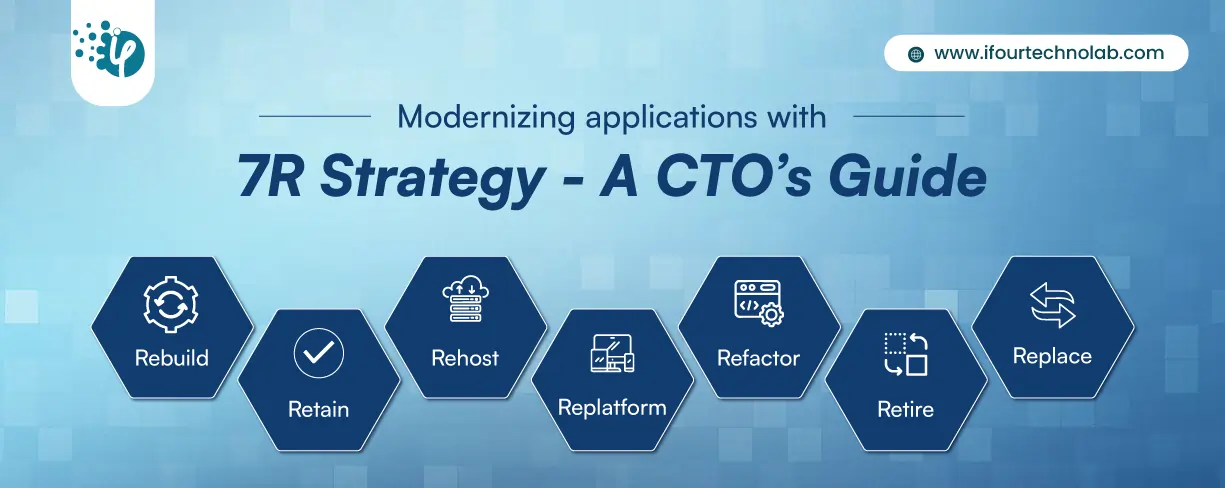
Think about the last time CTOs spent most of their time fixing old systems. Updates were slow, servers were expensive, and adding new features took time. Now, things have changed....

According to HackerOne, fixing a security issue after software is released can cost 30 times more than fixing it during development. Today, CTOs take a different approach. Shift...