
































































ETL vs ELT: Key Differences, Benefits & Use Cases Explained
It's amazing to see how Data teams today are racing ahead - moving from traditional warehouses to cloud-native platforms, lakehouses, and real-time architectures. But in this rush,...


601 & 612, The Times square Arcade, Near Baghban party plot, Thaltej - Shilaj Road, Thaltej, Ahmedabad, Gujarat - 380059






















1 Hour
Free – No Obligation
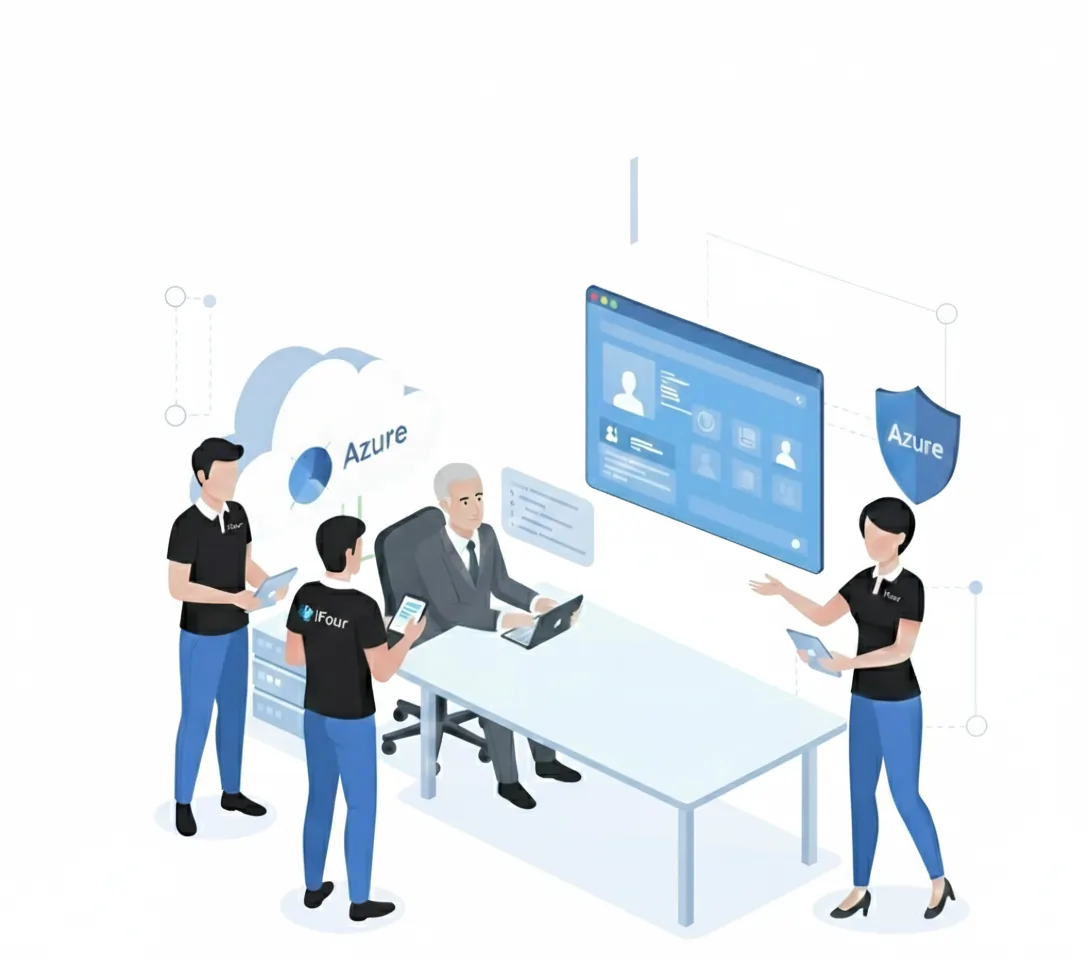
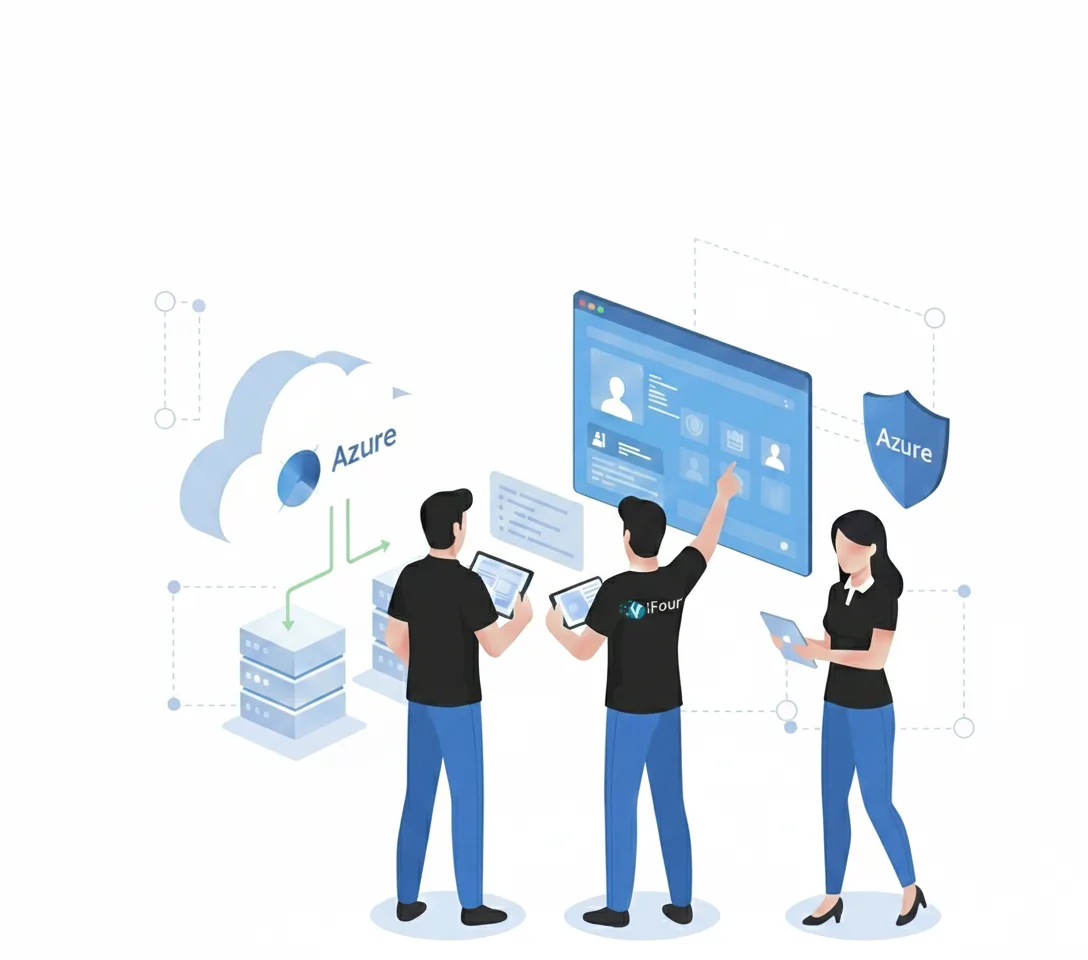
This workshop aims to help companies understand and assess Azure Virtual Desktop before making investment decisions.
Instead of focusing on complex technical details, we focus on practical business and operational considerations, including remote work environments, security, user experience, infrastructure readiness, and cost planning.
If you're planning an AVD deployment or simply exploring cloud desktop solutions, this session will provide the clarity needed to move forward.
During this interactive session, our Azure Virtual Desktop specialists will:
Explain how Azure Virtual Desktop works and where it fits within modern IT environments
Discuss your current desktop and remote access strategy
Review your existing infrastructure and cloud readiness
Identify potential benefits and business use cases for AVD
Discuss licensing, security, compliance, and user management considerations
Answer your questions and address any concerns regarding implementation
Guide deployment options and best practices
Gain a clear overview of Azure Virtual Desktop (AVD), its capabilities, and how it can support your business objectives.
Receive insights into your current IT environment and the key requirements for a successful Azure Virtual Desktop deployment.
Get high-level recommendations on Azure services, licensing considerations, and cost planning for your AVD implementation.
Receive a customized checklist outlining the actions needed to prepare your organization for Azure Virtual Desktop.
Get a clear roadmap with recommended next steps based on your current environment, business needs, and deployment goals.
Bring it together with our expert Power BI consulting services
Automate critical Healthcare processes with our 2-Hour Power Automate consulting services
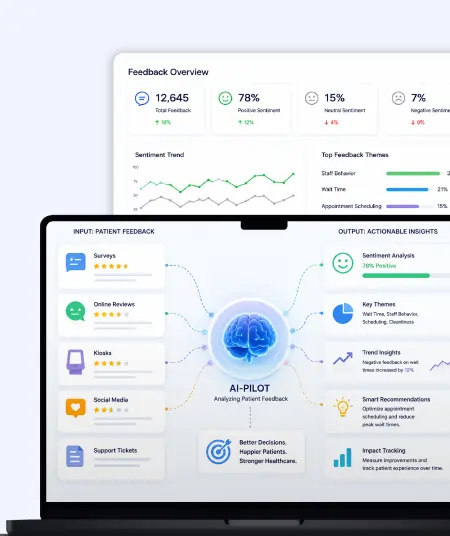
Catch patient feedback & sentiments early with our 2-Week Healthcare AI Pilot
Get a quick assessment and unlock what's missing.
Your customers expect instant answers — are you ready to deliver? Book your FREE automation session

Let’s design your first high-impact app in just 2 hours.
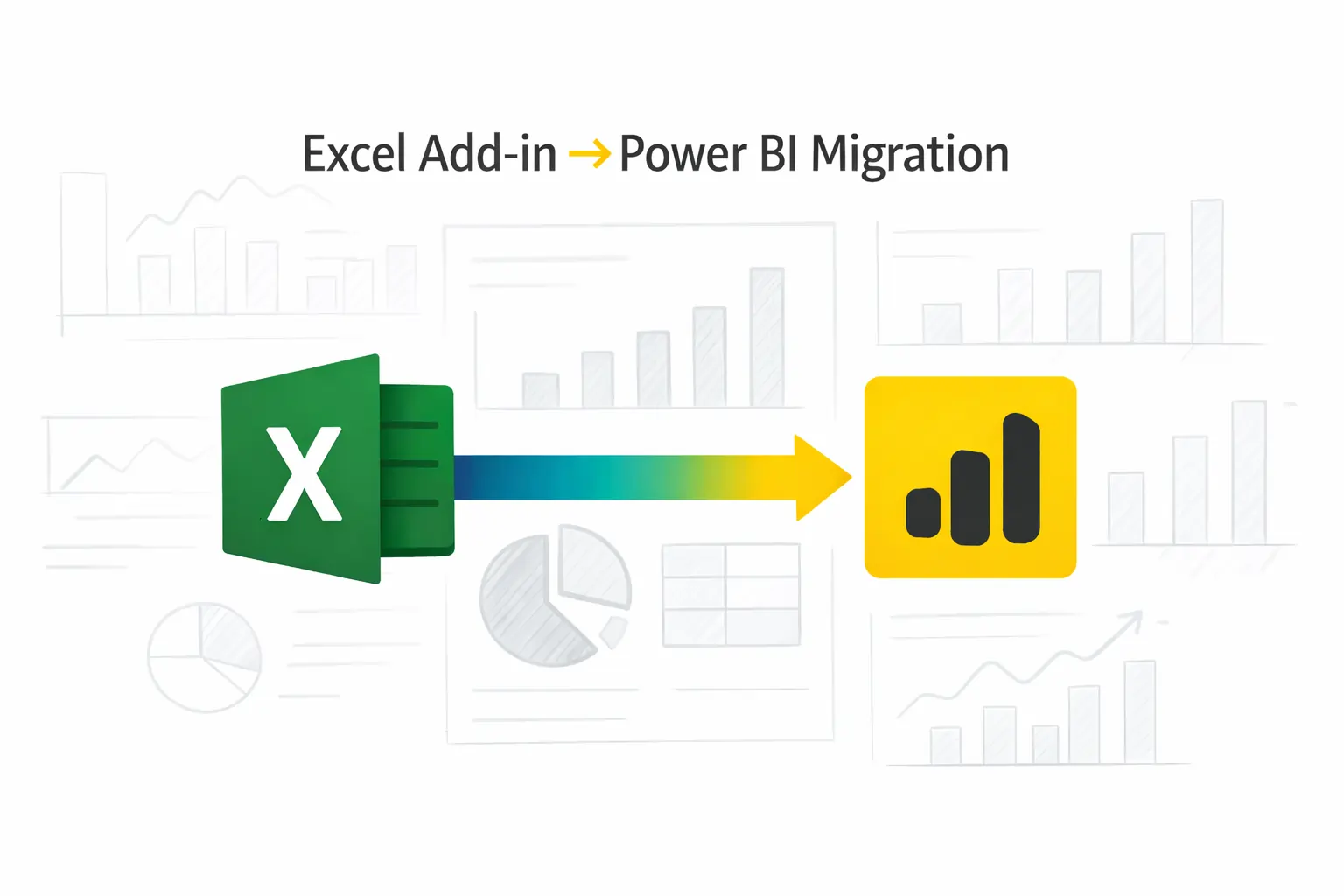
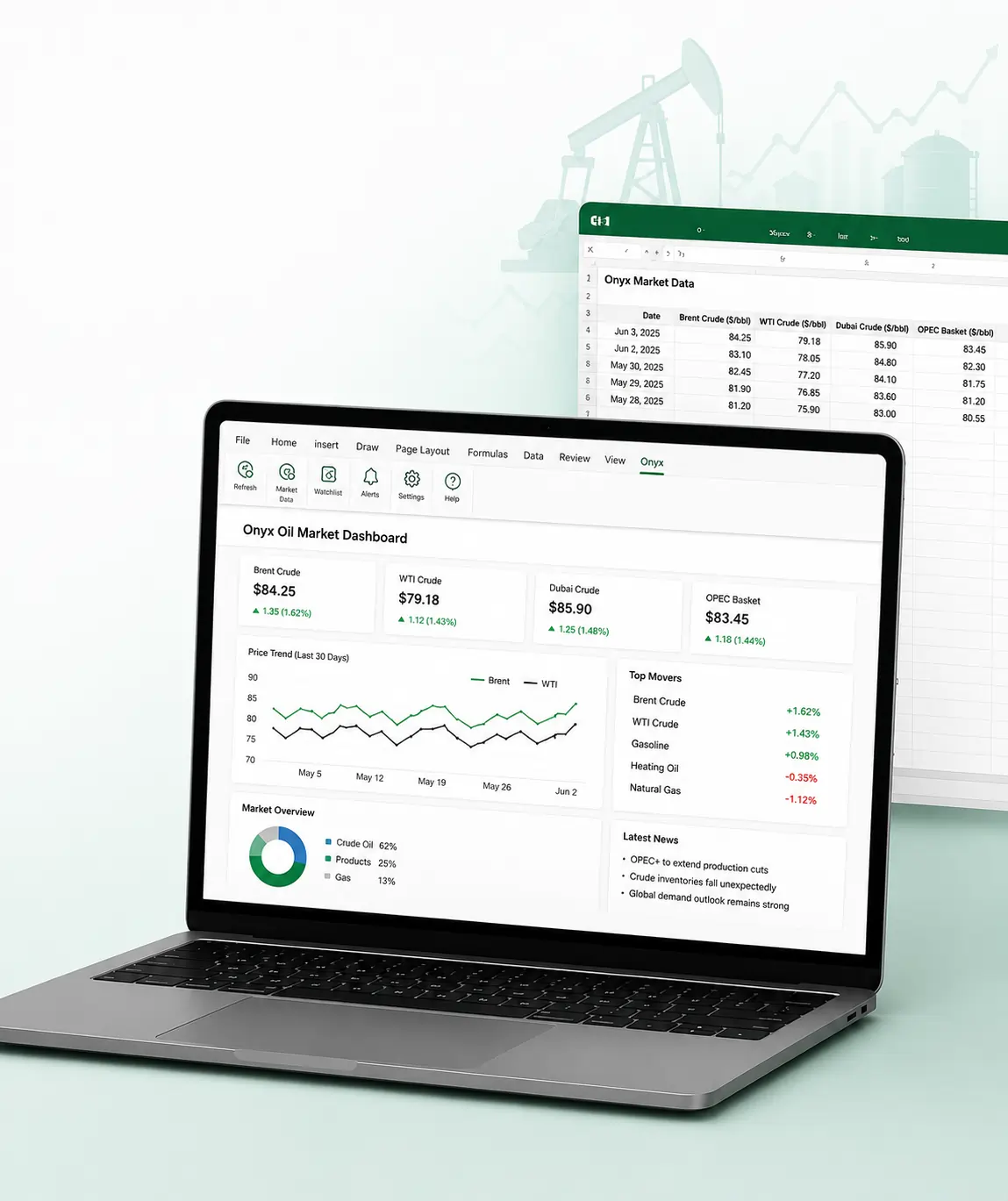
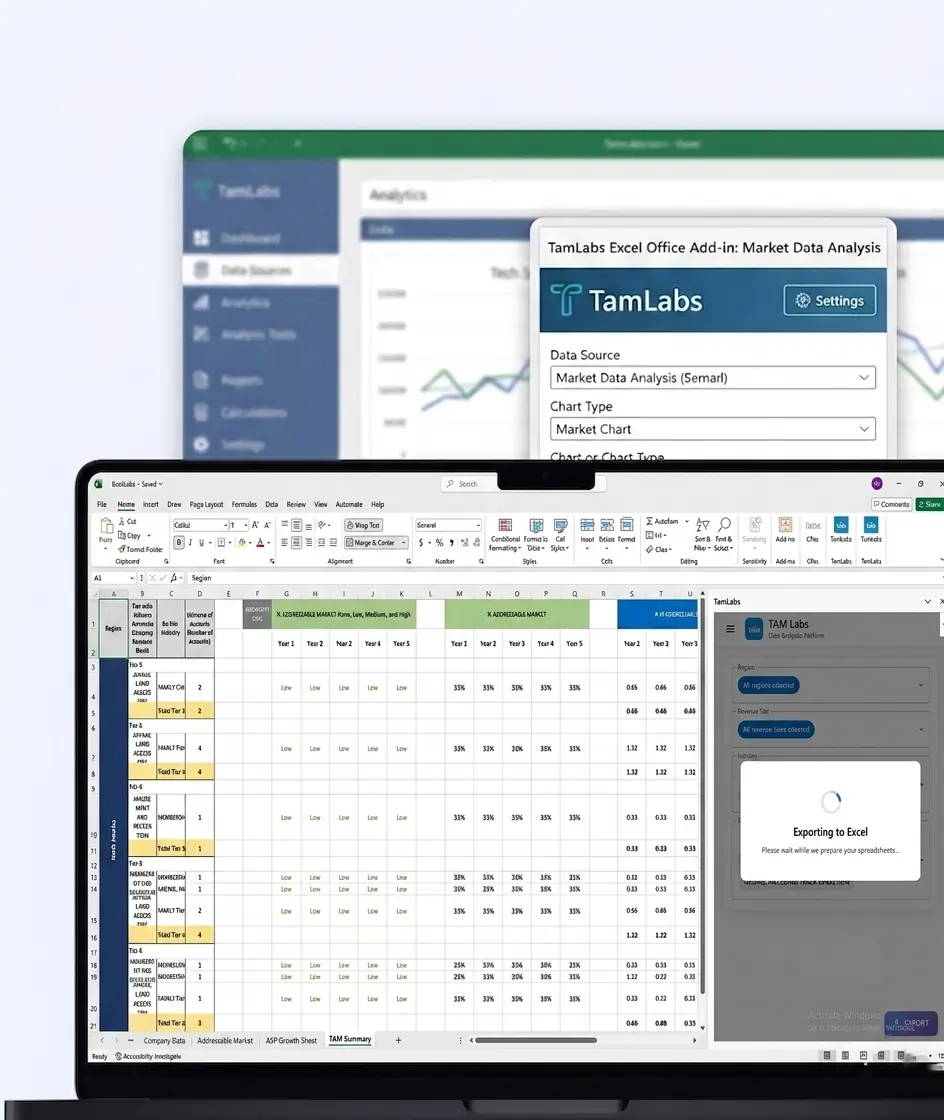
Migrate your Excel Add-in to Power BI with our 2-hour expert support.
This workshop helps organizations:

Cut desktop costs — plan your migration smartly with our workshop.
This workshop is ideal for:
IT Managers
System Administrators
Cloud Architects
IT Directors and Technology Leaders
Business Decision-Makers
Security and Compliance Teams
Project Managers
Digital Transformation Teams
Organizations evaluating remote work and cloud desktop solutions
+1 410 892 1119 / +91 95375 81301
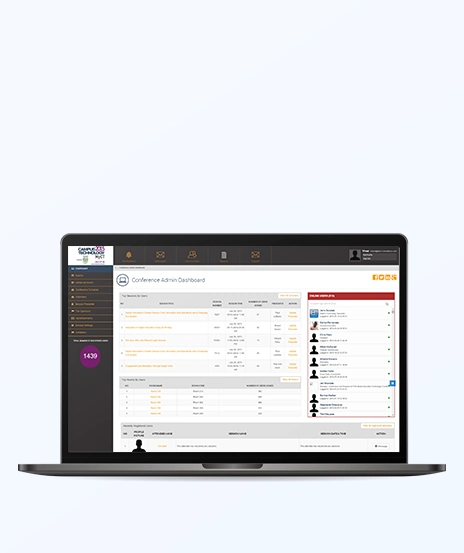
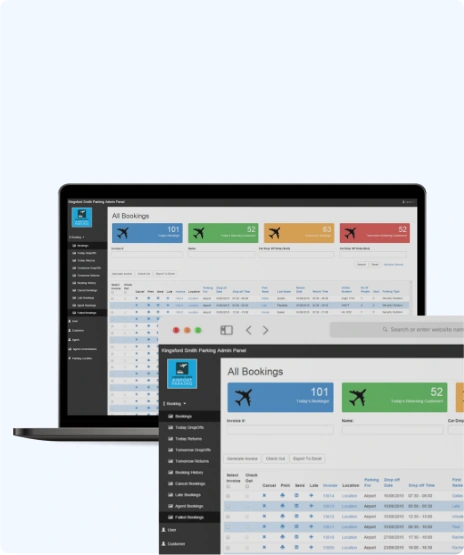
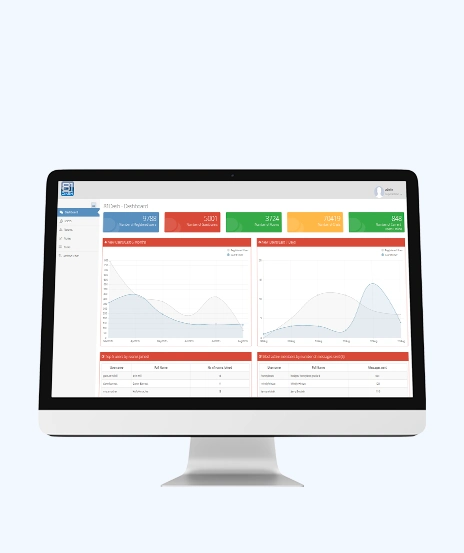
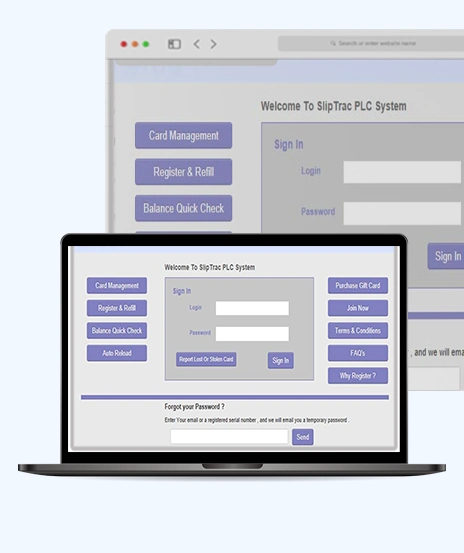
See how we've transformed businesses with custom software solutions
Take a look at our latest projects, where digital transformation comes to life.



















Yes, our expert will review your existing setup to identify readiness factors, opportunities and potential gaps.
No, this session is designed for organizations that are thinking about Azure Virtual Desktop.
It is a balanced combination of both so we cover business objectives, operational benefits, security considerations and technical readiness.
Yes, our team provides practical recommendations, a readiness checklist and suggested next steps according to your business needs.
We suggested including IT leaders, administrators, cloud architects, security stakeholders, and business decision-makers involved in desktop modernization or remote work initiatives.
Absolutely. One of the main goals of this workshop is to help organizations identify how Azure Virtual Desktop aligns with your business, technology and operational requirements.
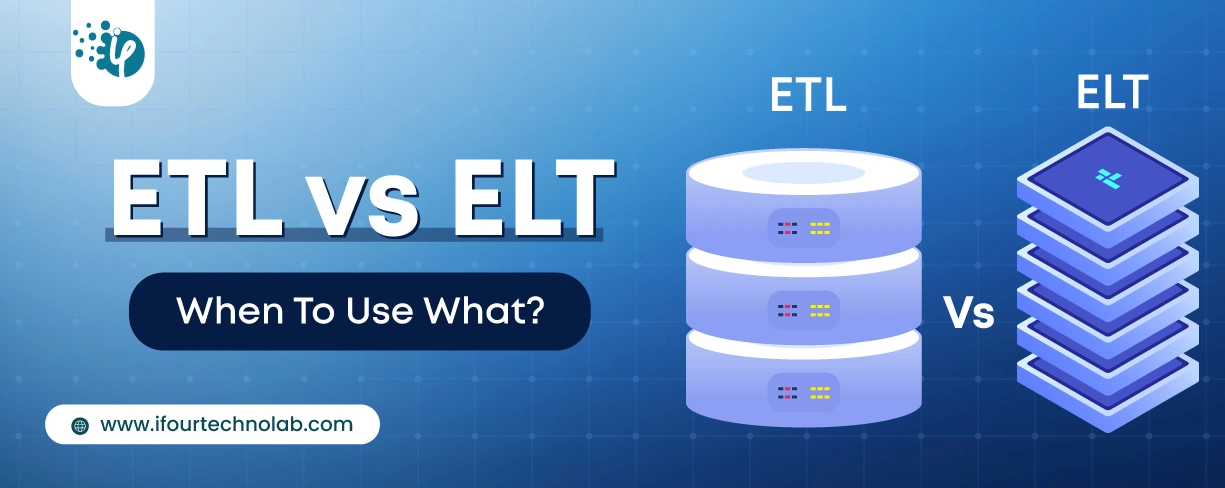
It's amazing to see how Data teams today are racing ahead - moving from traditional warehouses to cloud-native platforms, lakehouses, and real-time architectures. But in this rush,...
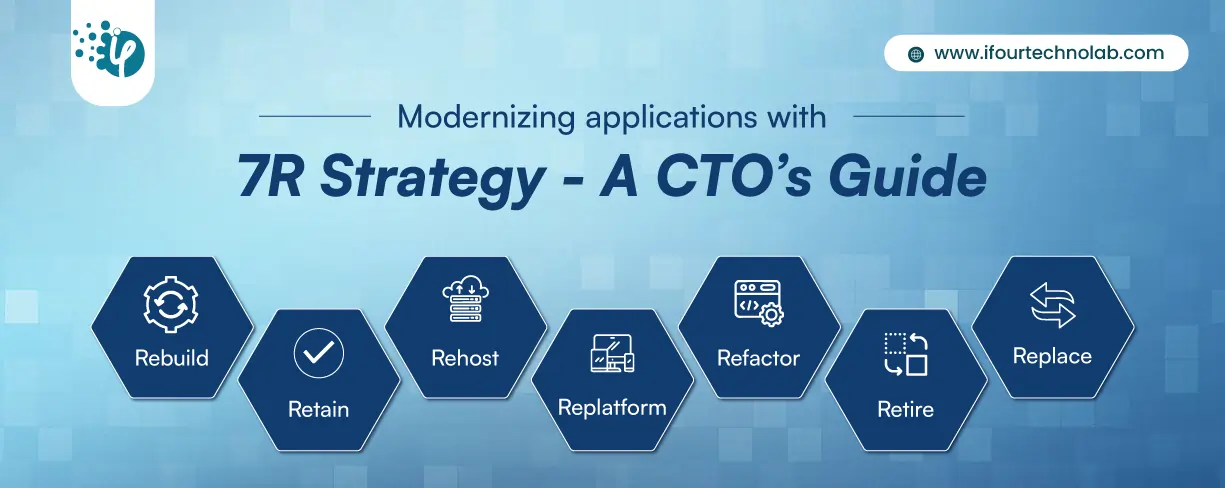
Think about the last time CTOs spent most of their time fixing old systems. Updates were slow, servers were expensive, and adding new features took time. Now, things have changed....
According to HackerOne, fixing a security issue after software is released can cost 30 times more than fixing it during development. Today, CTOs take a different approach. Shift...