




























































UWP vs WPF - Key Differences Explained!
Several experts, particularly those just starting out, often find themselves confused about WPF and UWP, wondering if they are the same. Since they are used to create great UIs for...


601 & 612, The Times square Arcade, Near Baghban party plot, Thaltej - Shilaj Road, Thaltej, Ahmedabad, Gujarat - 380059
Listening is fun too.
Straighten your back and cherish with coffee - PLAY !
Summarize this article with:




Microsoft Power BI stands out for detailed data forecasting. By inspecting data patterns and using statistical models, Power BI provides a visual forecast of things to anticipate in the future. And this remains essential for businesses to make plans and strategies.
But, Power BI like any other tool, also has certain challenges in data forecasting which includes - data gaps, changing patterns, etc. And how to overcome these challenges is a big question for several CTOs and C-level executives.
We have prepared a list of Power BI forecasting challenges along with their prominent solutions to help you make the most out of Power BI’s forecasting capabilities.
Before we explore the forecasting challenges, let's first understand how to perform business forecasting with Power BI.
Power BI solutions aid businesses in data-driven decision-making and forecasting future trends. Follow the steps below to use Power BI to forecast data effectively.
Collect and organize historical data relevant to your forecast in Power BI, ensuring it is clean and structured with consistent time intervals for accuracy.
Use the "Get Data" feature in Power BI to import your dataset. This lets you connect to various sources such as Excel, SQL Server, or cloud-based databases.
In the report view, choose your dataset and generate a "Line Chart" visualization. You can set the time dimension on the x-axis and the metric you want to predict (e.g., sales, website traffic) for the y-axis.
Figure it out in 3 Free Power BI sessions:
Open the “analytics” pan with the line chart selected. Next, click on "Forecast" and configure the forecasting parameters such as forecast length, periodic patterns in your data, and confidence intervals.
Power BI data forecasting will be generated automatically by analyzing your historical data, and this forecast will be presented in the line chart.
You can customize the forecast by just modifying the variables and analyzing different scenarios to ensure accuracy and reliability.
Take a look at these prime Power BI use cases we've crafted for our industry CTOs. These BI examples helped them simplify their operational decisions!
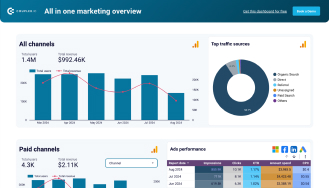

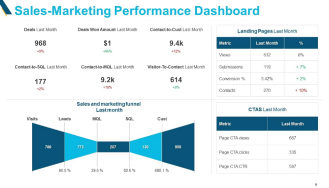
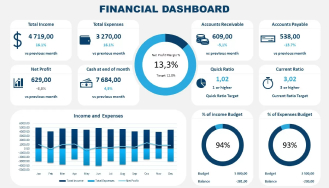
Now we are at the last step to publish and share, once the forecast is ready, you can publish the report to the Power BI service.
You can share reports with stakeholders using interactive dashboards to facilitate collaborative decision-making. This way, everyone can access forecasted insights, that promote transparency and alignment within the team.
This is how we can use effective data forecasting using Power BI to predict future trends, plan better strategies for decision-making, and handle tasks easily.
Power BI remains an excellent tool for secure and scalable data analysis and forecasting. Let’s look into the Power BI forecasting challenges and their relevant solutions.
Problem: A limited number of historical data can result in inaccurate forecasts.
Solution: It needs to get more historical data, use external datasets to supplement the internal data, or consider using short-term forecasts until more data is available.
Problem: It needs to get more historical data, use external datasets to supplement the internal data, or consider using short-term forecasts until more data is available.
Solution: We can use Power BI's seasonality detection tool to account for recurring patterns in the data. Ensure the seasonality parameter is correctly set when configuring the forecast.
Problem: Power BI data forecasting results may be affected by outliers.
Solution: Clean the data to remove or adjust for outliers. Use Power BI’s data transformation tools to identify and handle irregularity before running the forecast.
Problem: Gaps in the data can disrupt the forecasting model and reduce its reliability. These missing points can cause inaccuracies in predictions.
Solution: Add missing data using Power BI’s data transformation functions or you can adjust the forecast settings to account for gaps.
Problem: Using data at the incorrect level of detail can impact the accuracy of the forecast.
Solution: Adjust the data by either combining or breaking it down to a suitable level of detail that aligns with the forecasting requirements.
Problem: Multiple variables and complex relationships can complicate forecasting.
Solution: By using advanced modeling techniques such as multiple regression analysis within Power BI or try integrating with Azure Machine Learning to obtain more results in the models.
Problem: Using real-time data can be challenging.
Solution: Use Power BI’s real-time data streaming capabilities to include the latest data in the forecasts. Ensure that the data pipeline supports real-time data flow.
Problem: Forecasting can be negatively impacted by a data model that is not optimized properly.
Solution: Optimize your data model by removing unnecessary columns, improving data relationships, and using efficient DAX formulas to speed up processing.
Problem: The sudden changes in data patterns like due to market shifts or new regulations can disrupt forecasts.
Solution: Regularly update the models to reflect the most recent data and trends. Use Power BI’s analytics features to detect and respond to these changes quickly.
Problem: Users may not fully understand the forecasting model and its limitations, leading to misuse.
Solution: Provide training and documentation to users on how to interpret forecasts. Include explanations of confidence intervals and potential forecast limitations in your reports.
Problem: Handling large datasets can slow down Power BI data analysis performance, impacting forecasting efficiency.
Solution: Optimize the data by using aggregations, indexing, and partitioning. Consider using DirectQuery or dataflow features to manage large datasets more effectively.
Problem: Difficulty in integrating data from multiple sources can lead to incomplete forecasts.
Solution: Power BI forecasting has a wide range of connectors that one can use to integrate data from various sources. Ensure data is transformed and consolidated correctly before applying the forecast.
Problem: A poorly optimized data model can slow down forecasts in Power BI.
Solution: Optimize the data model by removing unnecessary columns, improving data relationships, and using efficient DAX formulas to speed up processing.
Problem: Forecasting has now become tricky with non-stationary data because its statistical properties change as time progresses.
Solution: Make the data more stable by applying techniques like differencing or detrending before using forecasting models.
Problem: When people view forecast results with bias, it can lead them to make decisions that might not be the best choice. So, it's important to look at forecasts without letting personal opinions influence decisions too much.
Solution: Implement automated, unbiased forecast generation and provide clear objective explanations of the forecast results to minimize personal biases.
By addressing forecasting issues in Power BI, it can further enhance the effectiveness and accuracy of advanced forecasts in Power BI and ensure robust and reliable insights for an organization.
Elizabeth Ricci, the managing partner of Rambana & Ricci, PLLC Immigration Attorneys in Tallahassee, Florida, takes on the impacts of Power BI data Forecasting in the Legal industry.
Imagine being able to anticipate shifts in client demand, proactively allocate resources, and optimize staffing levels to meet clients’ evolving needs. That’s happening right now in the legal field!
Law firms like mine are increasingly recognizing the importance of advanced analytics with Power BI, Microsoft's latest business intelligence tool.
Power BI data forecasting has been a game-changer in the legal industry. From small firms like mine to large litigation practices and even free legal services providers, legal professionals can now harness the power of historical data and project future trends to improve planning, profitability and client success.
Here are some potential benefits of using Power BI data forecasting for the legal industry:
1. Virtually all law firms can now forecast new case volume which is helpful for planning resources, staffing, and personal time. Likewise, by analyzing past billing data and predicting future trends, we can forecast expected revenues to improve financial planning and budgeting. Doing so can also help us adapt, develop competitive pricing strategies and more efficient workflows to stay ahead of the competition.
2. Litigation firms can analyze historical case data and predict the likelihood of success in future litigation to help intake attorneys with case selection and strategy development. By analyzing historical data, firms can forecast the potential costs associated with future litigation to better budget and manage costs.
3. Even non-profits and legal clinics can benefit Power BI. By analyzing past data and predicting future trends, legal services providers can identify potential risks and take preventive measures that save on overhead and other expenses which is critical for securing grants and donations.
4. No matter the user, by predicting client needs and preferences, all of us in the legal industry can use this new tool to tailor our services and communication strategies to improve client satisfaction and success.
Research and go in depth on these Power BI predictive analytics examples in the legal industry, and you will see how law firms and corporate legal teams can move beyond static reports.
It helps them forecast case outcomes, identify compliance risks, and optimize resources effortlessly.
By turning raw data from billing, case management, and regulatory systems into actionable insights, Power BI makes legal decision making seamless & effective.
Power BI forecasting helps organizations anticipate future trends and make smart choices. However, challenges such as data quality, seasonality, and integration issues can impact accuracy. Finding solutions to these challenges is a big issue for many CTOs and executives.
In this blog, we discussed some common forecasting issues in Power BI and how to solve them. With proper solutions, businesses can optimize their forecasting models with full potential for strategic planning and competitive advantage.
Approach iFour to get Power BI consulting services. Our Power BI experts will provide you with the relevant guidance to understand your business and help you enable strategic growth. Partner with us to build the best Power BI solutions.
(Turning insights into various data visualizations)
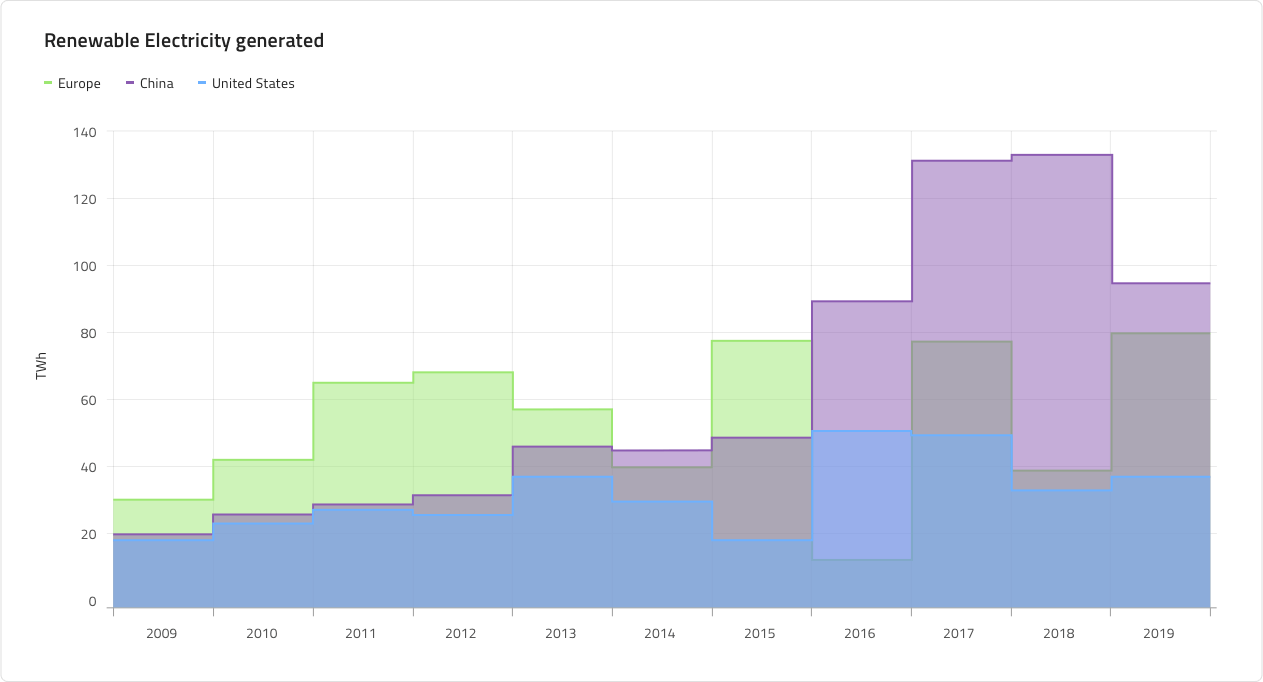
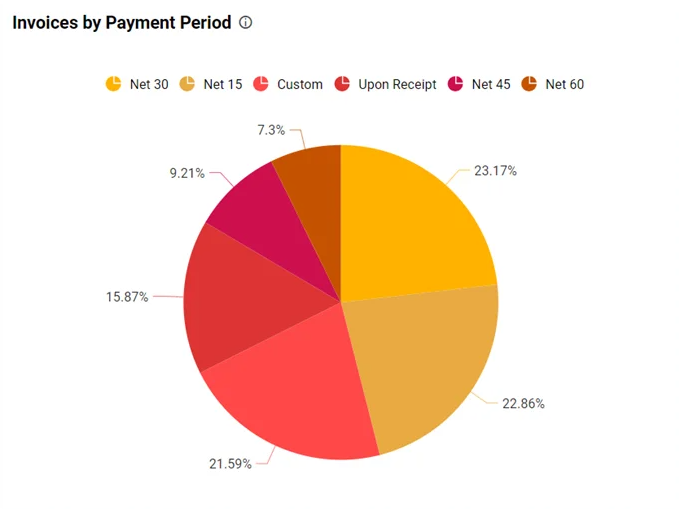
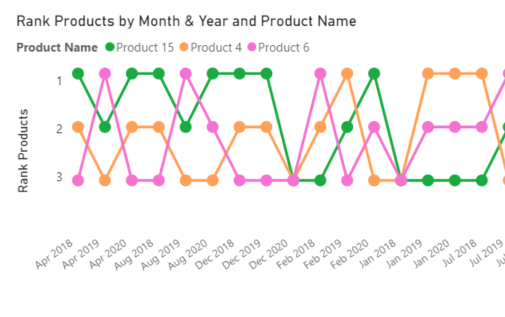
Power BI forecast component utilizes an exponential smoothing algorithm and ARIMA (AutoRegressive Integrated Moving Average) model for data forecasting.
Certainly, when you have authentic Power BI skills. In 2026, CTOs expect candidates to demonstrate Power BI data analysis more effectively, which spans DAX, data modeling, and report building.
The line chart in Power BI is mainly used for making predictions. It allows you to see trends over time and you can apply forecasting algorithms to anticipate future values.
To do predictive analytics in Power BI, one can utilize the forecasting options available online like charts, or connect with Azure Machine Learning. Simply get data ready, apply the forecasting tools, and visualize the outcomes to uncover valuable insights about upcoming trends.
Yes, you can customize forecasting parameters in Power BI. Adjust settings like the confidence interval, seasonality, and the number of points to forecast directly within the analytics pane of a line chart.
Yes, Power BI forecast can handle irregular data patterns by using advanced algorithms that adapt to various trends and seasonality. It dynamically adjusts to the data patterns, making it suitable for forecasting even with irregular data.
The best practices for Power BI forecasting include composing clean and structured data, selecting relevant visualization tools like line charts, and adjusting forecasting specifications to achieve accuracy.
There are several methods to enhance forecasting accuracy such as refining data quality, incorporating relevant variables, and regularly assessing and updating forecasting models to adapt to changing patterns and trends.
A line graph showing real values next to projected values is the ideal chart for visualizing forecast accuracy. When you compare the actual and predicted data points, you can easily estimate how the forecasting is performing over time, locating any disparities or errors.
There are various measures available but forecast bias, mean average deviation (MAD), and mean average percentage error (MAPE) are the three popular measures of forecast accuracy.
The Mean Absolute Percent Error (MAPE) technique is utilized to determine forecasting accuracy by calculating the mean deviation of the forecasted value to the true value in percentage.

A passionate Technical writer and an SEO freak working as a Content Development Manager at iFour Technolab, USA. With extensive experience in IT, Services, and Product sectors, I relish writing about technology and love sharing exceptional insights on various platforms. I believe in constant learning and am passionate about being better every day.


This eBook shows you how.
Recent Posts


How to Build AI Agents: Strategic Guide for CTOs
March 31, 2026

4 Types of Healthcare Analytics with Examples & Success Stories
February 12, 2026

Ethical AI in Healthcare: Key Considerations For Patient Safety
February 03, 2026

Categories

Several experts, particularly those just starting out, often find themselves confused about WPF and UWP, wondering if they are the same. Since they are used to create great UIs for...

Desktop application – this solution reminds me of those frustrating times when I use to stare at the screen wishing for better way of managing my routines to focus on what truly matters. Today,...

We have all heard about the strength of Microsoft frameworks and how they're ideal for bespoke software development. Don’t we? We're also aware of its inclusive ecosystem and how it supports technologies for developing cross-platform projects for Windows, macOS, iOS, Android, and Linux.

Get this Demo!
Get this Demo!
Get this Demo!
Get this Demo!
Get this Demo!
Get this Demo!