



























































.NET MAUI vs React Native for Cross-platform Applications
The dominance of Android, which holds a 71% market share, coupled with iOS supremacy in the US market, shows just how important it is to create apps that work on different platforms....


601 & 612, The Times square Arcade, Near Baghban party plot, Thaltej - Shilaj Road, Thaltej, Ahmedabad, Gujarat - 380059
Listening is fun too.
Straighten your back and cherish with coffee - PLAY !
Summarize this article with:



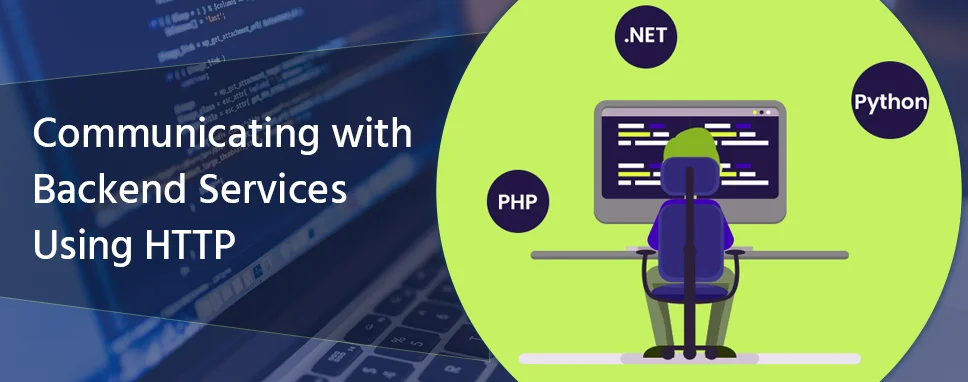
HTTP is the most important part of any application which communicates with the server. Most of the frontend applications need to communicate with the backend services over the HTTP protocol. Angular provides the simplified client HTTP services for the applications.
You should basic knowledge of the following before working on the HTTP client module.
Basics of the Typescript programming
How to use the HTTP protocol
Angular app-design concepts
Observable techniques and operators
Error handling
Features for the Testing
Request and Response interception
HttpClientJsonpModule: This is used to configures the dependency injector for the HttpClient with support for Jsonp.
HttpClientModule: This is used to configures the dependency injector for the HttpClient with the supporting the XSRF services.
HttpClientXsrfModule: This is used to configures the Xsrf protection supported for the handling requests.
HttpClient: Performs the Http requests.
HttpBackend: In this class, dispatch the request HTTP APIs to the backend.
HttpErrorResponse: The response that handles the error or failure, an error while executing the request and got some type of failure during the response.
HttpHeaderResponse: It includes the header data and status of the HTTP response but it does not include the response body.
HttpParams: The request and response body that represents the parameters.
HttpRequest: The HTTP request with the type of body.
HttpResponse: The HTTP response with the body.
HttpResponseBase: Base class for the HttpResponseBase and HttpResponse.
HttpUrlEncodingCodec: Includes the encoding and decoding of the query string values and URL parameter.
HttpEventType: Different types of type enumeration of the HttpEvent.
HttpInterceptor: Handles and intercept the HttpRequest and the HttpResponse.
HttpDownloadProgressEvent: The progress event for download.
HttpParameterCodec: Encoding and decoding of the codec for the parameters in URL.
HttpProgressEvent: Different types of progress event.
HttpSentEvent: The event represents that the request can be sent to the server.
HttpUploadProgressEvent: The progress event for the uploading.
HttpUserEvent: The user-defined event for the HTTP.
HTTP_INTERCEPTORS: A token that represents the array of the HttpInterceptor object.
HttpEvent: All possible events for the union types on the response stream.
Before you can use the HTTPClientModule in your application, you can import the HTTPClientModule in your app.module.ts file. You can import HTTPClientModule from the ‘@angular/common/http’ package.
app.module.ts
import { BrowserModule } from '@angular/platform-browser';
import { NgModule } from '@angular/core';

import { AppRoutingModule } from './app-routing.module';
import { AppComponent } from './app.component';
import { HttpClientModule } from '@angular/common/http';
@NgModule({
  declarations: [
    AppComponent
  ],
  imports: [
    BrowserModule,
    AppRoutingModule,
    HttpClientModule
  ],
  providers: [],
  bootstrap: [AppComponent]
})
export class AppModule { }
First, we need to import the HttpClientModule in the app.module.ts file, After that declare this module in the imports array.
Since most HTTP requests are completely independent of components, it is recommended that you bind them to a separate service. In this way, your service can be mocked and your application becomes more testable.
Let’s create a new service. To create a new service, we can use angular-cli. To create a service, open the command prompt and run the following code to create a service:
Ng generate service DemoService
After running this command, there will be two files created: demo-service.service.ts and demo-service.service.spec.ts
The basic service file Demo-service.service.ts look like this:
import { Injectable } from '@angular/core';

@Injectable({
  providedIn: 'root'
})
export class DemoServiceService {
  constructor() { }
}
To make an HTTP request from our service, we need the Angular HttpClient. We can request this client easily by adding dependencies.
import { Injectable } from '@angular/core';
import { HttpClient } from '@angular/common/http'
@Injectable({
  providedIn: 'root'
})
export class DemoServiceService {

  constructor( private httpClient: HttpClient ) { }
}
We can able to store the API URL in a single file so that in some cases we have to change this URL once when we need to change the URL value. In Angular, supports the environments.
There are by default two environments file: environment.prod.ts and environment.ts. Let’s add the API URL in this file.
environment.prod.ts
export const environment = {
  production: true
};
environment.ts
This will allow us to obtain the URL of the API of our environment in our Angular application by doing the following:
// This file can be replaced during build by using the `fileReplacements` array.
// `ng build --prod` replaces `environment.ts` with `environment.prod.ts`.
// The list of file replacements can be found in `angular.json`.

export const environment = {
  production: false,
  API_URL: 'http://192.168.0.88:8098/api'
};

/*
 * For easier debugging in development mode, you can import the following file
 * to ignore zone related error stack frames such as `zone.run`, `zoneDelegate.invokeTask`.
 *
 * This import should be commented out in production mode because it will have a negative impact
 * on performance if an error is thrown.
 */
// import 'zone.js/dist/zone-error';  // Included with Angular CLI.
URL = environment.APP_URL; // endpoint URL
import { Injectable } from '@angular/core';
import { HttpClient } from '@angular/common/http'
import { environment } from 'src/environments/environment';

@Injectable({
  providedIn: 'root'
})

export class DemoServiceService {
  URL = environment.API_URL; // endpoint URL
  constructor( private httpClient: HttpClient ) { }
}
The first thing that you need to create a Class and service file in our application.
Generate Employee class:
You can generate the employee class using this command.
ng g class Employee
Open the Employee class and add the following code.
export class Employee {
    Empid: number;
    Empname: string;
    Empaddress: string;
    Mobile: number;
    Salary: number;
}
Next, we can now preview the methods the we need and the corresponding angular HTTP methods:
import { Injectable } from '@angular/core';
import { HttpClient, HttpErrorResponse, HttpHeaders } from '@angular/common/http';
import { Employee } from './employee';
import { Observable } from 'rxjs';
import { environment } from 'src/environments/environment';

@Injectable({
  providedIn: 'root'
})

export class DemoServiceService {

  URL = environment.API_URL; // endpoint URL

  httpOptions = {
    headers: new HttpHeaders({
      'Content-Type': 'application/json'
    })
  }

  constructor( private http: HttpClient ) { }

  getAllEmployee(): Observable {
    return this.http.get(`${this.URL}`);
  }

  create(employee: any): Observable {
    return this.http.post(`${this.URL}` , employee, this.httpOptions);
  }

  deleteEmployee(id: number): Observable {
    return this.http.delete(`${this.URL}/${id}`, { responseType: 'text' });
  }

  update(id: string, employee: any): Observable {
  return this.http.put(`${this.URL}` + id, employee, this.httpOptions);
  }

  find(id: string): Observable {
    return this.http.get(`${this.URL}` + id);
  }

}
In this blog, we have seen that HTTP is the most important part of any application which communicates with the server. A common process in mostly the web and mobile applications is requesting data and responding to/from a server using the REST architectural style over the HTTP protocol. We have seen how to Store the API URL in the project and creating a service for the RESTful API.

A passionate Technical writer and an SEO freak working as a Content Development Manager at iFour Technolab, USA. With extensive experience in IT, Services, and Product sectors, I relish writing about technology and love sharing exceptional insights on various platforms. I believe in constant learning and am passionate about being better every day.


Recent Posts


How to Build AI Agents: Strategic Guide for CTOs
March 31, 2026

4 Types of Healthcare Analytics with Examples & Success Stories
February 12, 2026

Ethical AI in Healthcare: Key Considerations For Patient Safety
February 03, 2026

Categories
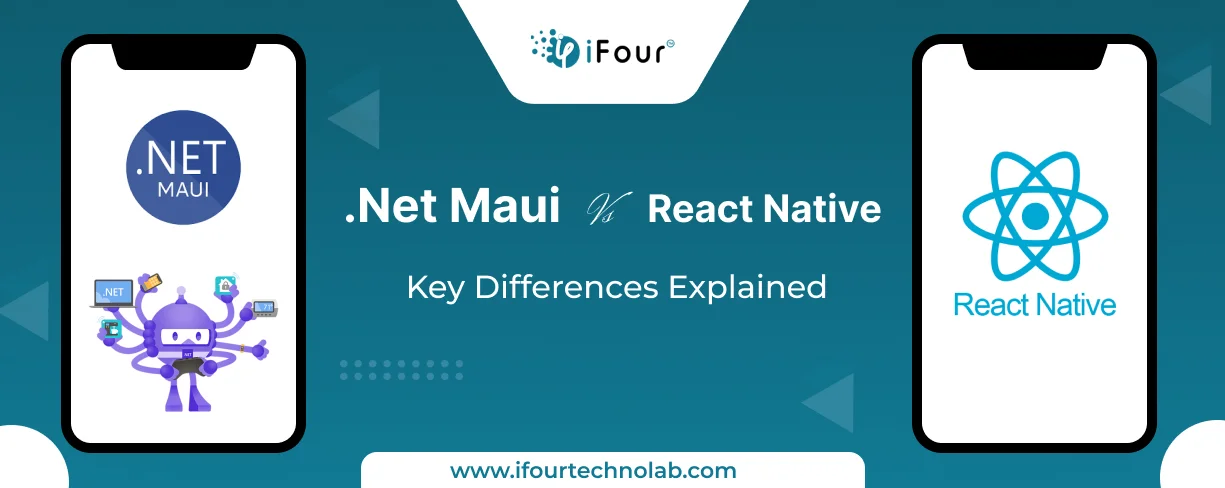
The dominance of Android, which holds a 71% market share, coupled with iOS supremacy in the US market, shows just how important it is to create apps that work on different platforms....

React continues to set the standard for building dynamic user interfaces. React 18 introduced significant updates, such as concurrent rendering and automatic batching, which changed...

When I first started exploring React.js for my company’s needs, I felt a bit lost. It was like trying to solve a big puzzle without all the pieces! But as I kept learning and trying them practically, I discovered some really cool features that blew my mind making everything seamlessly easier.

Get this Demo!
Get this Demo!
Get this Demo!
Get this Demo!
Get this Demo!
Get this Demo!