×

iFour Logo

Our Customer

Enagic
Biocon
Diligent
TBWA
WGE Equipment Solutions
Spearity
Stand Up
LOEK
LedgerLeopard
The Floow
Move4U
Tagologic
Inimco
NetSourcing
Airport Parking
AMC Technology
WCPRO
Manning Audiology
Old Bar
Health Four
Progrestro
Kos Inc
Kiwanis
CNC Physio
Dharma
 

Duration & Pricing

Pricing

What to expect

Deliverables
  • ✓
    Review of your current Microsoft Word Add-in
  • ✓
    Discussion around document creation, templates, and workflows
  • ✓
    Identification of areas where automation and AI can save time
  • ✓
    Recommendations for Microsoft Copilot, Microsoft 365, and cloud Integration
  • ✓
    Practical modernization roadmap tailored to your business
  • ✓
    Guidance on future enhancements and implementation priorities
⏱

Duration

01

2 Hours

Pricing

02

Customized quote based on your business needs.

What Happens in This Service Workshop?

  • Step 1: Review your current Word Add-in

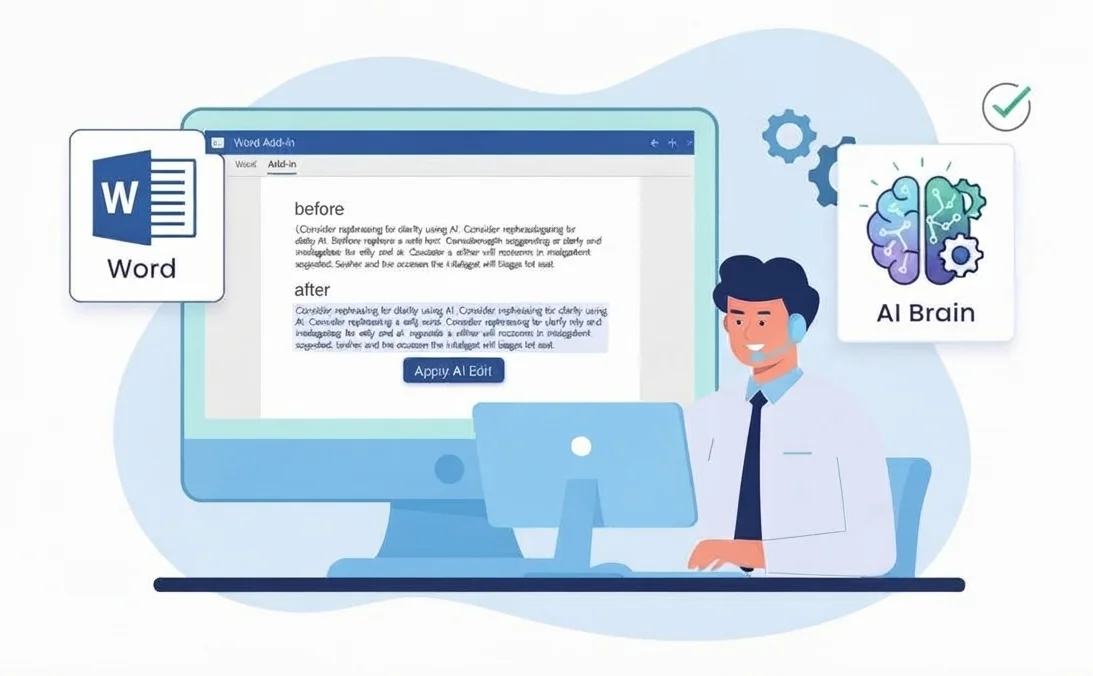
    Our team reviews your existing Microsoft Word Add-in, including its architecture, features and overall functionality to understand how it currently supports your business needs.

  • Step 2: Identify AI Improvement Opportunities

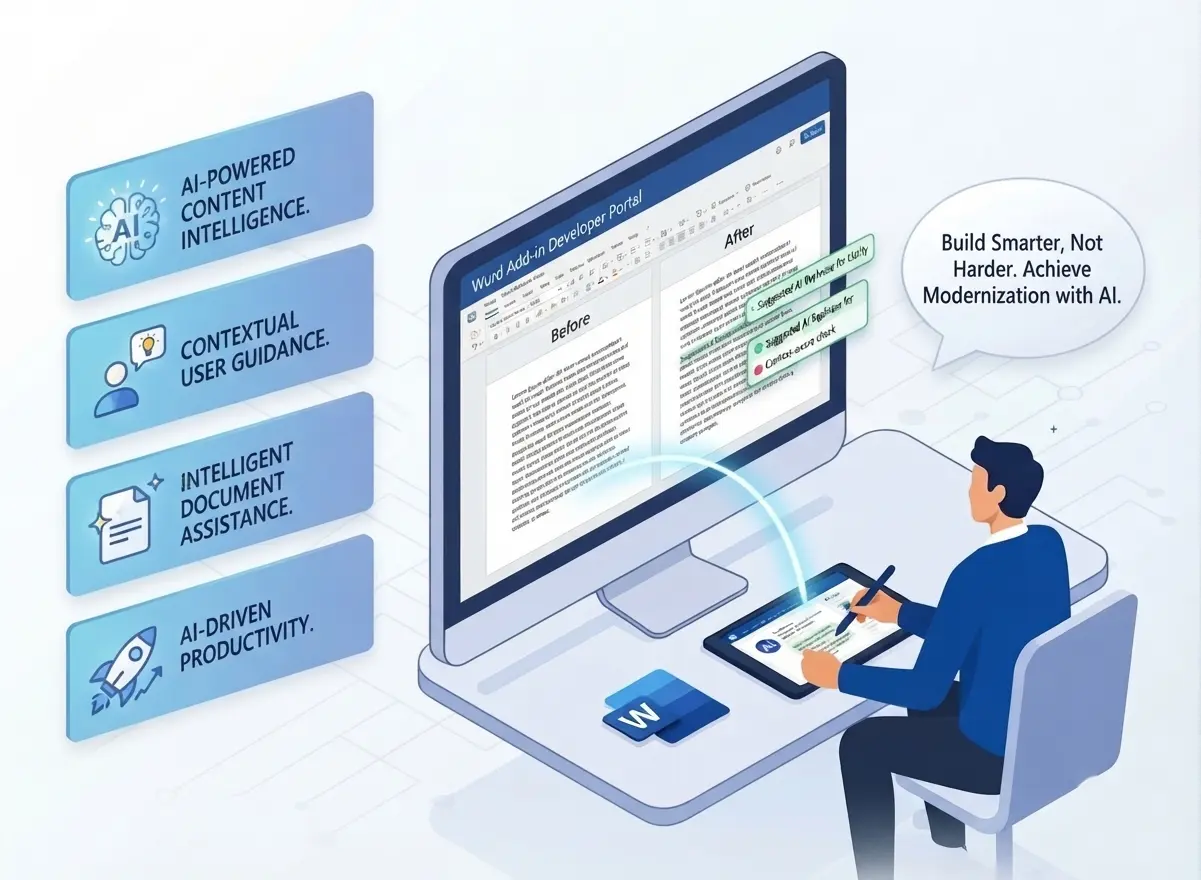
    We study where AI can add the most value to your add-in, such as intelligent content suggestions, document summarization, grammar and language correction, and natural language search.

  • Step 3: Explore the right AI Technology

    You will see real-world examples of AI-powered Word add-ins, and we will recommend suitable technology and platforms like OpenAI and Azure AI based on your specific requirements.

  • Step 4: Define your AI Optimization Roadmap

    We bring everything together by creating a clear roadmap for your AI-powered Word add-in. You will get practical recommendations, suggested next steps, and dedicated time to discuss your questions with our experts.

What You Receive

A review and assessment of your current Word Add-in.

3–5 practical recommendations for improvement.

Suggested AI, automation, and productivity enhancements.

A future feature plan for your modernized solution.

Microsoft 365, SharePoint, and OneDrive integration recommendations.

Microsoft Copilot and AI adoption guidance.

A roadmap outlining key phases, timelines, and estimated effort.

Explore Other Offers

Word Add-in AI Help

How This Service Helps Your Firm?

With this workshop, you can:

  • Improve user productivity with AI-powered features.
  • Enhance document creation and editing experiences.
  • Reduce repetitive manual tasks.
  • Modernize existing Word add-ins without starting from scratch.
  • Build a practical roadmap for AI adoption.
  • Understand development costs and implementation efforts early.
  • Reduce project risks through expert guidance.
  • Stay competitive with intelligent business applications.

Who Should Use This?

This workshop is ideal for:

  • CTOs and technology leaders.

  • Product Managers planning AI enhancements.

  • Engineering Heads managing Office Add-in products.

  • Independent Software Vendors (ISVs).

  • Enterprise software providers.

  • Legal technology companies.

  • Academic and education solution providers.

  • Organizations managing document-heavy workflows.

  • Businesses with existing Microsoft Word Add-ins looking to upgrade.

Word Add-in AI Users

Start here — it only takes a minute

Consultant Free Consultation

Need Help for Customization?

  info@ifourtechnolab.com

   +1 410 892 1119 / +91 95375 81301

  ifourtechnolab.com

Client Success Stories

See how we've transformed businesses with custom software solutions

Our Portfolio

Take a look at our latest projects, where digital transformation comes to life.

Safeguarding Work with Multi Location File Storage Add in

Safeguarding Work with Multi Location File Storage Add in

We built this add-in for file management. It organizes data, improves access, and reduces clutter.

Impacts Achieved

95%
Improve Storage
98%
Working efficiency
99%
Data Recovery
  View Case Study  
Streamlining Document Creation with a Law Practice Management Add-in

Streamlining Document Creation with a Law Practice Management Add-in

This solution helps law firms manage operations. It tracks cases, manages tasks, and improves workflow visibility.

Impacts Achieved

80%
Faster Drafting
60%
Less Manual Work
100%
Data Security
  View Case Study  
Driving Translation Accuracy with Custom Word Add-in Development

Driving Translation Accuracy with Custom Word Add-in Development

This platform helps manage translation workflows. It assigns tasks, improves coordination, and supports multilingual work.

Impacts Achieved

90%
Better Translation
85%
Improved Efficiency
4X
Faster Data Access
  View Case Study  
Simplifying Structured Documentation with Custom Word Add-in

Simplifying Structured Documentation with Custom Word Add-in

This solution focuses on document automation. It reduces manual work, ensures consistency, and saves time.

Impacts Achieved

70%
Faster Creation
3x
Improved Efficacy
100%
Compliance
  View Case Study  
How iFour’s Add-in Made Reporting 60% Faster and Audit-Ready

How iFour’s Add-in Made Reporting 60% Faster and Audit-Ready

This solution helps manage Excel versions. It tracks changes, avoids conflicts, and improves control.

Impacts Achieved

90%
fewer errors
60%
faster reports
80%
audit-ready
  View Case Study  
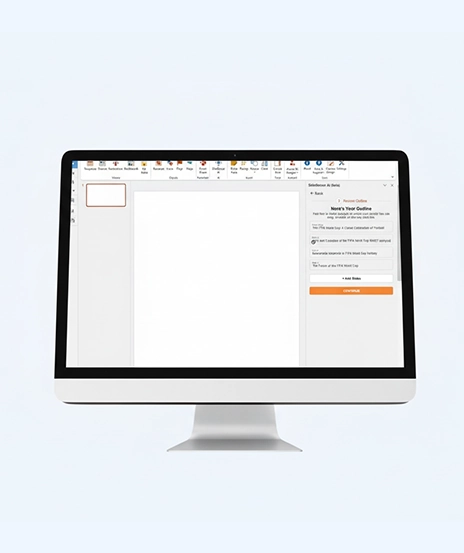
AI-Powered Add-in for Presentation Consultants: A Time Saving Solution

AI-Powered Add-in for Presentation Consultants: A Time Saving Solution

We created this add-in to enhance presentations. It improves content creation, saves time, and boosts productivity.

Impacts Achieved

90%
faster creation
70%
more engagement
90%
design consistency
  View Case Study  
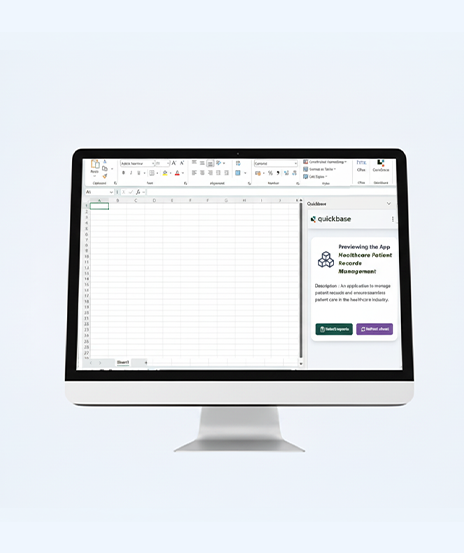
Custom Excel Add-in Slashes 70% of Manual Data Tasks for U.S. Firm

Custom Excel Add-in Slashes 70% of Manual Data Tasks for U.S. Firm

This solution helps manage Excel versions. It tracks changes, avoids conflicts, and improves control.

Impacts Achieved

70%
Less Work
100%
Faster Reports
3X
Productivity
  View Case Study  
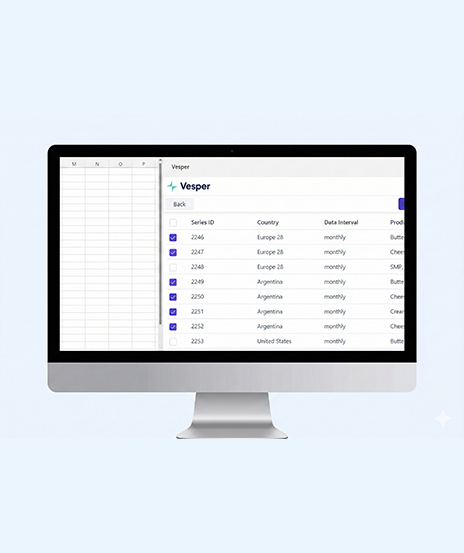
AI + Excel: The Automation Development for Commodity Intelligence

AI + Excel: The Automation Development for Commodity Intelligence

We built this tool for commodity analysis. It provides insights, improves forecasting, and supports decisions.

Impacts Achieved

Zero
Manual Work
95%
Fewer Errors
4+
Hrs. Saved Weekly
  View Case Study  
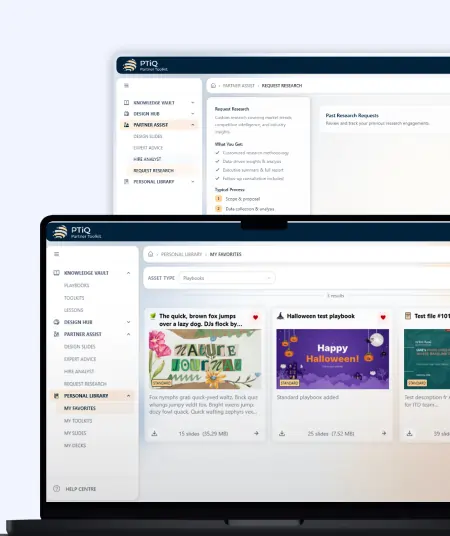
PTiQ PowerPoint Add-in for Productive Presentation Workflows

PTiQ PowerPoint Add-in for Productive Presentation Workflows

This PowerPoint add-in centralizes templates, improves collaboration, ensures brand consistency, and reduces manual presentation formatting efforts.

Impacts Achieved

80%
Faster Management
85%
Less Manual Efforts
90%
Better Collaboration
  View Case Study  
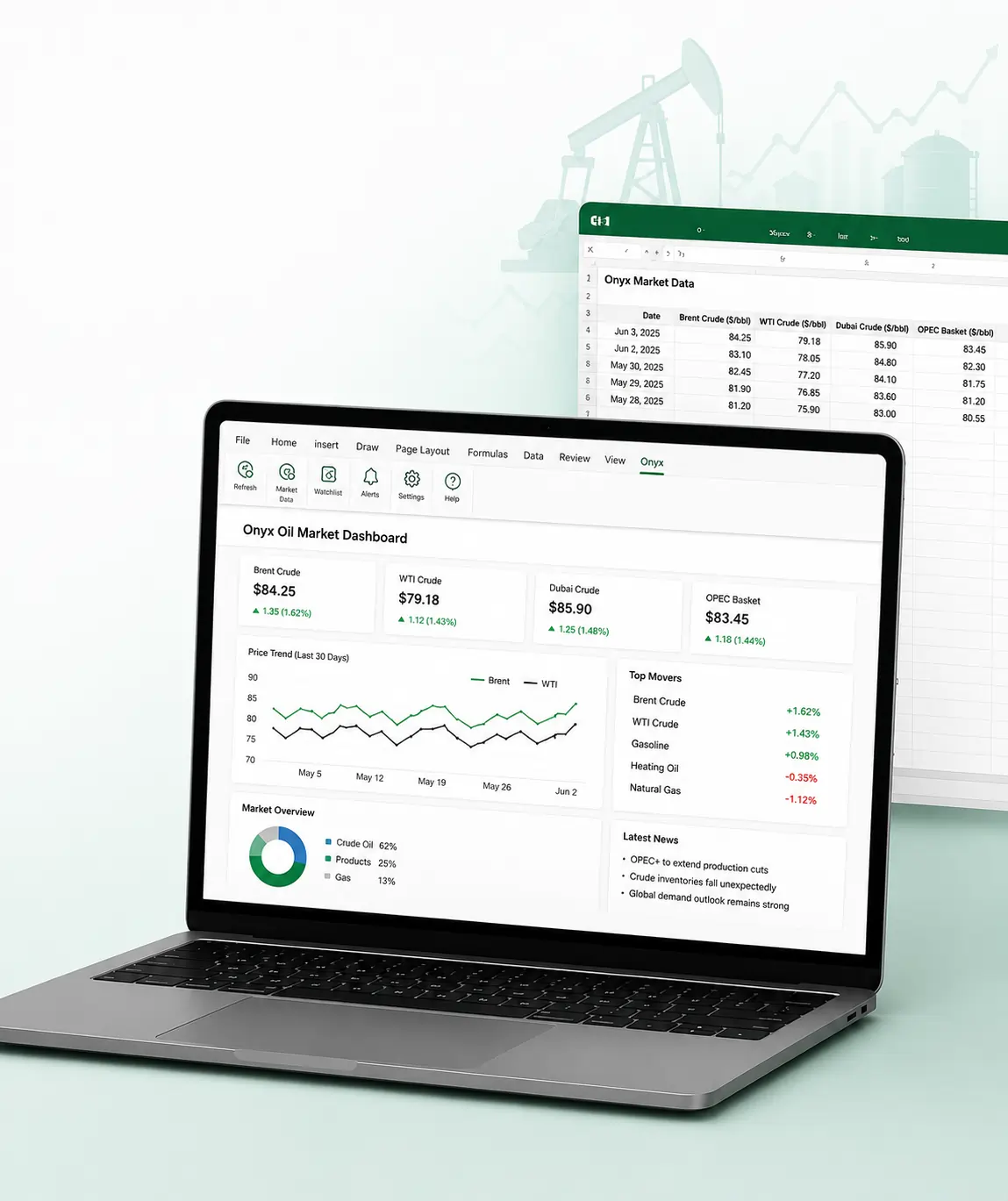
Onyx Microsoft Excel Add-in for Oil Market Data Tracking

Onyx Microsoft Excel Add-in for Oil Market Data Tracking

This Excel add-in enables live oil price tracking, secure authentication, and streamlined workflows for trading and analysis.

Impacts Achieved

100%
Live Data Access
75%
Improved Trading
70%
Faster Decision
  View Case Study  
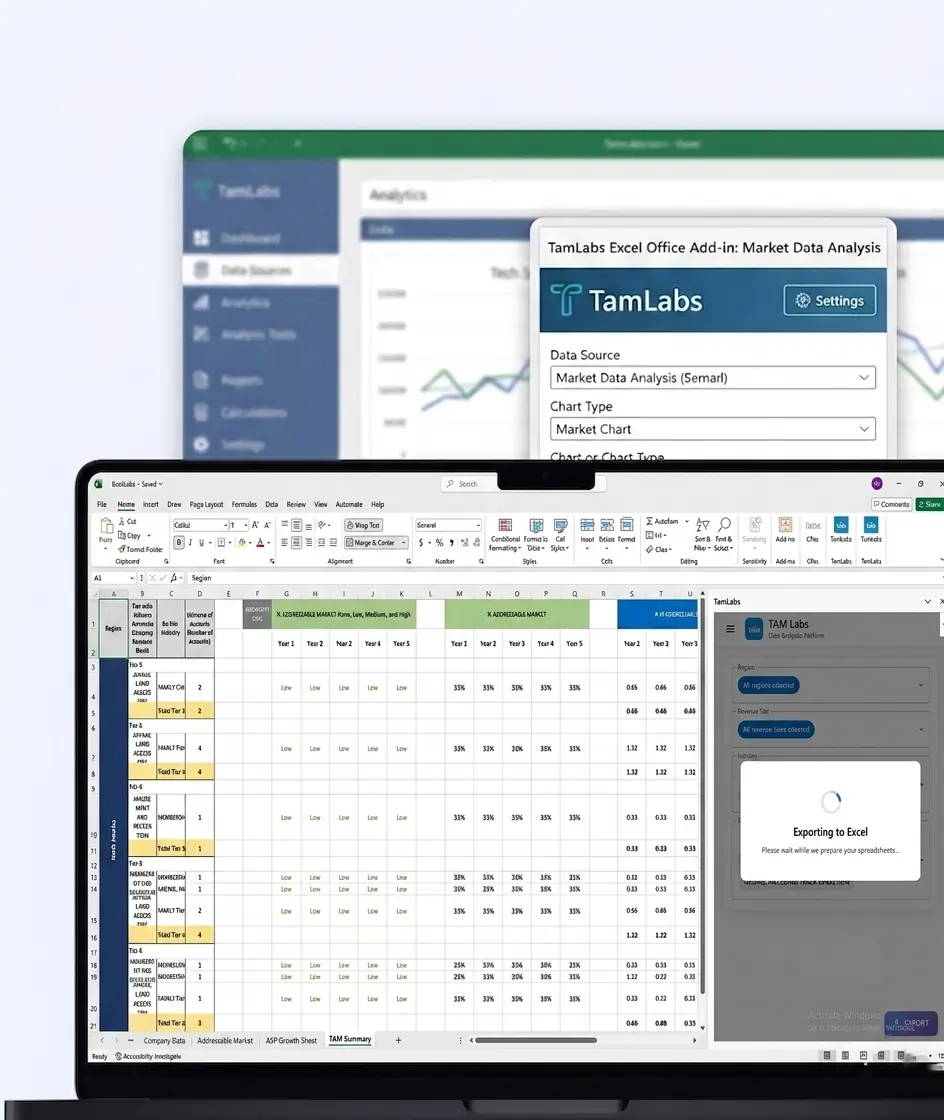
TamLabs Excel Office Add-in for Market Data Analysis

TamLabs Excel Office Add-in for Market Data Analysis

This Excel add-in automates TAM/ASP reporting, improves real-time insights, and simplifies market intelligence workflows for Orca Labs.

Impacts Achieved

85%
Faster Accessibility
75%
Better Collab
70%
Faster Insights
  View Case Study  
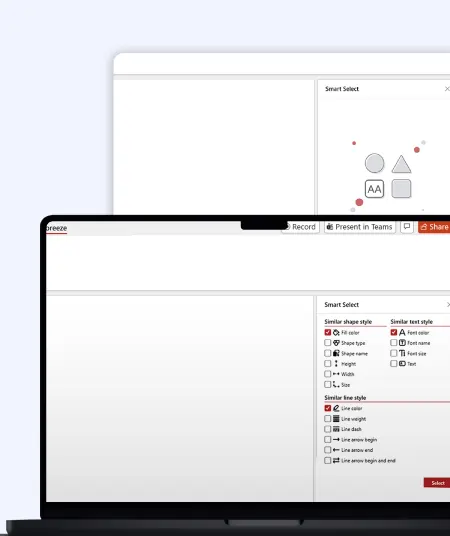
Slide Breeze PowerPoint Add-in for Smart Presentation Automation

Slide Breeze PowerPoint Add-in for Smart Presentation Automation

This PowerPoint add-in automates slide formatting, transitions, and animations, improving workflow efficiency and presentation consistency.

Impacts Achieved

80%
Less Manual Effort
70%
Faster Editing
90%
Better Consistency
  View Case Study  
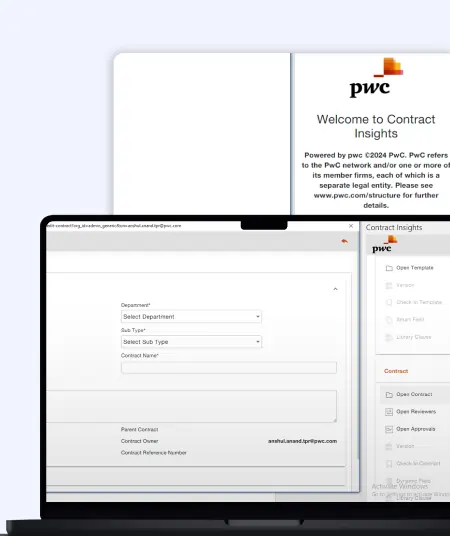
PWC Contract Management Word Add-in for Legal Workflow Automation

PWC Contract Management Word Add-in for Legal Workflow Automation

This Word add-in automates legal contract customization, reduces errors, and improves accuracy for streamlined document preparation.

Impacts Achieved

80%
Faster Processes
70%
Bost Efficiency
85%
Better Visibility
  View Case Study  
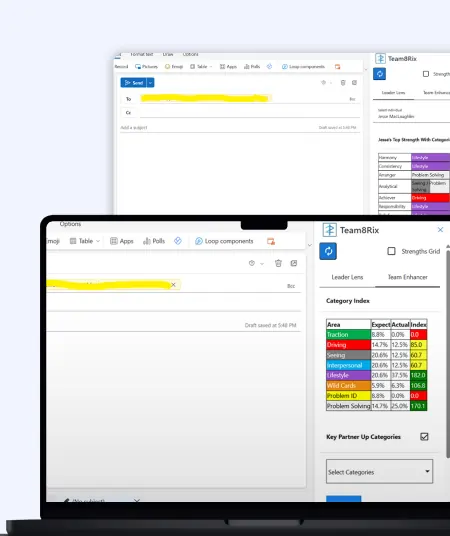
Team8rix Outlook Add-in for Leadership Insights

Team8rix Outlook Add-in for Leadership Insights

This Outlook add-in delivers real-time collaboration insights, strengths analysis, and leadership recommendations during emails and meetings.

Impacts Achieved

80%
Faster Access
70%
Boost Synergy
90%
Improve UX
  View Case Study  
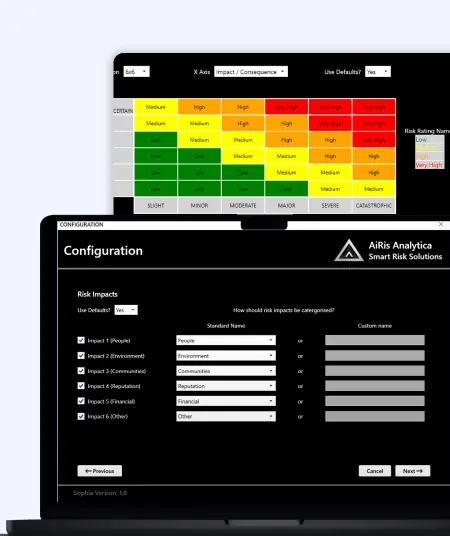
Sophia Excel Add-in for Risk Management

Sophia Excel Add-in for Risk Management

This Excel add-in automates risk reporting, dashboards, and improves visibility, reducing manual effort for risk analysts.

Impacts Achieved

80%
Report Accuracy
70%
Boost Workflow
90%
Better Visibility
  View Case Study  
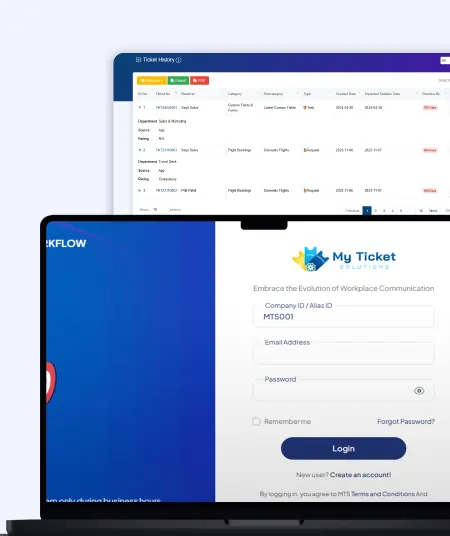
My Ticket Solution Outlook Add-in for Smart Ticket Management

My Ticket Solution Outlook Add-in for Smart Ticket Management

This Outlook add-in simplifies ticket creation, reduces repeated logins, and improves helpdesk workflow efficiency for support teams.

Impacts Achieved

85%
Faster Ticketing
80%
Fewer Logins
75%
Boost Workflow
  View Case Study  
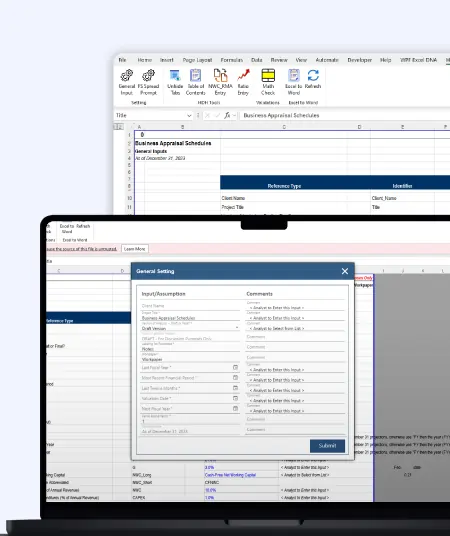
HDH Excel Add-in Development for Automated Data Operations

HDH Excel Add-in Development for Automated Data Operations

This Excel add-in automates financial workflows, validates formulas, and synchronizes reports, improving accuracy and efficiency.

Impacts Achieved

80%
Faster Data Entry
75%
Faster Navigation
90%
Better UX
  View Case Study  

FAQs

Yes this session is specially designed for organisations that already have a Microsoft Word Add-in and want to upgrade it with AI capabilities.

AI can enable content suggestions, document summaries, grammar and language improvements, natural language search and other intelligent document experiences.

Yes you will receive a customized roadmap with recommendations and suggestions.

Recommendations depend on your business goals and existing solution. We commonly explore OpenAI, Azure AI, and Microsoft ecosystem services.

Yes we can support proof-of-concept development, MVP creation, AI integration, and ongoing technical guidance.

Absolutely the session is designed for both enterprise software vendors and organizations with business-critical Word add-ins.

You will have a clear understanding of where AI can benefit your Word add-in, the potential business value, the recommended technologies, and a practical roadmap for modernization.

 
Blog Our insights
A step-by-step guide on Word Add-in development using React.js

16 June 2023

Kapil Panchal

A step-by-step guide on Word Add-in development using React.js

Microsoft Word is often the first name that springs to mind when you think about documentation. A popular content platform renowned for its adaptability and top-notch features....


What does it cost to hire a Word Add-in developer?

09 June 2023

Kapil Panchal

What does it cost to hire a Word Add-in developer?

In today’s digital age, completing business operations promptly is of paramount importance. You need to focus on other critical tasks to yield positive results for your business. Isn’t...
ChatGPT won't replace custom Add-in developers: 10 reasons why?

05 April 2023

Kapil Panchal

ChatGPT won't replace custom Add-in developers: 10 reasons why?

ChatGPT is an innovative AI language model that can understand natural language and generate human-like responses. Think of ChatGPT as your personal language assistant, capable of...