




























































A step-by-step guide on Word Add-in development using React.js
Microsoft Word is often the first name that springs to mind when you think about documentation. A popular content platform renowned for its adaptability and top-notch features....


601 & 612, The Times square Arcade, Near Baghban party plot, Thaltej - Shilaj Road, Thaltej, Ahmedabad, Gujarat - 380059
























2-Hour Consultation
Free Strategic Session
Many businesses still rely on older Word Add-ins built years ago. While they still work, they often limit performance, integration, and scalability.
This free consultation helps you review your current Add-in, identify gaps, and find ways to improve it. Our team assesses your setup and provides a clear plan to add collaboration, automation, cloud connectivity, and AI features.
The goal is simple: turn your Word Add-in into a smarter, connected solution using Microsoft 365, Copilot, AI, and Azure cloud services.
We begin by reviewing how your existing Word Add-in is used across business and in which improvements can be made.
During this session, we will discuss:
✓How your team currently creates and manages documents
✓Any manual processes that slow down
✓Challenges around templates, approvals, compliance or collaboration
✓New area to introduce automation, AI, and cloud-based capabilities
Once we understand your current environment, we'll explore what a modernized Word Add-in could look like. This includes:
✓Functions that can be automated and enhanced with AI
✓Opportunities to work together with Microsoft Copilot and Microsoft 365
✓Document workflows, digital approvals, and smarter content management
✓A practical rollout approach that minimizes disruption for users
A review and assessment of your current Word Add-in.
3–5 practical recommendations for improvement.
Suggested AI, automation, and productivity enhancements.
A future feature plan for your modernized solution.
Microsoft 365, SharePoint, and OneDrive integration recommendations.
Microsoft Copilot and AI adoption guidance.
A roadmap outlining key phases, timelines, and estimated effort.
Bring it together with our expert Power BI consulting services
Automate critical Healthcare processes with our 2-Hour Power Automate consulting services
Catch patient feedback & sentiments early with our 2-Week Healthcare AI Pilot
Get a quick assessment and unlock what's missing.
Your customers expect instant answers — are you ready to deliver? Book your FREE automation session
Let’s design your first high-impact app in just 2 hours.
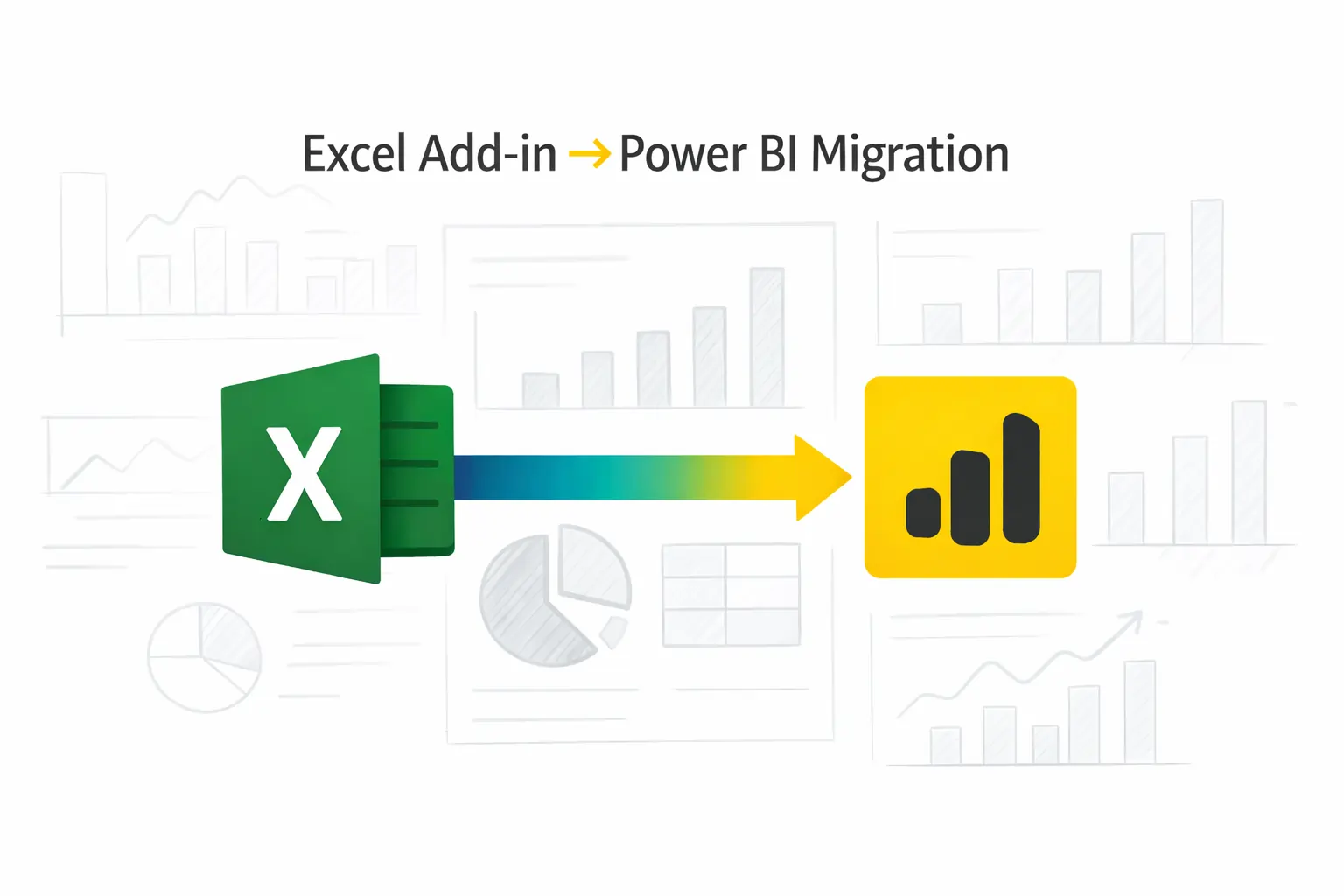
Migrate your Excel Add-in to Power BI with our 2-hour expert support.

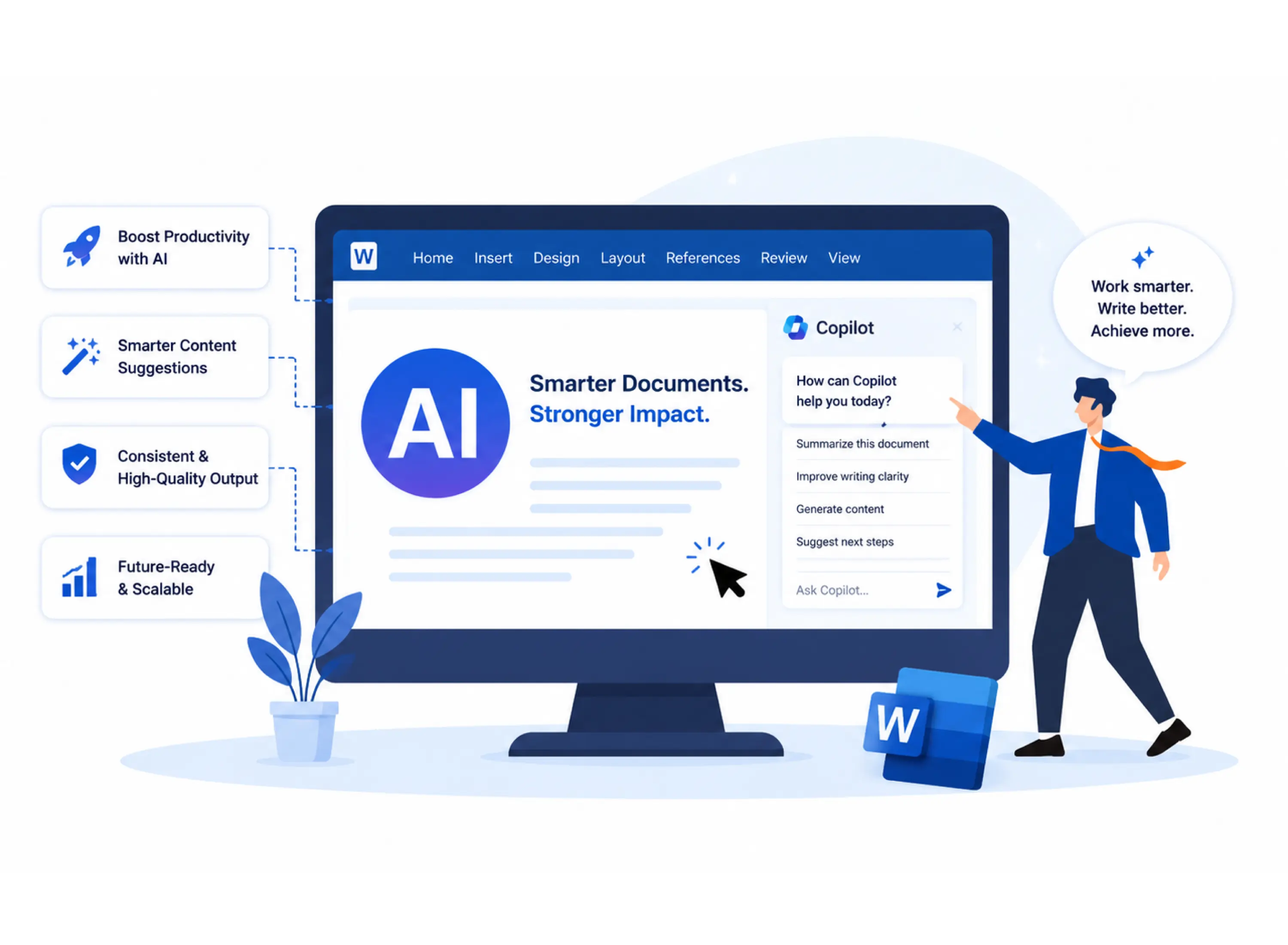
Reduce regular manual work with smarter templates, automation and AI-assisted content generation.
Enable teams to work more properly with documents stored and managed through Microsoft 365, SharePoint, and OneDrive.
Align process documentation and reduce the risk of errors or compliance issues.
Explore how Microsoft Copilot and AI-powered services can help generate content, share the main points documents and save time for everyday tasks.
Move away from outdated technology and build a scalable solution that can grow with your business.

Turn static documents into smart content using AI-powered Word Add-in development
This workshop is ideal for:
Businesses currently using legacy Word Add-ins
Legal teams managing contracts and document templates
Sales teams creating proposals and client-facing documents
Organizations looking to modernize Microsoft Office solutions
Companies planning to adopt Microsoft Copilot or AI capabilities
Businesses wanting better document management and cloud integration

+1 410 892 1119 / +91 95375 81301
See how we've transformed businesses with custom software solutions
Take a look at our latest projects, where digital transformation comes to life.
Yes. The consultation is completely free and includes both assessment sessions, recommendations, and a modernization roadmap.
No. We can help you understand where AI and Microsoft Copilot may add value and what options are available for your business.
Yes. Whether your Add-in is custom-built or based on older technology, we can assess it and provide refreshing recommendations.
Absolutely. You will receive practical advice, improvement opportunities and a roadmap to help guide your next steps.
Yes. New support can connect with Microsoft 365 services such as SharePoint, OneDrive, Microsoft Graph and Microsoft Copilot to improve success and collaboration.
Yes. If you manage contracts, business plans, reports or other business documents, we can identify ways to simplify and improve your processes.
Microsoft Word is often the first name that springs to mind when you think about documentation. A popular content platform renowned for its adaptability and top-notch features....
In today’s digital age, completing business operations promptly is of paramount importance. You need to focus on other critical tasks to yield positive results for your business. Isn’t...
ChatGPT is an innovative AI language model that can understand natural language and generate human-like responses. Think of ChatGPT as your personal language assistant, capable of...