










































































×

iFour Logo

Our Customer

Enagic
Biocon
Diligent
TBWA
WGE Equipment Solutions
Spearity
Stand Up
LOEK
LedgerLeopard
The Floow
Move4U
Tagologic
Inimco
NetSourcing
Airport Parking
AMC Technology
WCPRO
Manning Audiology
Old Bar
Health Four
Progrestro
Kos Inc
Kiwanis
CNC Physio
Dharma
 

Duration & Pricing

Pricing

What to expect

Deliverables
  • A review of your existing Outlook add-in.
  • AI and Copilot opportunities tailored to your business.
  • Real-world examples and use cases for Outlook automation.
  • Recommendations for Azure AI and OpenAI integration.
  • A practical roadmap for implementation.
  • A personalized proposal delivered within 3 business days.

Duration

01

2 Hours

Pricing

02

Free Workshop

What Happens in This Service Workshop?

  • Step 1 - Review your current Outlook Add-in:

    We identify your existing add-in, understand how it works, and identify where AI can add value to your organization.

  • Step 2 - Explore the AI Opportunity:

    We can discuss the practical AI and Copilot features, including smart replies, email categorization, sentiment detection and scheduling assistance.

  • Step 3 - Review the Real-World Solutions:

    We demonstrate examples of AI-powered CRM integrations, smart inbox management and automated email workflows.

  • Step 4 - Build Your AI Roadmap:

    We recommend the right Azure AI, OpenAI, and Microsoft technologies and create a practical implementation plan for your business.

What You Receive

After this workshop, you will walk get:

A clear assessment of your Outlook add-in.

AI recommendations tailored to your business needs.

A practical architecture and integration blueprint.

A detailed proposal delivered within 3 business days.

You'll also receive ongoing guidance for:

Proof of Concept (POC) development.

MVP planning and implementation.

Azure AI and OpenAI integration.

Copilot add-in development.

Ready-to-use templates and development best practices.

Explore Other Offers

Experts

How This Service Helps Your Firm?

Adding AI to your Outlook add-in can help your business:

  • Reduce repetitive email tasks.
  • Improve response times with smart suggestions.
  • Automatically organize and prioritize emails.
  • Simplify meeting scheduling.
  • Enhance customer and employee experiences.
  • Increase productivity across teams.
  • Create scalable and future-ready workflows.
call to action

Boost productivity with AI-powered Outlook Add-in development

Who Should Use This?

This workshop is ideal for:

Solution

Start here — it only takes a minute

Consultant Free Consultation

Need Help for Customization?

  info@ifourtechnolab.com

   +1 410 892 1119 / +91 95375 81301

  ifourtechnolab.com

Client Success Stories

See how we've transformed businesses with Azure cloud solutions

Our Portfolio

Take a look at our latest projects, where digital transformation comes to life.

01/06

FAQs on Outlook Add-in modernization with AI

It mostly depends on your business needs; AI can enable smart replies, sentiment analysis, email classification, meeting scheduling assistance, workflow automation, and personalised recommendations.

Yes, this workshop is designed for organizations that already have an Outlook add-in and want to enhance it with AI and Copilot capabilities.

Yes. Every workshop includes personalized suggestions and a roadmap based on your existing Outlook add-in and business goals.

Yes. Solutions are built using Microsoft’s secure and compliant ecosystem.

You will get a detailed proposal within 3 business days, along with recommendations and guidance for the next steps, including POC, MVP, and full implementation planning.

By automating repetitive tasks like email sorting, replies, and scheduling.

 
Blog Our insights
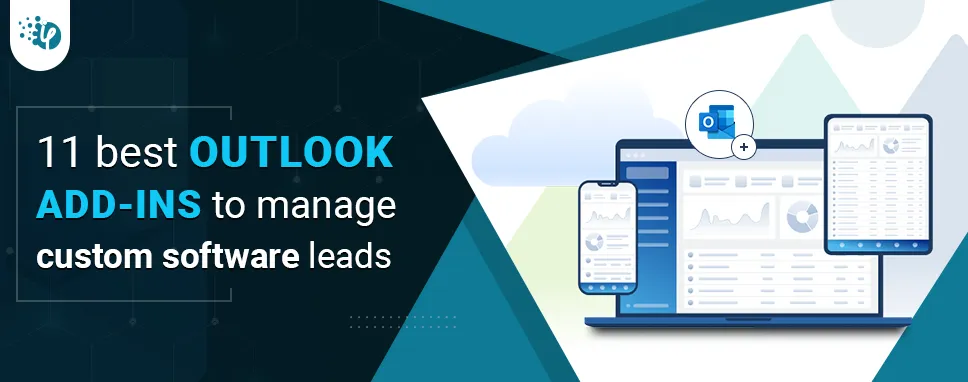
11 best Outlook Add-ins to manage custom software leads

31 July 2023

Kapil Panchal

11 best Outlook Add-ins to manage custom software leads

Lead management is the second critical aspect for any business while first is the lead generation. As this decides the fate of your business, leveraging the right tools is mandatory to optimize your lead generation process. To greatly deal with marketing and sales processes, several clients prefer to go with Custom Outlook Add-in development.
Security best practices while Outlook Add-in Development: A complete guide

15 June 2023

Kapil Panchal

Security best practices while Outlook Add-in Development: A complete guide

In today's digital age, where communication and efficiency go hand in hand, Microsoft Outlook has become an integral part of business and professional lives. It has a vast user base...

Streamline Your Outlook Add-ins Development with React.js: Best Practices and Tips

15 May 2023

Kapil Panchal

Streamline Your Outlook Add-ins Development with React.js: Best Practices and Tips

JavaScript has become a critical part of our daily lives. To understand its impact, just disable JavaScript in all of your browsers for two or three days and observe. There will be...