
































































How to Use Power BI for Sales Forecasting (Guide for CTOs)
Sales Forecasting isn't optional anymore. Whether you are a startup or a mid-level enterprise, every decision you make today depends on how well you predict the future. Instead...


601 & 612, The Times square Arcade, Near Baghban party plot, Thaltej - Shilaj Road, Thaltej, Ahmedabad, Gujarat - 380059














Final pricing may vary based on customized agendas, additional sessions, or specific business requirements.
3-Day Interactive Online Training Bootcamp (Flexible Scheduling Available)
| Participants | Price (USD) |
|---|---|
| Up to 3 participants | $950 |
| 4–10 participants | $1,600 |
| 11–15 participants | $2,750 |
| 15+ participants | Contact us for a customized quote |
Many setups want to automate manual processes and build business applications but lack the technical skills to get started. This guided Power Platform bootcamp helps your teams learn how to create apps, automate workflows, and build interactive dashboards using Microsoft's low-code platform.
People gain practical experience through everyday exercises, enabling them to become confident citizen developers without requiring programming knowledge.
✓Introduction to Power Apps and Microsoft Dataverse
✓Build business applications using SharePoint or Excel
✓Apply business logic and improve user experience
✓Publish and securely share applications
✓Learn flows, triggers, and connectors
✓Automate approval workflows and notifications
✓Create document management automation
✓Connect Microsoft Teams, Outlook, and SharePoint
✓Connect and prepare business data
✓Create dashboards, KPIs, and reports
✓Understand basic data modeling
✓Publish reports and automate refreshes
Well-functioning demo apps, workflows, and dashboards
Complete training slide decks
Session recordings for future reference
Hands-on lab exercises and starter templates
One-hour post-training Q&A session
Completion certificate for each participant
Optional custom business use case implementation during training
Bring it together with our expert Power BI consulting services
Automate critical Healthcare processes with our 2-Hour Power Automate consulting services
Catch patient feedback & sentiments early with our 2-Week Healthcare AI Pilot
Get a quick assessment and unlock what's missing.
Your customers expect instant answers — are you ready to deliver? Book your FREE automation session
Let’s design your first high-impact app in just 2 hours.
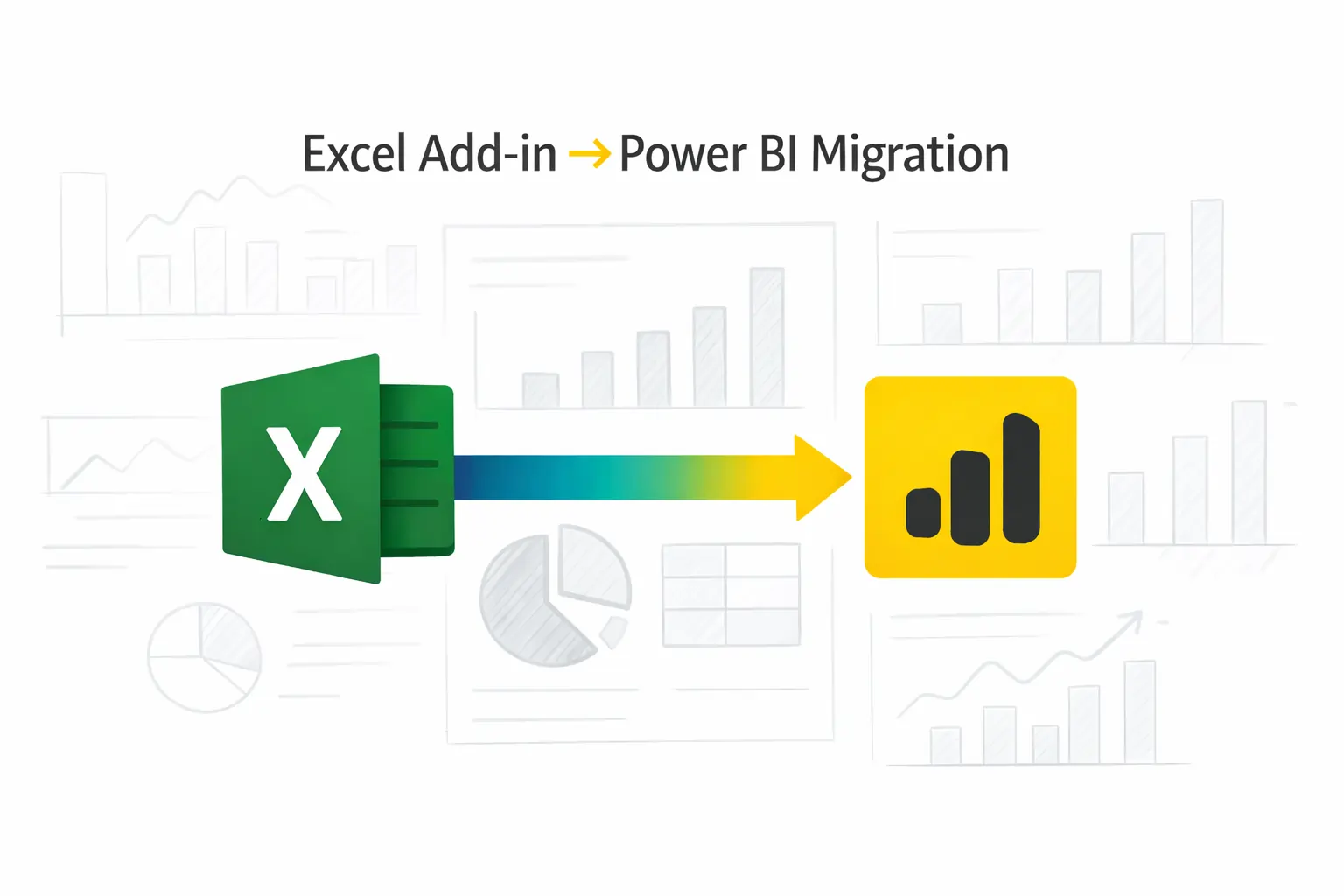
Migrate your Excel Add-in to Power BI with our 2-hour expert support.

Begin your journey to smarter automation with iFour's Power Platform 3 Day Training Program.
Citizen developers
Business analysts
Power users
IT support teams
Operations managers
Department leaders
+1 410 892 1119 / +91 95375 81301
See how we've transformed businesses with custom software solutions
Take a look at our latest projects, where digital transformation comes to life.
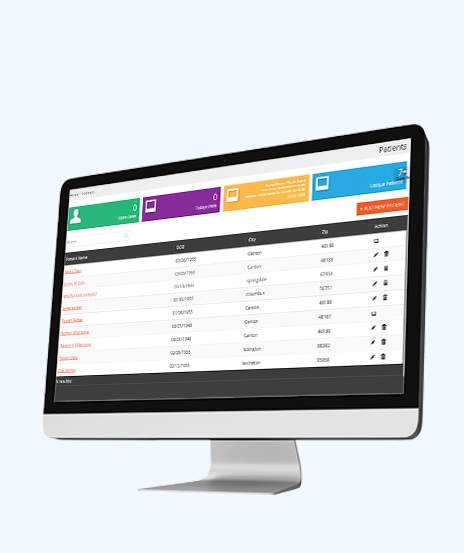
We built this sustainable solution for a leading healthcare consultant based in the USA. Our HIPAA-compliant, centralized, real-time, and robust ERP system is designed to streamline essential operations, ensuring efficiency and compliance in the healthcare sector.
ASP.NET (C#) 4.5 | JQuery | MS SQL Server | Azure
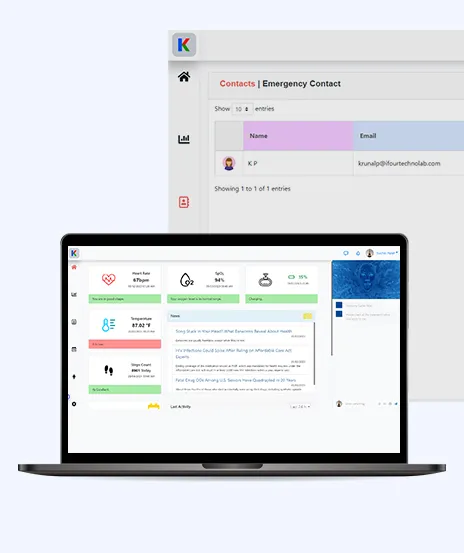
This AI-based project is a smart tracking device for health monitoring. It uses sensors, IoT, Informedica, ChatGPT, and AI to quickly and securely transfer and interpret data. This helps healthcare staff respond quickly to incidents detected by the system.
Angular 14 | .NET Core 6.0 Web API | Azure

We built a Municipality Insurance Management System that uses XML for healthcare solutions. Actions generate XML stored on Blockchain, which can be retrieved on request. Invoices are automatically generated by date, and approved requests add funds as tokens to patients' wallets.
Node.js | C# MVC | Solidity | MongoDB, Azure B2C | Azure
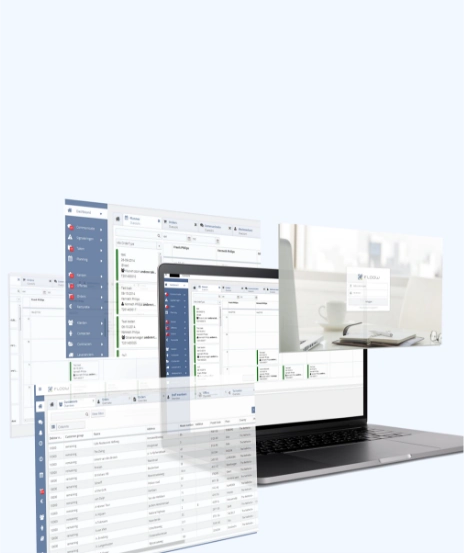
We built a CRM system and a web-based SaaS solution for our Singapore-based client. This system assists them in managing their entire sales life cycle, which helps them become more competitive and enhances their business returns.
PHP 5.x | JavaScript, Jquery, AJAX | MYSQL | Azure
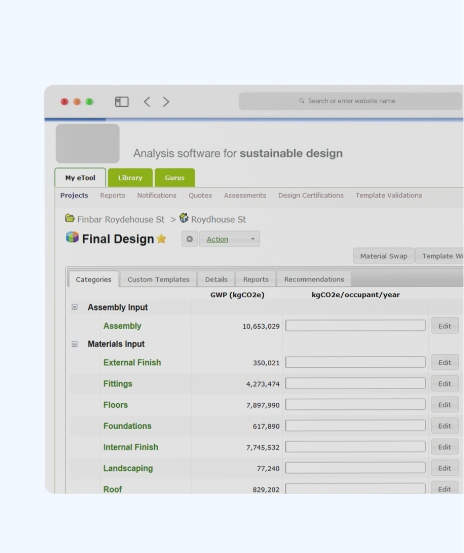
We built this software for our Aus-based construction client which helps to calculate sustainability index of buildings. LCA is about finding the solutions for sustainable future and is impactful in optimizing sustainable design of the built environment.
Microsoft .NET 4.5 MVC | MS SQL Server | Azure

The system offers a dynamic 3D view to manage building components and elements, allowing you to take measurements and gather statistics online without visiting the site in person. Component or element can be anything ranging from window to glass door.
Node.js for REST APIs | Angular 6 | Azure
No. The bootcamp is designed for beginners and business users. No coding experience is required.
Yes. Participants build real apps, workflows, and dashboards throughout the training.
Yes. The bootcamp is delivered online, with flexible scheduling available.
Yes. All members receive slide decks, lab materials, starter templates, and session recordings.
Yes. Every participant receives a completion certificate after the training.
Yes. An optional custom business use case can be included for hands-on, organization-specific training.
Pricing depends on the number of participants and any customization or custom use cases requested.
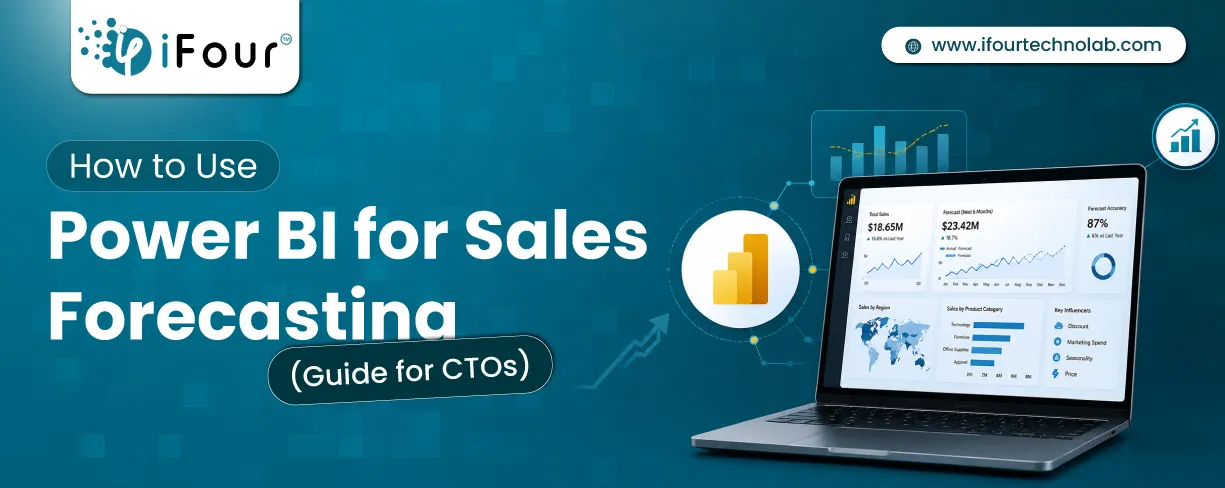
Sales Forecasting isn't optional anymore. Whether you are a startup or a mid-level enterprise, every decision you make today depends on how well you predict the future. Instead...
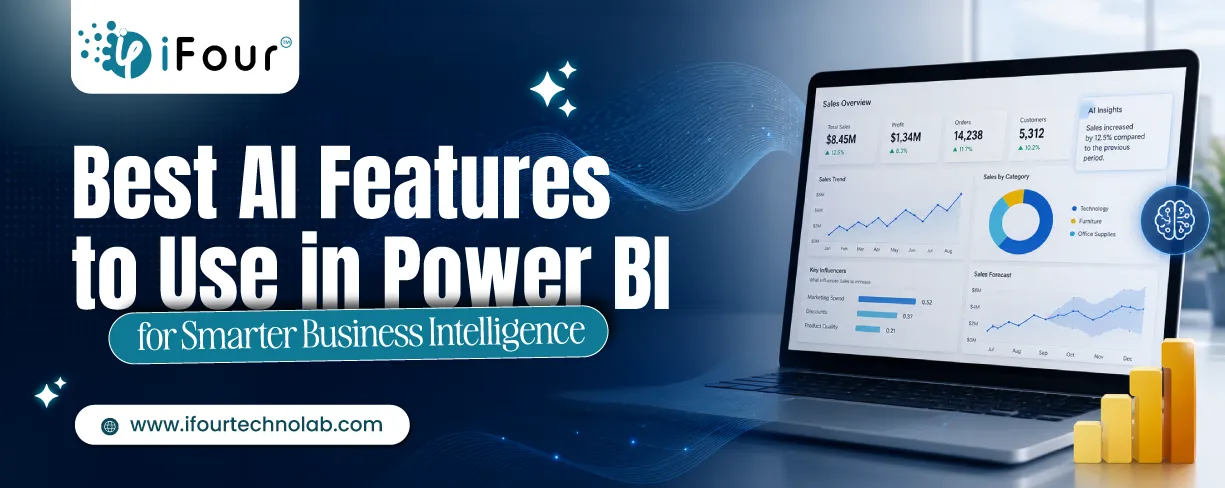
Quick Summary: Power BI uses AI to automatically point out patterns, identify anomalies, and create forecasts, providing analysts and executives with the insights necessary...
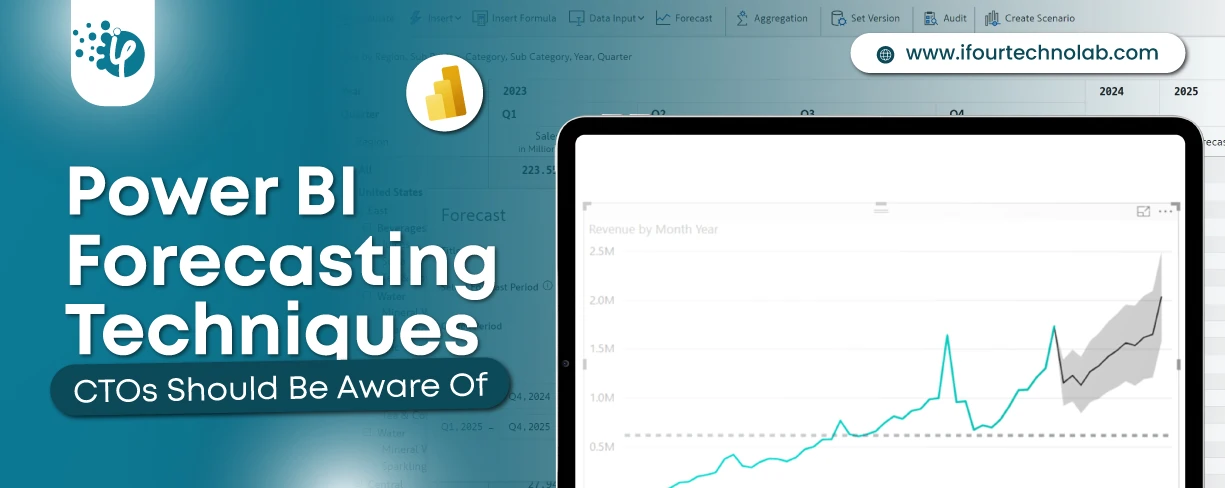
Remember our last guide - Power BI forecasting? It revealed things that truly blocks accuracy, both structural and situational. Now it's time to take the next step. Knowing Power...