
































































How to Use Power BI for Sales Forecasting (Guide for CTOs)
Sales Forecasting isn't optional anymore. Whether you are a startup or a mid-level enterprise, every decision you make today depends on how well you predict the future. Instead...


601 & 612, The Times square Arcade, Near Baghban party plot, Thaltej - Shilaj Road, Thaltej, Ahmedabad, Gujarat - 380059


























Final pricing may vary based on customized agendas, additional sessions, or specific business requirements.
5 Days (Live Online | Flexible timings available)
| Number of Participants | Price (USD) |
|---|---|
| Up to 3 participants | $950 |
| 4–10 participants | $1,600 |
| 11–15 participants | $2,750 |
| 15+ participants | Contact us for a customized quote |
Many firms collect larger amounts of data but struggle to turn it into meaningful insights, and reports can take too long to prepare; dashboards are difficult to maintain. This BI Essentials Training – 5 Day Hands-on training for teams from our experts helps business users confidently work with Microsoft Power BI to transform raw data into clear, interactive dashboards and reports.
During these instructor-led sessions, participants learn how to connect multiple data sources, clean and organize data, build visual reports, create dashboards, understand basic data modelling, and securely share insights with others. This training focuses on real business use cases from departments including sales, finance, operations and HR, making Power BI simple and accessible even for people with no coding or technical background.
The training is divided into three practical learning modules.
Build a strong foundation in Power BI by learning how to:
✓Understand Power BI fundamentals and key concepts
✓Navigate the Power BI interface confidently
✓Connect to Excel, SharePoint, and other data sources
✓Import business data efficiently
✓Clean and transform datasets using Power Query
✓Prepare data for reporting and analysis
Learn how to create professional business reports by:
✓Building interactive charts and visualizations
✓Tables, cards and custom visuals designing
✓Using filters, slicers and drill-down capabilities
✓Creating KPI and performance dashboards
✓Applying UI/UX best practices for dashboards
Understanding how to organize and share business intelligence by learning:
✓Power BI data models and relationships
✓Introduction to DAX (Data Analysis Expressions)
✓Publishing reports to the Power BI Service
✓Sharing reports securely across teams
✓Managing workspaces and user permissions
✓Creating Power BI Apps for business users
At the end of this training, every participant gets:
Fully functional Power BI reports and dashboards
Complete training presentation deck
Session recordings for future reference
Hands-on practice for files and reusable templates
Post-training Q&A session with our experts
Certificate of Completion given by our organization
Practical knowledge that can be applied immediately at work
Bring it together with our expert Power BI consulting services
Automate critical Healthcare processes with our 2-Hour Power Automate consulting services
Catch patient feedback & sentiments early with our 2-Week Healthcare AI Pilot
Get a quick assessment and unlock what's missing.
Your customers expect instant answers — are you ready to deliver? Book your FREE automation session
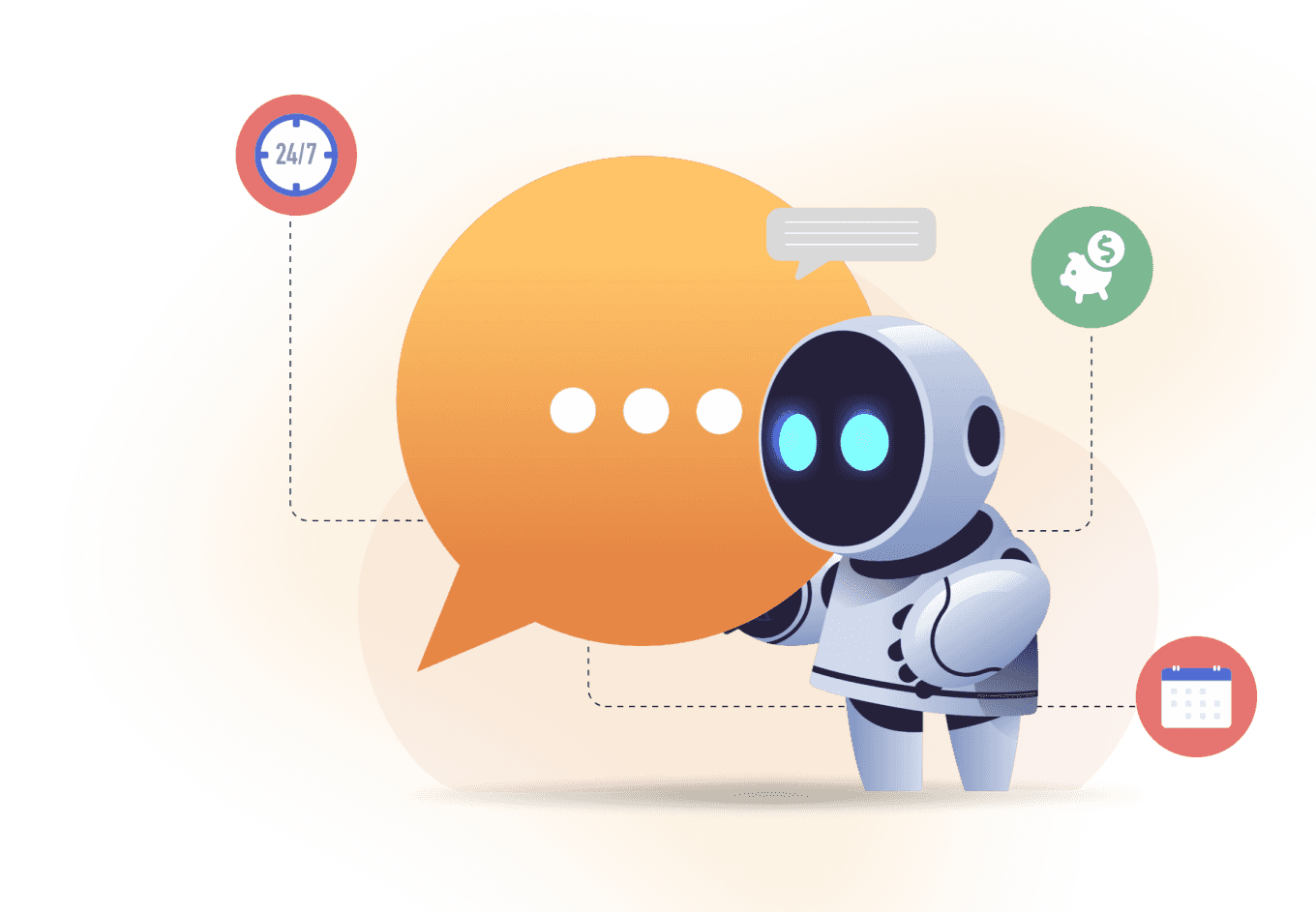
Let’s design your first high-impact app in just 2 hours.
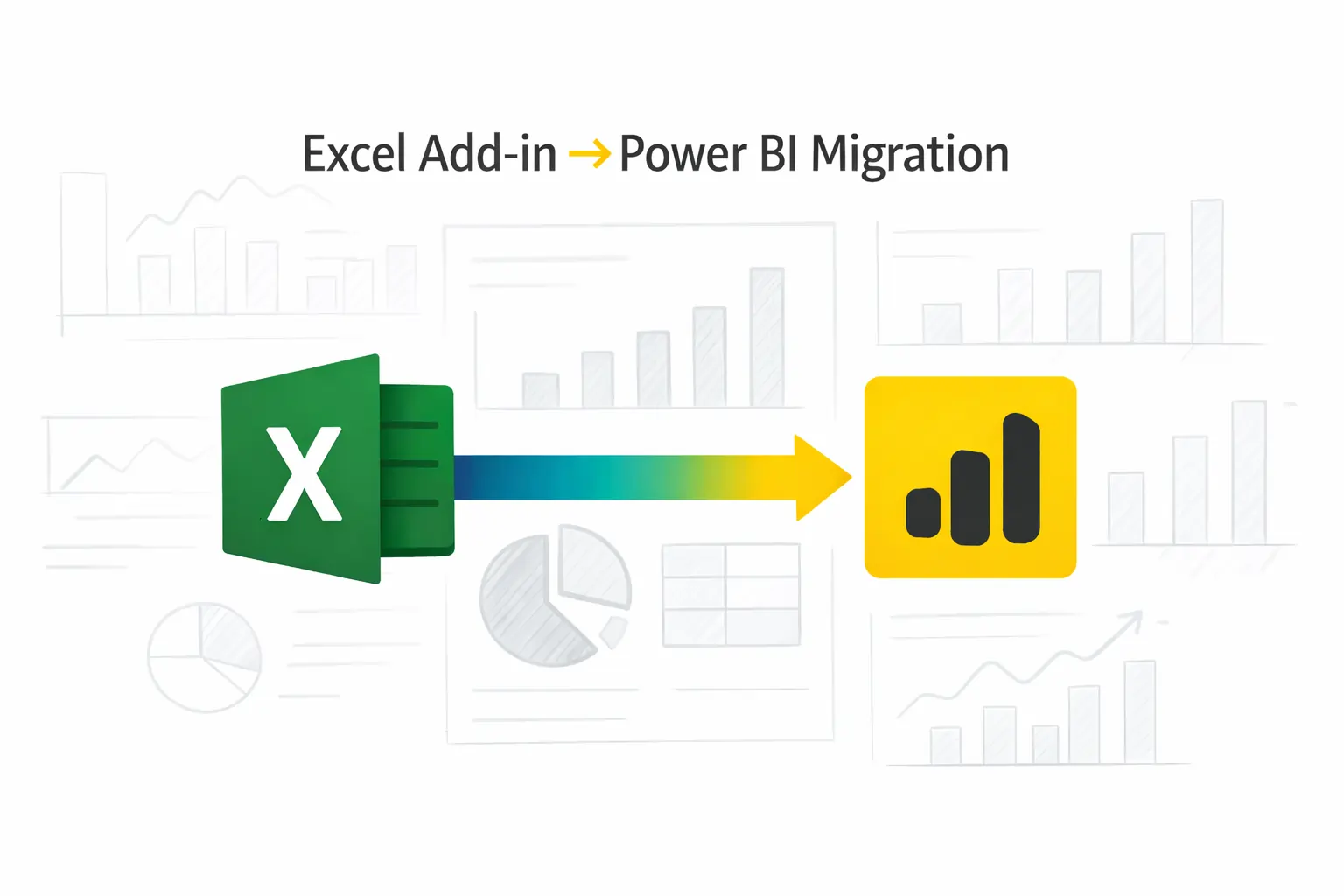
Migrate your Excel Add-in to Power BI with our 2-hour expert support.
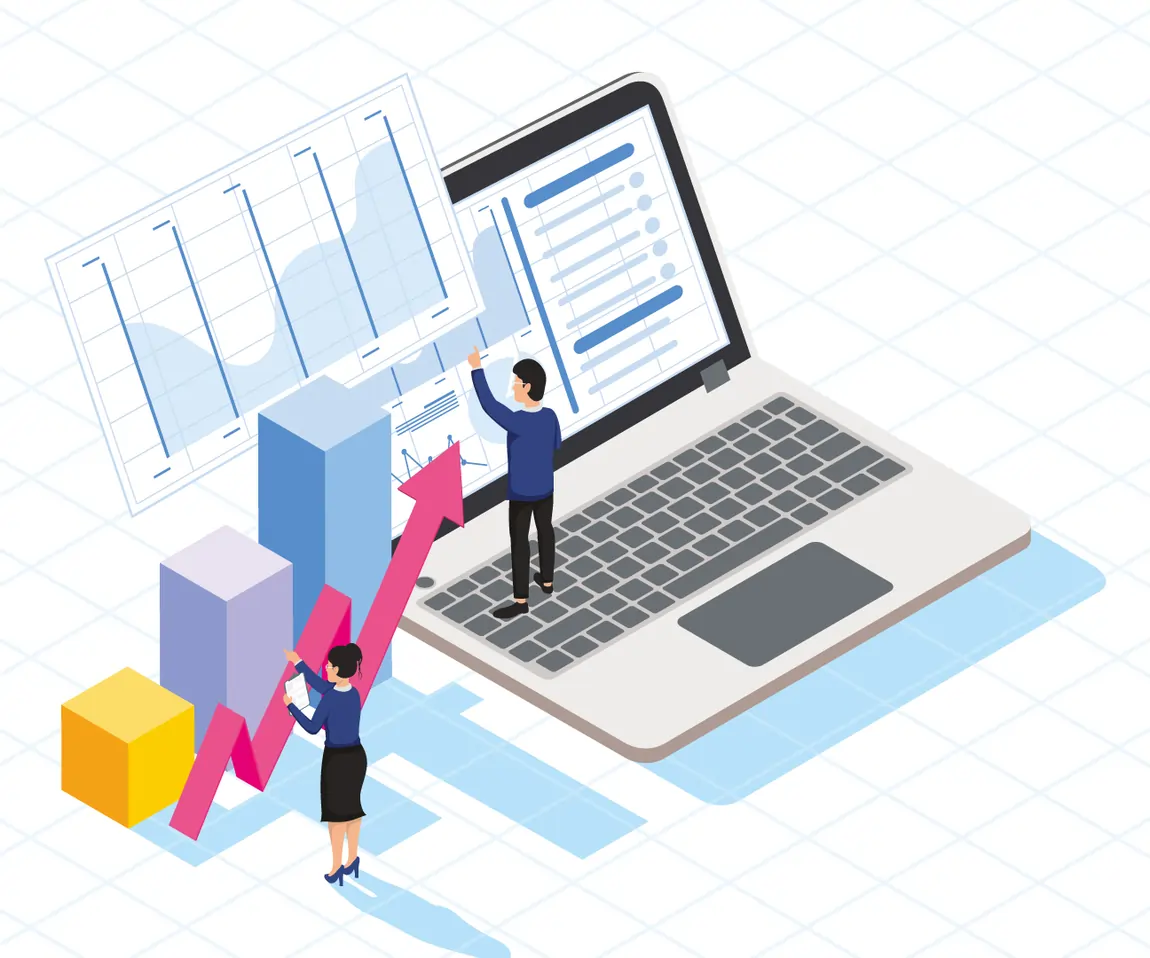

Join our BI essentials training program and unlock data driven decision making.
This training is ideal for:
Business Analysts
Operations Teams
Sales Teams
HR Professionals
Finance Teams
Reporting Users
Team Leads and Managers
Project Coordinators
Business Decision Makers
Anyone interested in learning Power BI—even with no coding experience

+1 410 892 1119 / +91 95375 81301
See how we've transformed businesses with custom software solutions
Take a look at our latest projects, where digital transformation comes to life.
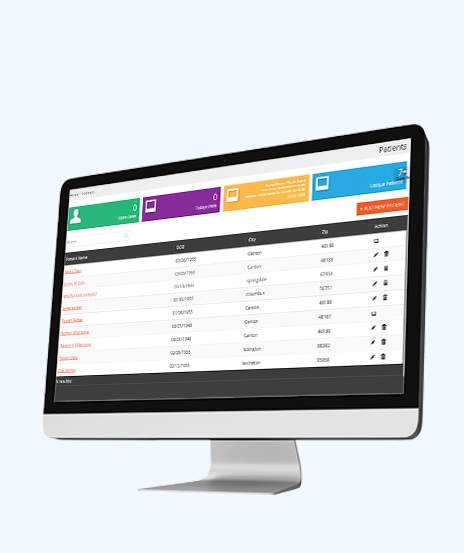
We built this sustainable solution for a leading healthcare consultant based in the USA. Our HIPAA-compliant, centralized, real-time, and robust ERP system is designed to streamline essential operations, ensuring efficiency and compliance in the healthcare sector.
ASP.NET (C#) 4.5 | JQuery | MS SQL Server | Azure
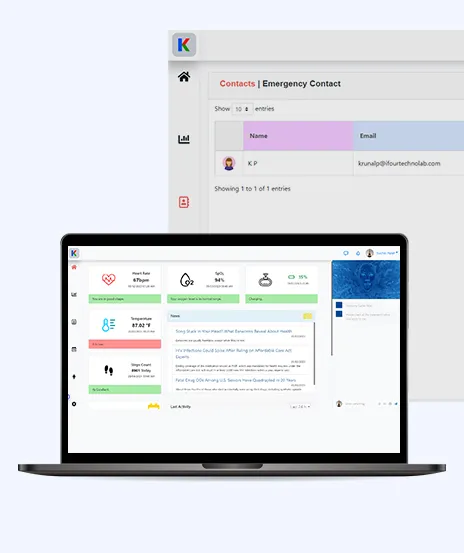
This AI-based project is a smart tracking device for health monitoring. It uses sensors, IoT, Informedica, ChatGPT, and AI to quickly and securely transfer and interpret data. This helps healthcare staff respond quickly to incidents detected by the system.
Angular 14 | .NET Core 6.0 Web API | Azure

We built a Municipality Insurance Management System that uses XML for healthcare solutions. Actions generate XML stored on Blockchain, which can be retrieved on request. Invoices are automatically generated by date, and approved requests add funds as tokens to patients' wallets.
Node.js | C# MVC | Solidity | MongoDB, Azure B2C | Azure
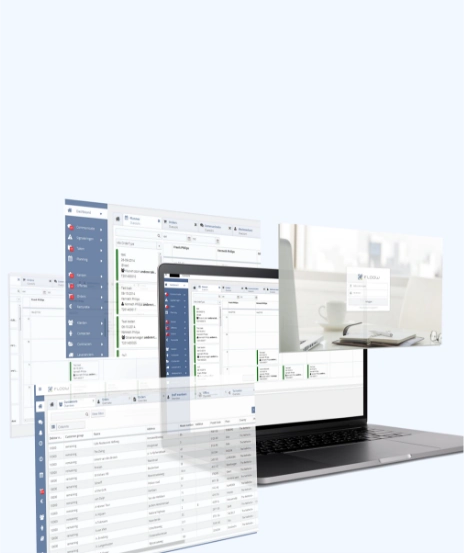
We built a CRM system and a web-based SaaS solution for our Singapore-based client. This system assists them in managing their entire sales life cycle, which helps them become more competitive and enhances their business returns.
PHP 5.x | JavaScript, Jquery, AJAX | MYSQL | Azure
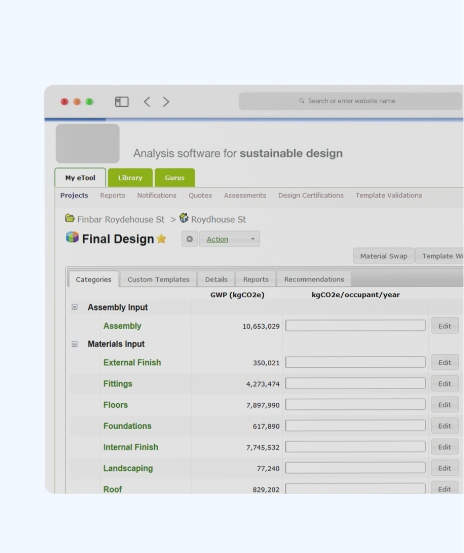
We built this software for our Aus-based construction client which helps to calculate sustainability index of buildings. LCA is about finding the solutions for sustainable future and is impactful in optimizing sustainable design of the built environment.
Microsoft .NET 4.5 MVC | MS SQL Server | Azure

The system offers a dynamic 3D view to manage building components and elements, allowing you to take measurements and gather statistics online without visiting the site in person. Component or element can be anything ranging from window to glass door.
Node.js for REST APIs | Angular 6 | Azure
No because this training is designed for beginners and business users with little or no technical background.
No. The workshop focuses on Power BI's visual tools. Basic DAX concepts are introduced in an easy-to-understand manner.
Yes every session includes practical exercises, guided labs and real business examples so participants can learn by doing.
Yes the agenda can be customized according to your industry, business processes, reporting requirements and datasets.
Yes. Participants receive training slides, session recordings, lab files, templates, and supporting resources.
Yes but after the completion of the training they will receive a certificate.
Yes. The workshop is delivered live online with flexible scheduling options for teams.
Participants learn to connect Power BI with common business data sources such as Excel, SharePoint, and other supported data platforms.
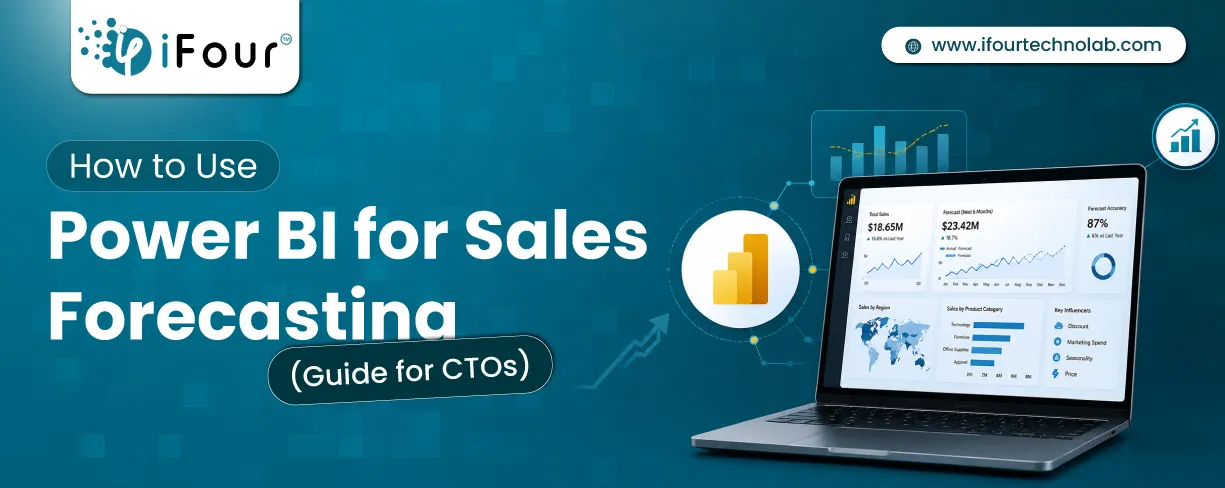
Sales Forecasting isn't optional anymore. Whether you are a startup or a mid-level enterprise, every decision you make today depends on how well you predict the future. Instead...
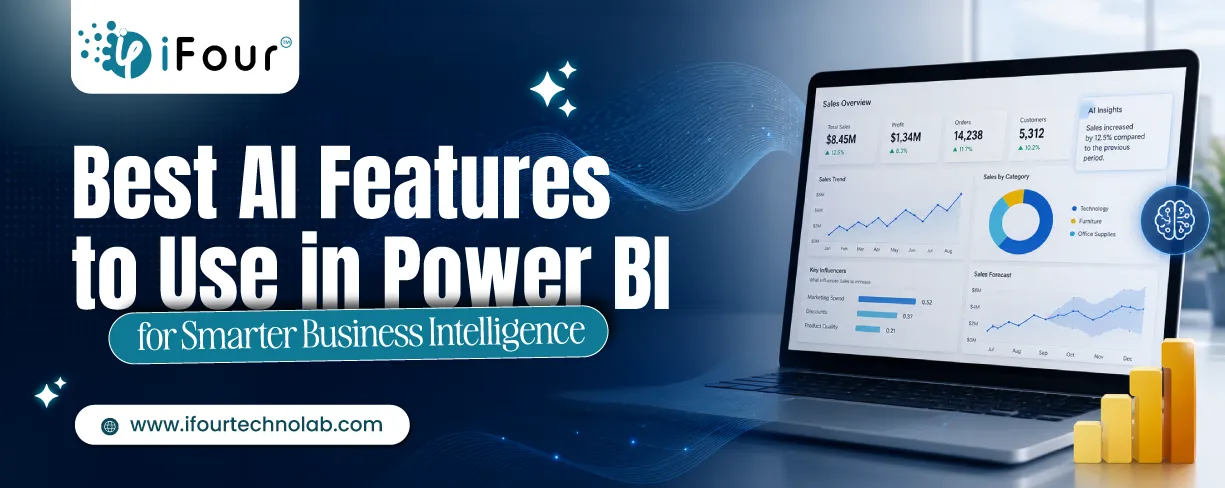
Quick Summary: Power BI uses AI to automatically point out patterns, identify anomalies, and create forecasts, providing analysts and executives with the insights necessary...
Remember our last guide - Power BI forecasting? It revealed things that truly blocks accuracy, both structural and situational. Now it's time to take the next step. Knowing Power...