


























































×

iFour Logo

Quick Summary

Chillibreeze Solutions faced challenges managing complex presentation workflows, repetitive slide formatting, animation handling, and maintaining design consistency across PowerPoint presentations.

To solve these challenges, iFour developed Slide Breeze, a smart PowerPoint Add-in automation solution that simplified slide editing, automated repetitive tasks, improved animation management, and smooth presentation workflows. As a result, our solution improves consistency, workflow efficiency, and presentation quality.

Impacts Observed:


85%

Faster Formatting

80%

Less Manual Effort

75%

Boost Efficiency

70%

Faster Editing

90%

Better Consistency

About Customer

Chillibreeze Solutions is a leading provider of business communication and creative presentation services. The company helps businesses create visually engaging and professional presentations for marketing, sales, consulting, and corporate communication needs.

Industry: Business Communication Services

Country: India

Why They Came to Us:

Chillibreez Solutions needed a smarter PowerPoint automation solution to simplify slide designing, improve workflow speed, and maintain presentation consistency.
The client wanted a reliable Add-in development solution that could resolve difficulties like:

  • Repetitive manual formatting of PowerPoint slides
  • Managing animations and transitions efficiently
  • Maintaining consistency across presentation designs
  • Time-consuming shape selection and object handling
  • Slow workflows while editing large presentations
Client overview
call to action

Simply your business workflow and enhance efficiency with our AI-powered PowerPoint Add-in software development.

Client Success Stories

See how we've transformed businesses with Azure cloud solutions

Challenge

Before implementing the Slide Breeze PowerPoint add-in, creative teams spent significant time manually managing
slide formatting, transitions, animations, and object handling.The client faced the following operational challenges:

1

Managing slide formatting manually reduces productivity

2

Maintaining design consistency across presentations was difficult

3

Teams struggled with repetitive animation and transition tasks

4

Selecting and managing shapes across large presentations was time-consuming

5

Editing complex presentations slowed overall workflow efficiency

6

Manual formatting increased the chances of presentation errors

7

Large presentation files affected editing performance and responsiveness

They required a reliable custom PowerPoint Add-in solution that simplifies presentation management and automates repetitive design tasks.

Our Solution

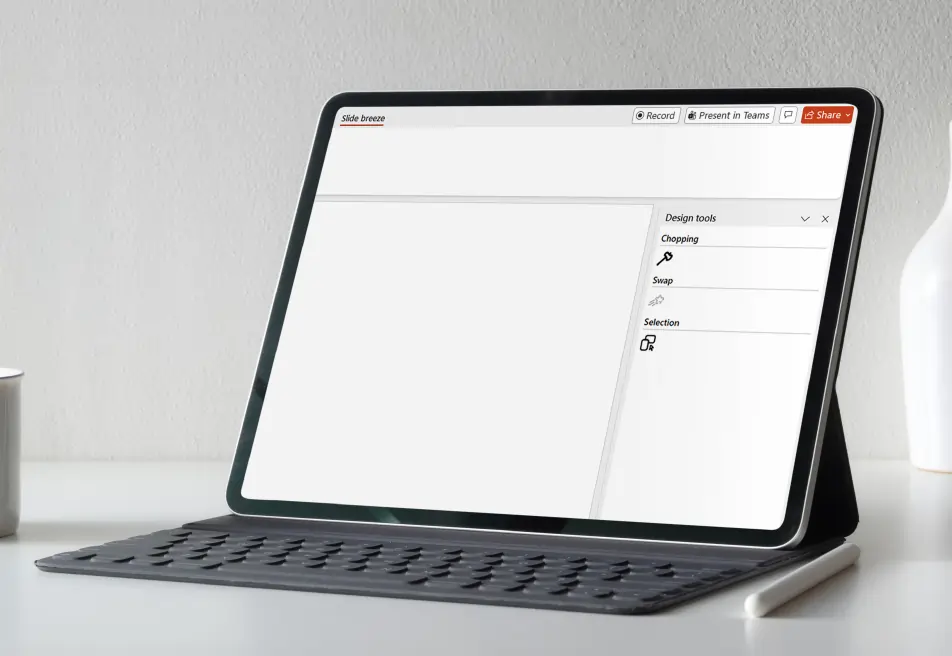
iFour Technolab developed Slide Breeze, a smart and scalable PowerPoint Add-in for design automation that helps users
simplify slide formatting, automate transitions, and improve presentation workflows directly inside Microsoft PowerPoint.

PowerPoint Add-in for Slide Automation 09

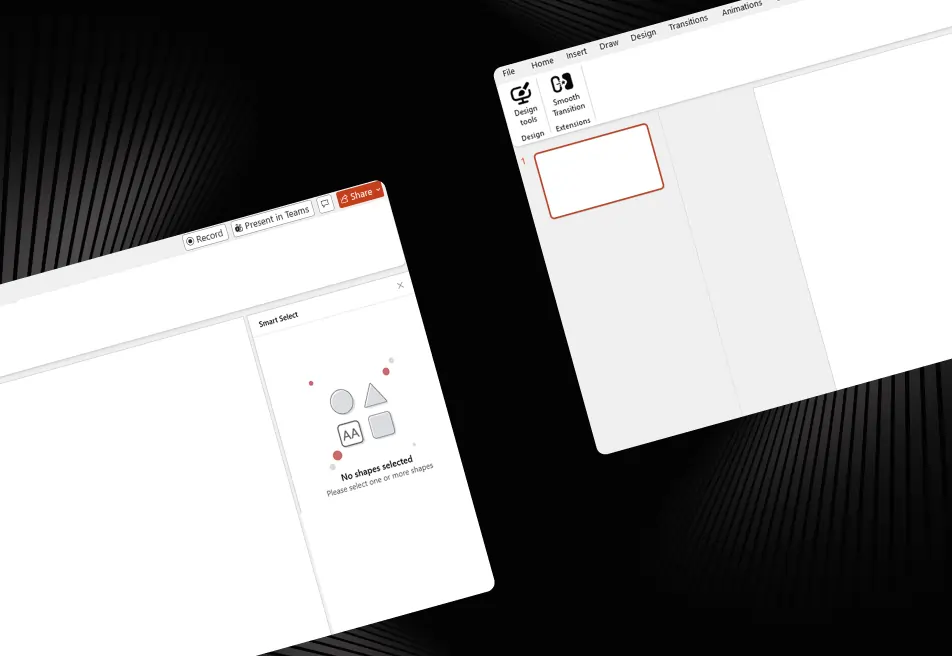
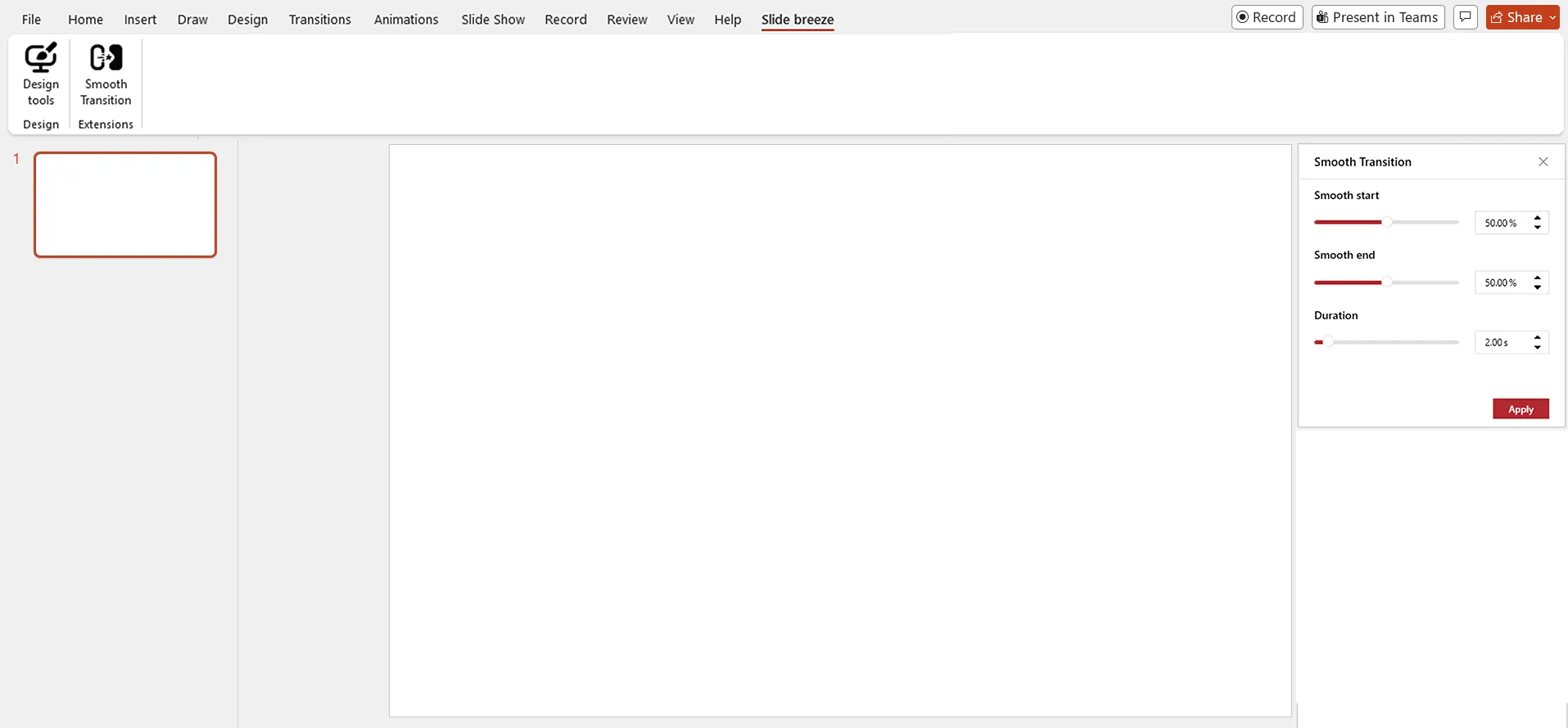
Smart Transition Controls


  • Apply smooth and professional transition effects between selected PowerPoint shapes
  • Customize animation settings for better slide movement and presentation flow
  • Simplify slide transition management with automated controls
  • Improve presentation quality with consistent transition effects across slides

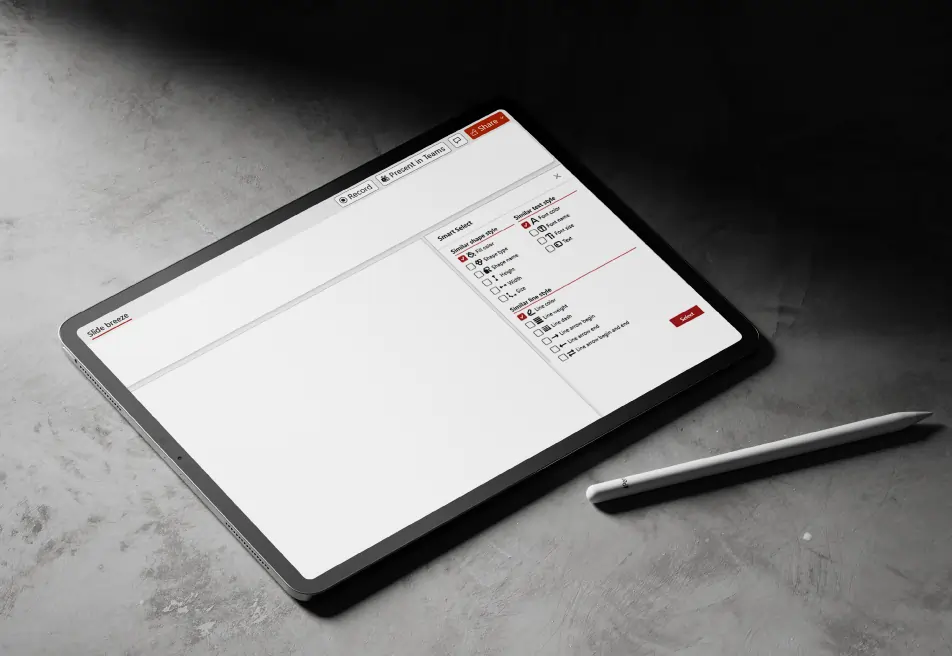
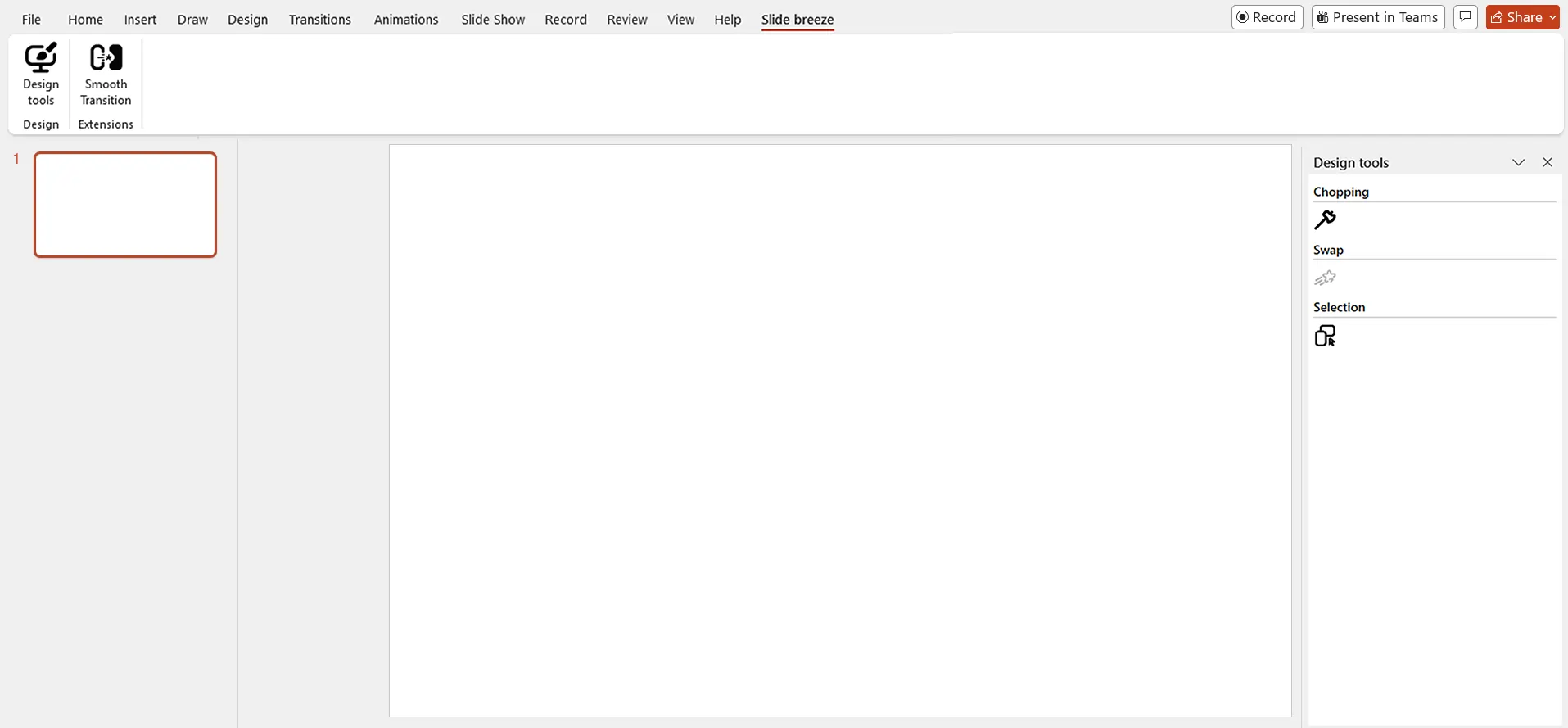
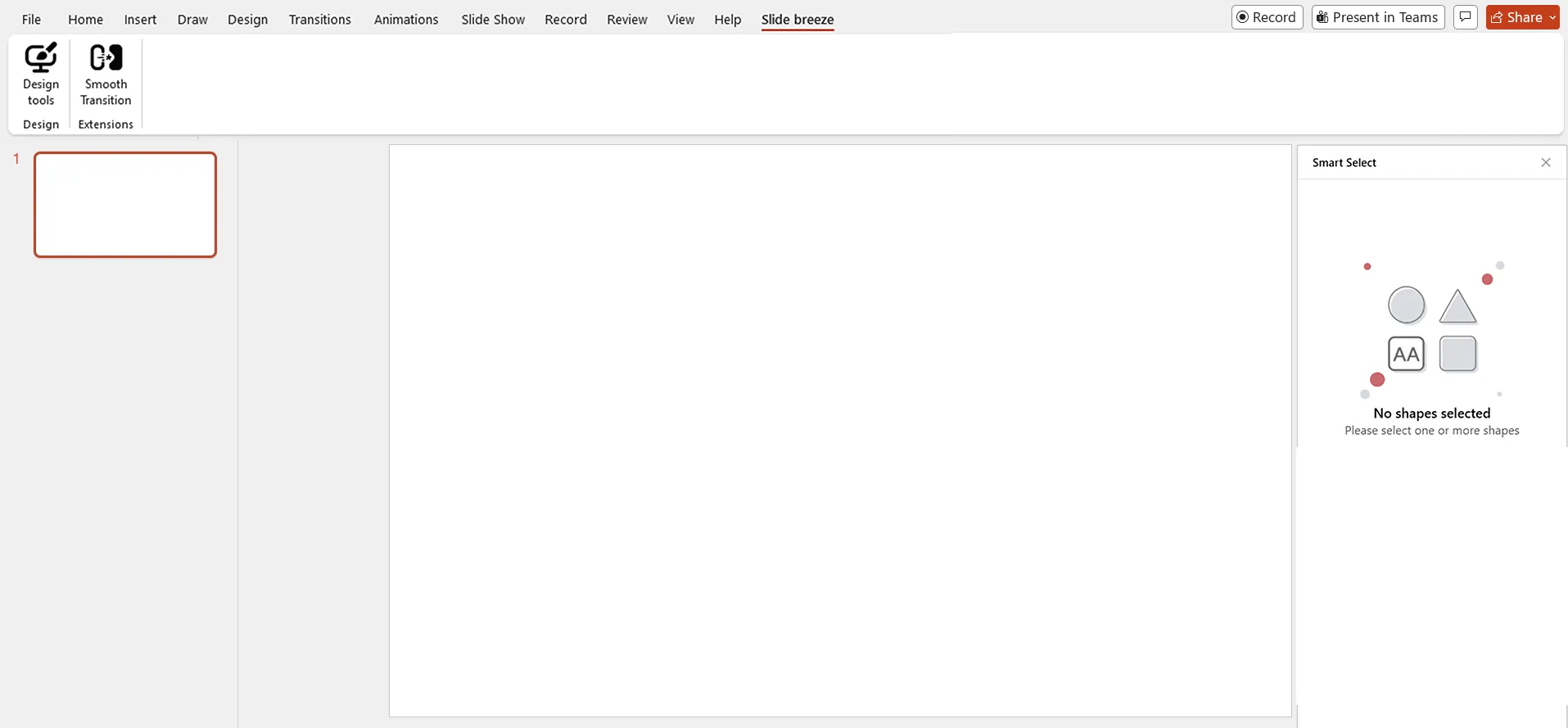
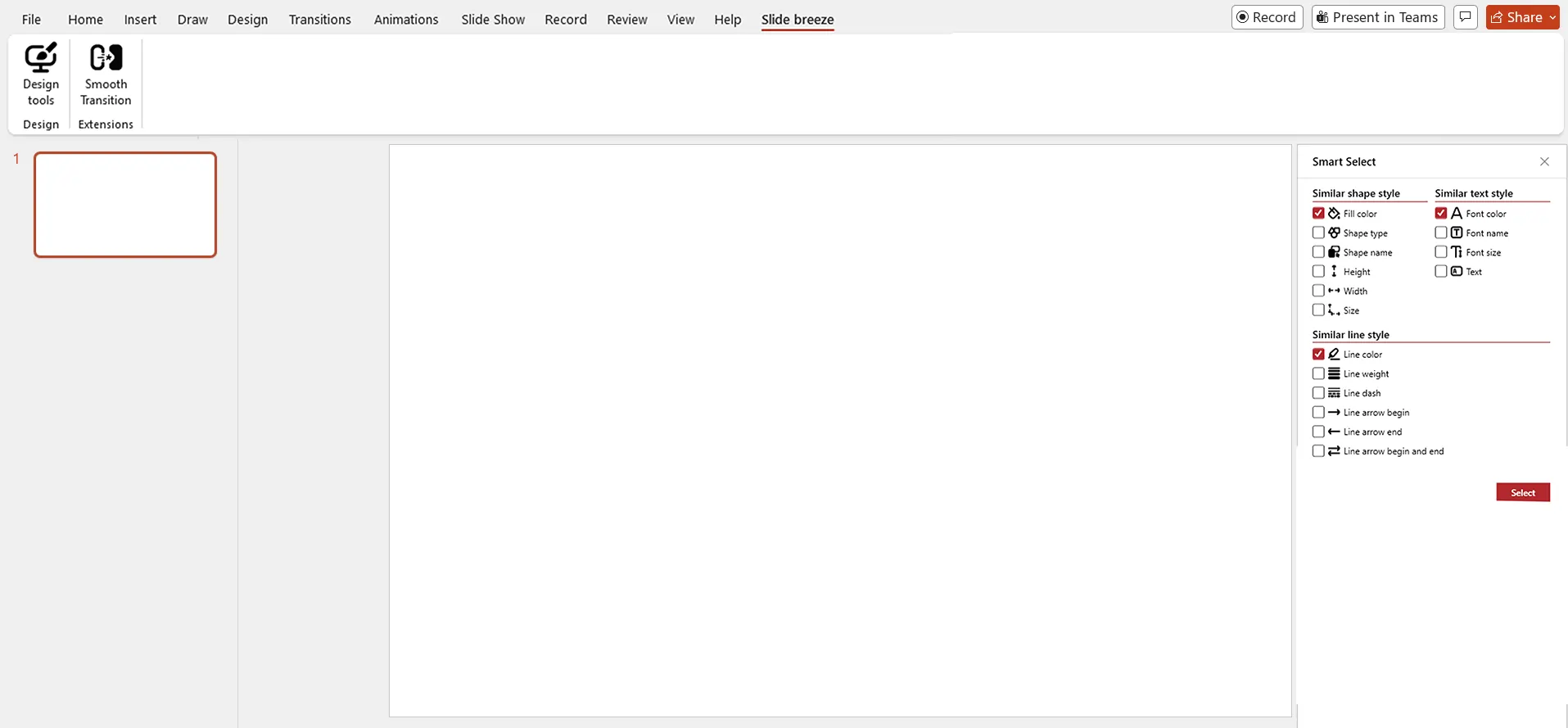
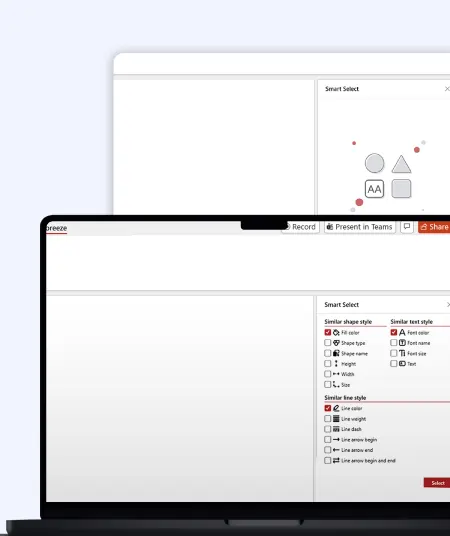
Intelligent Shape Selection


  • Automatically identify and select shapes based on color, text style, size, and formatting
  • Reduce manual effort in finding and managing presentation objects
  • Speed up slide editing with smart object selection capabilities
  • Simplify complex presentation design workflows inside PowerPoint

Animation Exchange Tool


  • Instantly swap animations between presentation objects without recreating effects
  • Save time while managing multiple slide animations
  • Improve workflow efficiency with faster animation editing controls
  • Maintain smooth and consistent animation effects across presentations

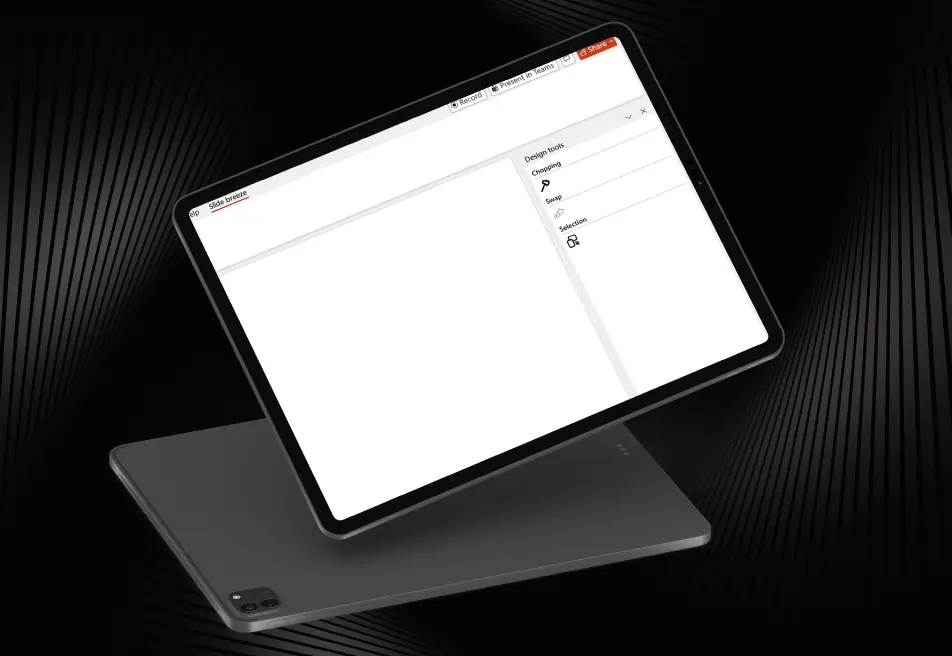
Shape Trimming Functionality


  • Crop and refine out-of-slide objects directly inside PowerPoint
  • Eliminate the need for external editing tools for shape adjustments
  • Improve slide cleanliness and object positioning easily
  • Simplify presentation design and object management workflows
PowerPoint Add-in for Slide Automation 10
Automated Formatting Controls
Automate repetitive slide formatting and editing tasks
Reduce manual work for designers and business users
Improve presentation consistency with smart formatting automation
Speed up PowerPoint slide creation and editing processes
Ribbon-Based User Interface
Access all automation and formatting tools from a clean ribbon interface
Simplify navigation with organized PowerPoint controls
Improve user experience with quick access to presentation tools
Enable faster slide editing and workflow management

Performance Optimization

  • Optimize PowerPoint performance for handling large presentation files
  • Improve speed and responsiveness during slide editing
  • Reduce delays while managing complex presentation designs
  • Ensure smooth workflow execution for business users and designers

Design Consistency Management

  • Maintain consistent slide formatting and visual alignment across presentations
  • Standardize transitions, animations, and design elements easily
  • Support brand consistency with automated presentation controls
  • Improve overall presentation quality and professional appearance
Outcome
  • The solution improved the way teams create, edit, and manage presentations directly in Microsoft PowerPoint. Users can now automate repetitive tasks, manage transitions faster, and improve slide consistency with less manual effort.
  • This Slide Breeze PowerPoint add-in benefited Chillibreeze Solutions with improved presentation quality and faster PPT creation for their creative teams.
  • Looking to level up your business workflow and improve design productivity?
call to action

Build powerful enterprise applications with iFour - a leading WPF application development company.

Security, Compliance & Governance

  1. Controlled workflow validation for accurate shape handling
  2. Secure and organized presentation management workflows
  3. Reliable handling of large presentation files
  4. Optimized automation processes for professional presentations
  5. Scalable architecture for growing presentation operations
  6. Improved workflow control and formatting management
  7. Centralized ribbon controls for better accessibility
How We Built It

(Technology Stack & Architecture)

Platform: Microsoft PowerPoint Add-In
Framework: C# with WPF, Version Control: Git
Architecture: VSTO (Visual Studio Tools for Office)
User Interface: Ribbon-Based UI
Automation Features: Shape Validation, Animation Management, Smart Shape Selection
Presentation Processing: Transition Automation & Shape Handling, Integration Environment: Microsoft Office / PowerPoint

Impacts That Mattered

The smart PowerPoint automation solution helped Chillibreeze Solutions Pvt. Ltd. simplify presentation workflows, automate formatting, and improve overall productivity.

  • Faster slide formatting and animation handling
  • Reduced repetitive manual presentation tasks
  • Improved workflow efficiency across presentation teams
  • Better presentation consistency and formatting accuracy
  • Faster object selection and transition management
  • Improved editing performance for large presentations
  • Simplified professional slide creation workflows
  • Better productivity through automated presentation management
Key outcomes
"Managing complex PowerPoint presentations manually was slowing down our creative workflows. With Slide Breeze,
our teams can now automate formatting, manage transitions faster, and create professional presentations more efficiently." — Creative Design Team, Chillibreeze Solutions Pvt. Ltd.

iFour Technolab developed Slide Breeze, a smart custom PowerPoint Add-in development solution that helped Chillibreeze Solutions Pvt. Ltd. automate repetitive presentation tasks, improve workflow efficiency, and maintain design consistency across PowerPoint presentations.

By combining intelligent shape selection, animation automation, transition management, and workflow controls, the solution created a smarter and faster presentation editing experience for business and creative teams.

  • Smooth deployment with minimal workflow disruption
  • Easy integration with Microsoft PowerPoint
  • Continuous monitoring and performance optimization
  • Ongoing maintenance and technical support
  • Scalable support for future presentation automation enhancements
  • User onboarding and workflow assistance

Transform Microsoft Office into a powerful business automation platform with our custom 365 Office Add-in services.

Get In Touch Now
contact team
talk with team

Get In Touch With Us

We encourage you to contact us with any questions or comments you may have.

image
 

Related case studies

 
Blog Our insights
Best Project Management Software for Small Teams, Medium Businesses, and Large Enterprises

01 May 2026

Kapil Panchal

Best Project Management Software for Small Teams, Medium Businesses, and Large Enterprises

Selecting the right project management software helps you complete tasks on time with accuracy. Whether your team has five people or five hundred, choosing the right solution is essential...


How to Build AI Agents: Strategic Guide for CTOs

31 March 2026

Kapil Panchal

How to Build AI Agents: Strategic Guide for CTOs

AI agents are everywhere these days. The world's biggest tech players - Microsoft, Alphabet, Amazon, and Meta are investing heavily in AI infrastructure, with spending expected...

4 Types of Healthcare Analytics with Examples & Success Stories

12 February 2026

Kapil Panchal

4 Types of Healthcare Analytics with Examples & Success Stories

You already know how healthcare creates tons of clinical data every day. Patient visits… Labs… EMRs… doctor portals… scheduling systems… everything is generating numbers nonstop. But...

Full Project Display
1 / 4