






















































×

iFour Logo

Quick Summary

The PwC firm was facing challenges related to contract document drafting, collaboration, approvals, and overall contract lifecycle operations. They needed a solution that could help legal teams manage agreements more efficiently - both on desktop and web platforms.

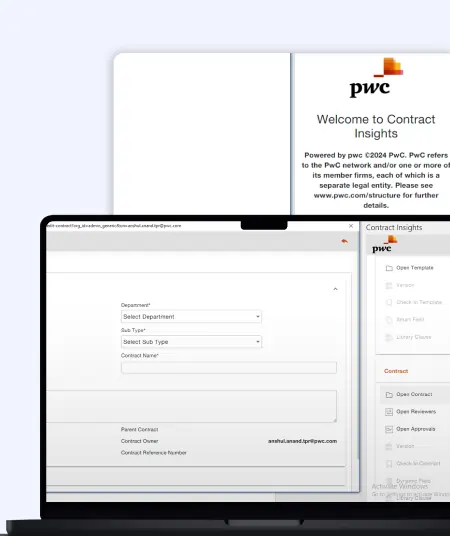
We helped them with a Word Add-in for legal processes to solve their operational challenges. This smart contract management Add-in solution centralizes contract handling and offers capabilities like smart tagging, AI contract analysis, version tracking, request approvals, clause management, etc.

Impacts Observed:


80%

Faster Processes

75%

Bost Coordination

70%

Bost Efficiency

85%

Better Visibility

90%

Improved Workflow

About Customer

PwC is a leading legal technology solutions provider specializing in AI-powered contract lifecycle and legal workflow management solutions for enterprises.
They help businesses simplify legal operations, improve document accuracy, and manage agreements efficiently.

Industry: Contract & Legal Technology

Country: India

Why They Came to Us:

PwC required a secure and scalable custom Word Add-in development solution that could simplify legal drafting, improve collaboration, and maintain structured contract workflows directly. Client wants an effective add-in solution that could address the following issues:

  • Managing multiple contract versions manually
  • Maintaining consistency across legal agreements
  • Delayed approval coordination between departments
  • Limited visibility into document changes and updates
  • Slow collaboration between legal and business teams
Client overview
call to action

Simplify legal operations and automate contract workflows with our enterprise-grade Microsoft Word Add-in development services.

Client Success Stories

See how we've transformed businesses with Azure cloud solutions

Challenge

Before implementing the solution, legal and business teams spent significant time managing approvals,
revisions, document updates, and collaboration manually. The client faced several operational and workflow challenges:

1

Managing multiple agreement versions created confusion during approvals

2

Manual efforts increased the risk of inconsistencies across legal agreements.

3

Limited visibility into contract modifications slowed collaboration between departments.

4

Tracking approvals and reviewer actions required extensive manual coordination.

5

Maintaining compliance standards became difficult with disconnected workflows.

6

Teams struggled to maintain standardized templates and legal content structures.

The client required a reliable add-in for Legal document automation that could centralize workflows, improve governance, and automate repetitive legal documentation activities.

Our Solution

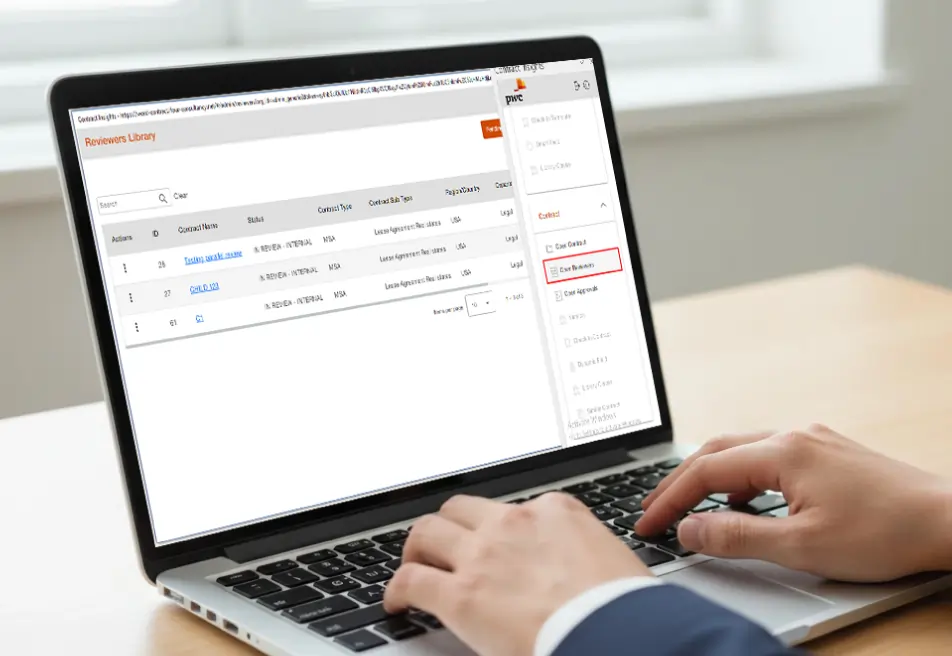
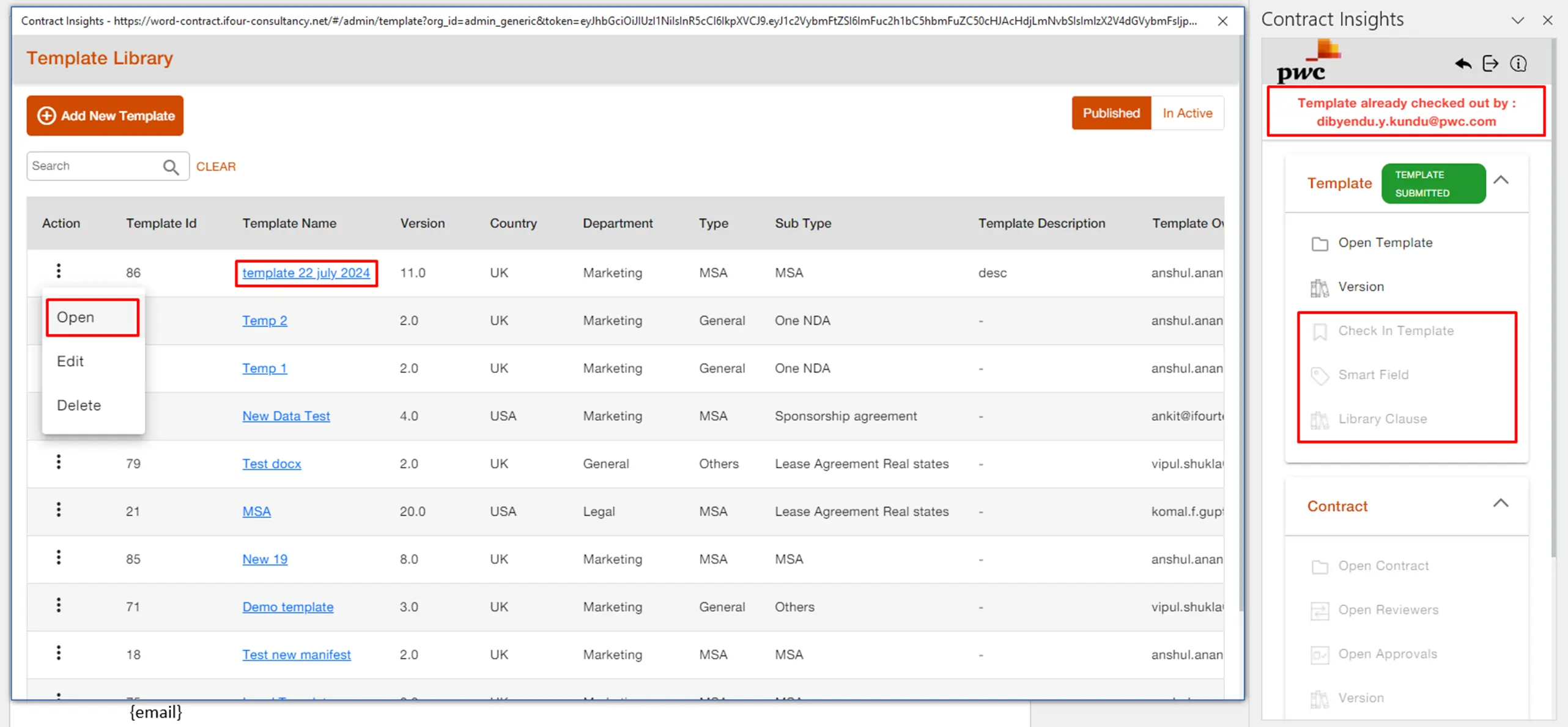
iFour Technolab developed a scalable Microsoft Word Add-in for legal documentation that streamlined contract drafting, collaboration, approvals,
and operational governance directly inside Microsoft Word environments.

Word Add-in for Legal Contract Management 10

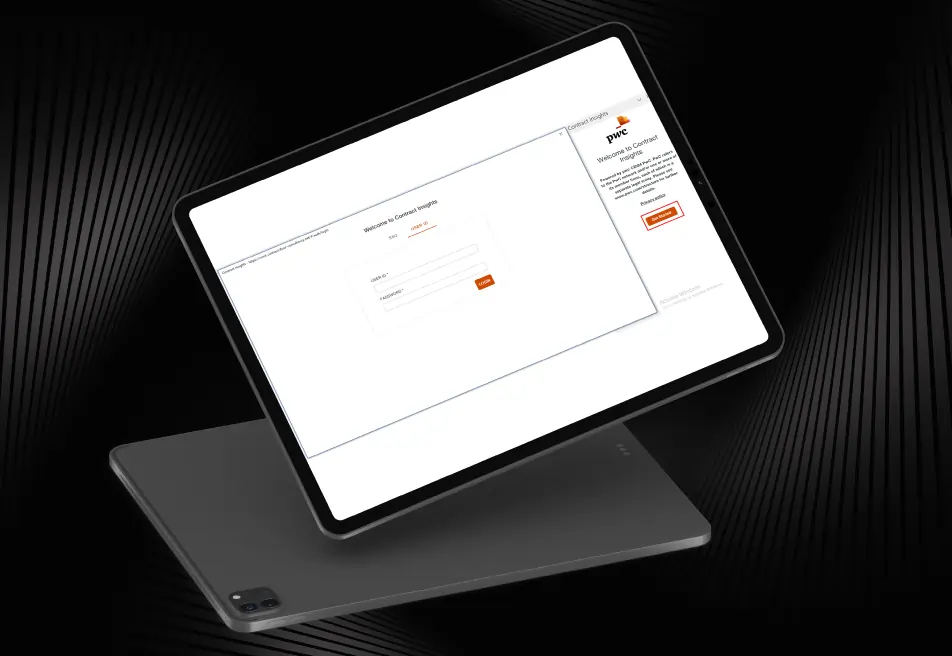
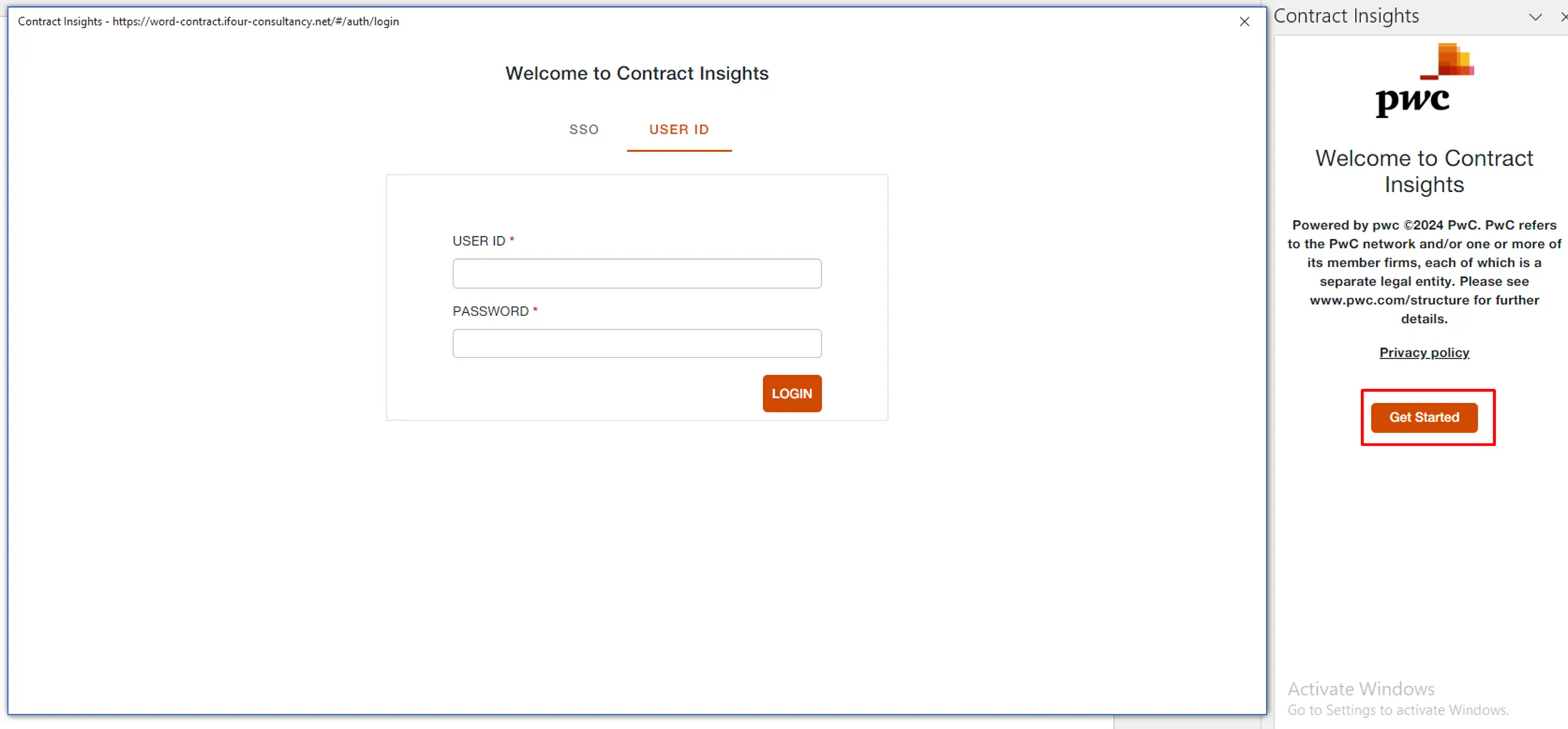
Secure Role-Based Access


  • Allow administrators, reviewers, and business teams to securely access features
  • Manage user permissions based on assigned responsibilities and authorization levels
  • Improve workflow security and controlled access management

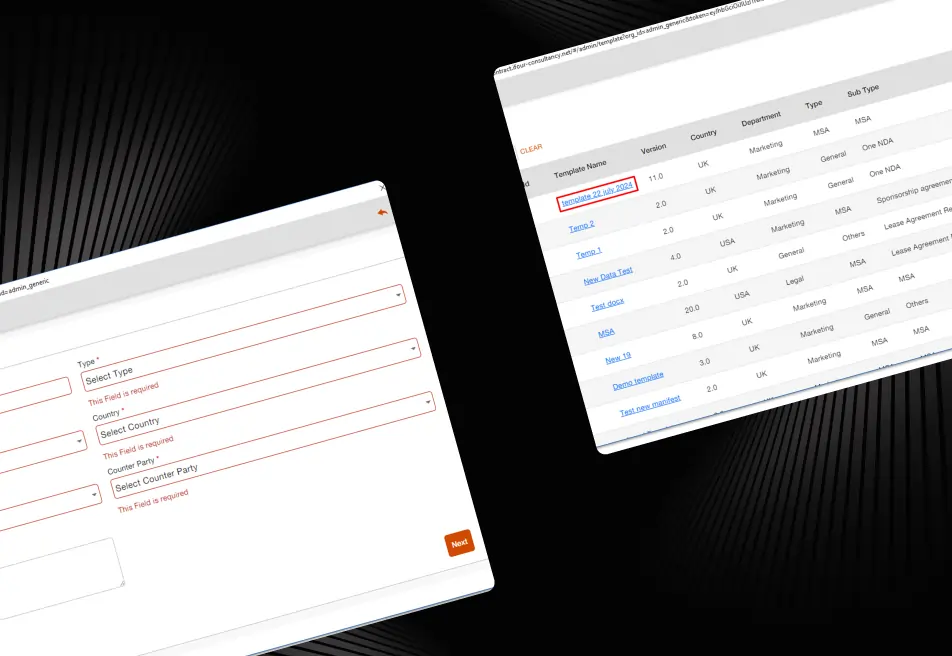
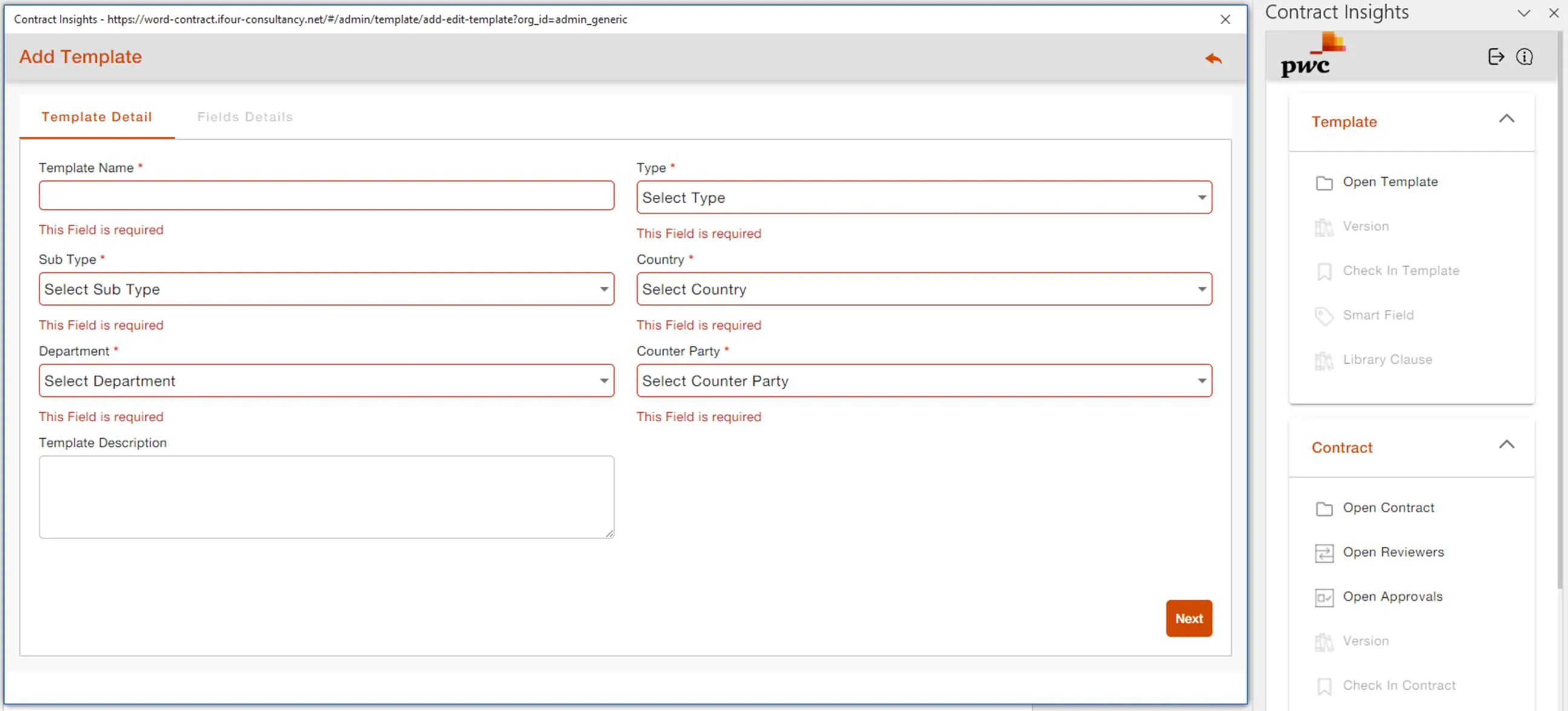
Centralized Contract Organization


  • Maintain structured handling of agreements and templates
  • Organize documents using categories, departments, schemas, and business functions
  • Improve accessibility and document management efficiency

AI Contract Analysis


  • Accelerate document evaluation processes
  • Identify critical information and agreement attributes automatically
  • Extract structured metadata for better contract visibility

Smart Dynamic Fields


  • Improve consistency through the MS Word add-in for Smart field tagging
  • Enable synchronized value updates across connected document sections
  • Reduce repetitive manual updates and editing effort
Word Add-in for Legal Contract Management 11
Version Management & Recovery
Maintain complete revision history across agreements
Monitor modifications and document updates efficiently
Recover earlier document versions whenever required
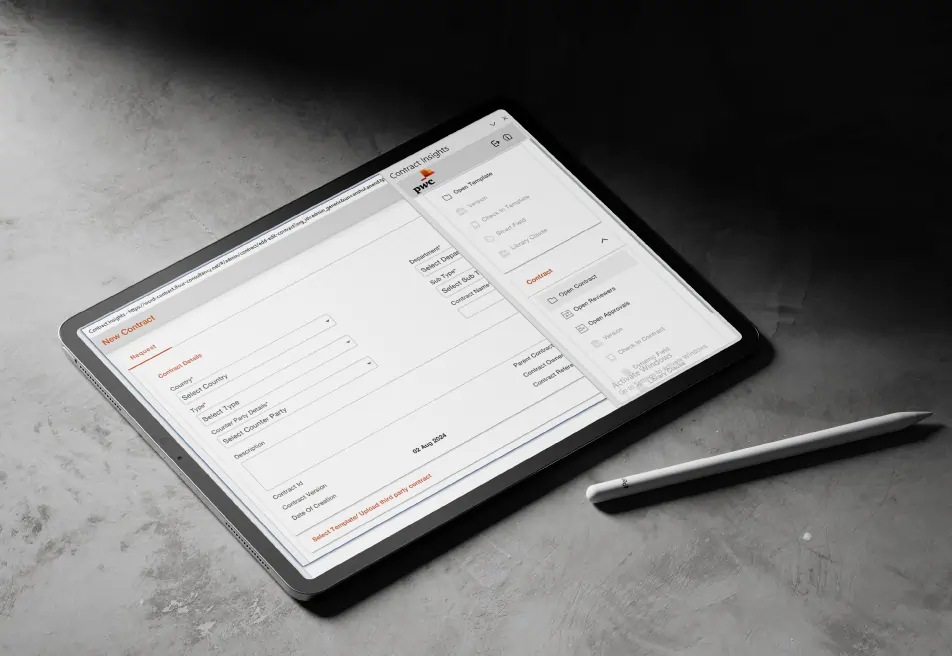
Microsoft Word Workflow Integration
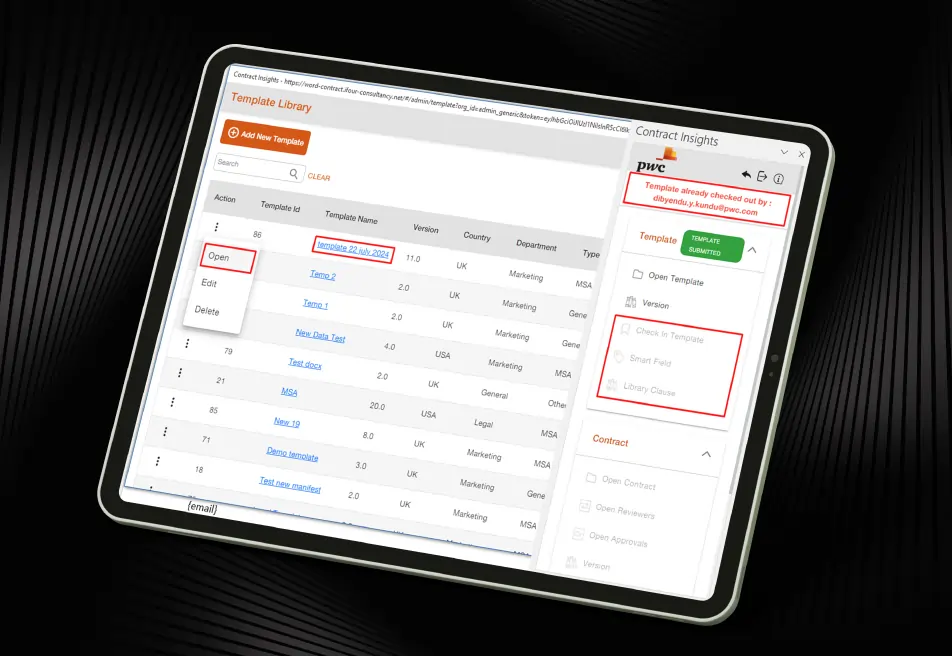
Support smooth checkout, editing, and check-in activities
Enable secure collaboration across desktop and browser-based platforms
Simplify workflow management directly inside Microsoft Word

Reusable Clause & Approval Handling

  • Standardize drafting workflows using the Word add-in for Clause library
  • Insert, replace, and compare clauses efficiently
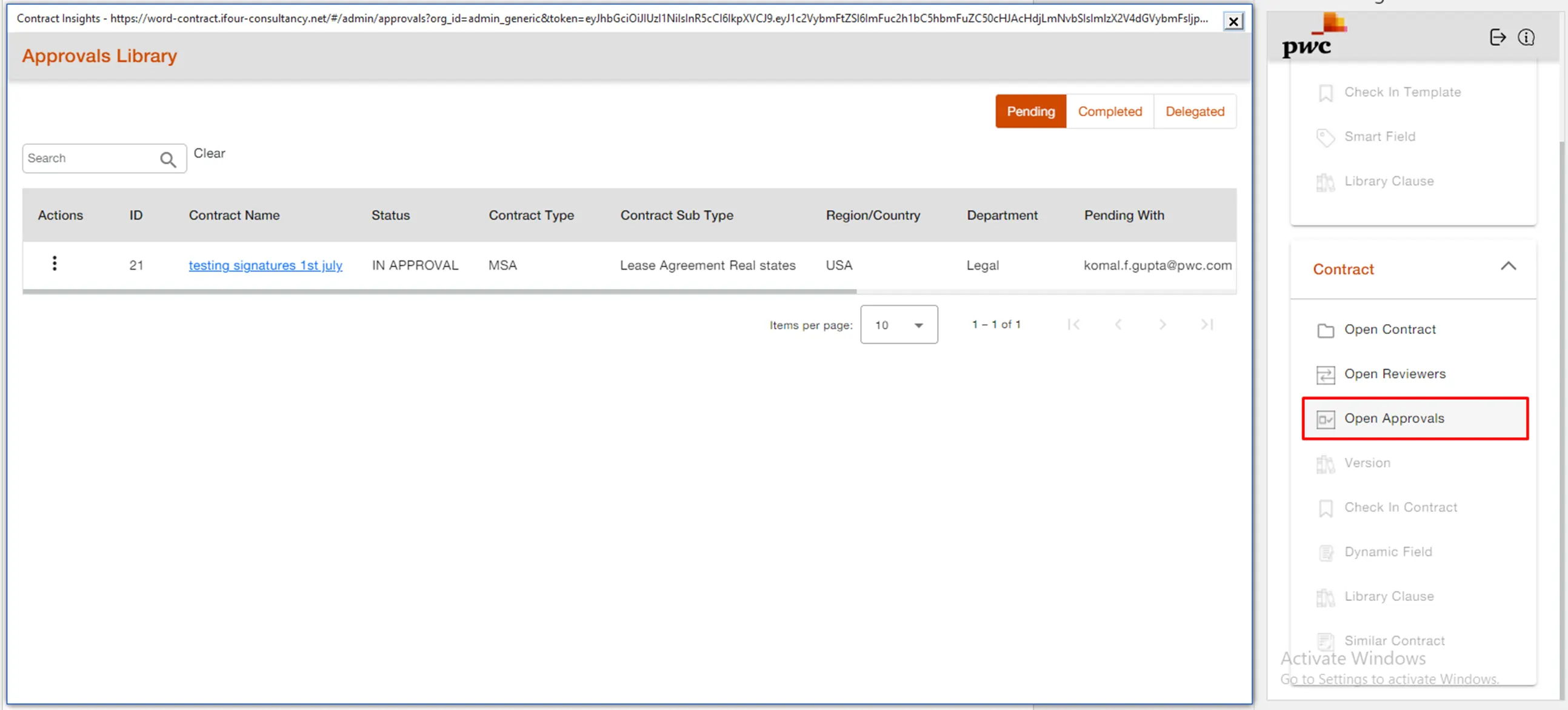
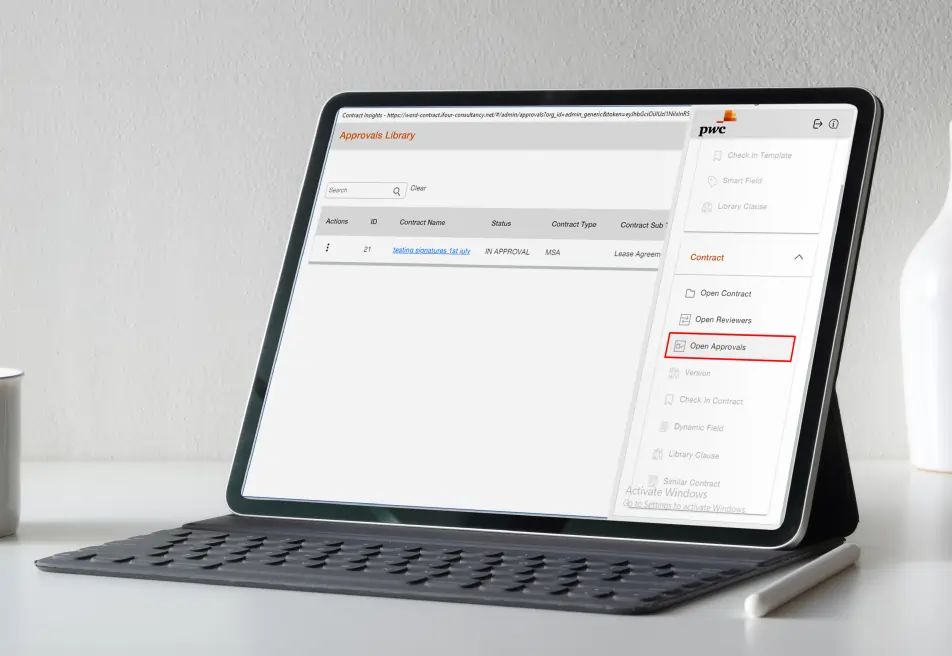
  • Streamline approval and validation processes

Reporting & Operational Visibility

  • Deliver actionable insights through connected reporting tools
  • Monitor workflows using analytics and tracking capabilities
  • Improve operational visibility and business decision-making
Outcome
  • The implementation transformed the way legal and business teams manage agreements directly in Microsoft Word. Users can now draft, review, approve, compare, and collaborate on contracts through a centralized and structured workflow system.
  • The solution helped the client improve legal operations, reduce repetitive manual work, strengthen governance, and accelerate contract lifecycle processes across enterprise teams.
  • Looking to simplify documentation and automate enterprise contract workflows?
call to action

Enhance your business security with our advanced Microsoft Entra ID consulting services.

Security, Compliance & Governance

  1. Secure role-based workflow management
  2. Controlled document access and validation
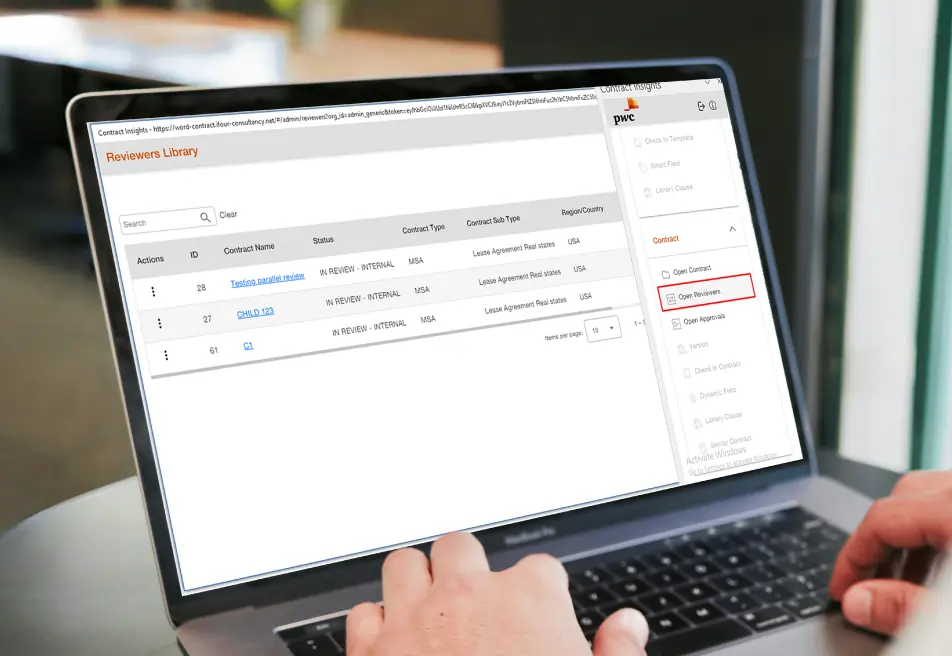
  3. Structured approval and reviewer workflows
  4. Reliable synchronization across platforms
  5. Improved operational governance and visibility
  6. Centralized contract lifecycle management
  7. Scalable workflow architecture for enterprise operations
How We Built It

(Technology Stack & Architecture)

Platform: Microsoft Word Add-in
Front-End: Angular, Back-End: Node.js
Type: Word Plug-In, Version Control: Git
Core Features: Clause Management, Approval Workflows, AI Contract Analysis, Smart Field Tagging, Version Tracking
Integration Environment: Microsoft 365 / Microsoft Word

Impacts That Mattered

The enterprise Contract Management add-in helped legal and business teams improve workflow efficiency,
automate approvals, and simplify contract lifecycle management.

  • Reduced manual effort in legal documentation workflows
  • Improved visibility into agreement modifications
  • Simplified collaboration between legal and business teams
  • Accelerated contract drafting and approval workflows
  • Improved compliance and governance management
  • Maintained standardized clause and template handling
  • Improved operational transparency across departments
  • Simplified contract lifecycle operations through centralized workflows
Key outcomes
"Managing contract approvals, revisions, and collaboration manually was slowing down our operations. With this Microsoft Word Add-in
solution, our teams can now manage agreements faster, improve visibility into changes, and streamline legal workflows with better control and efficiency." — Legal Operations Team

iFour developed a secure and advanced Microsoft Word Add-in solution for PwC that helped simplify legal documentation, automate contract workflows, improve collaboration, and strengthen governance across enterprise teams.

By integrating AI-powered contract analysis, centralized clause management, version tracking, approval workflows, and structured collaboration capabilities, the platform created a smarter, faster, and more efficient contract management environment directly within Microsoft Word.

  • Smooth deployment with minimal workflow disruption
  • Easy Microsoft 365 and Word integration
  • Ongoing monitoring and workflow optimization
  • Continuous technical support and maintenance
  • Scalable support for future workflow enhancements
  • User onboarding and operational assistance

Modernize your Word Add-in with our AI-powered Word Add-in development services.

Get In Touch Now
contact team
talk with team

Get In Touch With Us

We encourage you to contact us with any questions or comments you may have.

image
 

Related case studies

 
Blog Our insights
Best Project Management Software for Small Teams, Medium Businesses, and Large Enterprises

01 May 2026

Kapil Panchal

Best Project Management Software for Small Teams, Medium Businesses, and Large Enterprises

Selecting the right project management software helps you complete tasks on time with accuracy. Whether your team has five people or five hundred, choosing the right solution is essential...


How to Build AI Agents: Strategic Guide for CTOs

31 March 2026

Kapil Panchal

How to Build AI Agents: Strategic Guide for CTOs

AI agents are everywhere these days. The world's biggest tech players - Microsoft, Alphabet, Amazon, and Meta are investing heavily in AI infrastructure, with spending expected...

4 Types of Healthcare Analytics with Examples & Success Stories

12 February 2026

Kapil Panchal

4 Types of Healthcare Analytics with Examples & Success Stories

You already know how healthcare creates tons of clinical data every day. Patient visits… Labs… EMRs… doctor portals… scheduling systems… everything is generating numbers nonstop. But...

Full Project Display
1 / 4