



















































4 Types of Healthcare Analytics with Examples & Success Stories
You already know how healthcare creates tons of clinical data every day. Patient visits… Labs… EMRs… doctor portals… scheduling systems… everything is generating numbers nonstop. But...


601 & 612, The Times square Arcade, Near Baghban party plot, Thaltej - Shilaj Road, Thaltej, Ahmedabad, Gujarat - 380059











Free 2-Hour Consultation
Process Review
This workshop helps healthcare teams simplify daily tasks using automation.
Instead of manual work, routine processes can run automatically.
This improves speed, consistency, and overall efficiency.
With automation, you can:
Reduce manual work
Save staff time
Speed up operations
Improve communication
Focus more on patient care
Enhance service quality
We begin by understanding how your current Excel Add-in is being used and where challenges exist.
During this session, we will:
✓Review of your existing Excel Add-in functionality
✓Identify manual processes and report problems
✓Evaluate performance and scalability limitations
✓Explore how Power BI can enhance reporting and analytics capabilities
Once the assessment is complete, we create a practical modernization strategy.
During this session, we will:
✓Map existing Excel Add-in features to Power BI skills
✓Discuss dashboard design, including analytics, and AI-powered insights
✓Explore natural language query experiences within Power BI
✓Define a move approach that minimizes operational break
✓Review integration options with your existing Microsoft ecosystem
Visibility into inefficiencies
Tailored recommendations
Real healthcare examples
A clear roadmap
Clarity on where automation fits
Best practices of Power Automate services
Bring it together with our expert Power BI consulting services
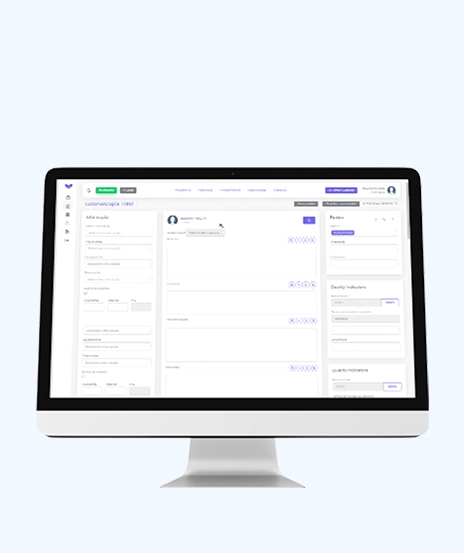
Automate critical Healthcare processes with our 2-Hour Power Automate consulting services
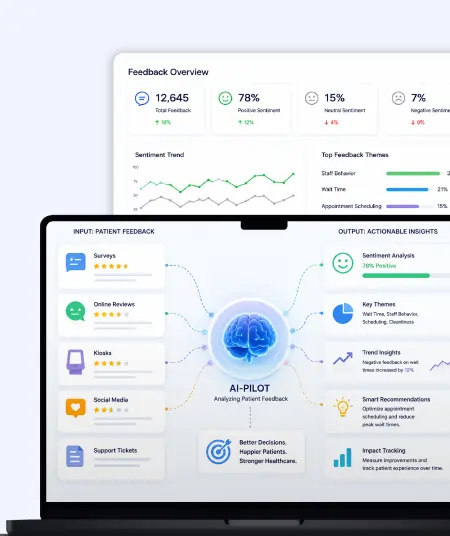
Catch patient feedback & sentiments early with our 2-Week Healthcare AI Pilot
Get a quick assessment and unlock what's missing.
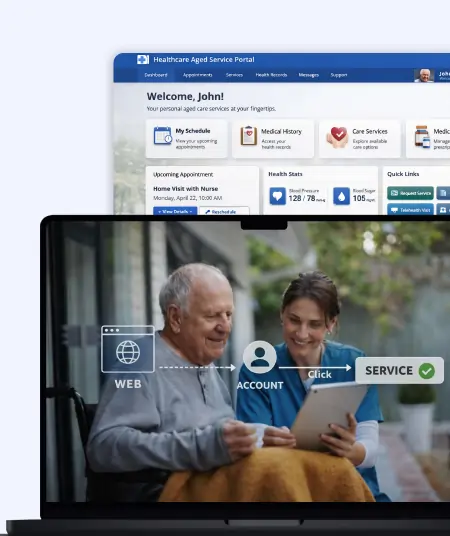
Your customers expect instant answers — are you ready to deliver? Book your FREE automation session
Let’s design your first high-impact app in just 2 hours.
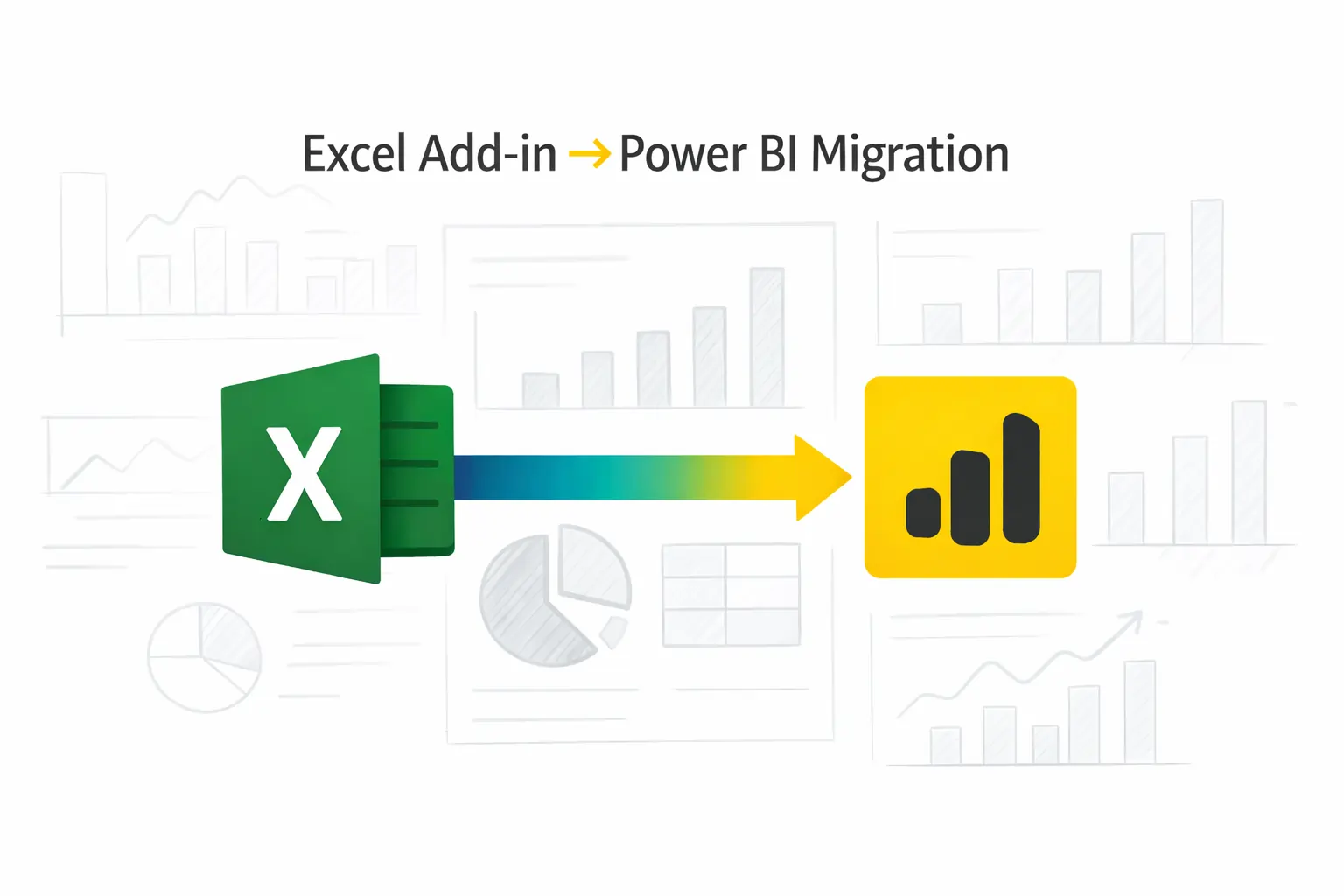
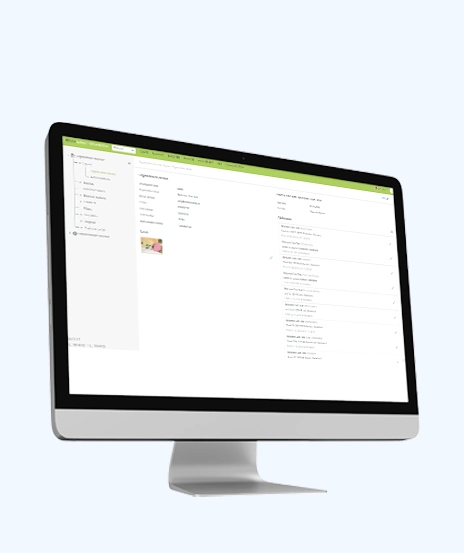
Migrate your Excel Add-in to Power BI with our 2-hour expert support.

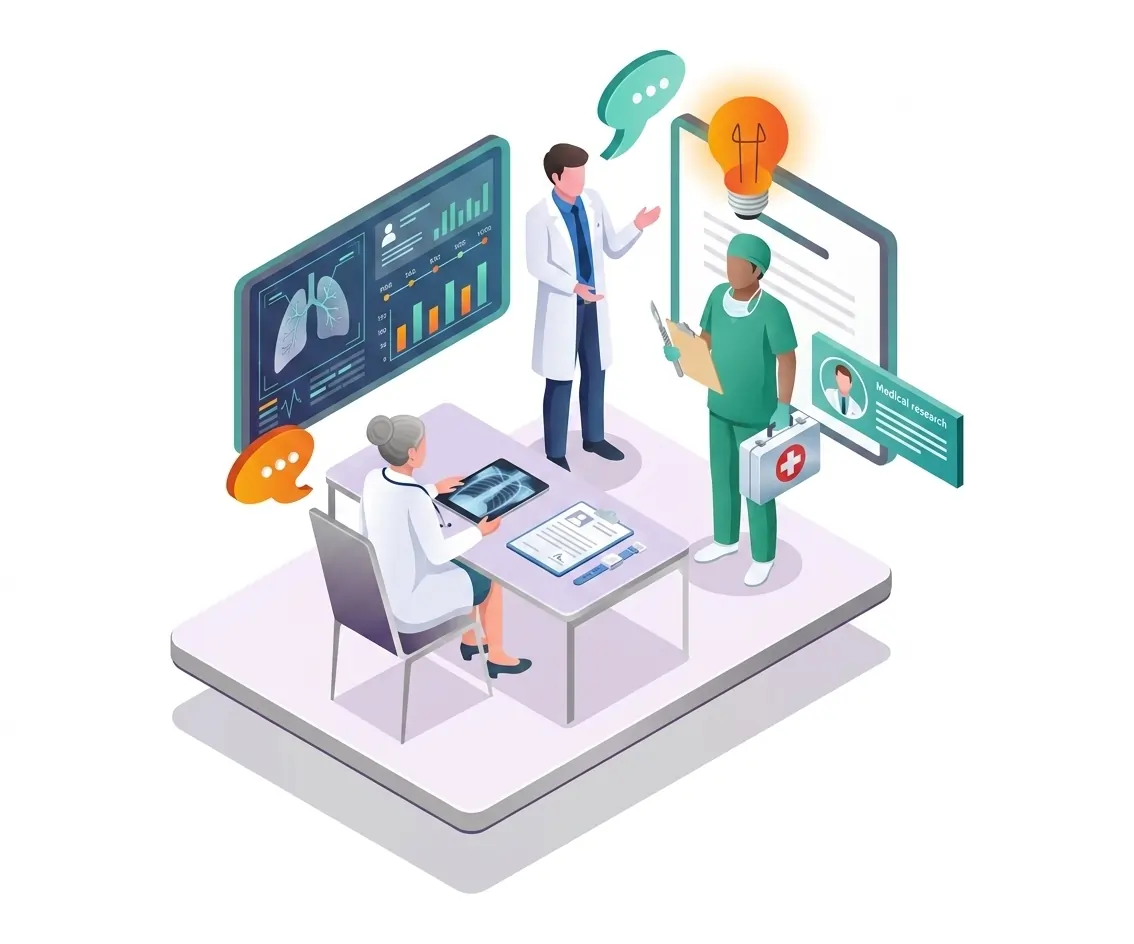
Discover where automation can create the biggest impact in your healthcare organization
Hospitals and clinics
Diagnostic and therapy centers
Healthcare administrators
Billing and insurance teams
Operations teams
Multi-location providers
Back-office healthcare teams
Designed for organizations looking to streamline and connect their workflows.

+1 410 892 1119 / +91 95375 81301
See how we've transformed businesses with custom software solutions
Take a look at our latest projects, where digital transformation comes to life.

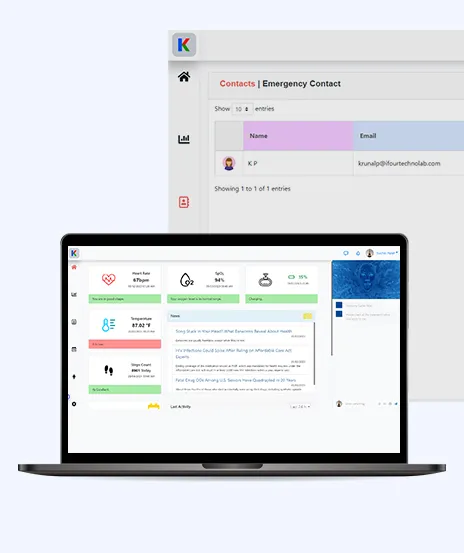
You’ll learn how to identify workflows to automate using Power Automate.
You’ll also see real examples, demos, and get a clear automation roadmap.
Processes like appointment reminders, billing, claims follow-ups, EMR updates, and lab notifications.
The workshop identifies 2–3 workflows suited to your setup.
No, it’s for both technical and non-technical teams.
Focus is on use cases and process improvement, not coding.
Yes, it covers integrating with systems like EMR, CRM, Excel, and SharePoint.
You’ll see how data can move automatically across systems.
You get a roadmap to start.
Optional support is available for implementation, integration, and training.
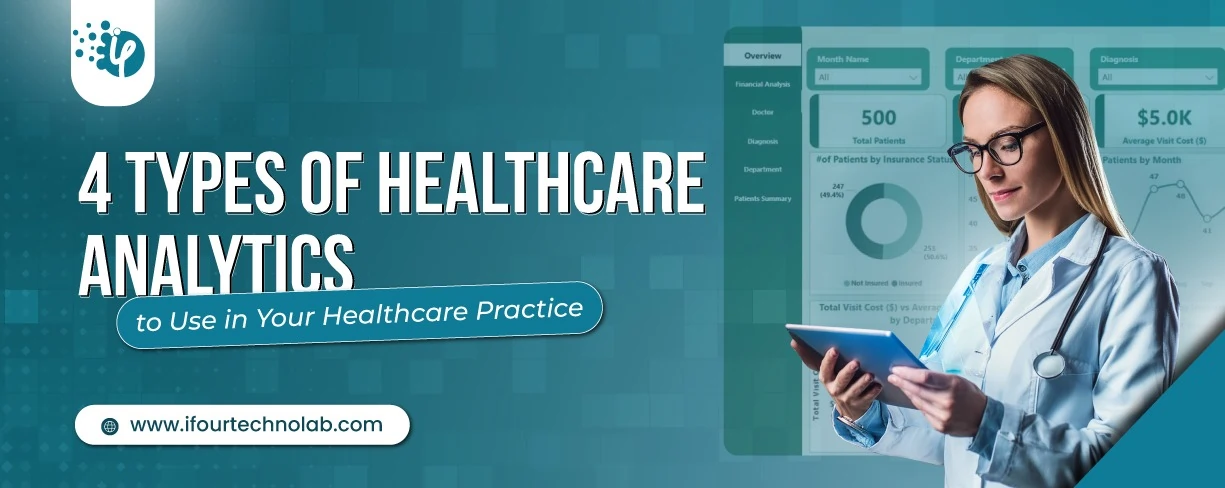
You already know how healthcare creates tons of clinical data every day. Patient visits… Labs… EMRs… doctor portals… scheduling systems… everything is generating numbers nonstop. But...
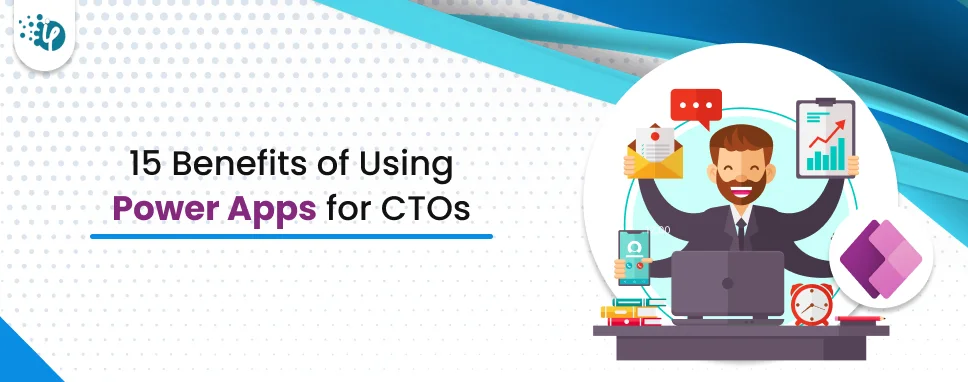
Implementing quick apps with the right strategies is essential for CTOs as it helps them deal with problems instantly and effectively. This is feasible by using a low-code technology, like Microsoft Power Apps. Check this comprehensive guide to learn more about Power Apps.

Automation is non-negotiable today. You cannot expect your team to do boring tasks such as data entries, email attachments, sending reminders, and more. And when it comes to automating...