We use cookies to improve your experience on our site. Please accept cookies for optimal performance.


601 & 612, The Times square Arcade, Near Baghban party plot, Thaltej - Shilaj Road, Thaltej, Ahmedabad, Gujarat - 380059
Ahmedabad
9 April 2026
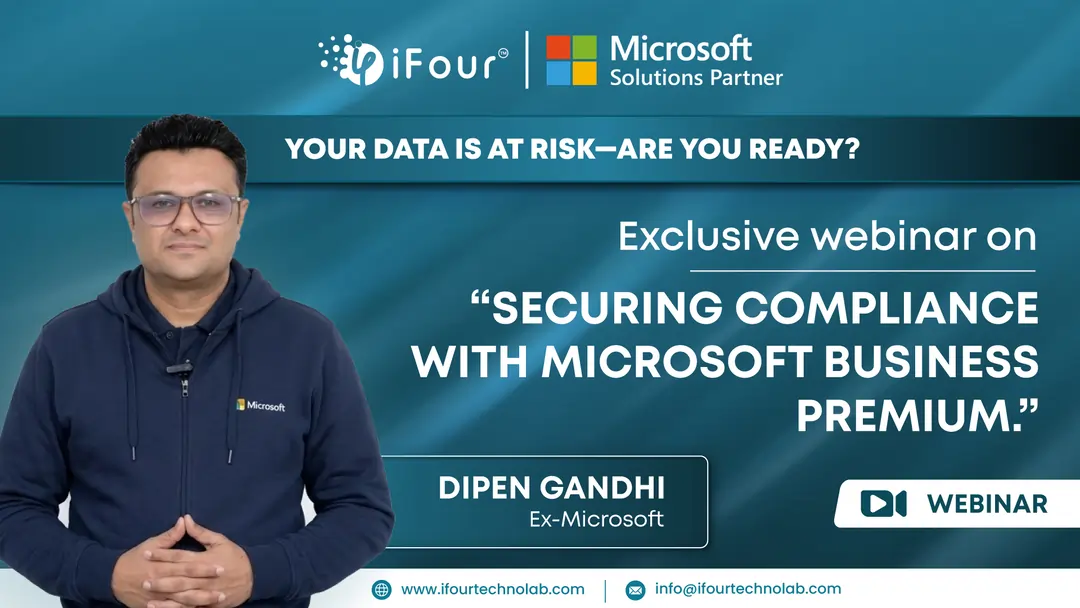
iFour Technolab, a leading Microsoft security consulting company, recently hosted an interactive webinar with Mr. Dipen Gandhi, an Ex-Microsoft security expert.
The session was held on 26 February 2026 and was completely focused on real-world security challenges facing startups, small and medium businesses and how Microsoft Security solutions can help them build a secure posture against rising threats.
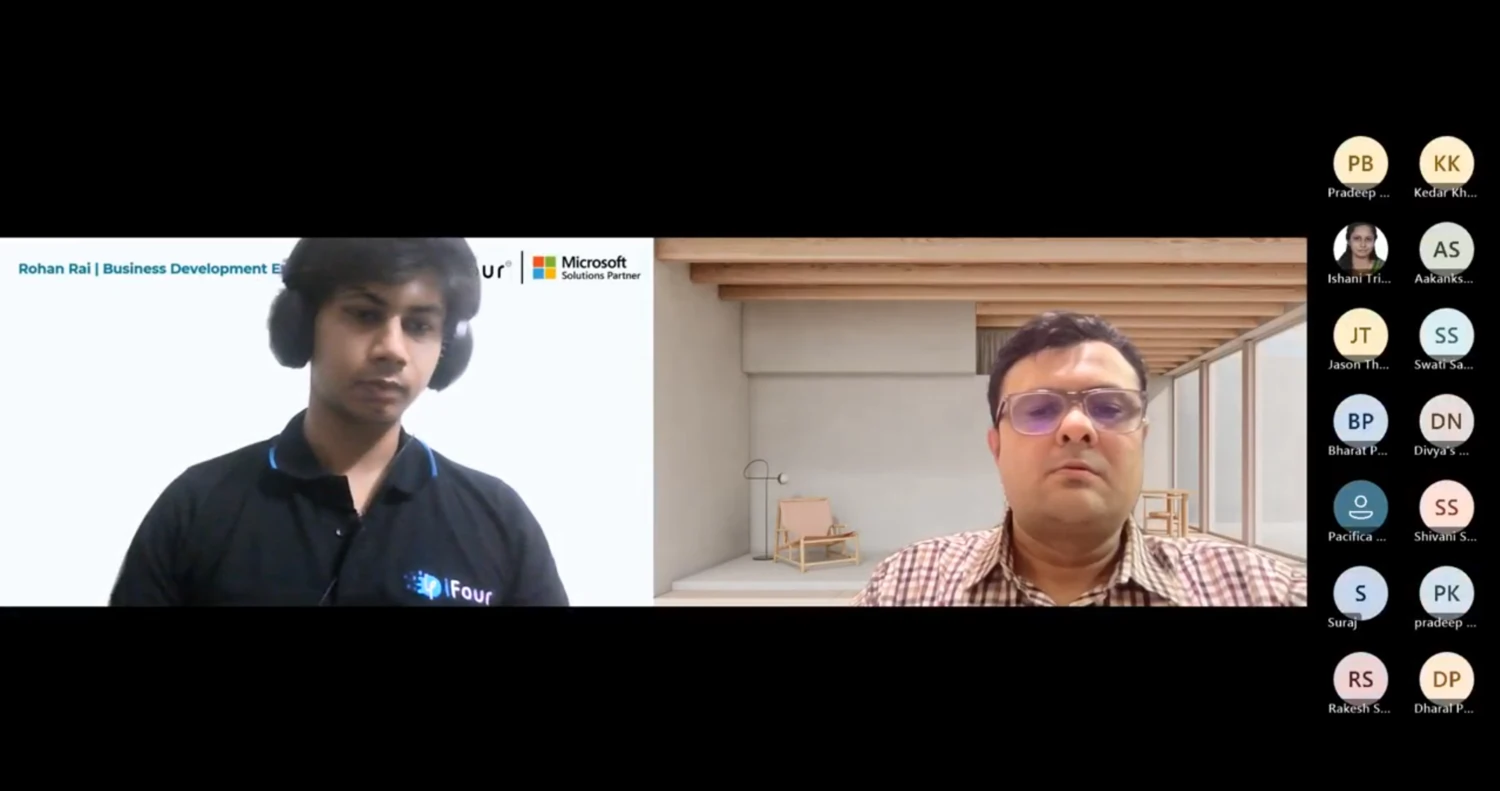
As the session began, Rohan from iFour Technolab gave a warm introduction to the company, then smoothly transitioned the stage to Dipen Gandhi for the main presentation.
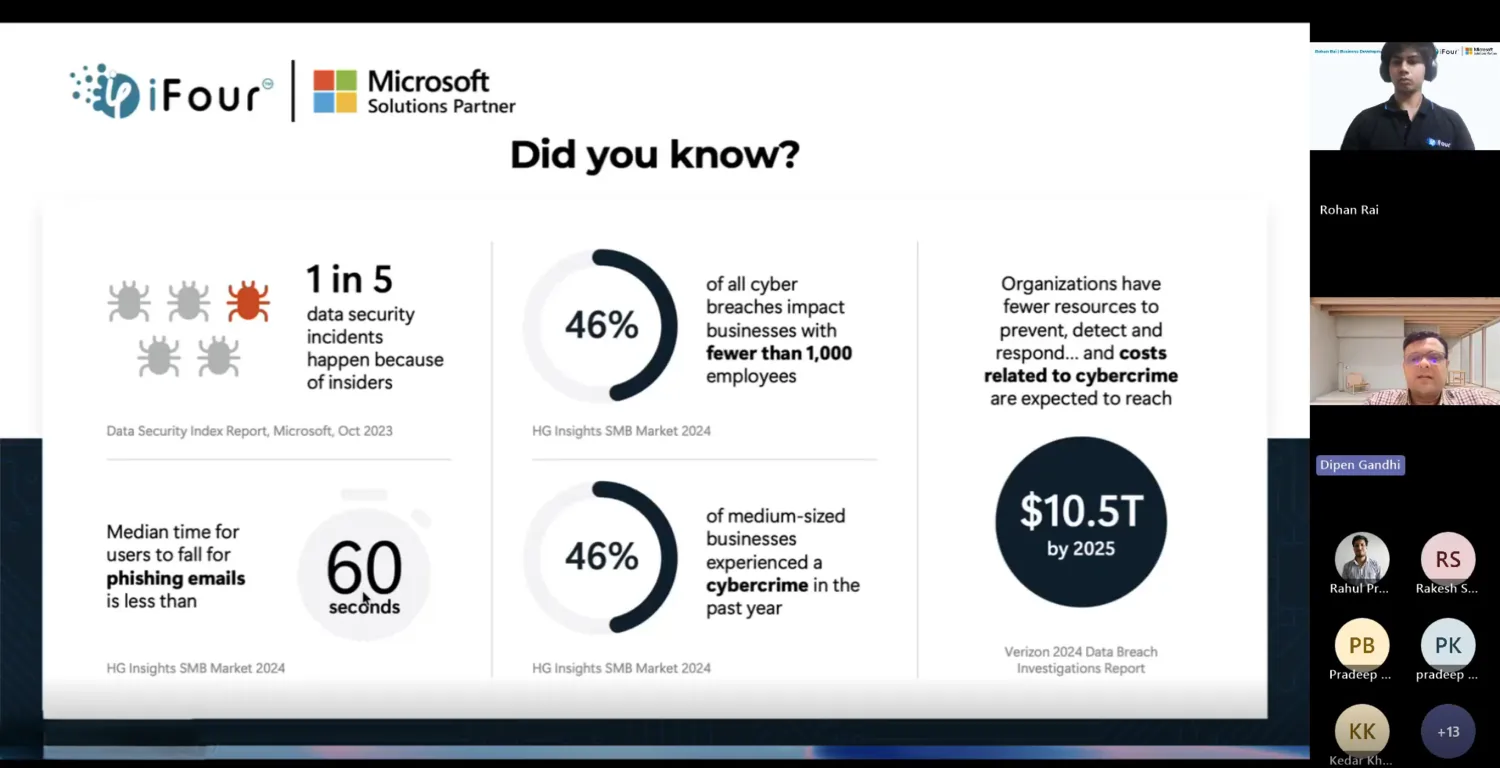
Dipen Gandhi started with a hard truth.
The message was clear - this isn't a hypothetical threat. It's happening now.
He then set the stage for what was to come:
We've created a demo environment to show you how Microsoft Security in Action can really help you get a secure posture. After that, we'll do a tabletop activity with a real-world incident scenario. I encourage everyone to participate and share your answers.
The room was engaged. Everyone knew they were about to see security, not as theory, but as practice.
The Van Arsdale Limited scenario: A breach unfolds
What happened next was a masterclass in security awareness through storytelling.
Dipen narrated a scenario that felt all too real:
Imagine you're at an accounting firm, Van Arsdale Limited. Several employees receive a fancy letter in the mail, congratulating them on an Excellence Award and inviting them to scan a QR code. It looks legitimate, but the QR code leads to a phishing site that steals Microsoft 365 credentials."
He continued:
"Over the next three weeks, attackers silently access and download sensitive client data."
The scenario was designed to show how quickly and silently a breach can happen - not with dramatic alerts, but with subtle anomalies that go unnoticed.
As the simulation progressed, Grace Owens, the firm's founder, expressed what every small business owner fears:
"I read that 60% of small companies go out of business within six months of a cyberattack. That number terrifies me because that could be us. One breach could destroy the trust we've built over 15 years."
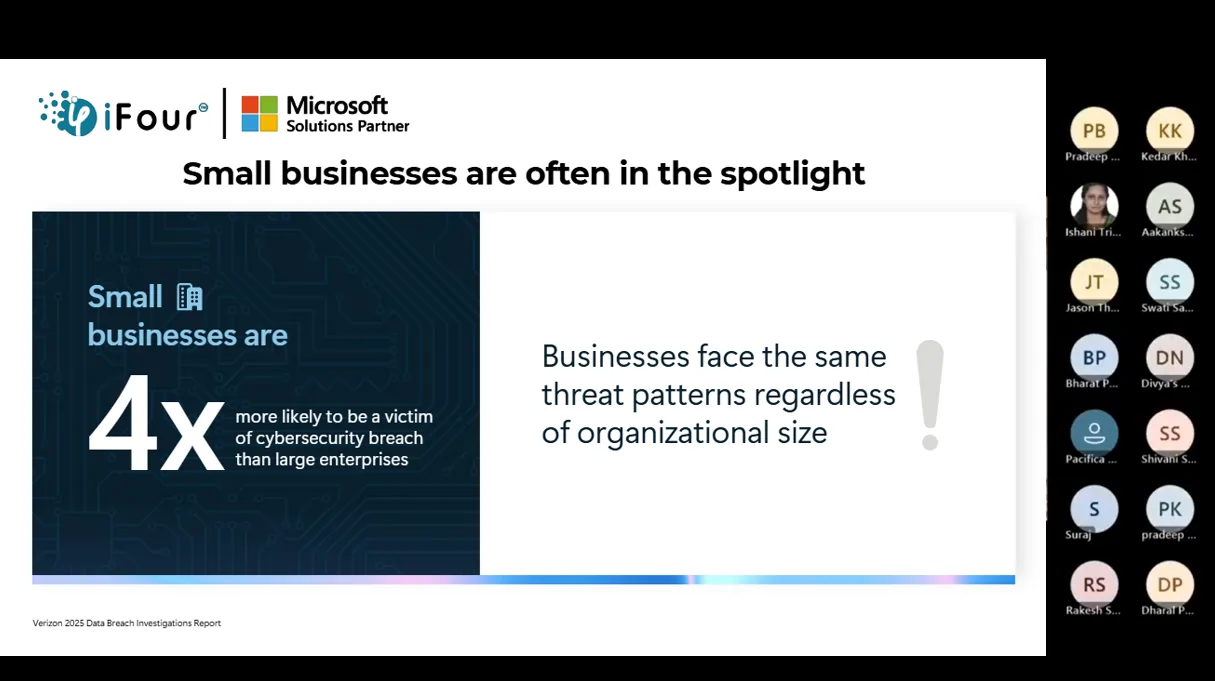
For SMBs, a breach isn't just a technical problem - it's an existential threat.
Then came the turning point.
Jennifer Wilkins, the IT director in the scenario, noticed something was wrong. She reached out to the MSP partner with her findings:
I'm seeing some anomalies in George's account - logins from his home IP when he was at the office, and files accessed that aren't part of his current caseload. We need to investigate this further.
The MSP partner escalated the findings:
"We've found two more compromised accounts — Holly and Joseph. The same attack pattern as George. This is bigger than we thought."
What started as a single suspicious account had become a full-blown incident.
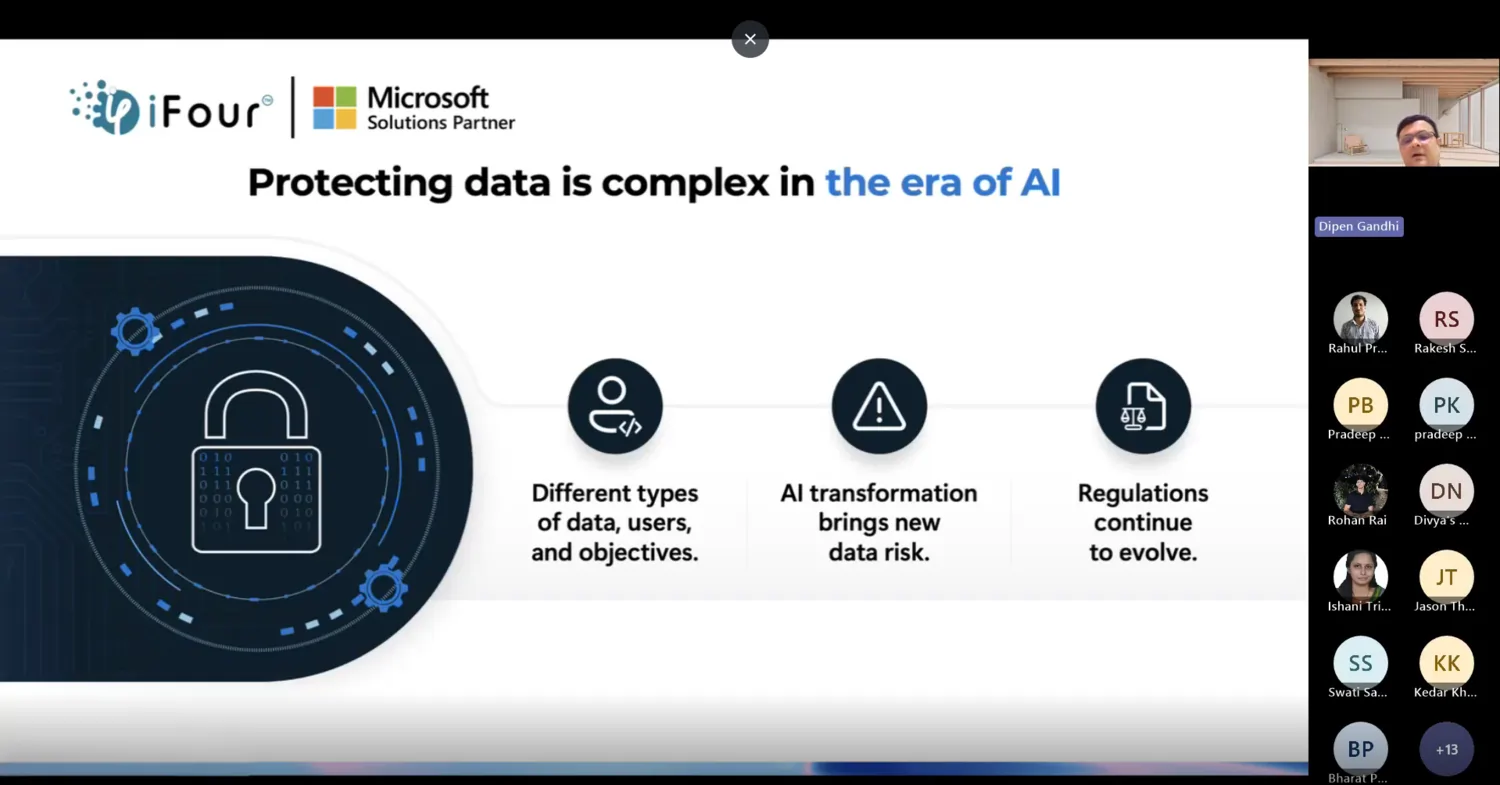
Dipen then turned to the attendees:
"How would you respond to the first sign of compromise? Please choose an option or share your thoughts in the chat."
As responses came in, he discussed the pros and cons of each approach:
If you reset the password immediately, you might stop the attack, but you could also disrupt urgent client work. Automated investigation and unified threat detection can help you act with confidence instead of guessing.
This was the core lesson — security isn't about reacting emotionally. It's about acting with visibility.
See here - why security should be your top priority.
When the simulated ransom demand arrived, Grace made a difficult decision:
"Let's bring in the experts."
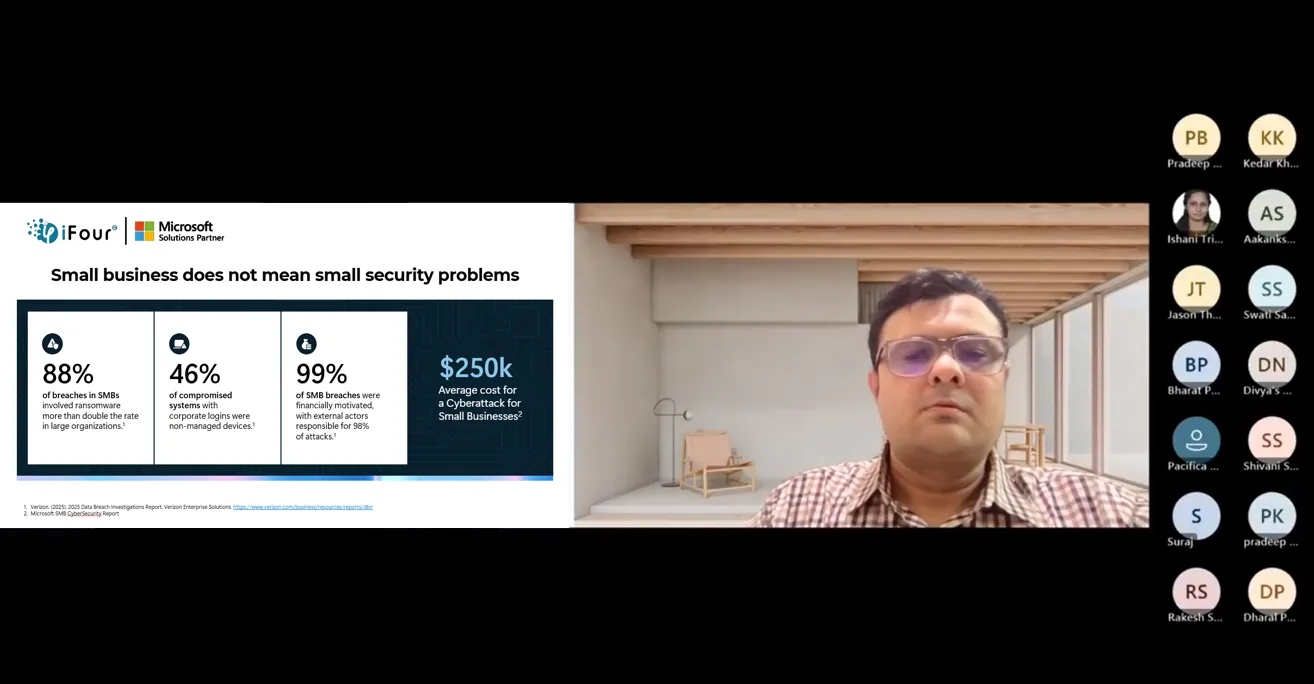
She authorized an $85,000 emergency engagement with a specialized incident response firm.
The number hung in the air. For a small firm, that's not just money — it's a crisis.
But it was necessary.
After the scenario concluded, Dipen summarized the lessons:
The real problem was a lack of visibility and automation. If the firm had Microsoft Defender Suite and Purview Suite, they could have detected the attack in hours, not weeks, and prevented the data exfiltration entirely.
He then added a crucial point:
"Sensitivity labels and encryption saved them, but they got lucky."
Luck isn't a security strategy.
What Van Arsdale Limited needed and what every SMB needs is:
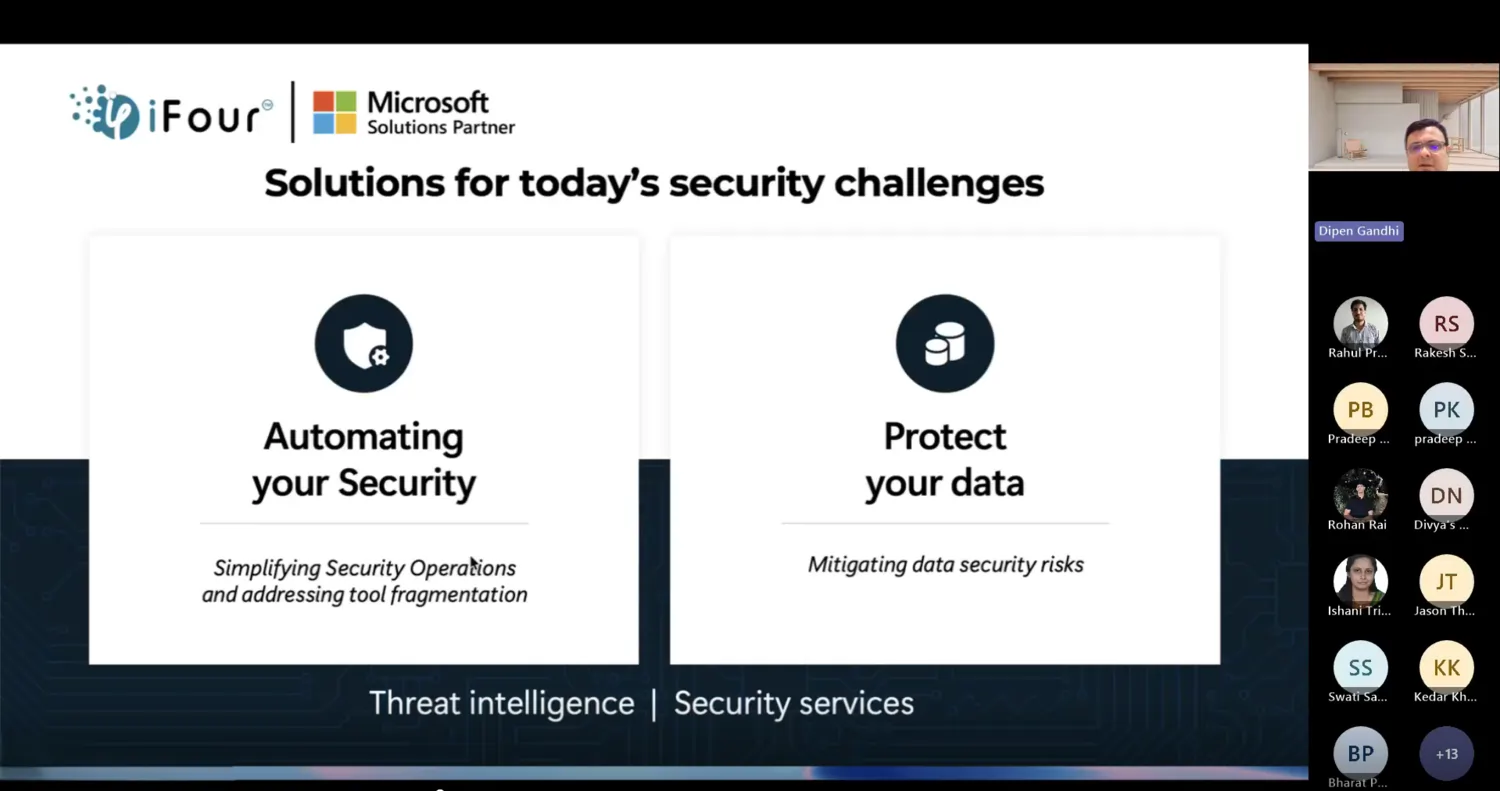
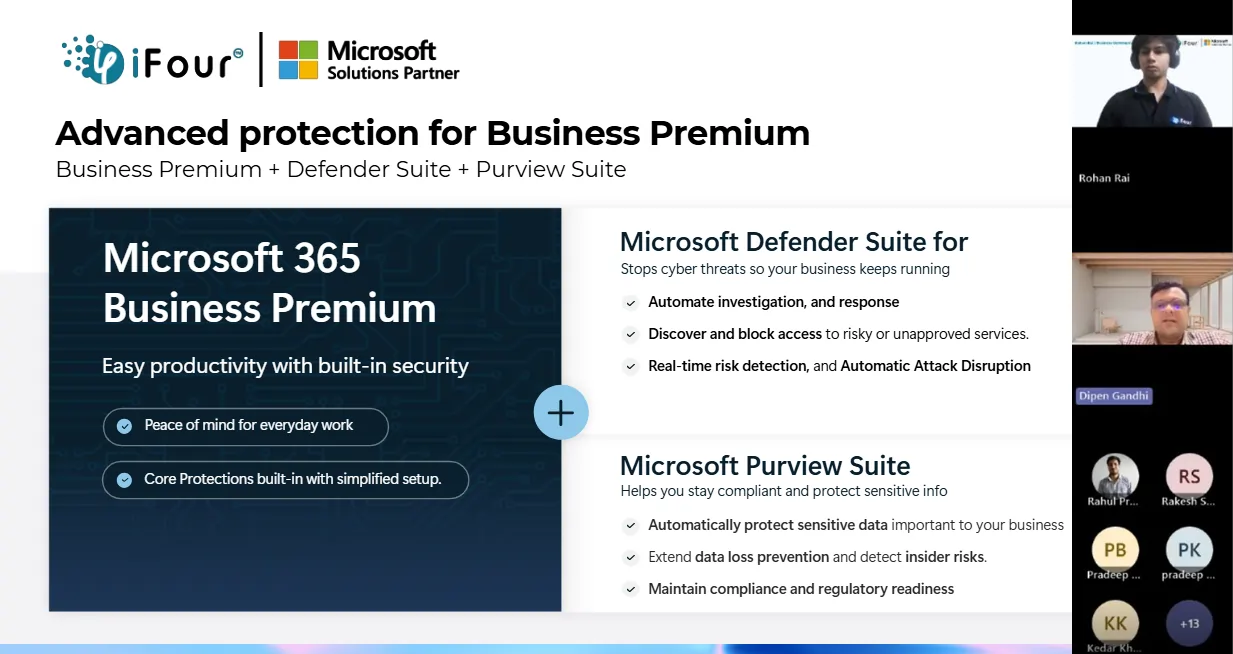
Understanding the key capabilities discussed during the session:
Microsoft Defender Suite provides:
Microsoft Purview Suite ensures:
Together, they create a security posture that doesn't rely on luck.
The webinar wasn't just about technology features. It was about understanding that security is a journey, not a destination.
Our expert concluded the session by saying -
Thank you all for being part of today’s session. If you’d like to explore how Microsoft Security can protect your business, iFour Technolab is here to guide you with consulting and licenses tailored for SMBs
And yes, do not forget to share your feedback in the chat - we’d love to hear from you.
1. Breaches are silent, not dramatic
Most attacks unfold over weeks or months with subtle signs. Without proper visibility, you'll miss them.
2. Automated detection saves time and money
Manual investigation is slow and error-prone. Automated threat detection and response reduce incident response time from weeks to hours.
3. Data protection requires multiple layers
Encryption, sensitivity labels, and access controls work together to prevent unauthorized data access.
4. Quick response prevents escalation
The earlier you detect and respond to threats, the less damage occurs. The cost of prevention is always less than the cost of incident response.
5. Security is everyone's responsibility
From employees clicking suspicious links to IT teams managing access controls, security is a culture, not just a tool.
Here's what Dipen emphasized:
The cost of a breach goes beyond ransom demands. It includes lost client trust, downtime, reputation damage, and potential regulatory fines. For small firms, this can mean closure.
This is why Microsoft Security solutions are designed to help SMBs — they need enterprise-level protection at a scale that makes business sense.
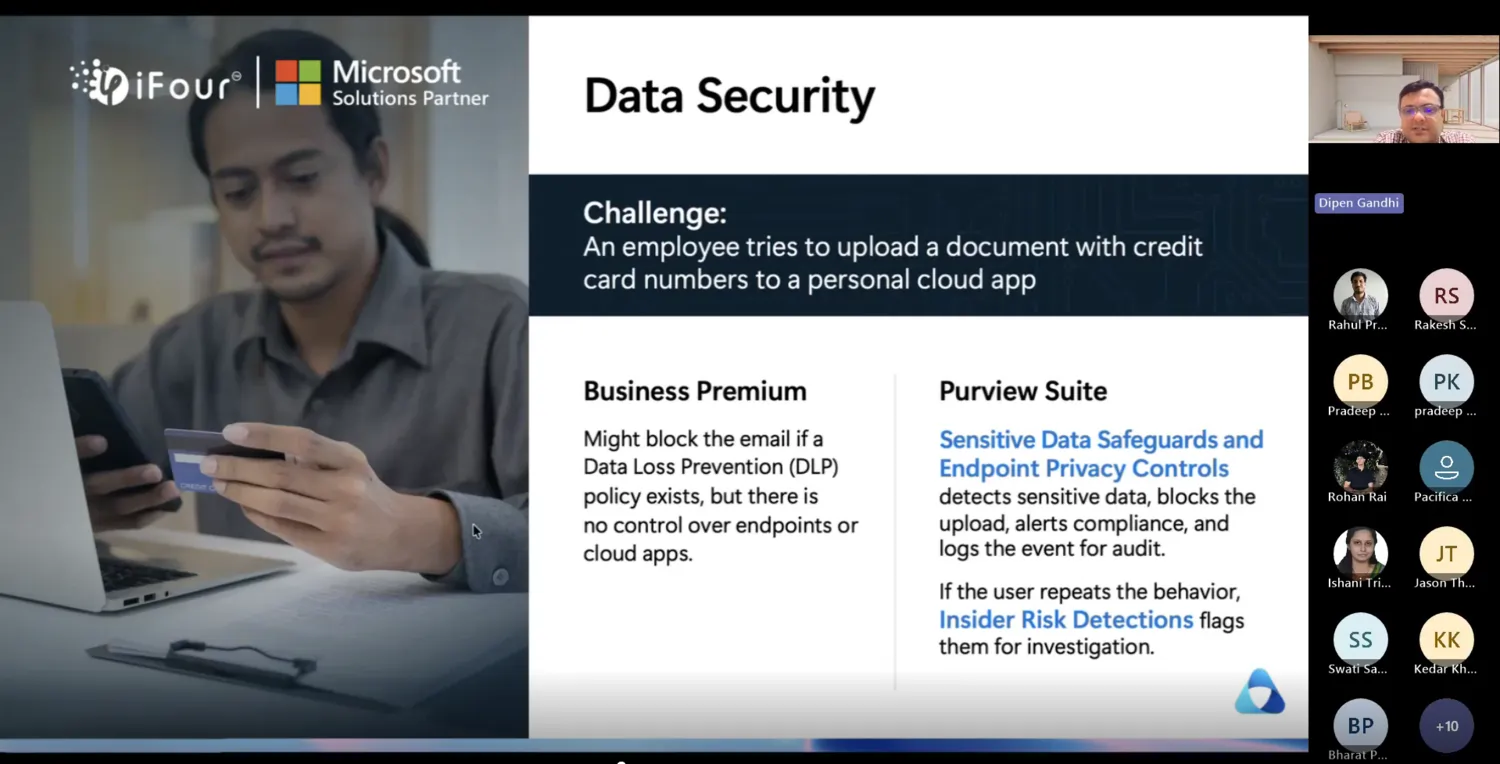
The uncomfortable truth is that 50% of SMBs will experience a breach. The question isn't if it will happen, but when.
And when it does, will you have:
Here's what Dipen emphasized:
Visibility into what's happening?
Automation to respond faster?
Protection to minimize damage?
Or will you keep paying $85,000 every time a breach hits?
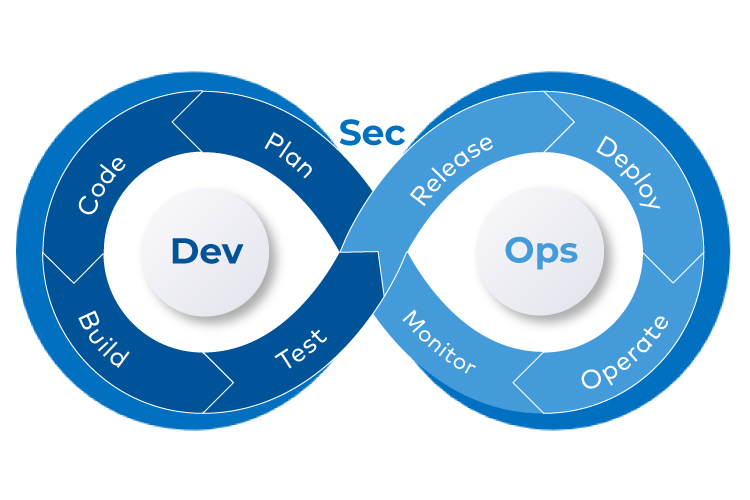
Foster your firm’s security with our expert Microsoft Security & DevSecOps consulting services. Protect what matters by detecting threats faster and smarter.
1: What are the main security challenges for SMBs?
A: SMBs face phishing, stolen credentials, ransomware, and data leaks. Limited security staff makes automated protection vital.
2: How can Microsoft Security help detect breaches faster?
A: Microsoft Defender uses AI and real time threat intelligence to spot suspicious activity quickly, cutting detection time from weeks to hours.
3: What's the difference between Microsoft Defender and incident response?
A: Defender prevents and detects threats early. Incident response is reactive, used after a breach occurs.
4: How do sensitivity labels protect data?
A: Sensitivity labels classify data and apply rules like encryption or restricted access, blocking unauthorized use.
5: Can SMBs afford enterprise-level security?
A: Yes. Microsoft offers SMB scaled solutions, and prevention costs far less than a breach.
6: Why should SMBs partner with a Microsoft security consultant?
A: Consultants like iFour Technolab tailor Microsoft Security to SMB needs, ensuring compliance, protection, and readiness.